


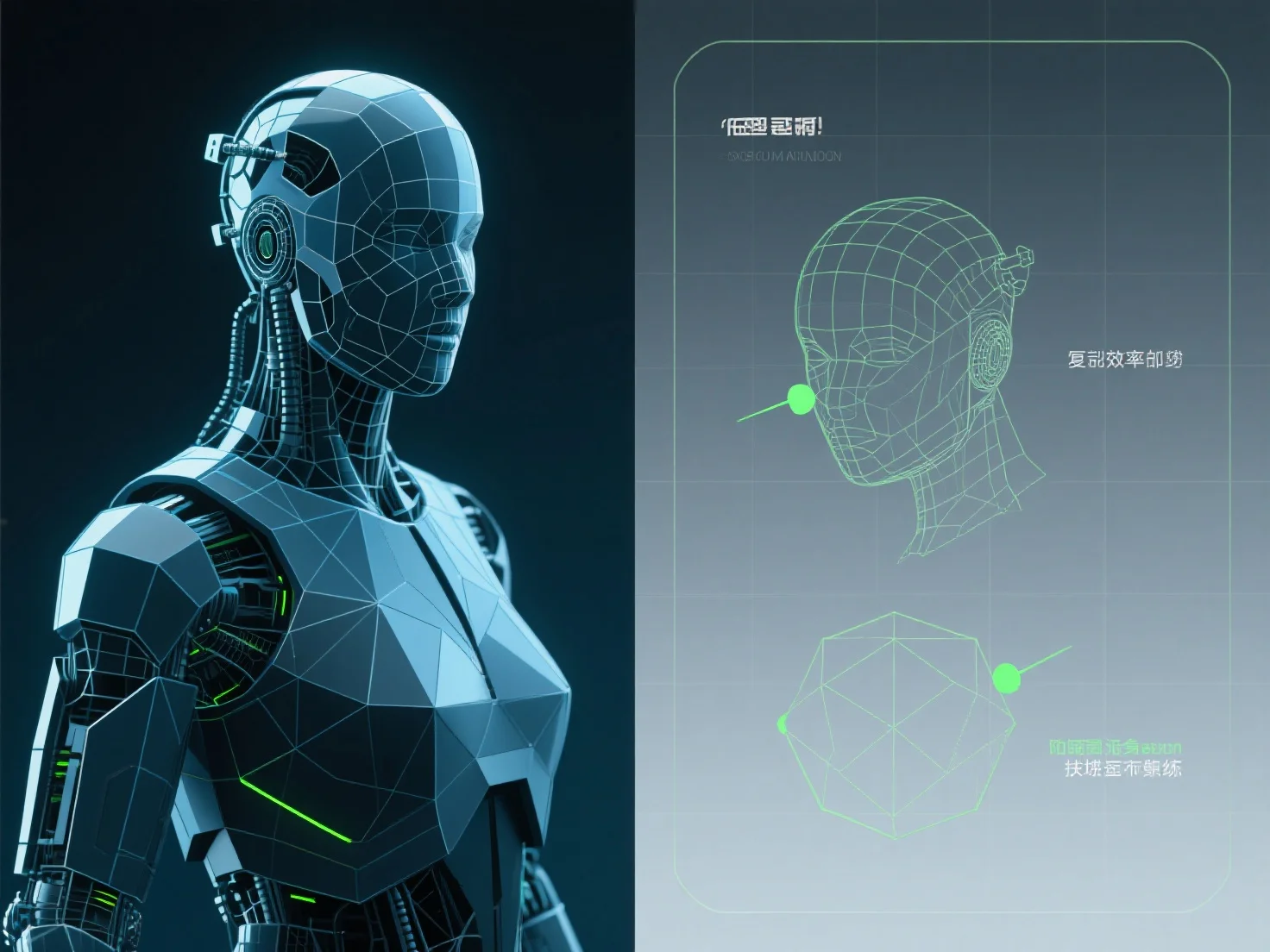
La optimización de modelos 3D para el renderizado de juegos en tiempo real implica principalmente reducir el número de polígonos, comprimir texturas e implementar sistemas de Nivel de Detalle (LOD) para equilibrar la calidad visual y el rendimiento.
Reduciendo el conteo de polígonos: Simplificar la complejidad de la malla eliminando los vértices no esenciales.
Compresión de texturas: Utilice formatos como DXT, ASTC o BCn para reducir el tamaño del archivo de textura y el uso de memoria sin una pérdida significativa de calidad; combine texturas pequeñas en atlas para minimizar las llamadas de dibujo.
Sistemas LOD: Implementar múltiples versiones de modelos con diferentes niveles de detalle. Los modelos de mayor detalle se renderizan cerca de la cámara, mientras que los de menor detalle (menos polígonos, texturas más simples) se activan a distancia, reduciendo las demandas de renderizado.
Para principiantes, comience con herramientas automatizadas para la reducción de polígonos y el atlas de texturas para agilizar los esfuerzos de optimización iniciales.