


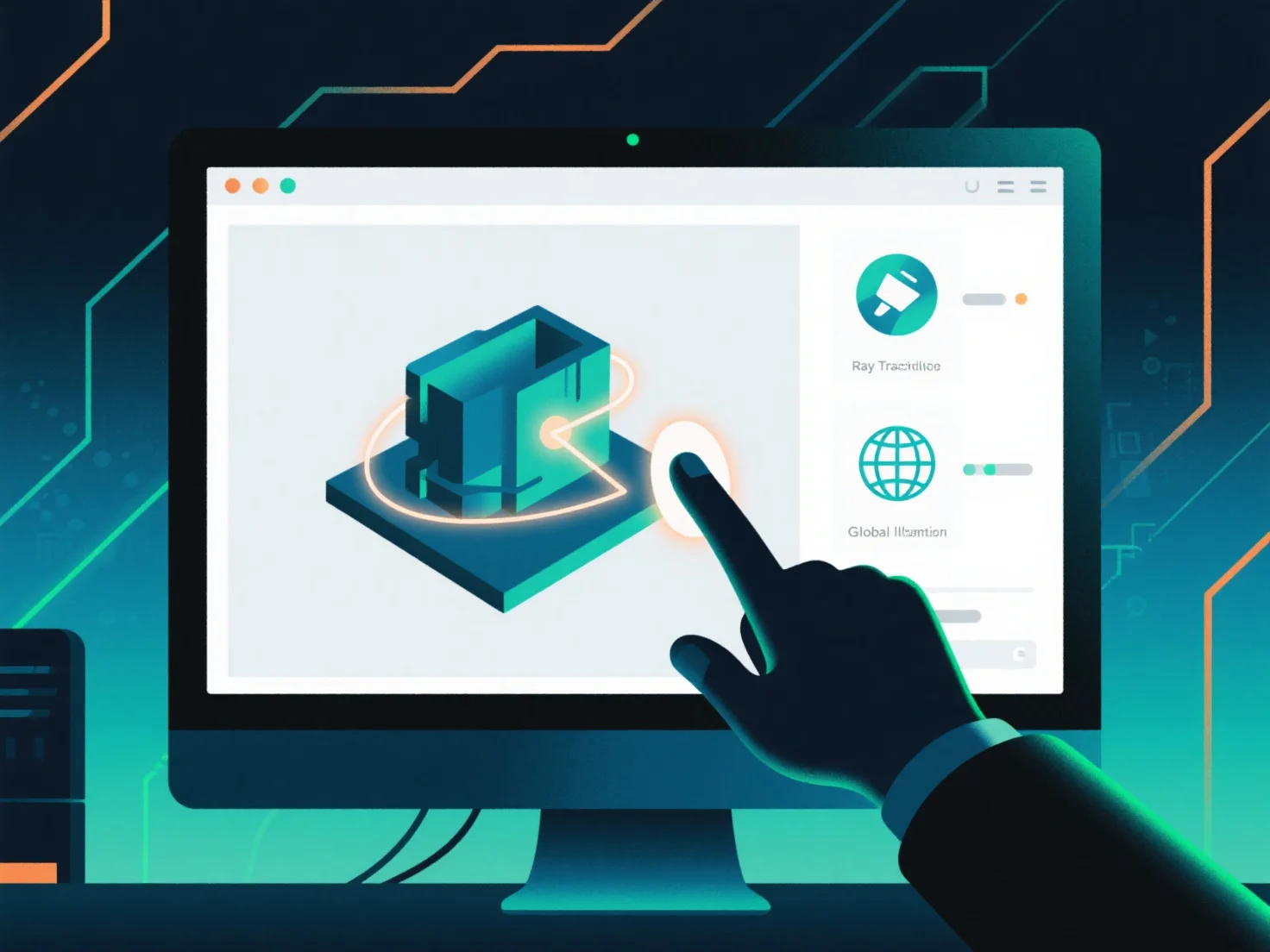
Integrar los últimos estándares de renderizado en un flujo de trabajo de diseño 3D implica actualizar herramientas, alinear los flujos de activos y validar los resultados para garantizar la compatibilidad y el rendimiento.
Primero, actualice el software de diseño y renderizado 3D a versiones que admitan nuevos estándares, como el renderizado basado en física (PBR) o el trazado de rayos en tiempo real, asegurando que las herramientas puedan procesar datos que cumplan con los estándares.
A continuación, ajuste las tuberías de activos para los requisitos estándar: optimice los formatos de textura.
Luego, valide con renders de prueba. Genere salidas a pequeña escala para comprobar si los activos y la configuración cumplen con el estándar, asegurando la coherencia entre las etapas de diseño y renderizado.
Para proyectos complejos, utilice la integración por fases: comience con una pequeña escena de prueba para identificar las lagunas en el flujo de trabajo de forma temprana, y luego amplíe hasta la integración completa del proyecto una vez validada.