


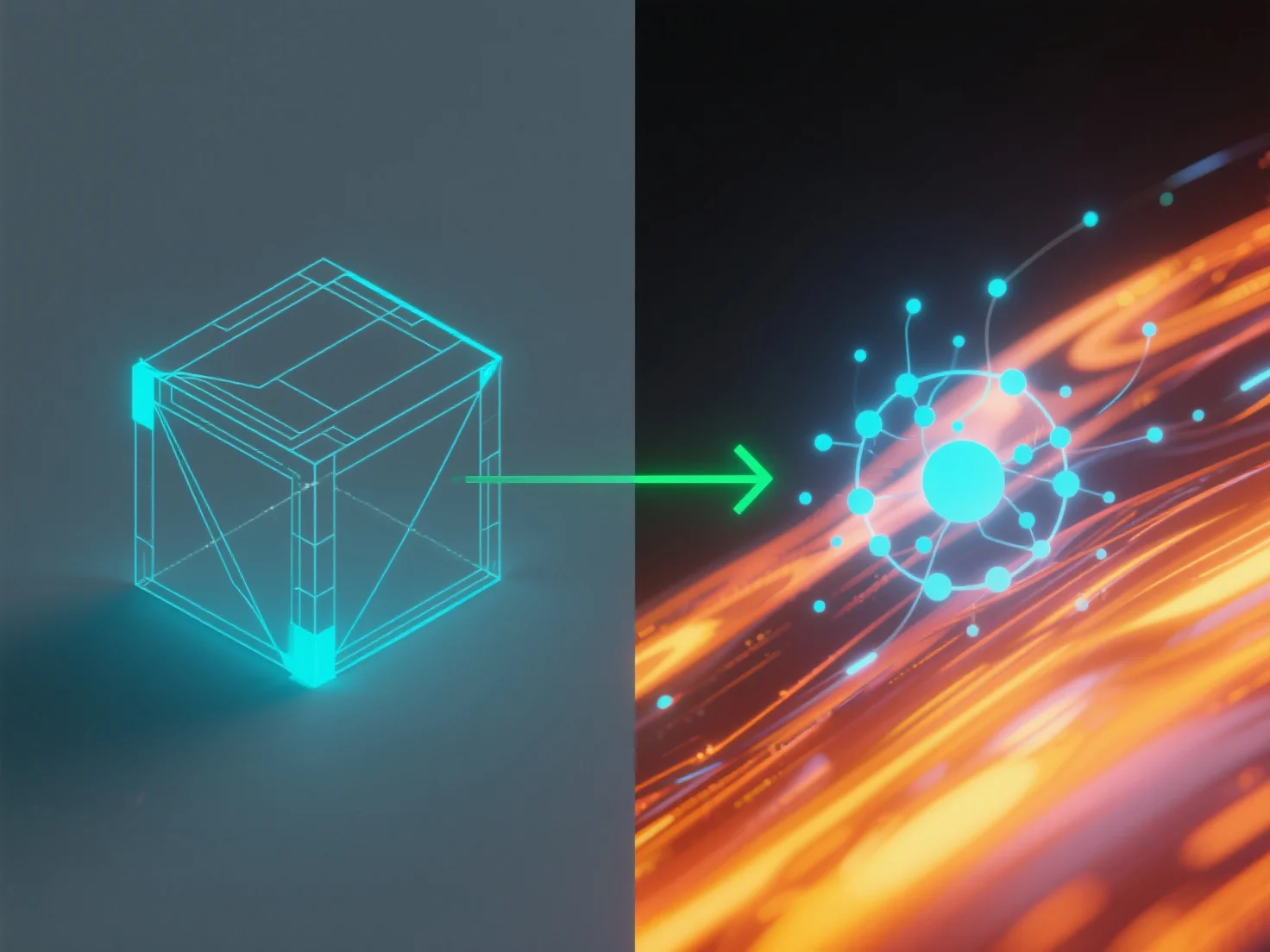
Integrar herramientas de simulación con software de modelado para la física del mundo real implica conectarlas a través de métodos de transferencia de datos compatibles para aplicar las leyes físicas del mundo real.
Los pasos clave de integración incluyen: - **Transferencia de datos**: Utilice formatos de archivo estándar (por ejemplo, FBX, STEP) o API para compartir la geometría y las propiedades del modelo entre herramientas. - **Aplicación de física**: Las herramientas de simulación aplican motores físicos al modelo, calculando dinámicas como trayectorias de movimiento o carga estructural.
Casos de uso comunes: ingeniería (pruebas de durabilidad), juegos (animaciones realistas), arquitectura (análisis de estabilidad). Para principiantes, software con motores integrados.