


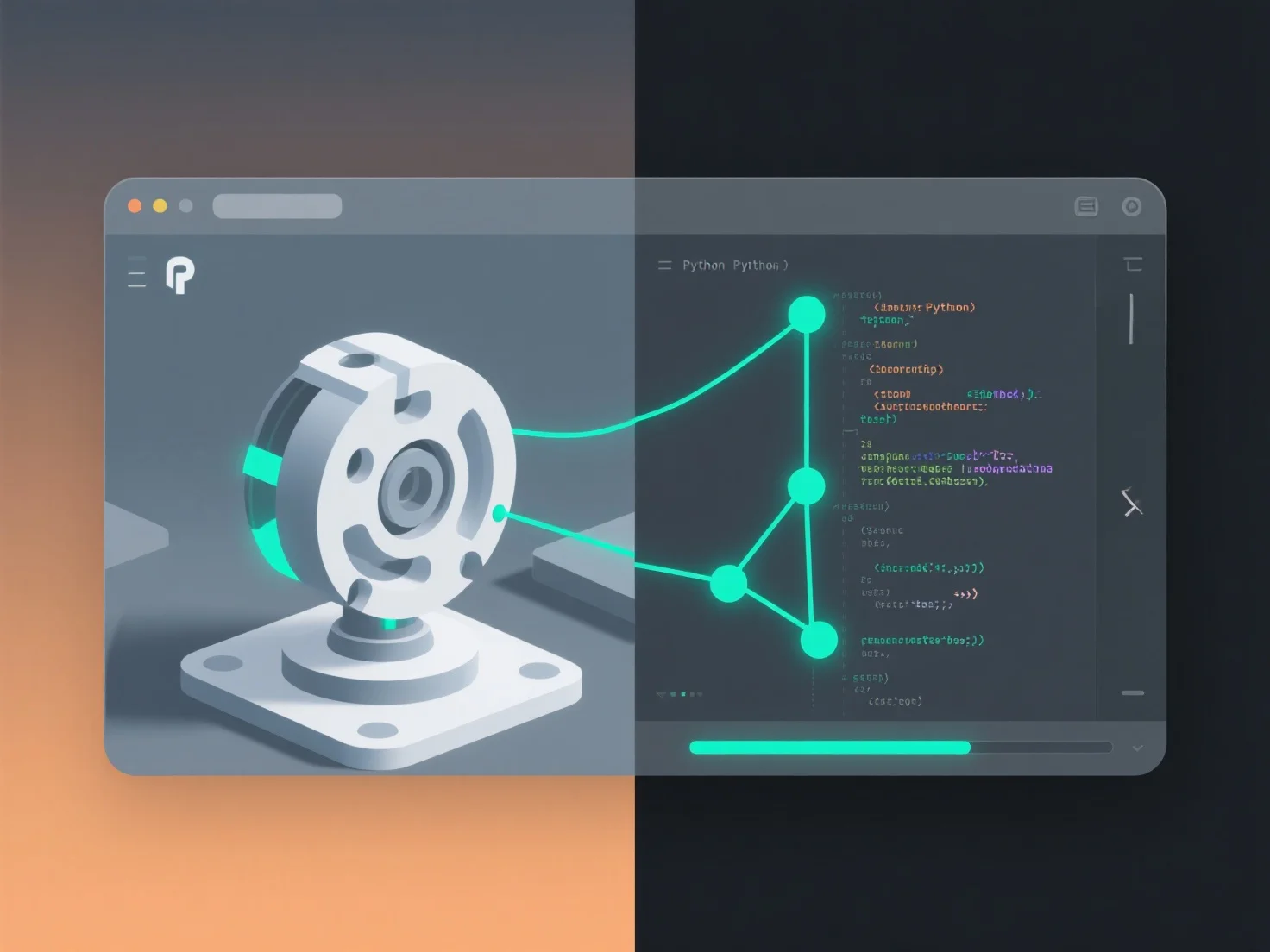
La integración de herramientas de scripting con software de modelado 3D para automatizar tareas implica principalmente el uso de las API integradas del software o interfaces de scripting, lo que permite que los scripts personalizados interactúen con su modelo de objetos.
Los pasos clave incluyen: - **Seleccionar un lenguaje**: Utilice lenguajes compatibles con el software, como Python (amplio soporte), MEL (Maya) o C# (Unity), según los requisitos de la herramienta. - **Escribir scripts**: Concéntrese en automatizar tareas repetitivas. Por ejemplo, renombrar objetos por lotes, generar modelos paramétricos o exportar activos en formatos estándar. - **Pruebas y escalado**: Comience con scripts simples.
Este método reduce el trabajo manual, estandariza los procesos y aumenta la eficiencia en el desarrollo de juegos, la arquitectura o los proyectos de animación.