


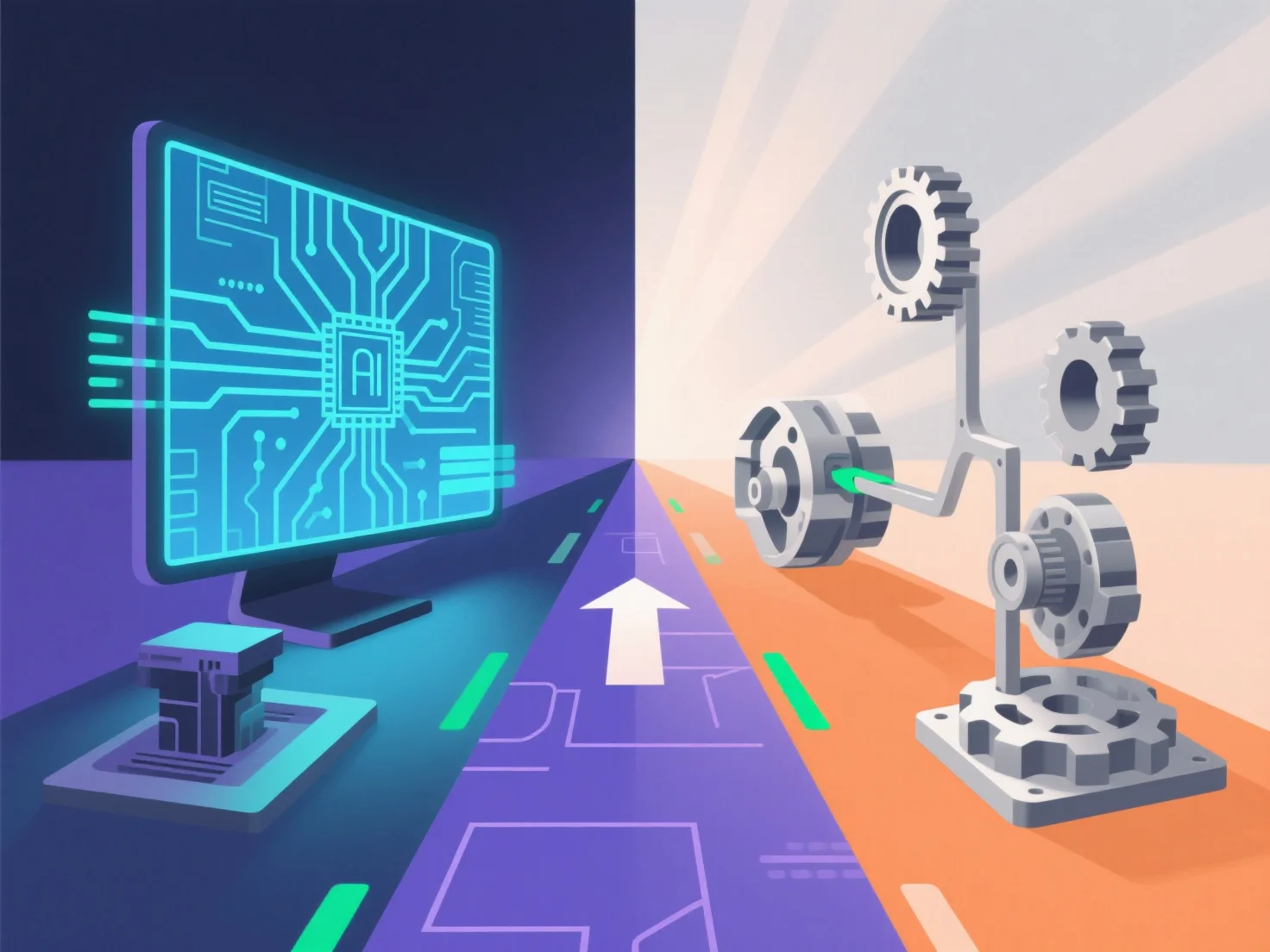
Para garantizar que una ruta de solución funcione tanto para el prototipado de productos digitales como físicos, integra herramientas de modelado 3D compatibles entre sí y flujos de trabajo de validación iterativa, uniendo sin problemas el diseño digital y la producción física.
- **Modelado 3D compatible entre plataformas**: Adoptar formatos de archivo universales (por ejemplo, STL, STEP) para garantizar que los modelos digitales sean compatibles con impresoras 3D, máquinas CNC u otras herramientas de prototipado físico, evitando errores de traducción de formatos. - **Validación iterativa**: Comenzar con simulaciones digitales.
Este enfoque dual en la compatibilidad y la validación garantiza que la solución apoye de manera confiable tanto las necesidades de prototipado digital como las físicas.