


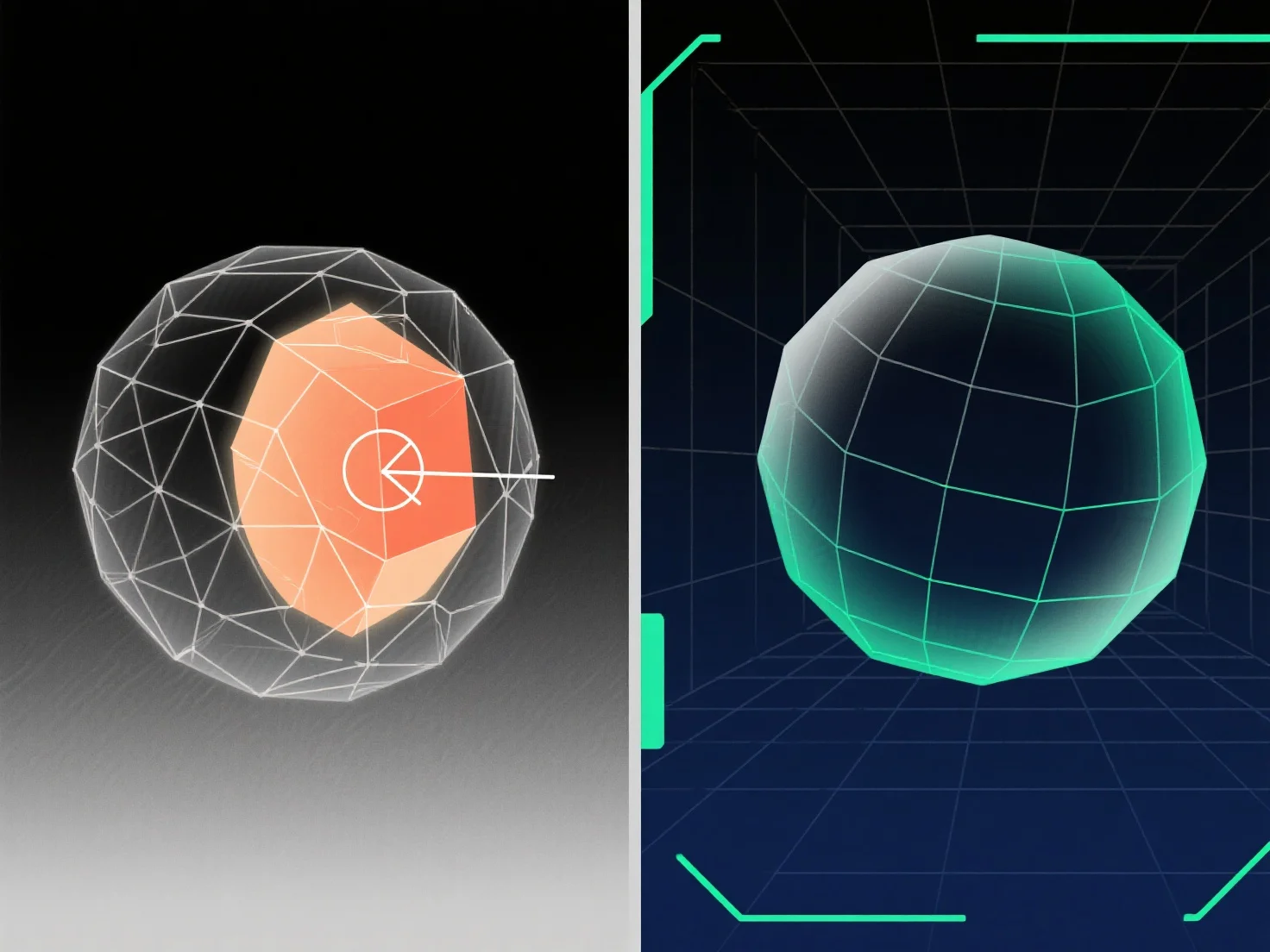
Para manejar la geometría superpuesta en el modelado 3D, las soluciones clave incluyen el uso de operaciones booleanas, la limpieza de vértices/caras redundantes y la aplicación de herramientas de reparación de mallas.
Geometría superpuesta. Cuando las superficies, bordes o vértices ocupan el mismo espacio 3D. A menudo ocurre durante la fusión de modelos, errores booleanos o duplicación, lo que provoca fallos de renderizado, problemas de desempaquetado de UV o fallos de exportación; resolverlo implica identificar las superposiciones y eliminar, fusionar o separar los elementos conflictivos.
Métodos comunes: - Operaciones booleanas: Utilice "Unión", "Diferencia" o "Intersección" para fusionar o restar volúmenes superpuestos, simplificando la malla. - Limpieza de vértices/cara: Elimine duplicados, fusione vértices superpuestos o elimine caras redundantes para eliminar superposiciones espaciales. - Herramientas de reparación de malla: Utilice las funciones del software.
Para superposiciones difíciles de detectar, habilite la vista de alambre o use la selección basada en distancia; para modelos complejos, aisle las partes para resolver los problemas paso a paso.