


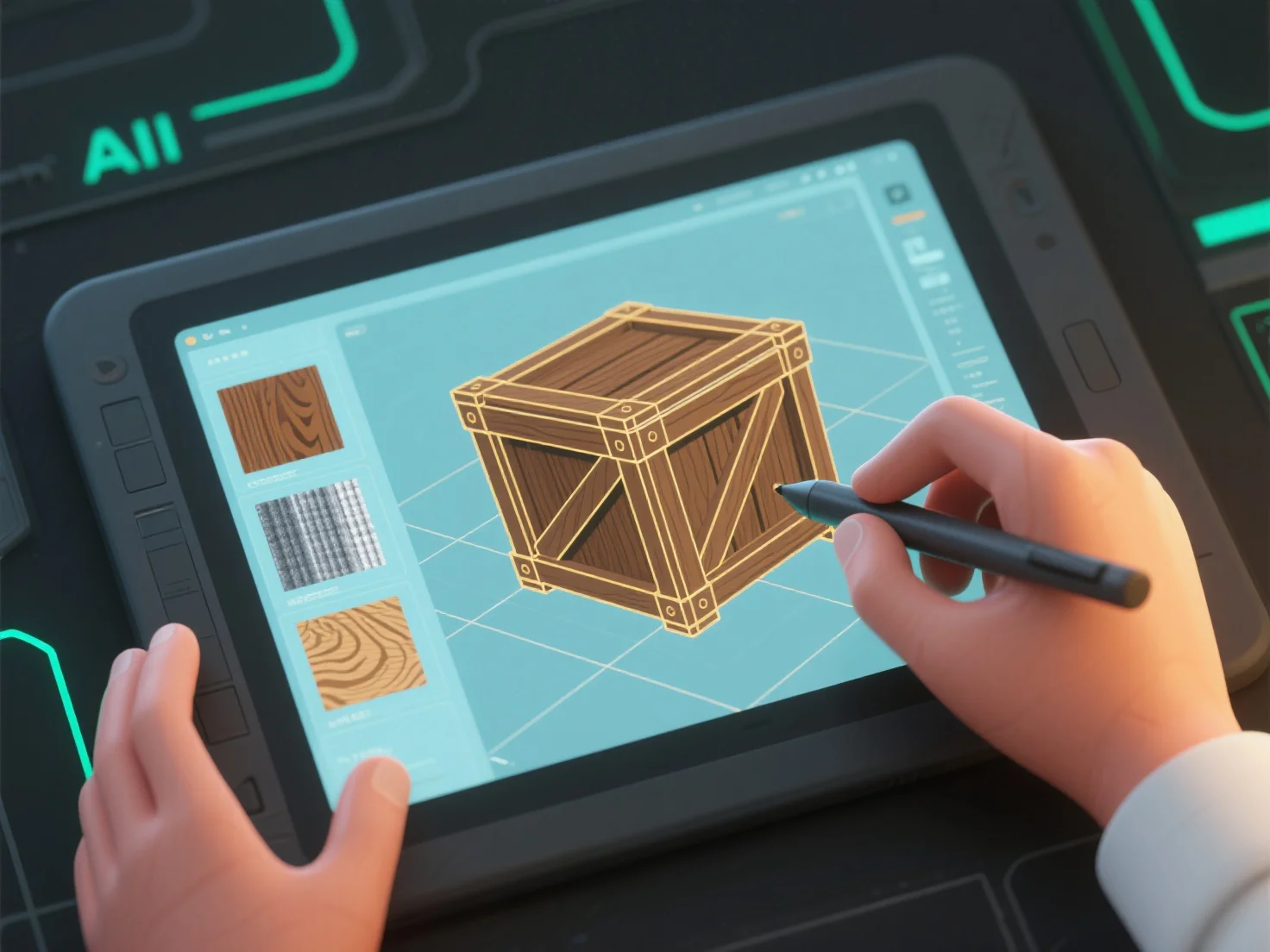
Los modeladores 3D crean texturas y materiales combinando el diseño de texturas 2D.
Primero, creación de texturas: Diseñe mapas 2D (difusos, normales, de aspereza) para agregar detalles de superficie como poros, arañazos o patrones, que se aplican a la superficie del modelo.
En segundo lugar, definición del material: Establece atributos como albedo (color base), metalizado o aspereza para controlar la interacción de la luz, simulando acabados como mate, brillante o metalizado.
En tercer lugar, la integración de herramientas: Software como Substance Painter (pintura de texturas) o Blender (nodos de materiales) combina mapas de texturas y ajustes de materiales para obtener resultados coherentes.
Los principiantes pueden comenzar con bibliotecas de texturas prefabricadas y ajustar las propiedades básicas.