


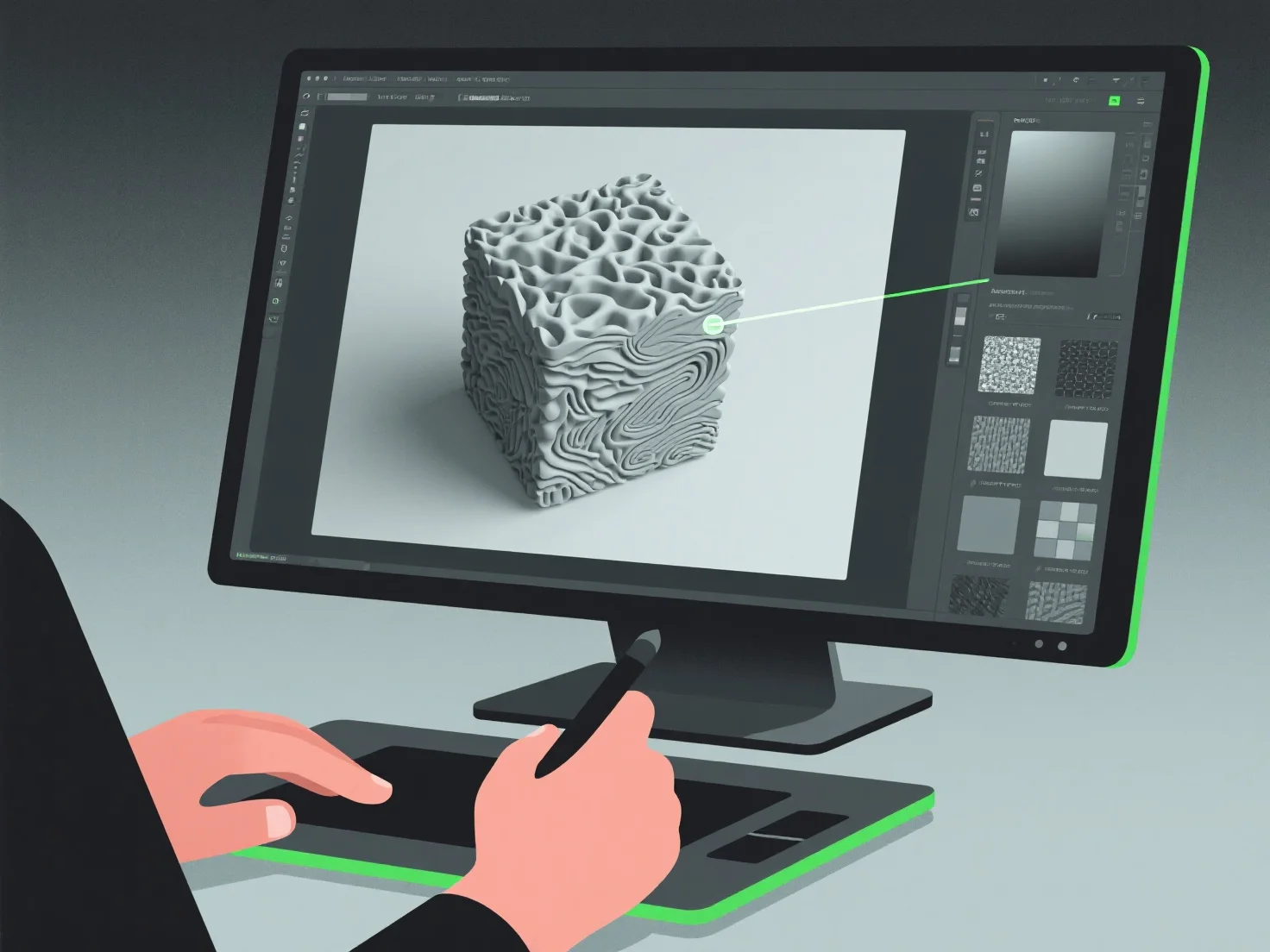
Los modeladores 3D crean texturas realistas integrando pintura digital, mapeo de texturas y simulación de materiales, centrándose en replicar detalles de la superficie como el color, la rugosidad y la reflectividad para imitar los materiales del mundo real.
A menudo, utilizan flujos de trabajo de Renderización Basada en Física (PBR), que simulan las interacciones entre la luz y los materiales para aumentar el realismo. Hacen referencia a fotos o escaneos del mundo real para capturar texturas específicas, como vetas de madera, arañazos de metal o tejidos de tela. Aplican estas texturas mediante el mapeo UV, un proceso que «envuelve» las imágenes de texturas 2D en superficies 3D para una alineación precisa de los detalles.
Por eficiencia, los principiantes pueden comenzar con bibliotecas de texturas, luego refinar ajustando parámetros como el albedo (color base) o los mapas normales (profundidad de la superficie) para desarrollar habilidades fundamentales en la creación de texturas realistas.