


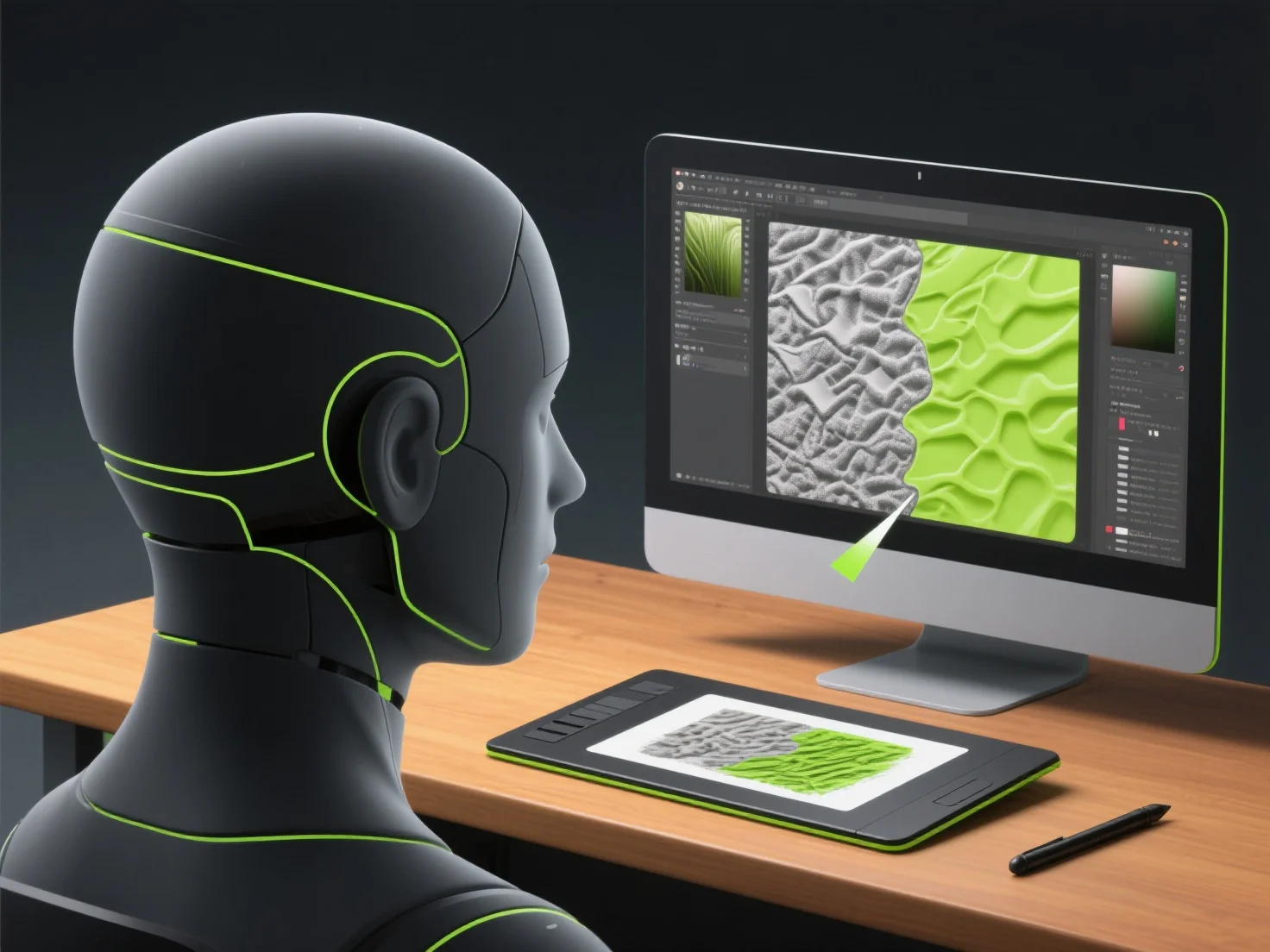
Los modeladores 3D crean texturas detalladas para modelos de juegos 3D combinando el diseño de imágenes 2D, el desempaquetado UV y software especializado para proyectar detalles realistas de la superficie sobre la geometría 3D.
Primero, diseñan texturas base utilizando herramientas 2D como Photoshop o GIMP, creando mapas de color/albedo para el tono de la superficie y mapas normales para simular la profundidad.
A continuación, el desenvolvedor UV aplana la superficie del modelo 3D en coordenadas UV 2D, asegurando que las texturas se alineen correctamente con la forma del modelo sin distorsión.
Luego, agregan detalles utilizando software como Substance Painter, que genera elementos procedimentales (arañazos, suciedad) o capas pintadas a mano, y ZBrush para detalles intrincados. Este paso también incorpora mapas de materiales (rugosidad, metalicidad) para definir la interacción con la luz.
Este flujo de trabajo garantiza que las texturas se vean realistas en el juego al tiempo que optimiza el rendimiento, combinando el arte con la precisión técnica.