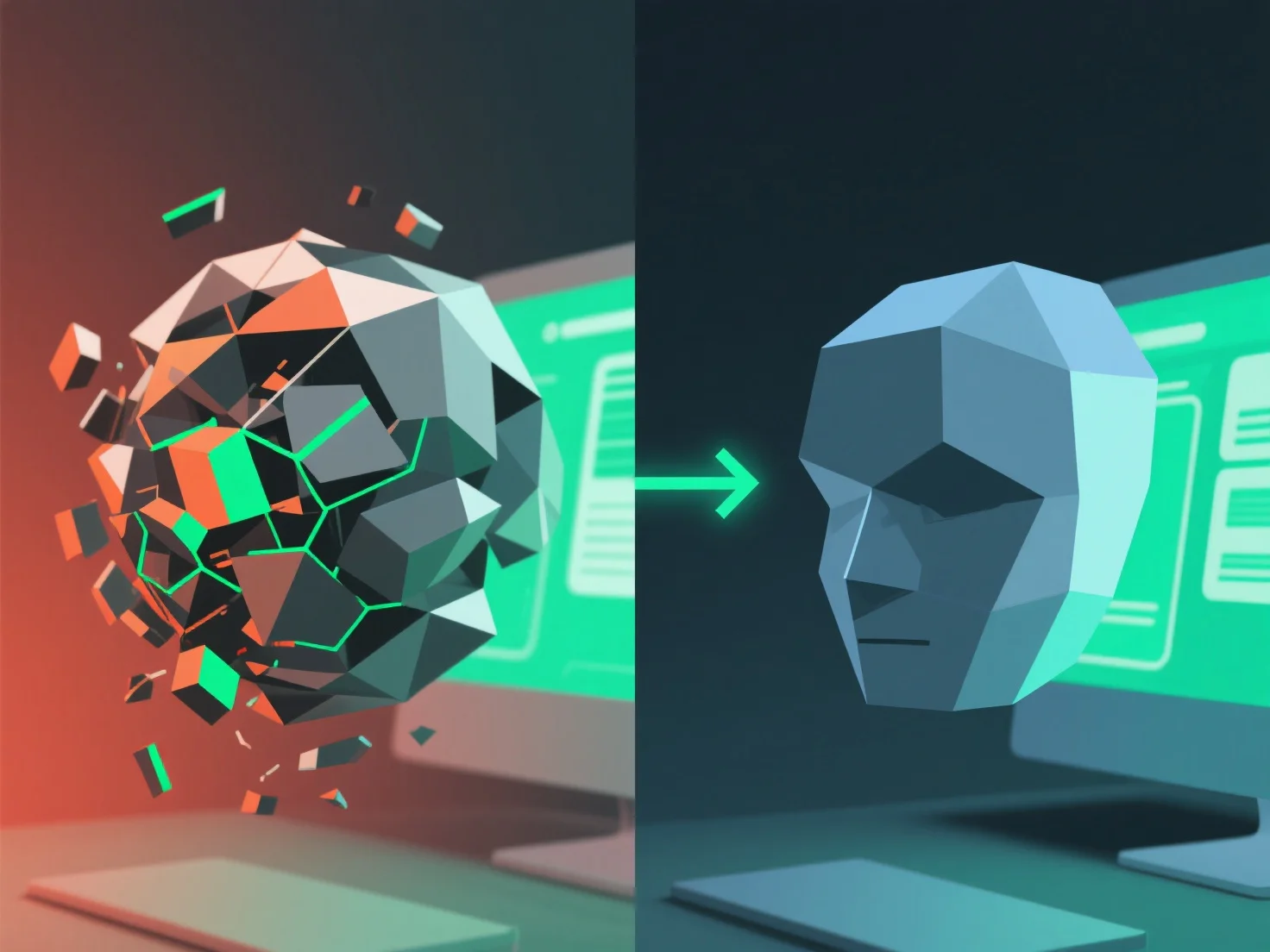
Optimizar el rendimiento de los activos 3D grandes implica principalmente reducir la complejidad del activo para disminuir la carga computacional, garantizar un flujo de trabajo y una renderización sin problemas. Los pasos clave incluyen: - **Reducir el número de polígonos**: Utilizar herramientas como el Modificador Decimate de Blender para recortar los vértices innecesarios, equilibrando el detalle y el rendimiento. - **Simplificar las texturas**: Comprimir los archivos (por ejemplo, optimización de JPEG/PNG) y reducir la resolución en áreas no críticas. - **Implementar LOD (Nivel de Detalle)**: Ajustar la complejidad en función de la distancia. Alto detalle de cerca, menor desde lejos. - **Organizar los activos**: Agruparlos en capas/carpetas para optimizar la carga y la edición. Estos métodos colectivamente minimizan el retraso, haciendo que los activos 3D grandes sean manejables en software o aplicaciones.


¿Cómo puedes optimizar el rendimiento cuando trabajas con grandes activos 3D?
La optimización de grandes activos 3D implica reducir la complejidad mediante la simplificación de polígonos/texturas, LOD y organización para reducir la carga y garantizar la fluidez.