


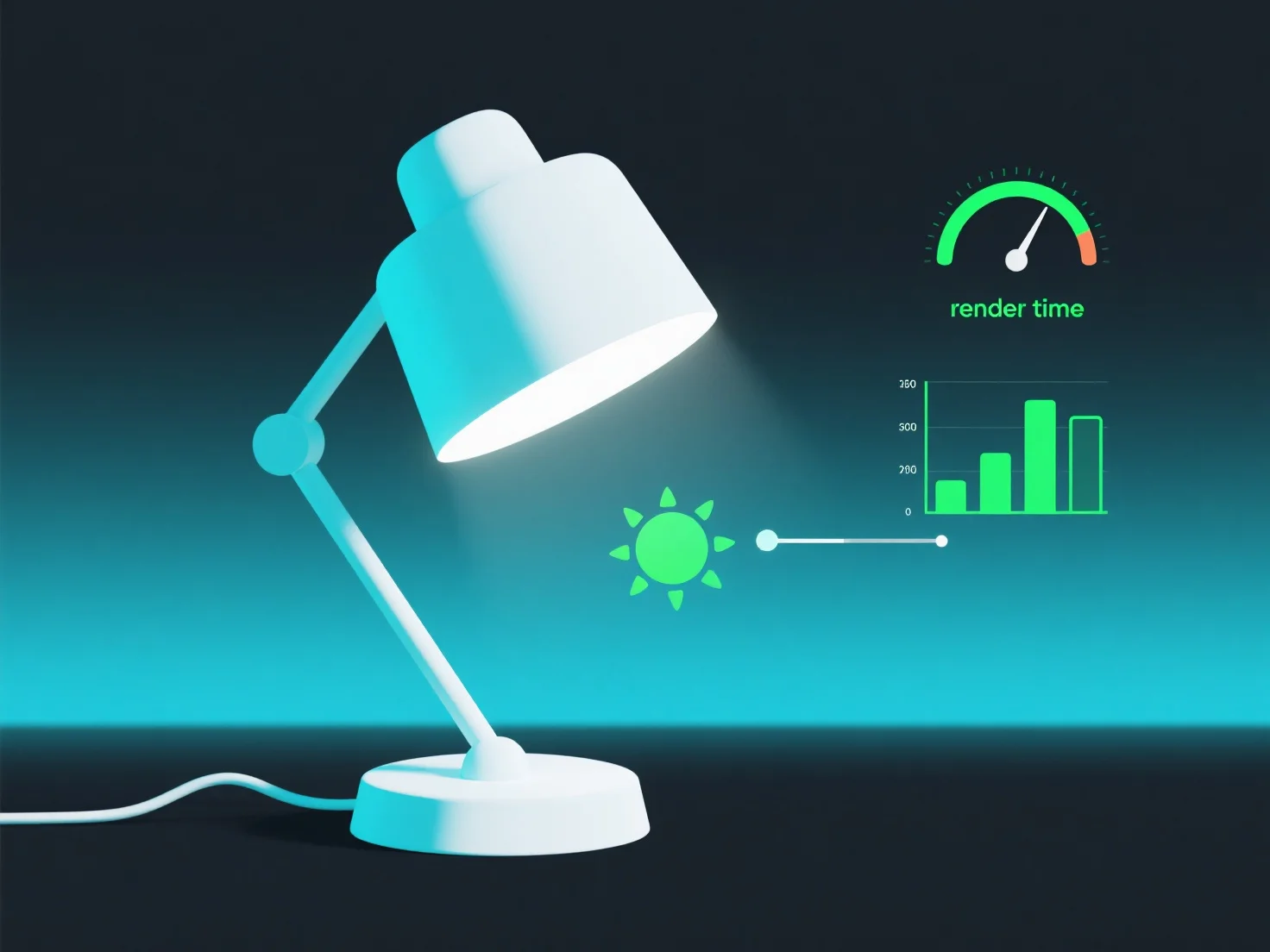
Para optimizar la configuración de la iluminación para una renderización más rápida, céntrate en reducir la complejidad de la fuente de luz y aprovechar los datos precomputados.
En primer lugar, minimice el número de fuentes de luz: Priorice las luces esenciales.
En segundo lugar, simplifique los parámetros de luz: Reduzca los recuentos de muestras para el anti-aliasing o los reflejos, y utilice tipos básicos de sombras.
En tercer lugar, hornear la iluminación estática: Para escenas estáticas, precomputa los mapas de luz para almacenar los datos de iluminación en texturas, evitando los cálculos de luz dinámica durante el renderizado. Esto acelera drásticamente el renderizado de fotogramas.
Estos pasos equilibran la calidad visual y la eficiencia al reducir la carga de trabajo computacional en tiempo real, mejorando efectivamente la velocidad de renderizado.