


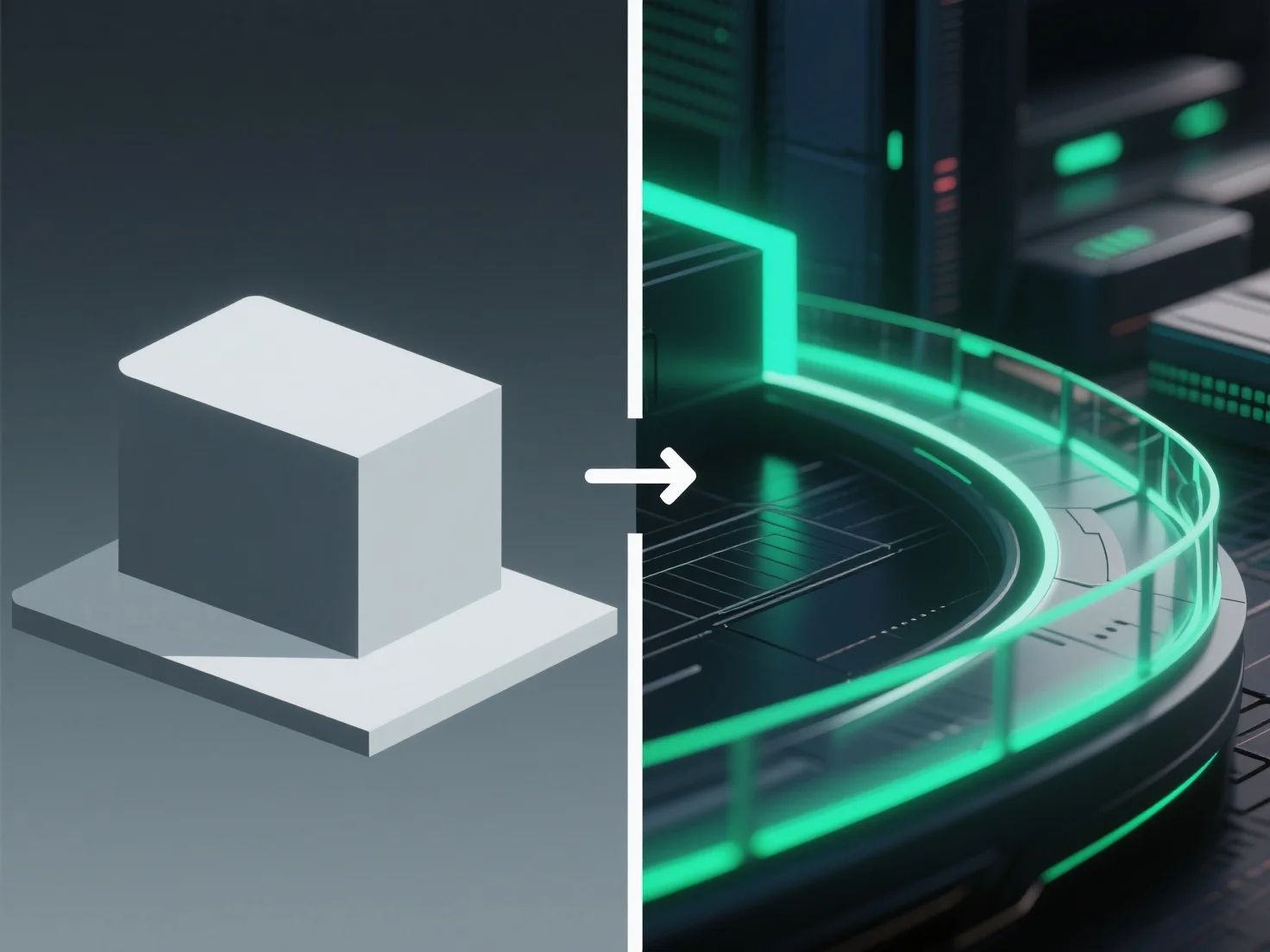
Die Nachbearbeitung verbessert 3D-Renderings, indem sie visuelle Elemente wie Farbe, Beleuchtung und Textur nach dem ersten Rendering anpasst und so den Realismus und die allgemeine Attraktivität verbessert.
Die wichtigsten Anpassungen umfassen: - Korrektur uneinheitlicher Beleuchtung, um die Helligkeit in der gesamten Szene auszugleichen. - Erhöhung des Kontrasts, um Details zu schärfen und die Tiefe zu verbessern. - Hinzufügen subtiler Effekte wie Blooming (weiche Licht-Halos) oder Tiefenschärfe (Hintergrundunschärfe), um das Verhalten von Kameras in der realen Welt nachzuahmen.
Für Anfänger vereinfachen Tools wie Blenders Compositor oder die kostenlose Software GIMP die Nachbearbeitung. Beginnen Sie mit grundlegenden Anpassungen (Helligkeit, Farbbalance, Schärfe), um die Renderqualität ohne komplexe Einstellungen zu verbessern.