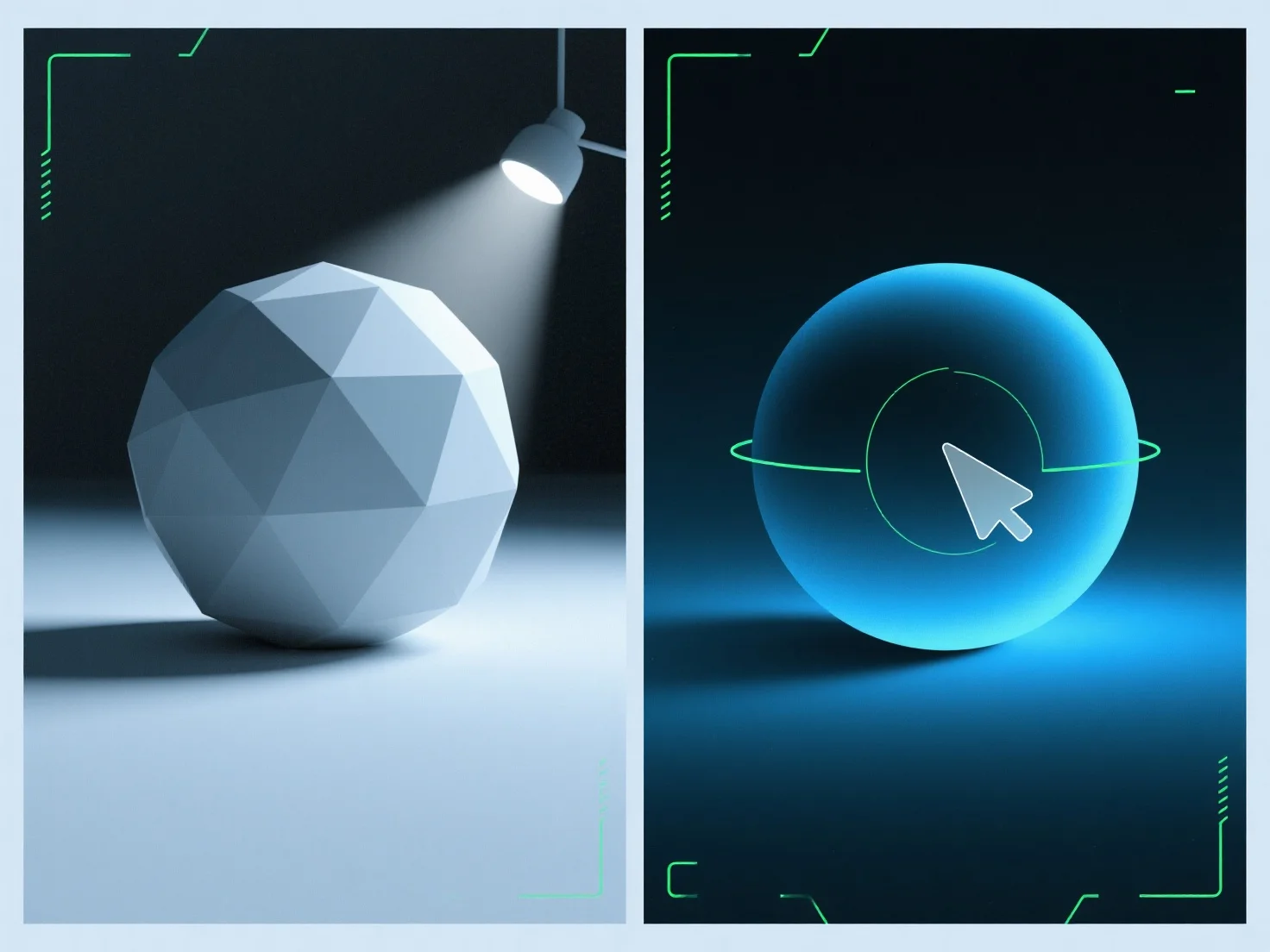
Umgebungslicht füllt Schatten in 3D-Renderings, indem es eine gleichmäßige, nicht gerichtete Beleuchtung hinzufügt, um die Schattenkanten weicher zu machen und ihre Tiefe zu reduzieren, wodurch die Gesamtbeleuchtung der Szene ausgeglichen wird. Als diffuse, gerichtungslose Quelle erhellt es Schattenbereiche, die sonst übermäßig dunkel oder flach erscheinen könnten, und vermeidet neue Schatten im Gegensatz zu gerichteten Lichtern (z. B. Sonne, Scheinwerfer). Passen Sie seine Intensität an, um es zu verfeinern: niedrigere Werte erhalten die Schattentiefe für Dramatik, während höhere Werte eine weichere, gleichmäßigere beleuchtete Szene erzeugen. Dies stellt sicher, dass die Schatten natürlich und ausgewogen bleiben, was die Realismus des Renderings verbessert.


Wie wird Umgebungslicht verwendet, um Schatten in 3D-Renderings auszufüllen?
Das Umgebungslicht mildert 3D-Render-Schatten mit einer gleichmäßigen, nicht gerichteten Beleuchtung und gleicht die Beleuchtung durch einstellbare Intensität aus.