


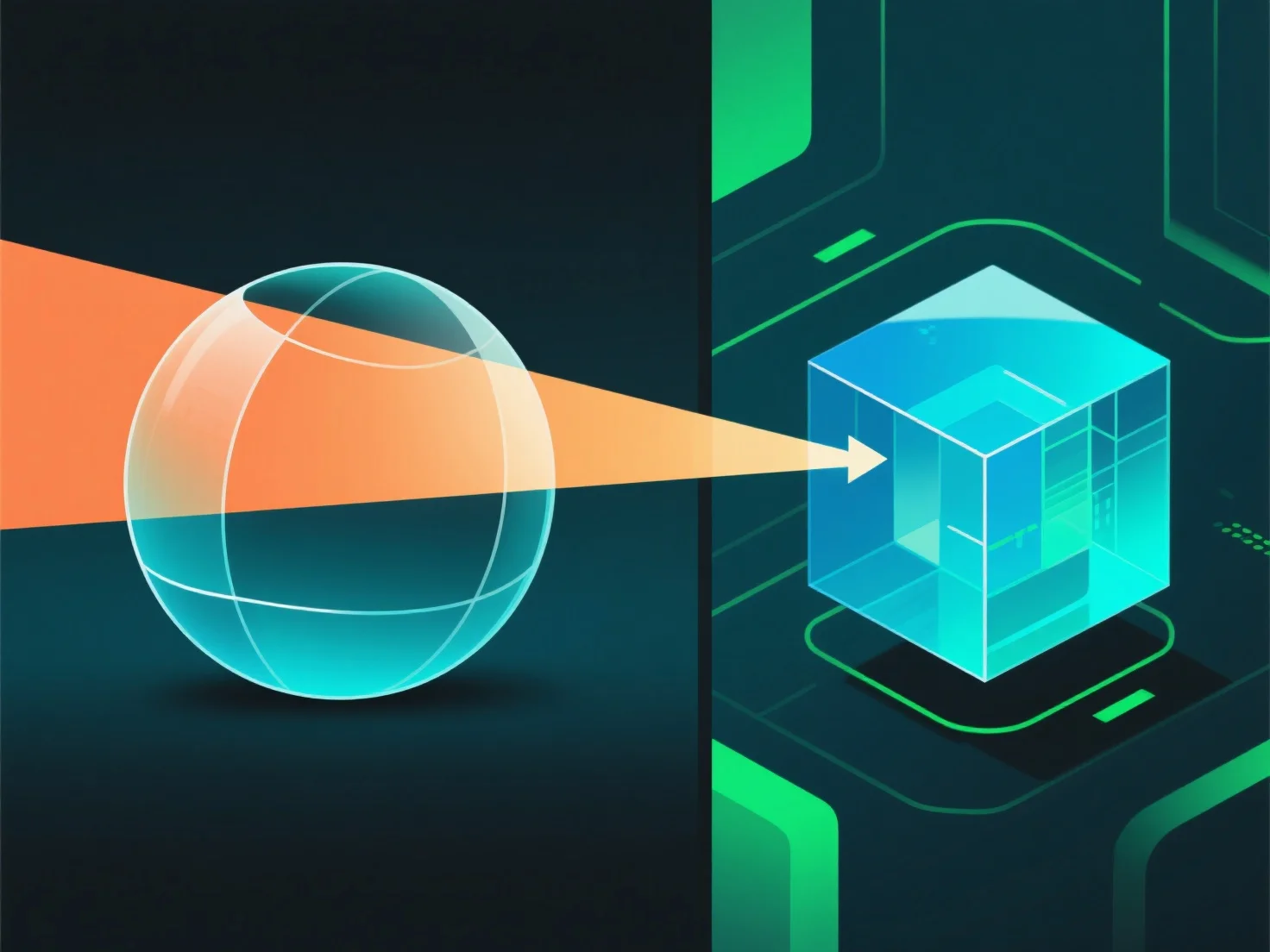
Bei der 3D-Rendering funktioniert die Transparenz von Materialien durch die Simulation von Lichtinteraktionen, einschließlich Transmission, Absorption und Reflexion, um visuelle Effekte aus der realen Welt nachzuahmen.
- **Opazität**: Steuert die Lichtdurchlässigkeit. Hohe Opazität blockiert das meiste Licht (z. B. undurchsichtiger Kunststoff), während niedrige Opazität Licht durchlässt (z. B. durchsichtiges Glas). - **Brechung**: Lenkt das Licht, wenn es in das Material eintritt, und verzerrt Objekte im Hintergrund (z. B. erscheint ein Strohhalm im Wasser gekrümmt). - **Oberflächenreflexion**: Ein Teil des Lichts wird von der Oberfläche reflektiert. Selbst transparente Materialien weisen subtile Reflexionen auf.
Diese Parameter kombinieren sich, um das Verhalten von Licht nachzuahmen, und erzeugen überzeugende transparente Effekte.