


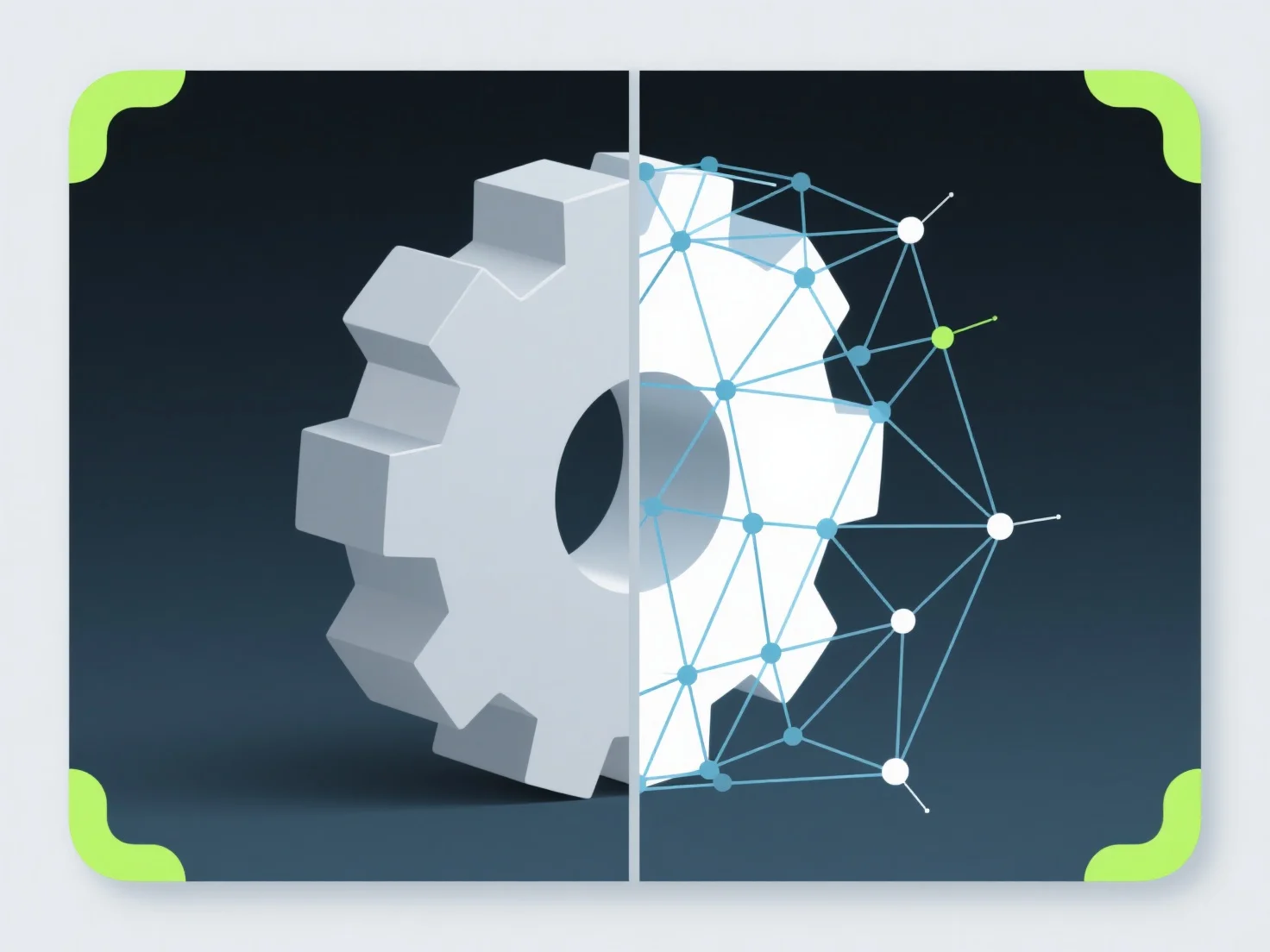
Das .stl-Format verarbeitet 3D-Druckgeometrie, indem es 3D-Modelle als ein Netz aus miteinander verbundenen dreieckigen Facetten darstellt. Jedes Dreieck, das durch drei Eckpunkte und einen Normalvektor definiert ist, approximiert gemeinsam die Oberfläche des Modells, sodass 3D-Drucker die Form und Struktur interpretieren können.
Die wichtigsten Aspekte der Geometriehandhabung umfassen: - Dreieckige Netzstruktur: Dreiecke fungieren als Grundeinheiten und bilden zusammen die Oberfläche des Modells; mehr Dreiecke verbessern die Details, erhöhen aber die Dateigröße. - Normalvektoren: Sie geben die Ausrichtung jedes Dreiecks an und helfen Druckern, zwischen der Innenseite und der Außenseite des Modells zu unterscheiden, um Fehler zu vermeiden. - Netzintegrität: STL-Dateien müssen "wasserdicht" sein (keine Lücken/Überschneidungen); Tools wie MeshLab prüfen auf nicht-manifold Geometrie, um die Druckbarkeit zu gewährleisten.