


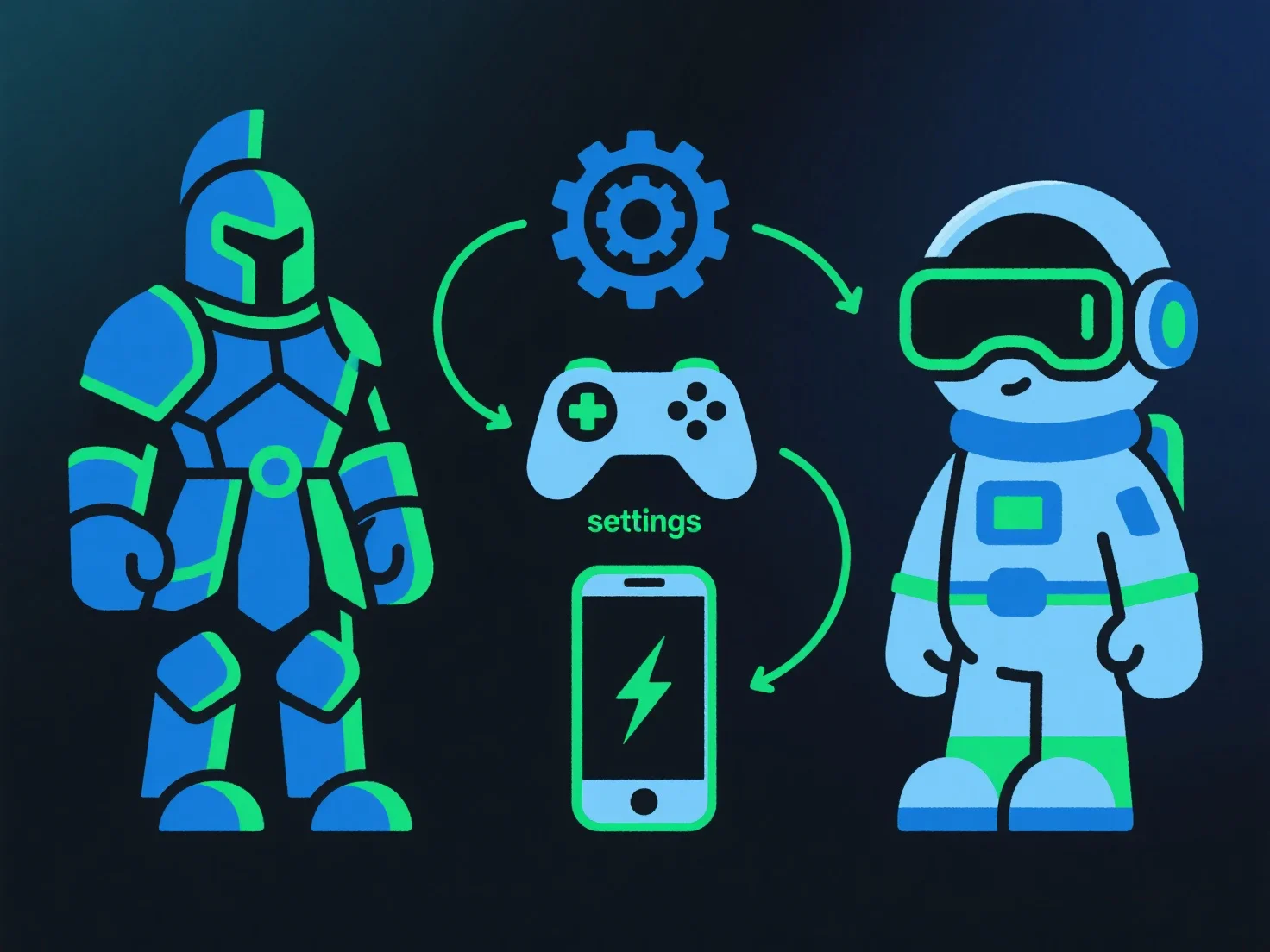
Um 3D-Modelle für PC, VR und Mobilgeräte zu optimieren, passen Modellierer die Polygonanzahl, die Texturauflösung und die Dateiformate basierend auf den Hardwarebeschränkungen jeder Plattform an und sorgen so für ein ausgewogenes Verhältnis zwischen visueller Qualität und Leistung.
- **Polygon-Optimierung**: Reduzieren Sie nicht essentielle Polygone (z. B. vereinfachen Sie kleinere Details) für Mobilgeräte/VR, um die Rendering-Belastung zu verringern; behalten Sie wichtige Details für PCs mit stärkerer Hardware bei. - **Textur-Management**: Komprimieren Sie Texturen (z. B. unter Verwendung von BCn- oder ASTC-Formaten) und reduzieren Sie die Auflösung für Mobilgeräte; verwenden Sie leichte Formate wie glTF für schnellere Ladezeiten. - **LOD-Techniken**: Implementieren Sie Level-of-Detail-Systeme, um die Modellkomplexität basierend auf der Kameradistanz zu ändern, und entlasten Sie die GPU auf Geräten mit geringerer Leistung. - **Plattform-spezifische Tests**: Befolgen Sie die Richtlinien.
Dies stellt sicher, dass Modelle auf allen Plattformen reibungslos gerendert werden, während gleichzeitig die visuelle Integrität erhalten bleibt.