


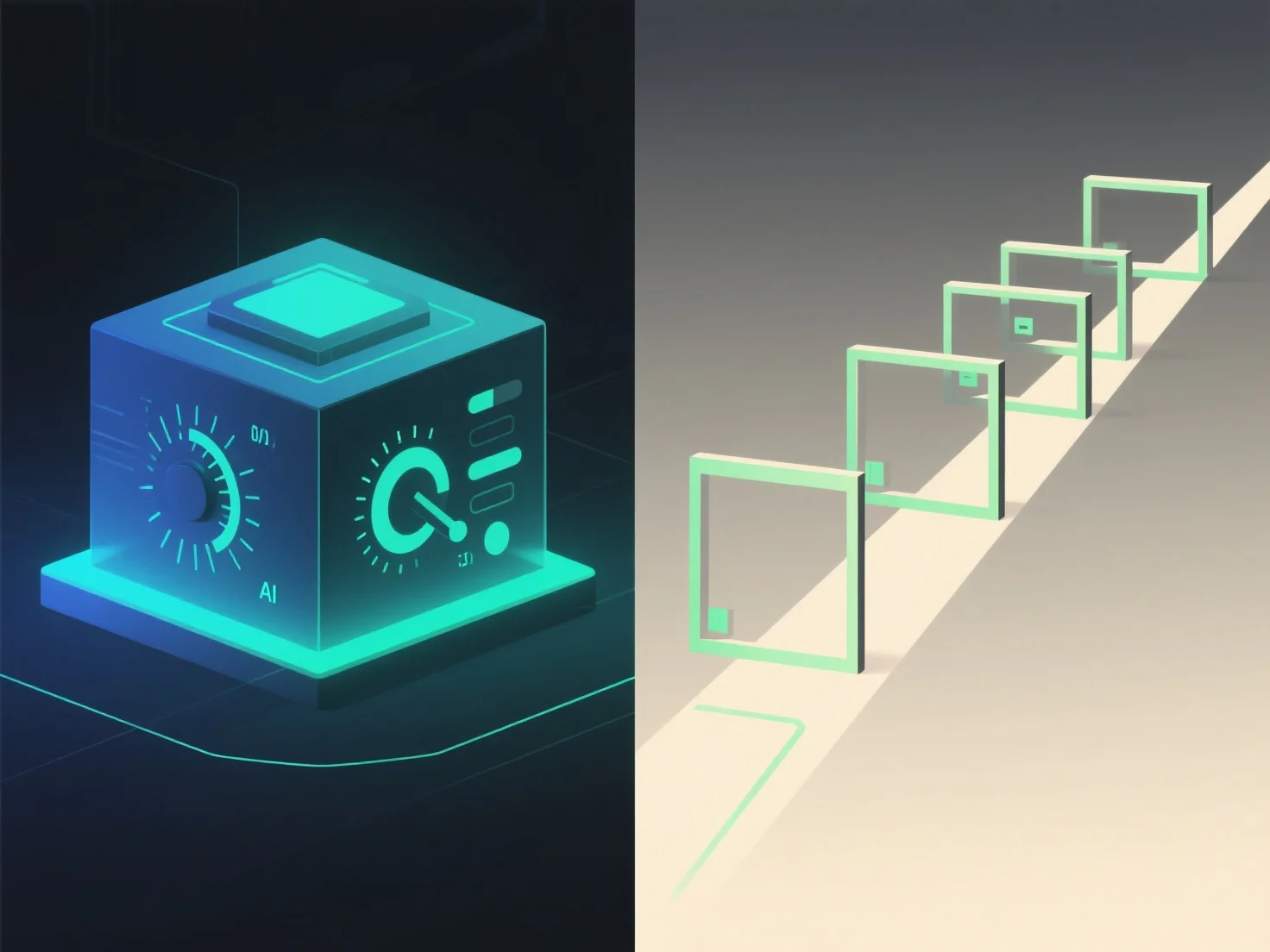
3D-Präsentationen mit Benutzerkontrolle und geführte Präsentationen unterscheiden sich hauptsächlich in der Interaktivität und der Kontrolle über das Erlebnis. Benutzergesteuerte 3D-Präsentationen ermöglichen es den Betrachtern, selbstständig durch 3D-Inhalte zu navigieren, sie zu drehen oder zu zoomen, während geführte Präsentationen einer vordefinierten, vom Präsentator geleiteten Abfolge folgen.
Interaktivitätsgrad: Die Benutzerkontrolle ermöglicht es den Betrachtern, in ihrem eigenen Tempo zu erkunden und sich auf interessante Bereiche zu konzentrieren. Ideal für detaillierte Inspektionen oder personalisiertes Lernen. Geführte Präsentationen hingegen sorgen für einen strukturierten Ablauf und stellen sicher, dass die wichtigsten Botschaften in einer bestimmten Reihenfolge vermittelt werden.
Ideale Anwendungen: Benutzergesteuerte 3D-Anzugsszenarien wie Produktdemos.
Kurz gesagt, bietet benutzergesteuerte 3D erkundende Freiheit, während geführte Präsentationen eine strukturierte, gezielte Kommunikation gewährleisten.