


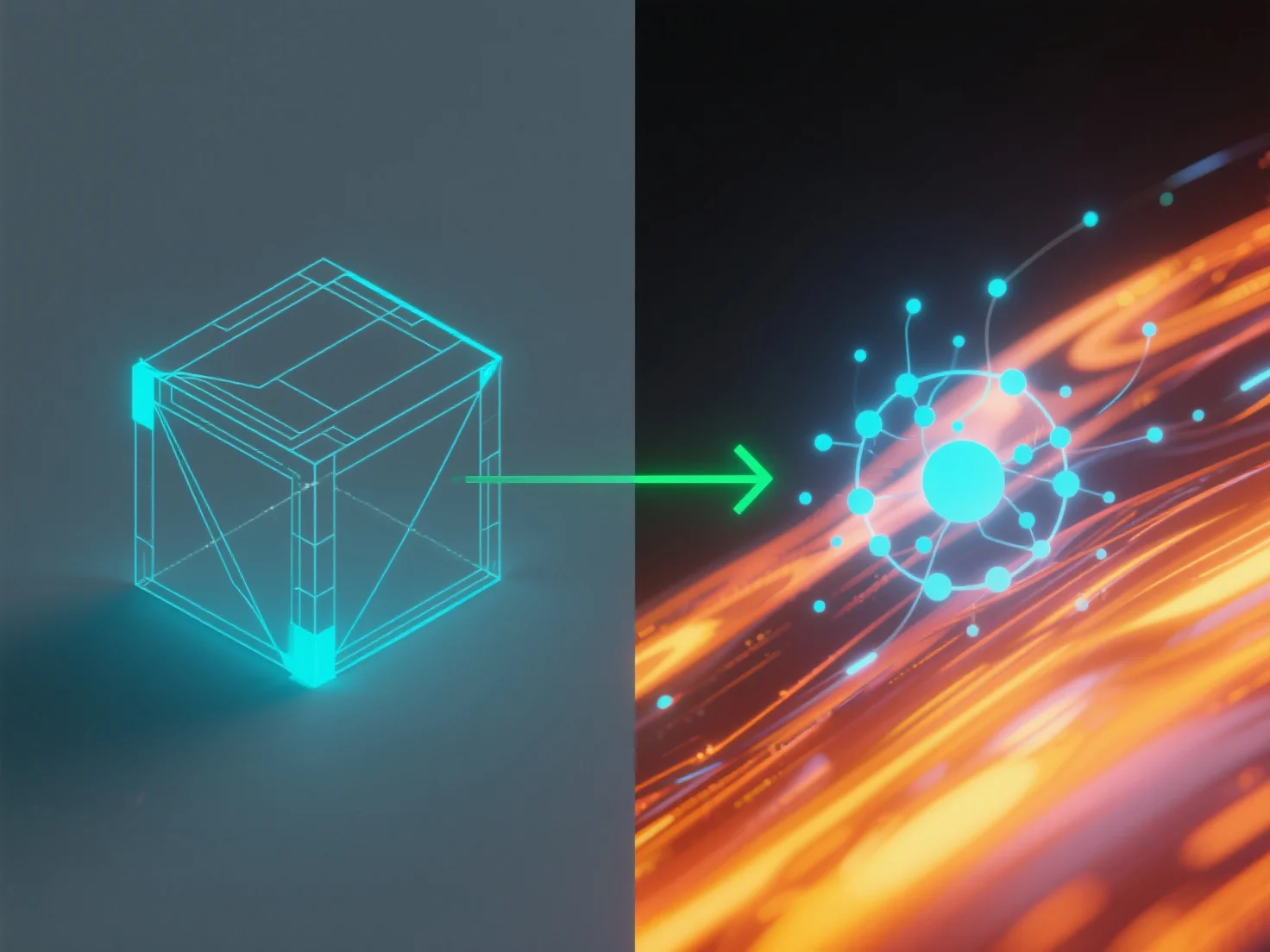
Die Integration von Simulationswerkzeugen mit Modellierungssoftware für die Physik in der realen Welt beinhaltet deren Verbindung über kompatible Datenübertragungsmethoden, um reale physikalische Gesetze anzuwenden.
Die wichtigsten Integrationsschritte umfassen: - **Datentransfer**: Verwenden Sie Standarddateiformate (z. B. FBX, STEP) oder APIs, um Modellgeometrie und -eigenschaften zwischen Tools auszutauschen. - **Physik-Anwendung**: Simulationstools wenden physikalische Engines auf das Modell an und berechnen Dynamiken wie Bewegungstrajektorien oder strukturelle Belastungen.
Häufige Anwendungsfälle: Ingenieurwesen (Haltbarkeitstests), Gaming (realistische Animationen), Architektur (Stabilitätsanalyse). Für Anfänger, Software mit integrierten Engines.