


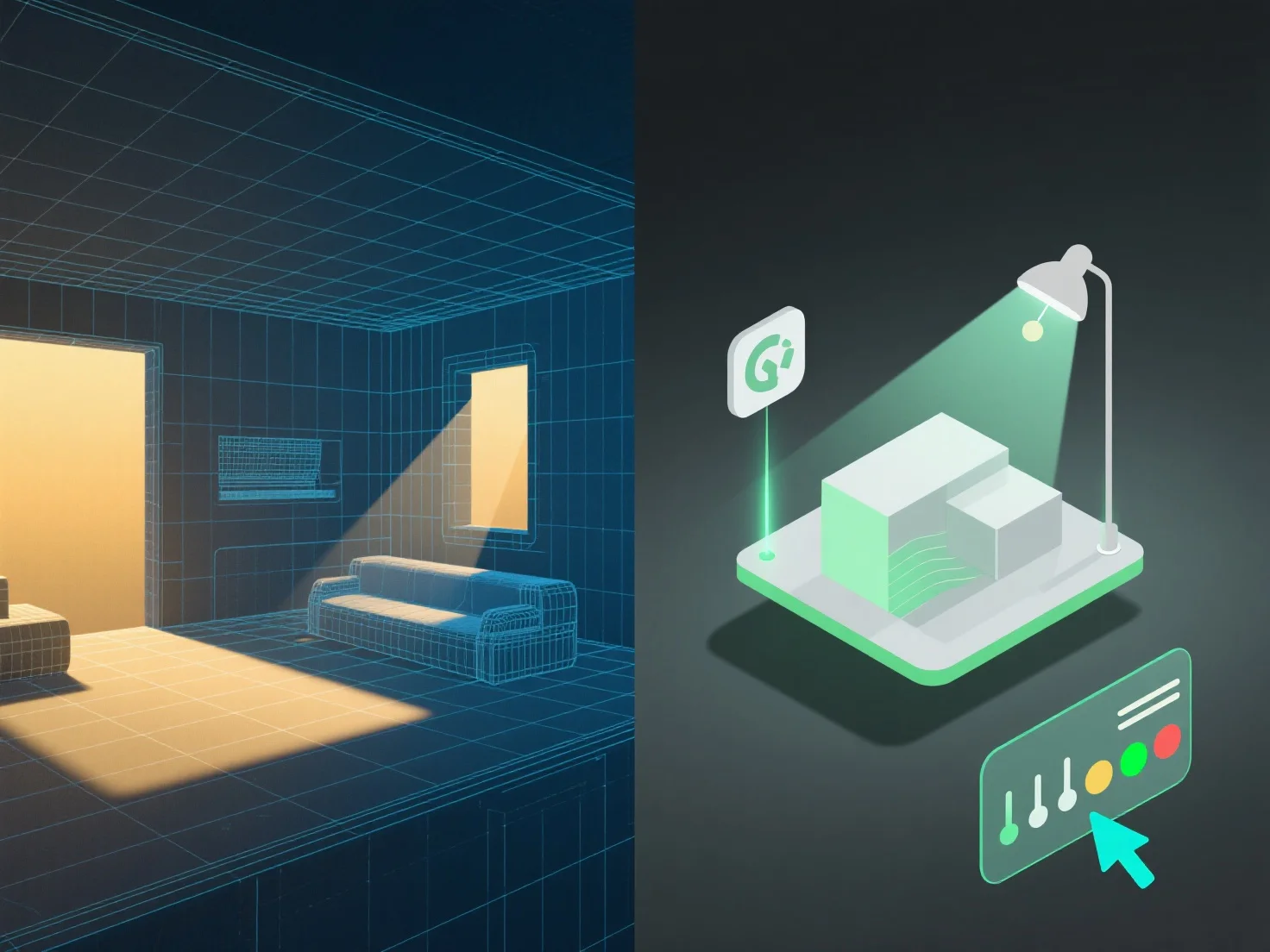
Die Integration von Beleuchtungswerkzeugen in die 3D-Modellierung zur besseren Szenenverwaltung erfordert die Abstimmung der Beleuchtungsparameter auf die Struktur, die Materialien und den Kontext des Modells, um den Realismus und die Effizienz des Workflows zu verbessern.
Zunächst verknüpfen Sie Lichtquellen (Richtungs-, Punkt- oder Flächenlichter) mit der Geometrie und den Texturdetails des Modells. Dies gewährleistet genaue Lichtinteraktionen wie Schattenwurf, Reflexionen und Refraktionen, die das Verhalten in der realen Welt nachahmen.
Zweitens, synchronisieren Sie die Beleuchtung mit den Anwendungsfällen der Szene: In der Architekturvisualisierung richten Sie sich nach den Modellabmessungen, um natürliches Licht zu simulieren.
Drittens, verwenden Sie Beleuchtungsvorlagen für häufige Modelländerungen. Vorlagen werden automatisch mit Anpassungen am Modell aktualisiert, wodurch eine konsistente Beleuchtung ohne manuelle Anpassungen gewährleistet wird und das Management vereinfacht wird.
Durch die Kombination dieser Schritte arbeiten Beleuchtung und 3D-Modelle harmonisch zusammen, um realistische, effizient verwaltete Szenen zu gewährleisten.