


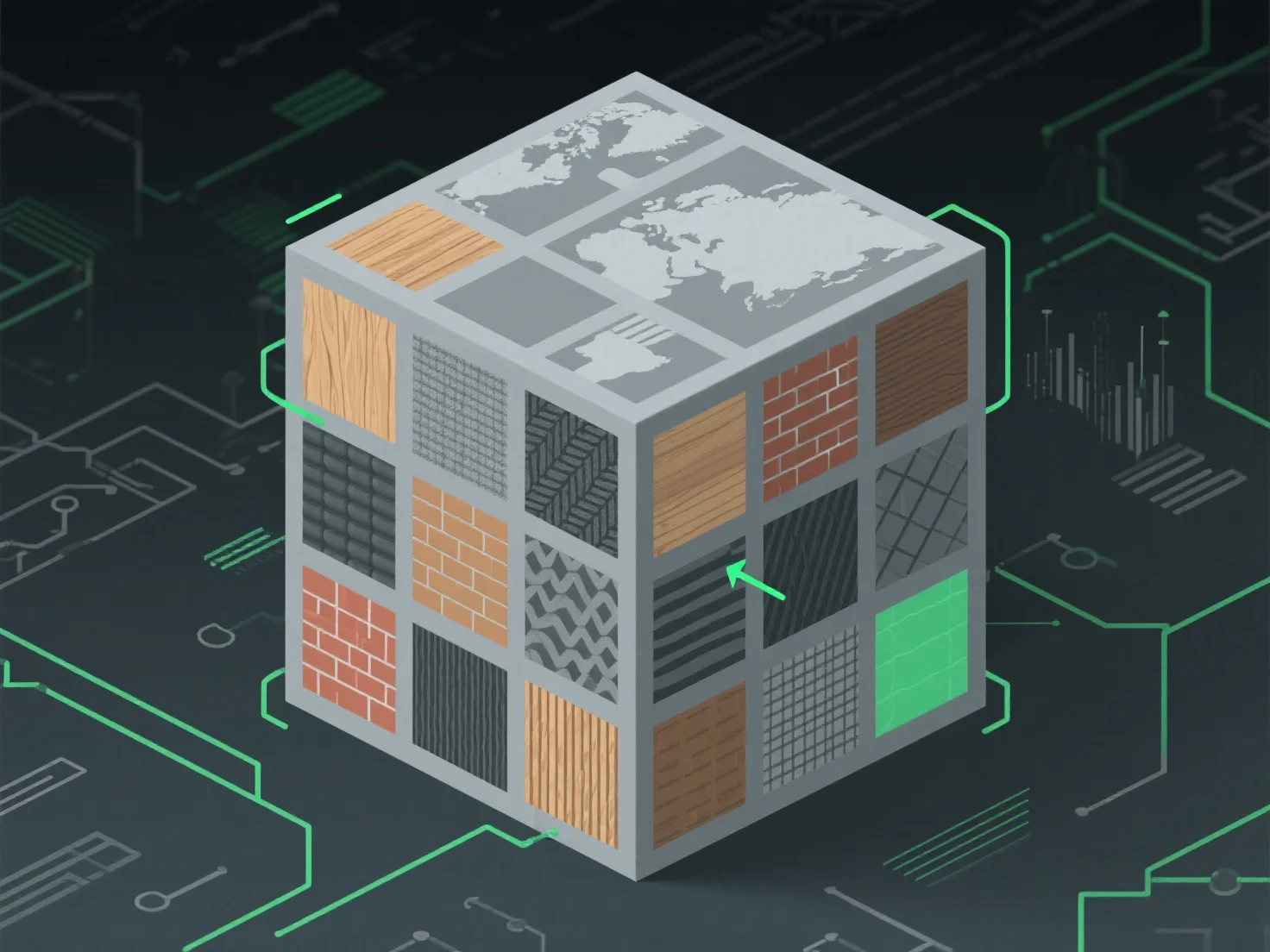
Um Texturatlasse für eine optimierte Texturzuordnung zu handhaben, konzentrieren Sie sich auf eine effiziente Packung, um ungenutzten Speicherplatz zu minimieren und Draw Calls zu reduzieren. Dies wird erreicht, indem kleine Texturen zu einem einzigen Atlas zusammengefasst werden, UV-Koordinaten für eine genaue Modelloberflächenzuordnung ausgerichtet werden und nahtlose Übergänge zwischen Bereichen sichergestellt werden, um visuelle Artefakte zu vermeiden.
Schlüsselanwendungen in verschiedenen Branchen: - Spieleentwicklung: Verringert die GPU-Arbeitslast, indem Texturwechsel während des Renderings reduziert werden. - Echtzeit-3D (AR/VR): Verbessert die Leistung, indem der Zugriff auf Texturdaten optimiert wird.
Für unterschiedliche Texturgrößen verwenden Sie automatisierte Verpackungswerkzeuge mit Polsterung, um Blutungen zu verhindern und die visuelle Qualität zu erhalten.