


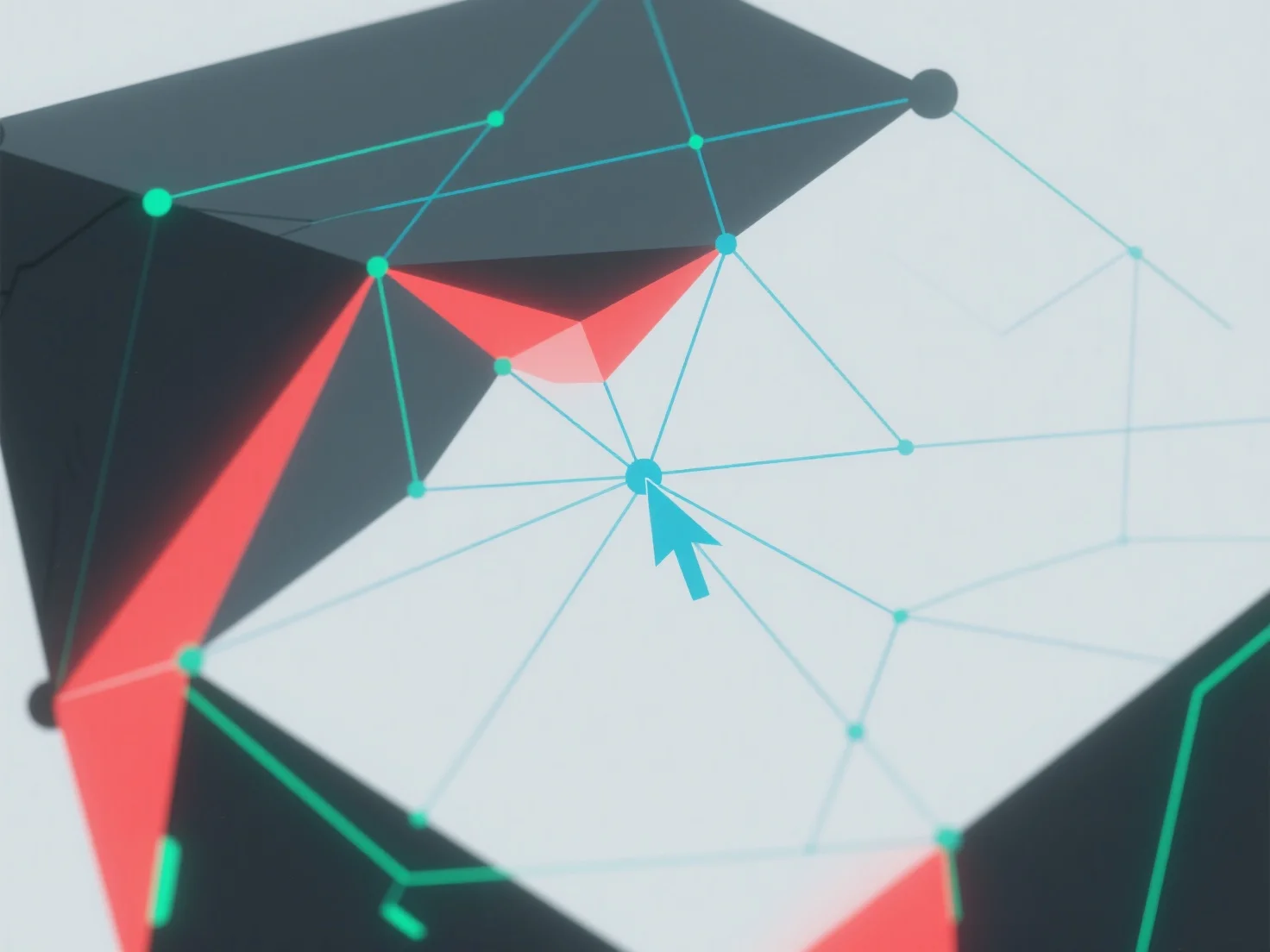
Die Nicht-Manifold-Geometrie in der 3D-Modellierung wird durch die Identifizierung und Behebung topologischer Fehler mit Hilfe von 3D-Software-Tools gehandhabt.
Zunächst verwenden Sie integrierte Funktionen wie "manifold check" oder "repair mesh", um Probleme zu erkennen: Häufige Probleme umfassen sich überschneidende Flächen, doppelte Kanten oder Eckpunkte mit mehr als zwei benachbarten Flächen.
Als nächstes beheben Sie Fehler, indem Sie überlappende Eckpunkte zusammenführen, redundante Geometrie löschen oder Kantenverbindungen anpassen, um sicherzustellen, dass jede Kante genau zwei Flächen verbindet.
Wenn Probleme weiterhin bestehen, vereinfachen Sie das Modell, indem Sie die Komplexität reduzieren, oder verwenden Sie automatisierte Reparatur-Plugins, um den Prozess zu optimieren.