


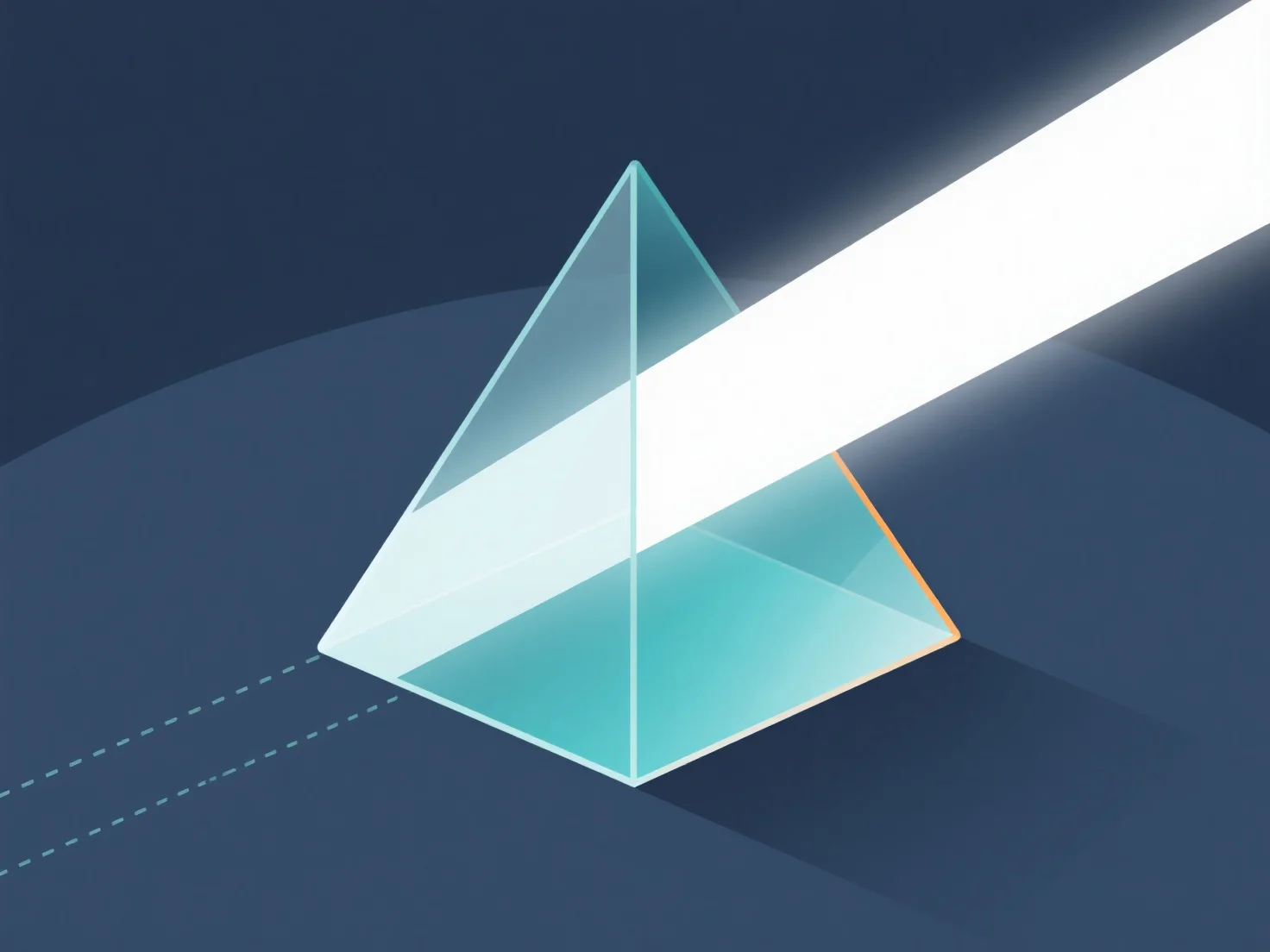
Die Handhabung der Lichtbrechung durch Materialien in 3D-Modellen wird hauptsächlich durch die Einstellung von Materialeigenschaften erreicht.
- **Setzen Sie den Brechungsindex (RI) fest:** RI bestimmt den Lichtbeugungswinkel. Übliche Werte: Glas ~1,5, Wasser ~1,33, Luft ~1,0. Weisen Sie RI in den Materialeinstellungen zu, um die Stärke der Refraktion zu definieren. - **Verwenden Sie Rendering-Techniken:** Raytracing verfolgt Lichtwege durch Materialien; PBR nutzt reale Physik. Beide ermöglichen eine genaue Refraktionssimulation. - **Passen Sie die Softwareeinstellungen an:** In 3D-Tools aktivieren Sie die Refraktion in den Render-Einstellungen, weisen RI dem Material zu und passen Glanzgrad/Opazität an, um die Effekte zu verfeinern.
Dieser Prozess imitiert das Lichtverhalten in der realen Welt und erzeugt realistische transparente/translucente Materialeffekte in 3D-Modellen.