


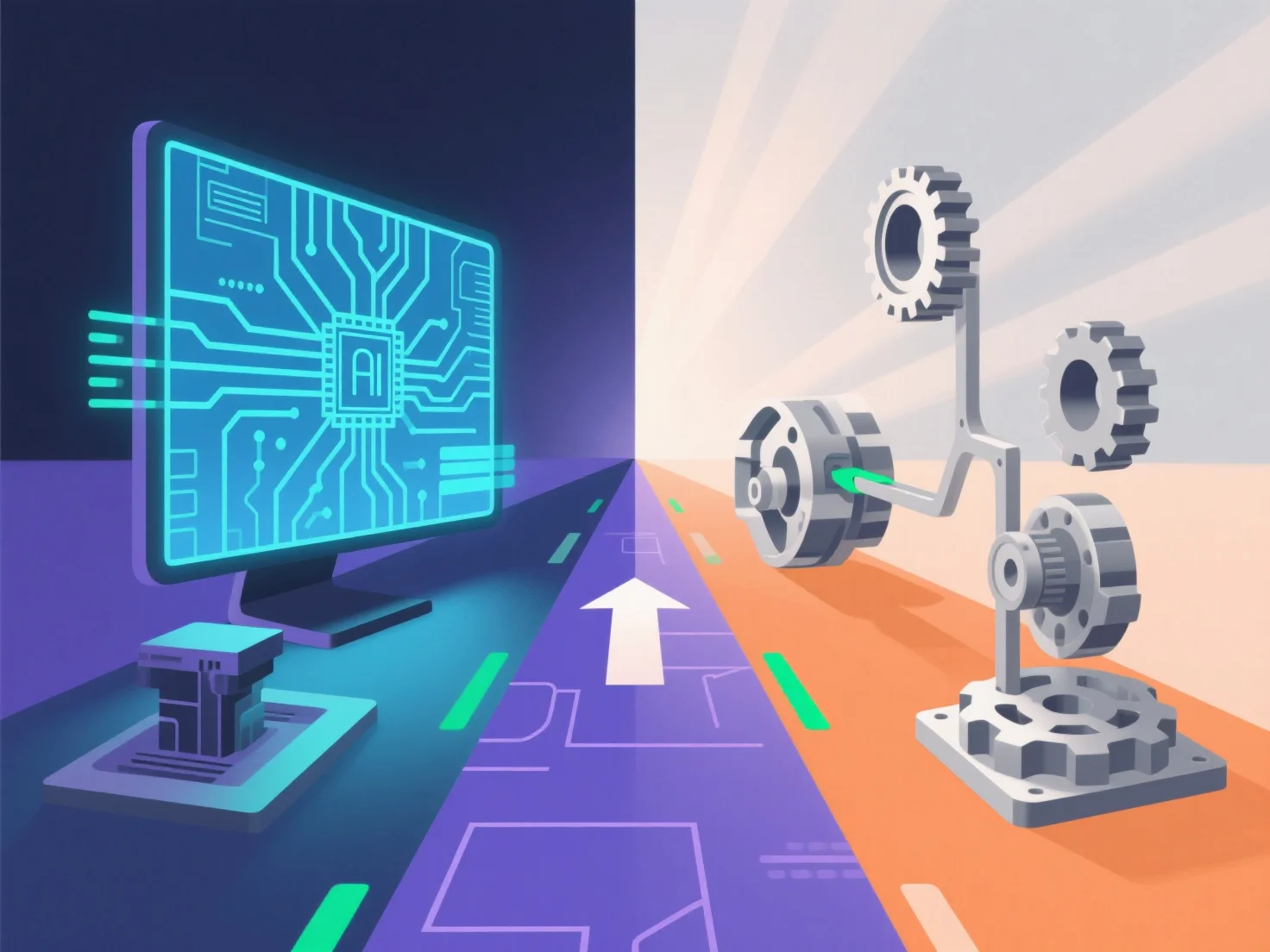
Um sicherzustellen, dass ein Lösungspfad sowohl für die digitale als auch für die physische Produktprototypierung funktioniert, integriert er interoperable 3D-Modellierungstools und iterative Validierungsworkflows, die eine nahtlose Verbindung zwischen digitalem Design und physischer Produktion ermöglichen.
- **Kreuzkompatible 3D-Modellierung**: Verwenden Sie universelle Dateiformate (z. B. STL, STEP), um sicherzustellen, dass digitale Modelle mit 3D-Druckern, CNC-Maschinen oder anderen physischen Prototyping-Tools kompatibel sind, und vermeiden Sie Fehler bei der Dateiformatkonvertierung. - **Iterative Validierung**: Beginnen Sie mit digitalen Simulationen.
Dieser doppelte Fokus auf Kompatibilität und Validierung stellt sicher, dass der Lösungspfad sowohl die digitalen als auch die physischen Prototyping-Anforderungen zuverlässig unterstützt.