


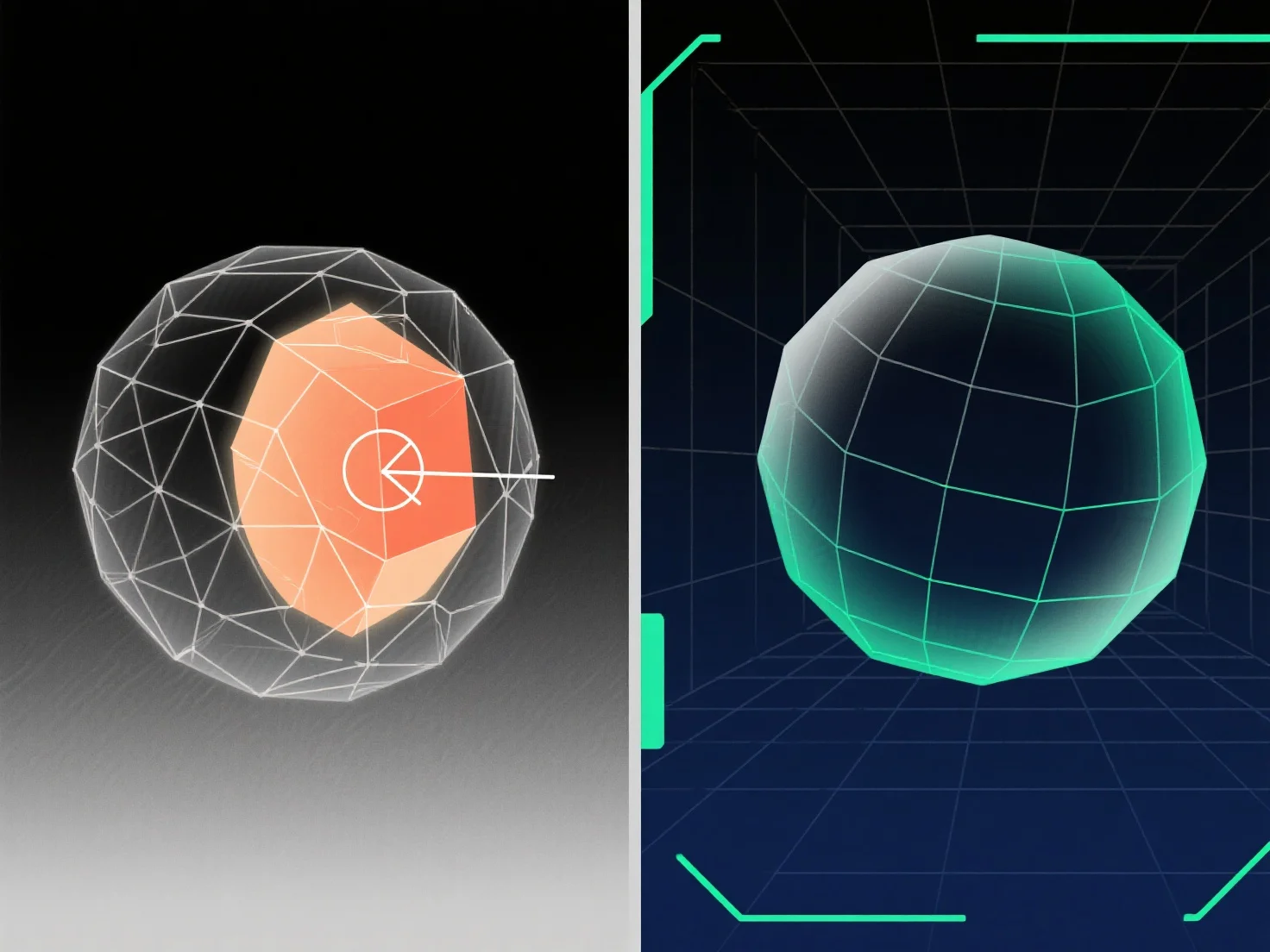
Um überlappende Geometrie in der 3D-Modellierung zu handhaben, gehören zu den wichtigsten Lösungen die Verwendung von Booleschen Operationen, das Bereinigen redundanter Vertexe/Flächen und die Anwendung von Werkzeugen zur Netzreparatur.
Überlappende Geometrie. Wo Oberflächen, Kanten oder Eckpunkte denselben 3D-Raum einnehmen. Tritt häufig bei der Modellverschmelzung, booleschen Fehlern oder Duplizierungen auf und führt zu Rendering-Fehlern, UV-Entfaltungsproblemen oder Exportfehlern; die Behebung erfordert das Identifizieren von Überlappungen und das Entfernen, Zusammenführen oder Trennen von konfliktbehafteten Elementen.
Häufige Methoden: - Boolesche Operationen: Verwenden Sie "Union", "Difference" oder "Intersect", um überlappende Volumen zusammenzuführen oder zu subtrahieren und das Mesh zu vereinfachen. - Knoten/Flächenbereinigung: Löschen Sie Duplikate, schweißen Sie überlappende Knoten zusammen oder entfernen Sie redundante Flächen, um räumliche Überlappungen zu beseitigen. - Mesh-Reparaturwerkzeuge: Nutzen Sie Softwarefunktionen.
Für schwer zu erkennende Überlappungen aktivieren Sie die Drahtmodell-Ansicht oder verwenden Sie die distanzbasierte Auswahl; für komplexe Modelle isolieren Sie Teile, um Probleme schrittweise zu lösen.