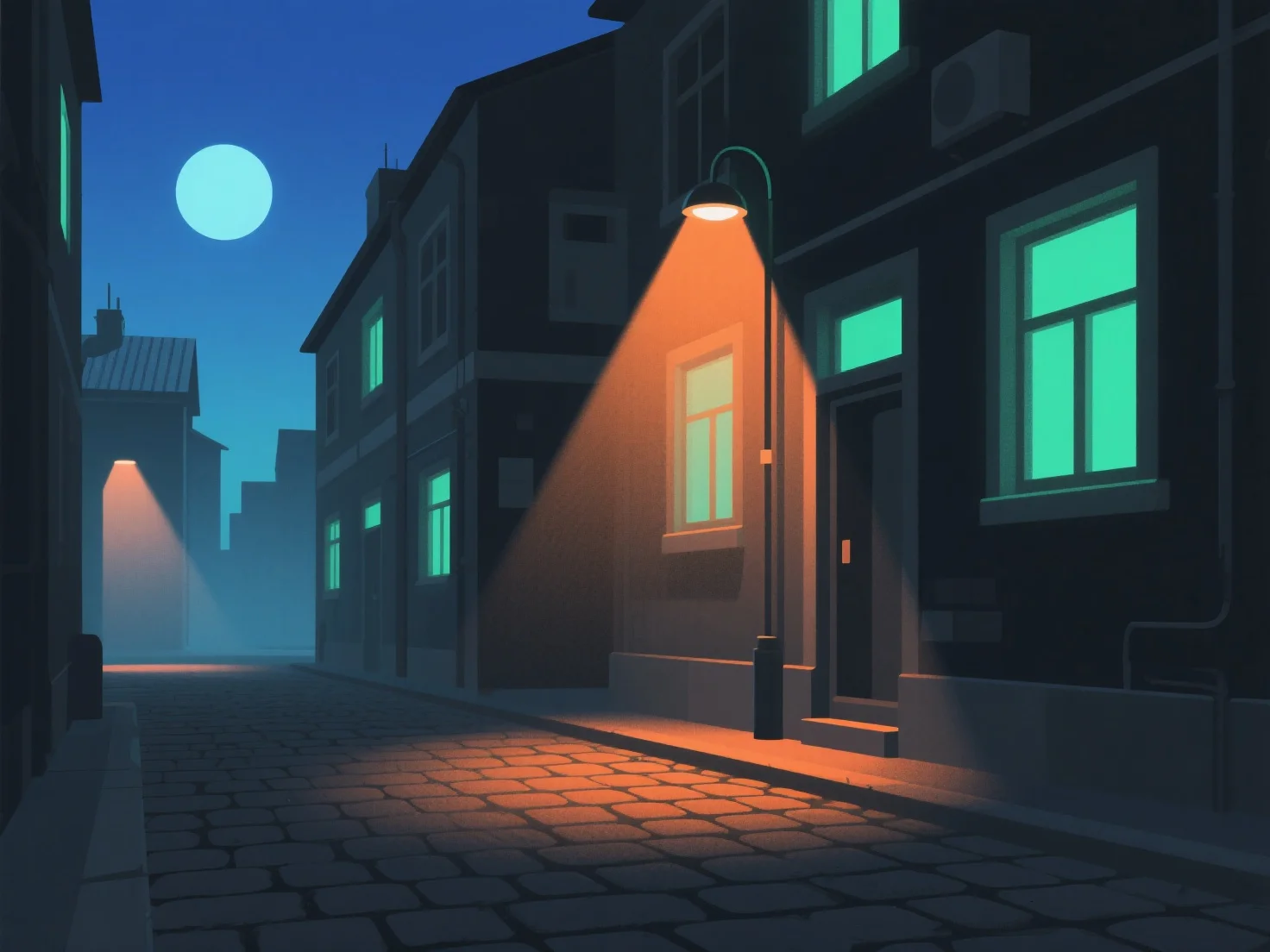
Um realistische Beleuchtung für Nachtszenen in 3D-Modellen zu erzeugen, simulieren Sie natürliche und künstliche Nachtlichtquellen, indem Sie Intensität, Farbtemperatur und Schattenweichheit anpassen und das Lichtverhalten der realen Welt nachahmen. Verwenden Sie schwaches Umgebungslicht, um eine allgemeine Dunkelheit zu erzeugen, und vermeiden Sie Flachheit. Hauptlichtquellen (z. B. Mondlicht, Straßenlaternen) sorgen für die Hauptbeleuchtung. Dimmen Sie das Mondlicht und machen Sie künstliche Lichtquellen etwas heller. Fügen Sie subtile Fülllichter hinzu, um übermäßig dunkle Bereiche zu vermeiden, und erhalten Sie gleichzeitig Tiefe, ohne die Schatten zu überstrahlen. Passen Sie die Farbtemperaturen an: Kalte Blautöne für Mondlicht, warme Gelbtöne/Orange für Innenleuchten oder Straßenlaternen, um die Realität zu verbessern. Stellen Sie sicher, dass die Schatten weich und diffus sind, und vermeiden Sie harte Kontraste, die das Eintauchen in die Szene stören könnten. Beziehen Sie sich auf echte Nachtfotos, um die Lichtrichtung und den Abfall (wie das Licht mit der Entfernung schwächer wird) zu beobachten, und verwenden Sie Umgebungsokklusion in 3D-Software, um Tiefe hinzuzufügen und die Szene authentisch erscheinen zu lassen.


Wie erstellt man realistische Beleuchtung für Nachtszenen in 3D-Modellen?
Simulieren Sie natürliches/künstliches Nachtlicht mit Intensität, Farbtemperatur, Schattenweichheit, Umgebungslicht, Haupt-/Fülllicht und realen Referenzen für einen realistischen 3D-Nachtszeneneffekt.