


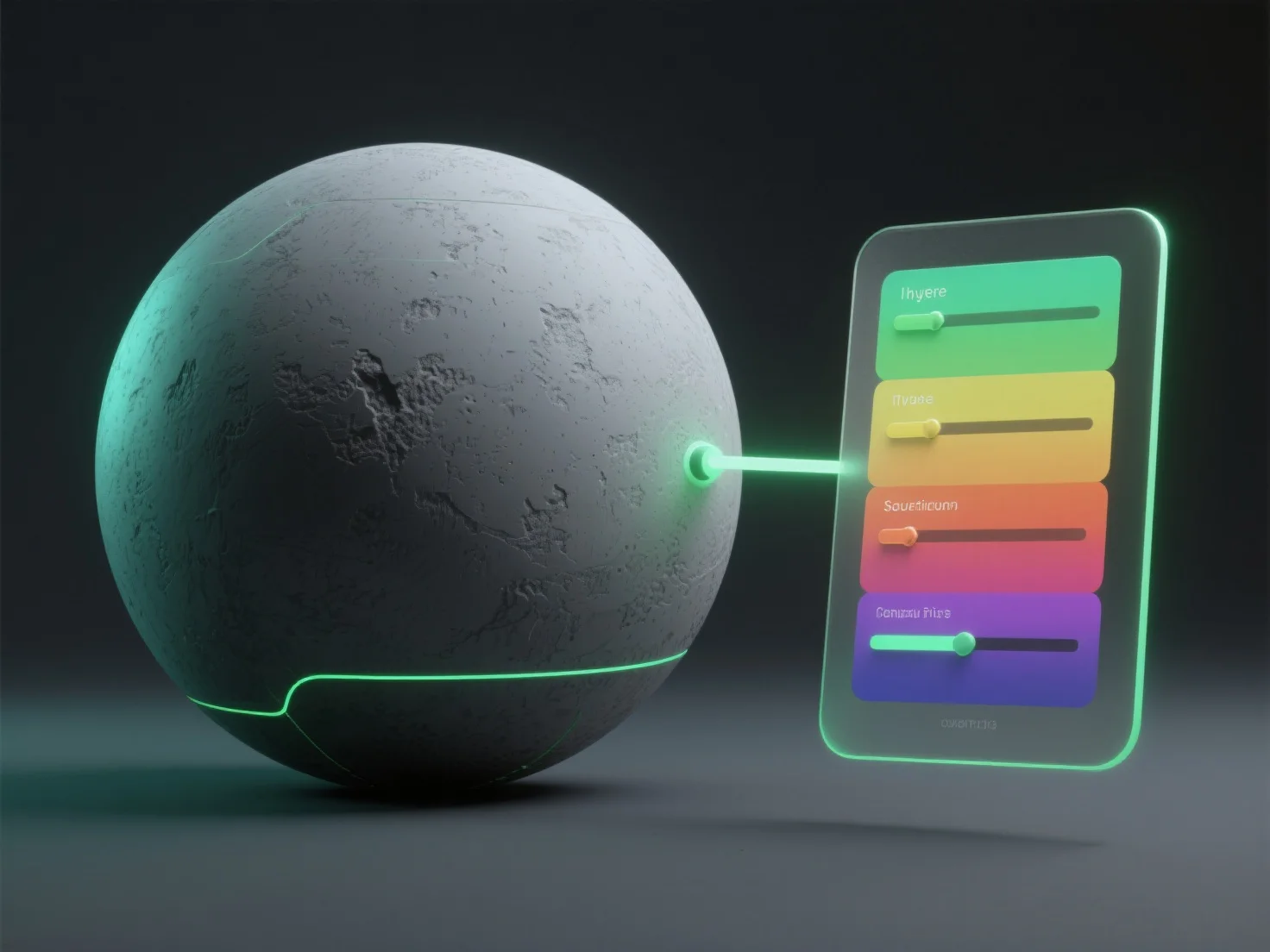
Die Anwendung von Farbkorrektur auf Texturen im 3D-Rendering beinhaltet die Verwendung von Nachbearbeitungswerkzeugen oder Textureditierungssoftware, um Parameter wie Farbton, Sättigung und Helligkeit anzupassen und den Realismus zu verbessern, indem Farben mit der Beleuchtung der Szene oder künstlerischen Absichten in Einklang gebracht werden.
Wichtige Schritte umfassen: - **Auswahl des Tools**: Verwenden Sie Software wie Photoshop zur Texturbearbeitung, Blenders Shader-Knoten, Post-Processing-Engines (z. B. Unity's Post-Processing Stack) oder spezielle Farbkorrektur-Tools. - **Grundlegende Anpassungen**: Ändern Sie den Farbton (Farbton), die Sättigung (Intensität), die Helligkeit/den Kontrast (Lichtbalance) und korrigieren Sie Farbstiche, um der Stimmung der 3D-Umgebung zu entsprechen. - **Schwerpunkt auf Integration**: Stellen Sie sicher, dass Texturen sich auf natürliche Weise mit der Beleuchtung vermischen, und verbessern Sie die visuelle Kohärenz in der Spieleentwicklung, bei Film-VFX oder Architektur-Renderings.
Für Anfänger sollten Sie mit grundlegenden Anpassungen in benutzerfreundlichen Tools beginnen, um sich mit den Arbeitsabläufen vertraut zu machen, bevor Sie zur fortgeschrittenen Farbkorrektur übergehen.