


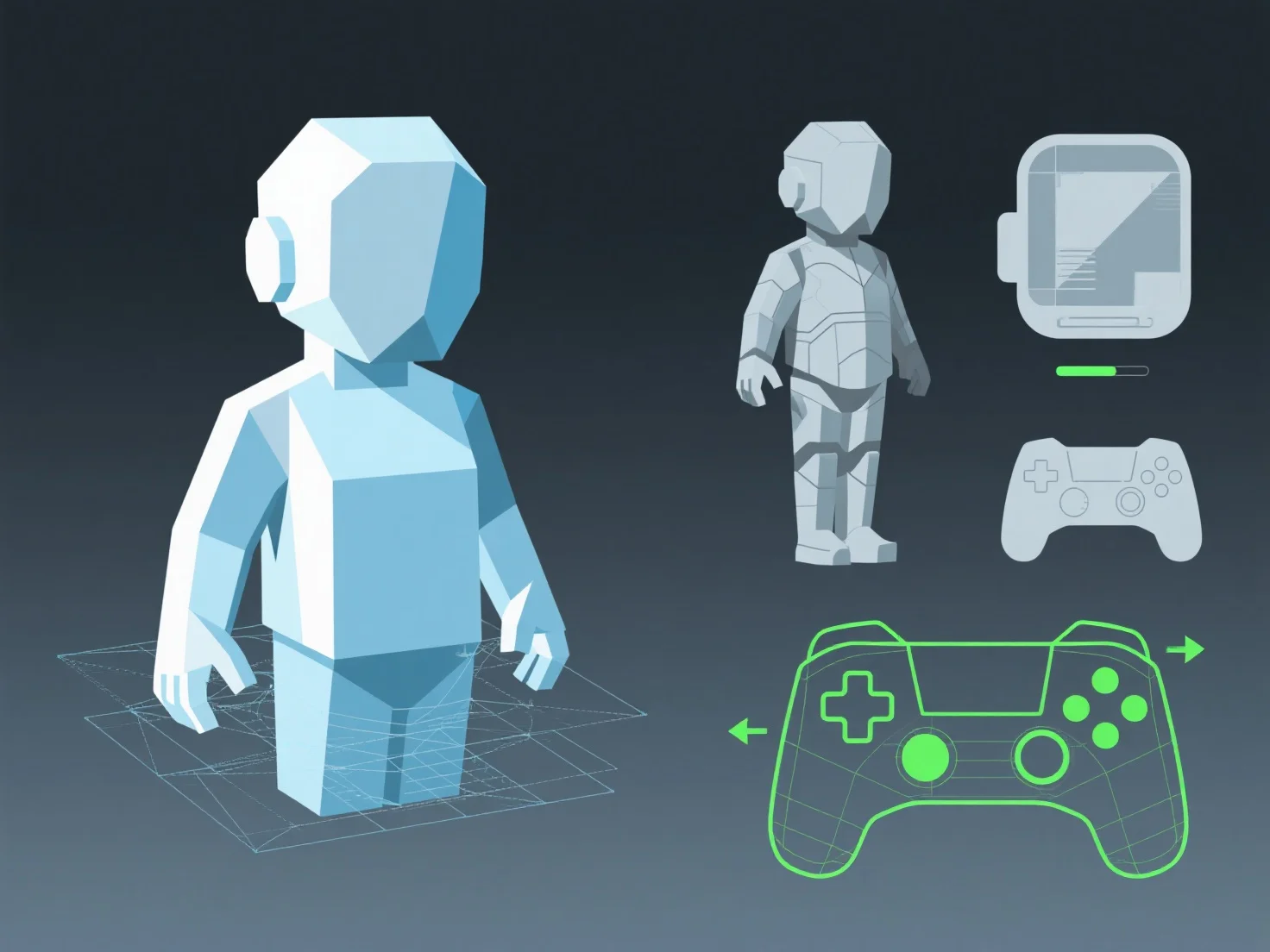
Die Anpassung von 3D-Assets zur Leistungsoptimierung auf verschiedenen Plattformen beinhaltet, die visuelle Qualität mit den Verarbeitungs- und Speicherbeschränkungen der Zielhardware in Einklang zu bringen, was durch maßgeschneiderte Anpassungen an Geometrie, Texturen und Animationen erreicht wird.
- **Vereinfache die Geometrie**: Reduziere die Anzahl der Polygone, indem du die Details des Mesh vereinfachst (z. B. durch Entfernen nicht essentieller Vertexe), um die GPU-Belastung zu verringern, was für mobile Geräte mit begrenzter Verarbeitungsleistung entscheidend ist. - **Optimiere Texturen**: Reduziere die Auflösung und verwende komprimierte Formate (z. B. ASTC für mobile Geräte, BC für Desktops), um den Speicherverbrauch ohne signifikanten Qualitätsverlust zu reduzieren. - **Vereinfache Animationen**: Verringere die Keyframe-Dichte oder verwende gebackene Animationen, um den CPU/GPU-Overhead zu verringern und eine reibungslose Wiedergabe auf Geräten mit geringerer Leistung zu gewährleisten.
Tools wie LOD-Systeme (Level of Detail) automatisieren diese Anpassungen und stellen sicher, dass Assets auf allen Geräten effizient ausgeführt werden, während gleichzeitig akzeptable visuelle Standards eingehalten werden.