


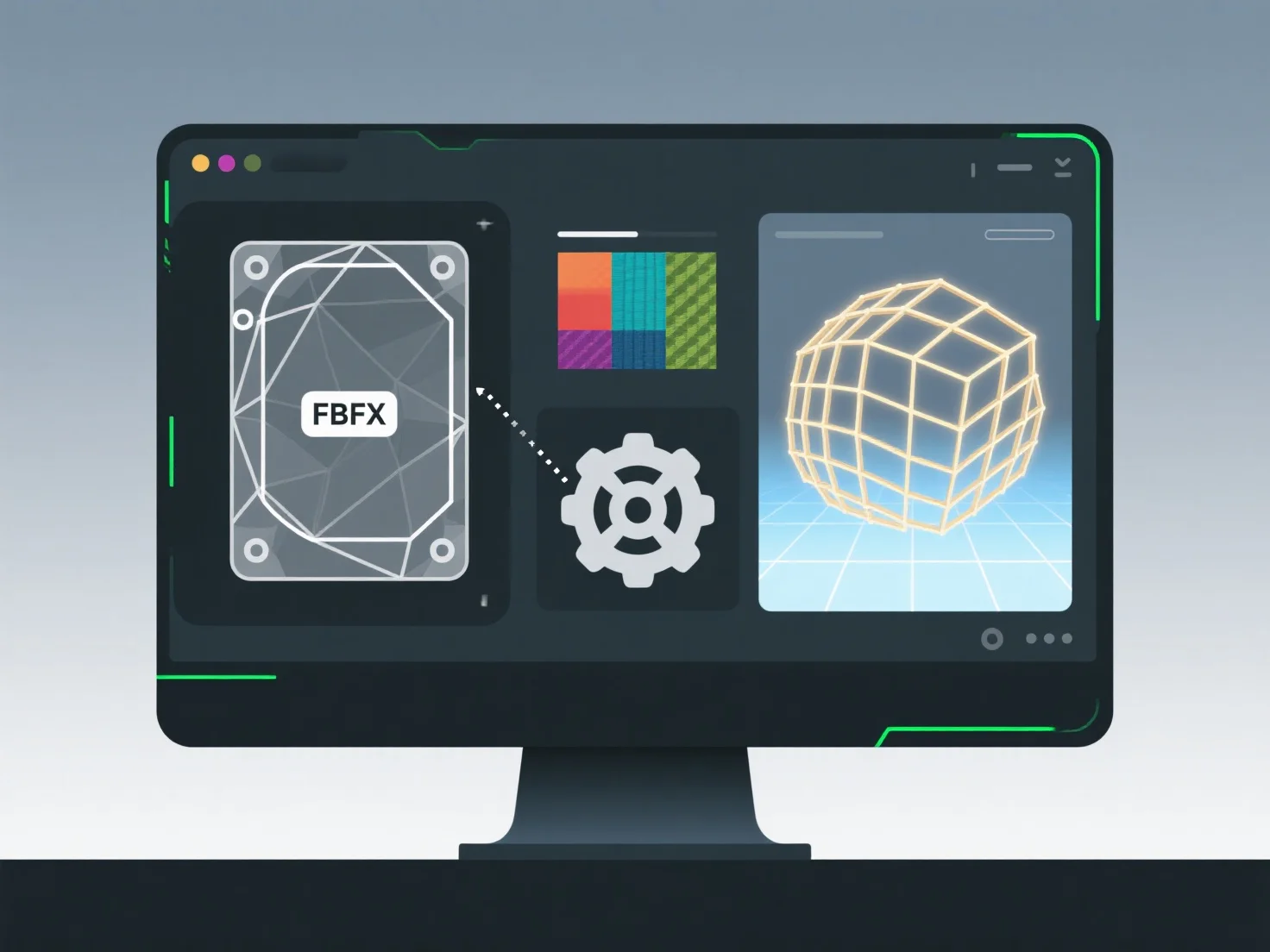
Spiel-Engines wie Unity handhaben den Import von 3D-Assets über eine strukturierte Pipeline, die Quelldateien in für die Echtzeitnutzung optimierte Formate konvertiert.
Die wichtigsten Schritte umfassen: - Parsing von Quelldateien: Unterstützung von Formaten wie FBX, OBJ oder glTF, Extrahieren von Geometrie, Materialien und Animationen. - Geometrie-Konvertierung: Umwandlung von 3D-Modellen in Meshes, Optimierung von Polygonen und Berechnung von Normalen/Tangenten für das Rendering. - Materialübersetzung: Umwandlung von Quellmaterialien in engine-kompatible Shader, Zuordnung von Eigenschaften wie Texturen und Lichtantworten. - Animationsverarbeitung: Baking von Keyframes, Verknüpfung mit Rigs und Gewährleistung der Kompatibilität mit dem Animationssystem von Unity.
Diese Pipeline stellt sicher, dass Assets in Rendering, Physik und Animation integriert werden; sie löst Importprobleme, indem sie die Dateiintegrität überprüft oder Einstellungen anpasst.