Startseite/Hitem3D FAQ/How do different software applications affect the stages of 3D modeling?

How do different software applications affect the stages of 3D modeling?

Specialized software tools impact 3D modeling stages, optimizing workflow efficiency and output quality through tailored functionality.

How do different software applications affect the stages of 3D modeling?

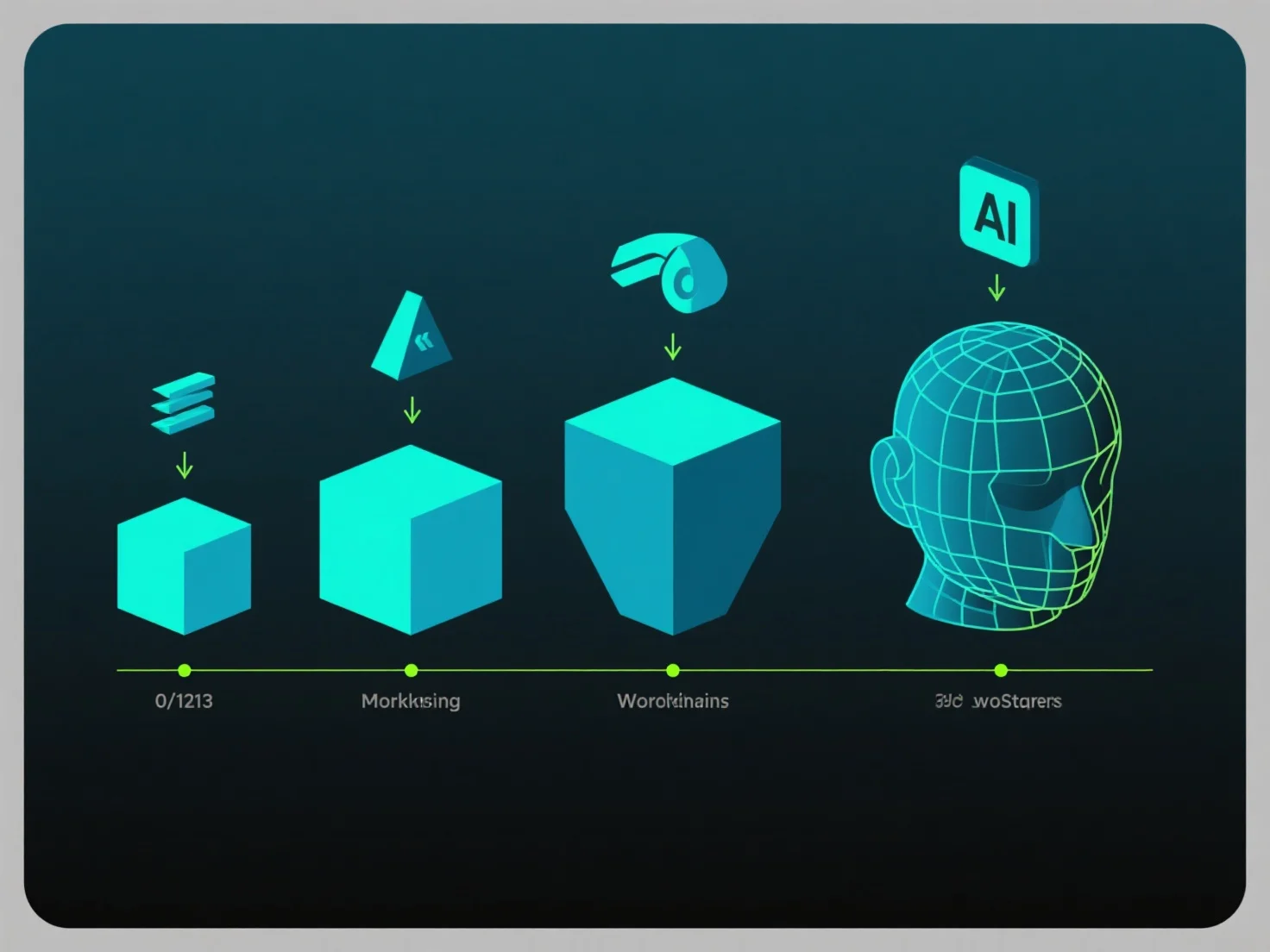
Different software applications affect 3D modeling stages by providing specialized tools for tasks like mesh creation, texturing, and rendering, directly influencing workflow efficiency and output quality.

Key stages experience distinct software impacts: In initial modeling, CAD tools (e.g., AutoCAD) prioritize precise parametric design for technical projects, while sculpting software (e.g., ZBrush) enables high-detail organic mesh shaping. For texturing, tools like Substance Painter streamline material application, and rendering engines (e.g., V-Ray) enhance final visual realism.

Matching software to dominant stages optimizes results—Blender suits versatile, multi-stage workflows, while specialized tools target specific phases, ensuring each stage benefits from tailored functionality.

ZurückWeiter
Produkt
Web Studio
API-Plattform
Funktionen
Bild zu 3D
Multi-View zu 3D
Relief
Segmentierung
Modelle
Allgemeines Modell
Porträtmodell
Ressourcen
Blog
FAQ
API-Dokumentation
Über uns
Preise