


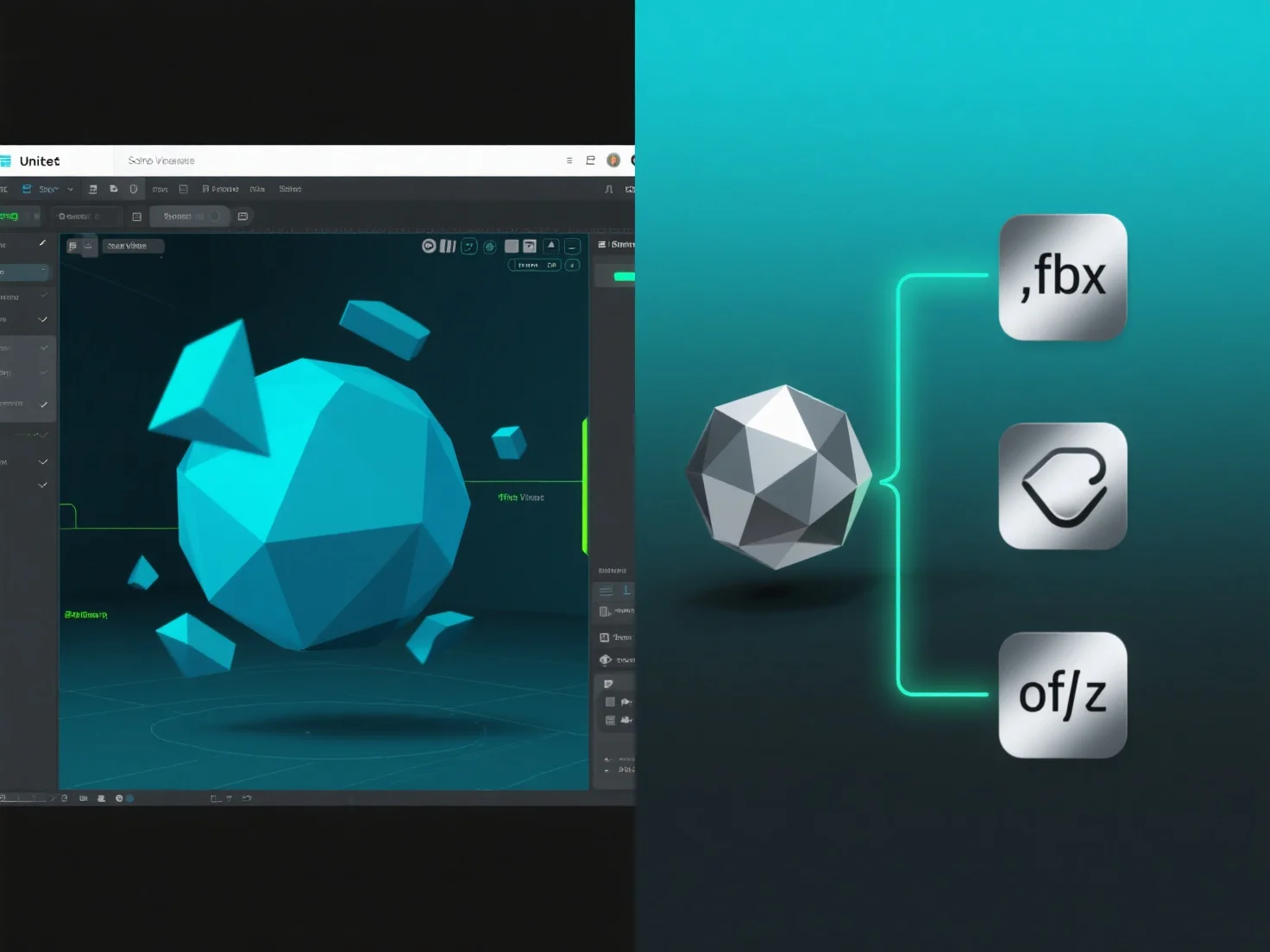
3D-Modelle in Unity verwenden die Formate .fbx oder .obj, indem sie als Asset-Dateien importiert werden, was die Integration von 3D-Geometrie, Texturen und Animationen in das Projekt ermöglicht.
Die Import-Pipeline von Unity verarbeitet diese Dateien beim Import und extrahiert Mesh-Daten (Vertices, Polygone) sowie Materialreferenzen, die für das Rendering unerlässlich sind.
Für .fbx-Dateien, zusätzliche Animationsclips
Sobald sie importiert wurden, werden die Modelle zu bearbeitbaren Assets, die in Szenen, Prefabs oder als Komponenten von Spielobjekten verwendet werden können, was die Entwicklungsarbeitsabläufe rationalisiert.
Diese Importmethode stellt sicher, dass .fbx- und .obj-Modelle nahtlos in Unity integriert werden, was Flexibilität bei der Erstellung von 3D-Inhalten bietet.