


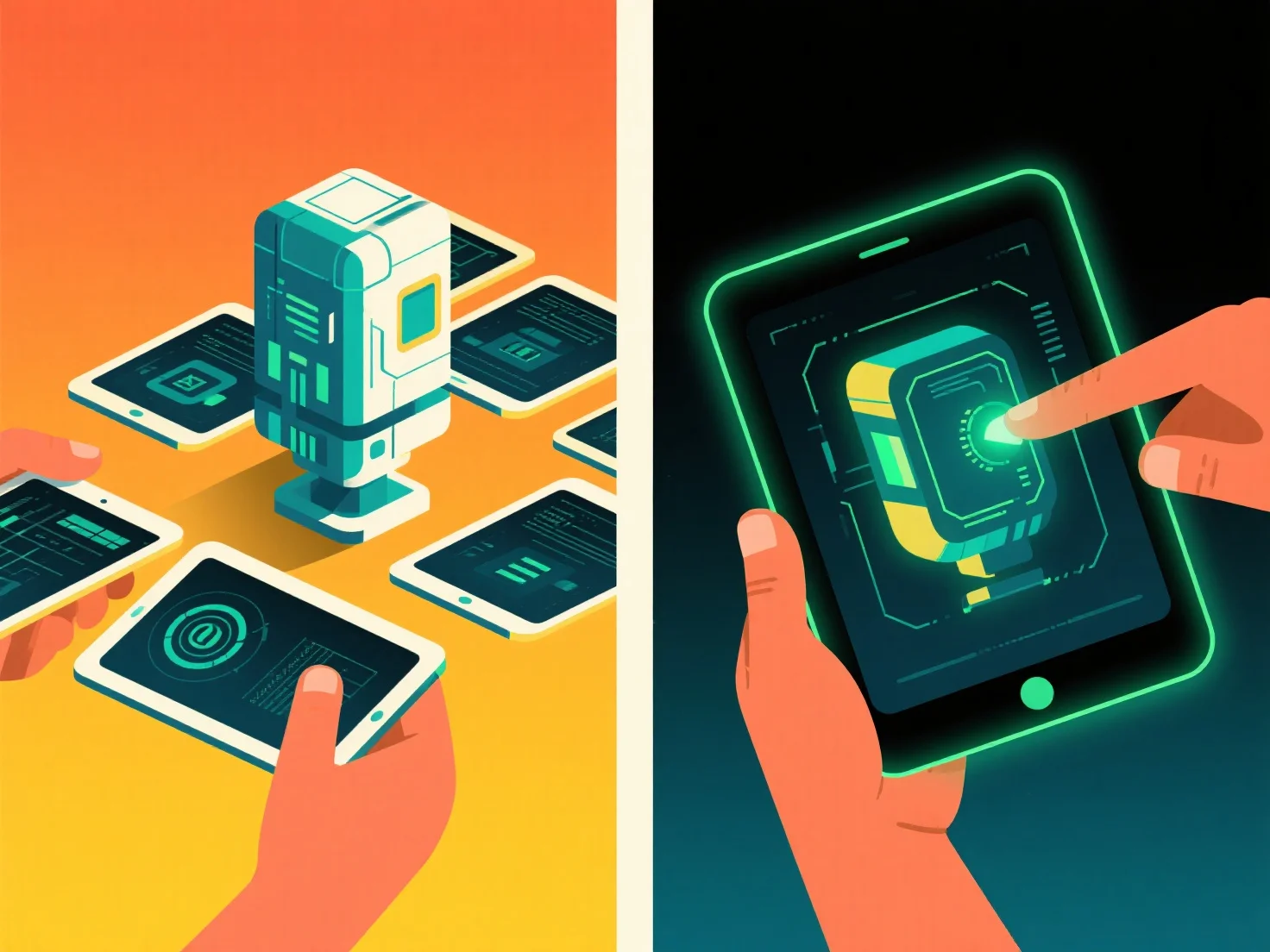
3D-Modelle passen sich der kollaborativen Nutzung an, indem sie der cloudbasierten Versionskontrolle und der Echtzeit-Bearbeitung für den Zugriff durch mehrere Benutzer Priorität einräumen, während die Einzelnutzung sich auf die lokale Dateiverwaltung und vereinfachte, benutzerzentrierte Workflows konzentriert.
Kollektive Setups betonen gemeinsam genutzte Tools: Cloud-Speicher für gleichzeitigen Zugriff, Echtzeit-Synchronisierung zur Vermeidung von Konflikten, rollenbasierte Berechtigungen.
Die Einzelnutzung konzentriert sich auf individuelle Bedürfnisse: lokale Dateispeicherung für Offline-Arbeiten, intuitive Schnittstellen für schnelle Bearbeitungen.
Für diejenigen, die zwischen Team- und Einzelarbeit wechseln, wählen Sie Tools mit hybrider Unterstützung. Cloud-Kollaboration für Teams und lokale Dateioptionen für Einzelprojekte. Um flexibel zu bleiben.