


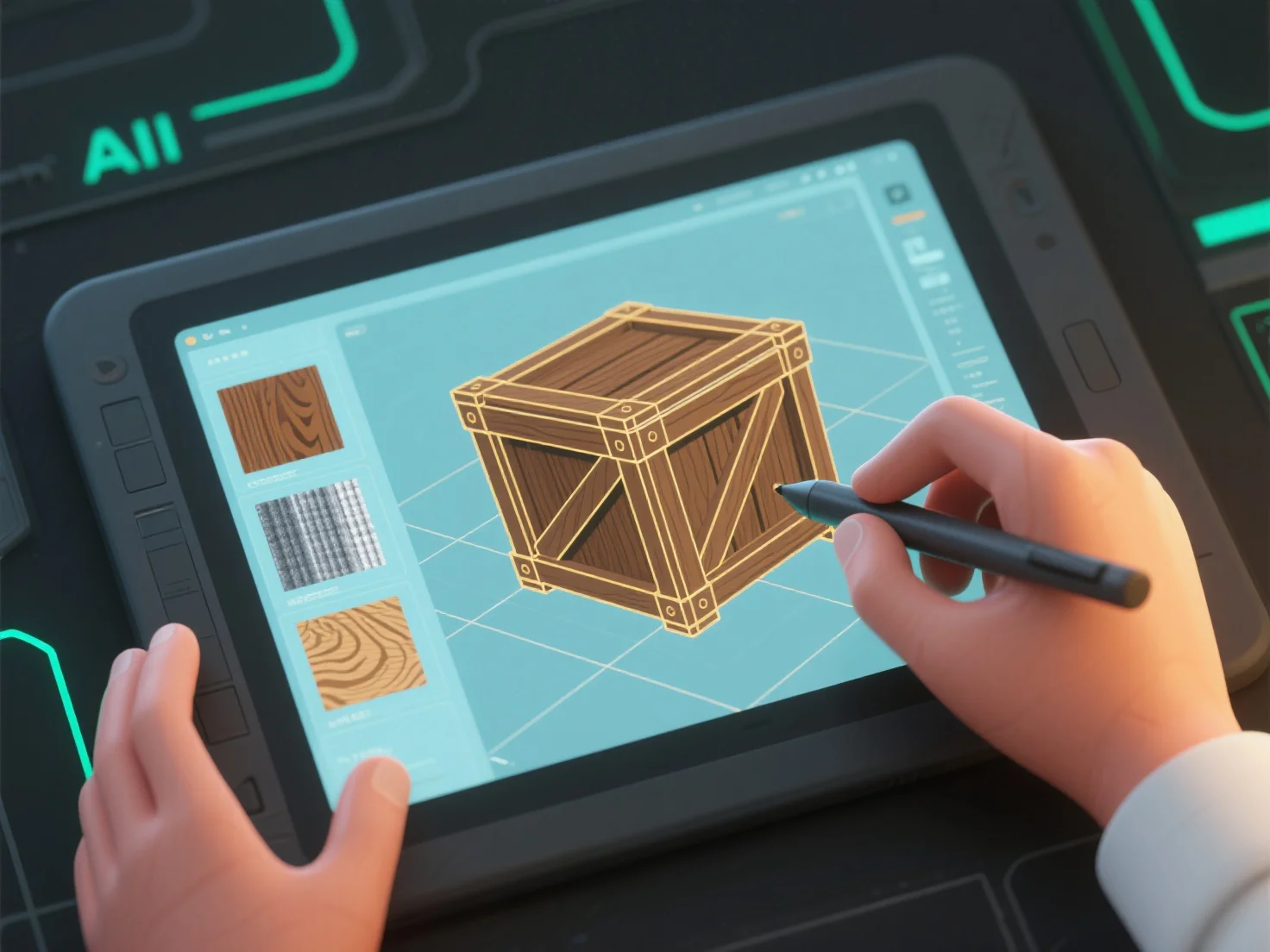
3D-Modellierer erstellen Texturen und Materialien, indem sie 2D-Texturdesign kombinieren.
Zunächst die Texturerstellung: Entwerfen Sie 2D-Karten (Diffuse, Normal, Roughness), um Oberflächendetails wie Poren, Kratzer oder Muster hinzuzufügen, die auf die Oberfläche des Modells angewendet werden.
Zweitens, Materialdefinition: Setzen Sie Attribute wie Albedo (Basisfarbe), Metallic oder Rauheit, um die Lichtinteraktion zu steuern, und simulieren Sie Oberflächen wie matt, glänzend oder metallisch.
Drittens, Tool-Integration: Software wie Substance Painter (Texturbemalung) oder Blender (Materialknoten) kombiniert Texturkarten und Materialeinstellungen für kohärente Ergebnisse.
Anfänger können mit vorgefertigten Texturbibliotheken beginnen und grundlegende Eigenschaften anpassen.