


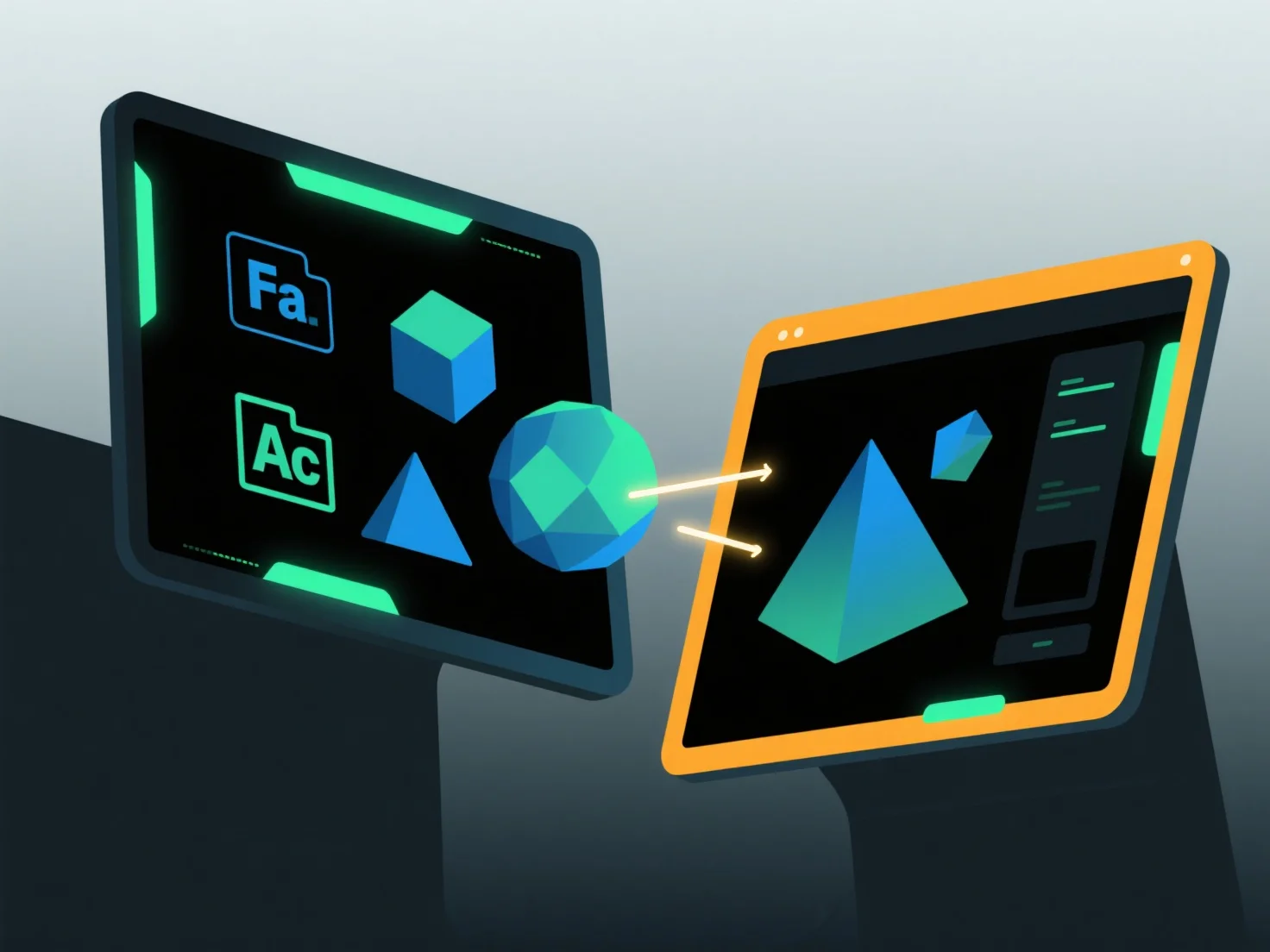
Um Modelle zwischen Softwareanwendungen zu importieren und zu exportieren, verwenden Sie gängige Austauschformate, die von beiden Tools unterstützt werden, in Kombination mit integrierten Import-/Exportfunktionen und Kompatibilitätsanpassungen.
Zunächst wählen Sie die gemeinsam genutzten Formate aus: Wählen Sie weit verbreitete Typen wie OBJ (bewahrt Geometrie/Texturen), FBX (verarbeitet Animationen) oder STL (ideal für den 3D-Druck), da diese wichtige Daten über Apps hinweg erhalten.
Als nächstes verwenden Sie Software-Tools: Greifen Sie auf die Funktion "Importieren" oder "Exportieren" im Menü der Anwendung zu, wählen Sie das Zielformat und folgen Sie den Anweisungen zum Laden oder Speichern von Dateien.
Schließlich passen Sie die Einstellungen an: Stellen Sie sicher, dass die Textureinbettung, die Einheitsskalierung oder die Koordinatenausrichtung mit beiden Softwareprogrammen übereinstimmen, um Datenverlust zu verhindern.
Diese Methode gewährleistet einen reibungslosen Modelltransfer zwischen verschiedenen Anwendungen.