


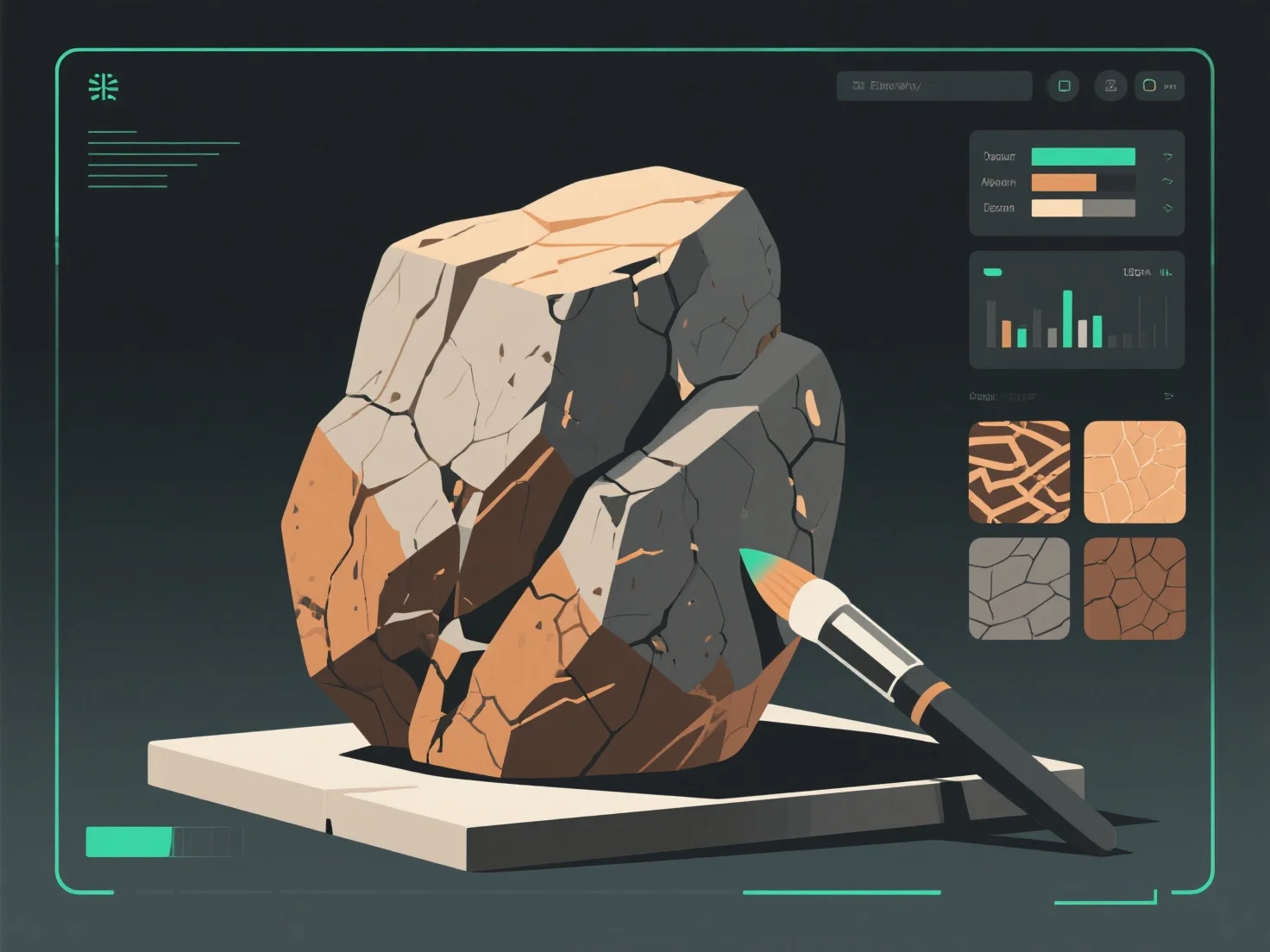
Um realistische Stein- und Felsenstrukturen für 3D-Modelle zu erstellen, konzentrieren Sie sich auf die Nachbildung natürlicher Merkmale wie Oberflächenrauheit, Farbvariation und Verwitterung mithilfe von Texturkarten und Referenzanalysen.
Zunächst sollten Sie echte Gesteinsproben untersuchen: Beobachten Sie Details wie Farbverläufe (erdige Töne, Mineraladern), Oberflächenunregelmäßigkeiten (Risse, Lücken) und Verwitterungserscheinungen (Moos, Erosion), um das Texturdesign zu leiten.
Zweitens, verwenden Sie Schlüssel-Texturenmaps: Albedo-Maps setzen die Grundfarbe; Bump/Displacement-Maps fügen Tiefe hinzu.
Drittens, fügen Sie Details mit Software hinzu: Werkzeuge wie Substance Painter oder Blender ermöglichen es Ihnen, feine Elemente wie Moosflecken, Wasserflecken oder abgesplitterte Kanten hinzuzufügen, um den Realismus zu verbessern und dem Aussehen von Felsen in der Natur zu entsprechen.
Diese Schritte stellen sicher, dass Texturen mit dem Verhalten von Felsen in der realen Welt übereinstimmen, was die Immersion in Spielen, architektonischen Visualisierungen oder Simulationen verstärkt.