


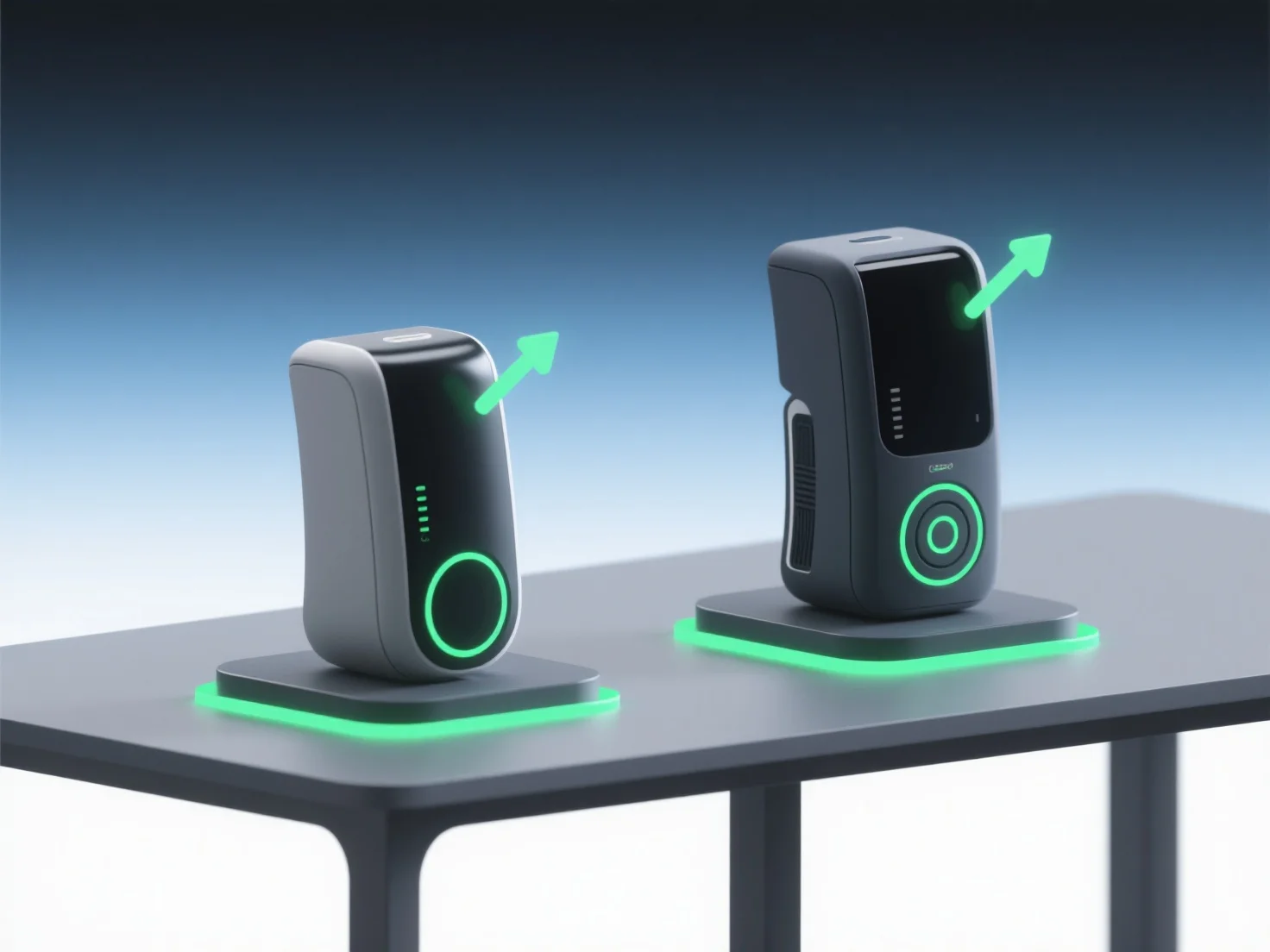
3D-Modelle ermöglichen einen effektiven Vergleich von Designkonzepten in Pitch-Präsentationen, indem sie visuell und interaktiv Unterschiede in Struktur, Maßstab und Funktionalität hervorheben, was es für Stakeholder einfacher macht, wichtige Unterschiede zu erfassen.
- **Visuelle Klarheit**: Sie ersetzen abstrakte 2D-Zeichnungen oder verbale Beschreibungen und ermöglichen es den Stakeholdern, räumliche Beziehungen, Materialstrukturen und ästhetische Details auf eine lebensechte, intuitive Weise zu sehen. - **Dynamischer Vergleich**: Verwenden Sie nebeneinander angeordnete 3D-Renderings oder Animationen, um Iterationen zu vergleichen. Zum Beispiel, um Fassadenvariationen oder ergonomische Unterschiede zu zeigen. Dies hilft dem Publikum, Nuancen schnell zu erkennen. - **Interaktives Engagement**: Interaktive 3D-Modelle ermöglichen es den Betrachtern, zu zoomen, zu drehen oder Funktionen zu aktivieren, was ein tieferes Verständnis und eine bessere Abstimmung auf die bevorzugten Konzepte fördert.
Durch die Kombination von visuellem Realismus, dynamischem Kontrast und Interaktivität vereinfachen 3D-Modelle die Konzeptbewertung und stellen sicher, dass das Publikum effizient mit dem besten Design in Verbindung tritt und es auswählt.