


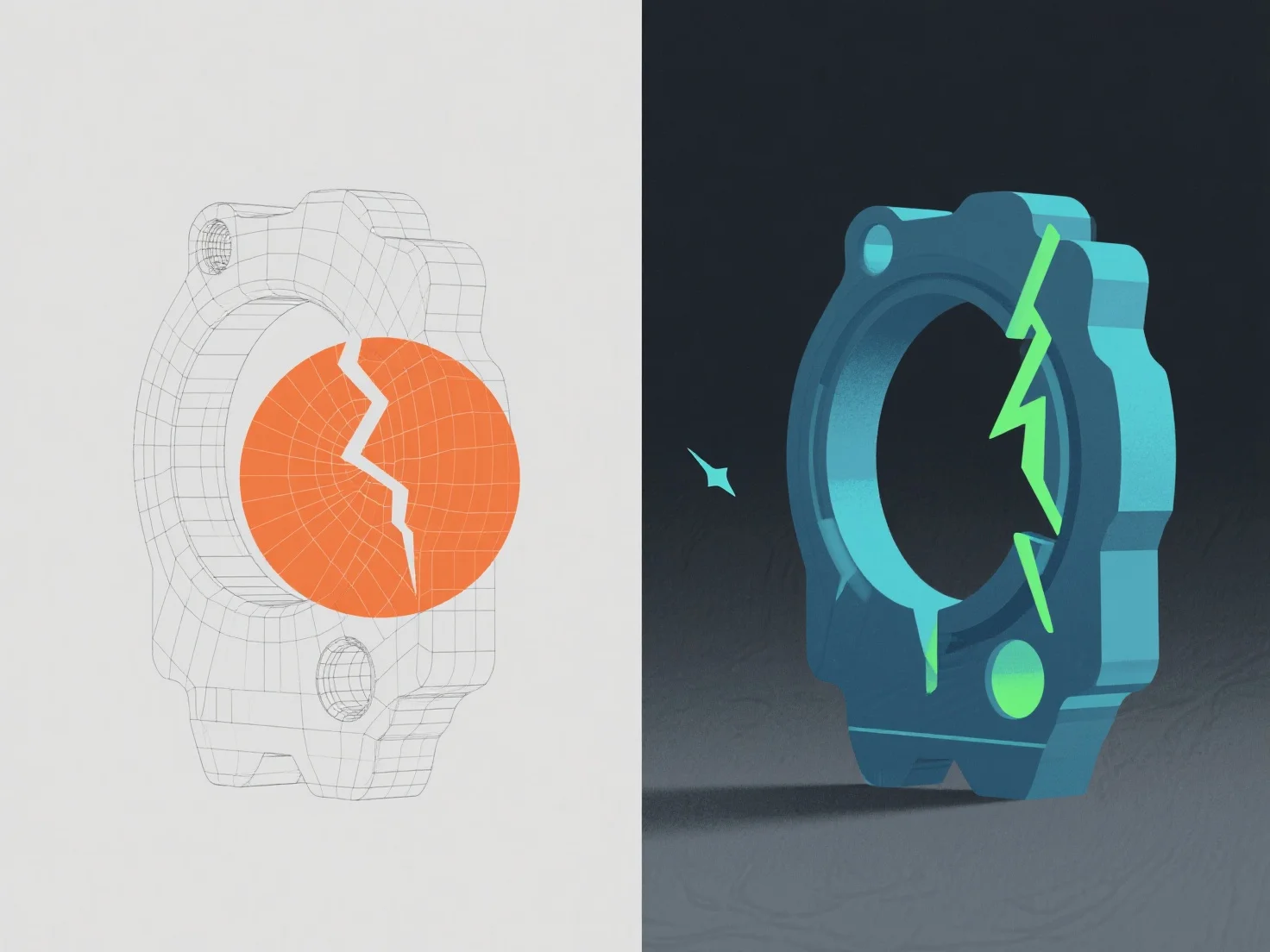
Fehler in einem 3D-Modell werden durch Software-Validierungstools und manuelle Inspektionen identifiziert und anschließend durch Anpassung der Geometrie, Topologie oder Texturdaten korrigiert.
Häufige Probleme umfassen nicht-manifold Kanten (die von Tools wie Blenders Mesh Analysis markiert werden und durch Zusammenführen oder Löschen überflüssiger Vertexe behoben werden), umgedrehte Normale (die über Schattierungslücken erkannt werden und durch Neuberechnung der Normale korrigiert werden) und Texturstreckung (die in UV-Unwrapping-Tools erkannt wird und durch Verfeinerung der UV-Karten angepasst wird).
Automatisierte Überprüfungen in Maya oder ZBrush erkennen zunächst grundlegende Fehler, während eine manuelle Überprüfung die visuelle/technische Konsistenz sicherstellt und gewährleistet, dass das Modell Projektstandards wie Netzintegrität und Renderbereitschaft erfüllt.