For centuries, artists have brought their imaginations to life using clay, marble, and wood. But as we move deeper into the digital age, the tools of the trade have evolved drastically. If you are a traditional artist, sculptor, or art student, you have likely heard the term digital sculpting buzzing around the creative industry.
Transitioning from a physical studio to a digital canvas might feel intimidating, but it offers unparalleled freedom. There is no dust, no drying clay, and best of all—an infinite “undo” button. Whether you are looking to design characters for the next hit video game, create intricate jewelry, or prepare breathtaking models for 3D printing, mastering this medium is the key to unlocking new creative workflows in 2026.
In this 3D sculpting guide, we will cover what digital sculpting is, how it compares to traditional methods, the best tools available, and how you can seamlessly blend AI technology into your creative process.
What is Digital Sculpting?
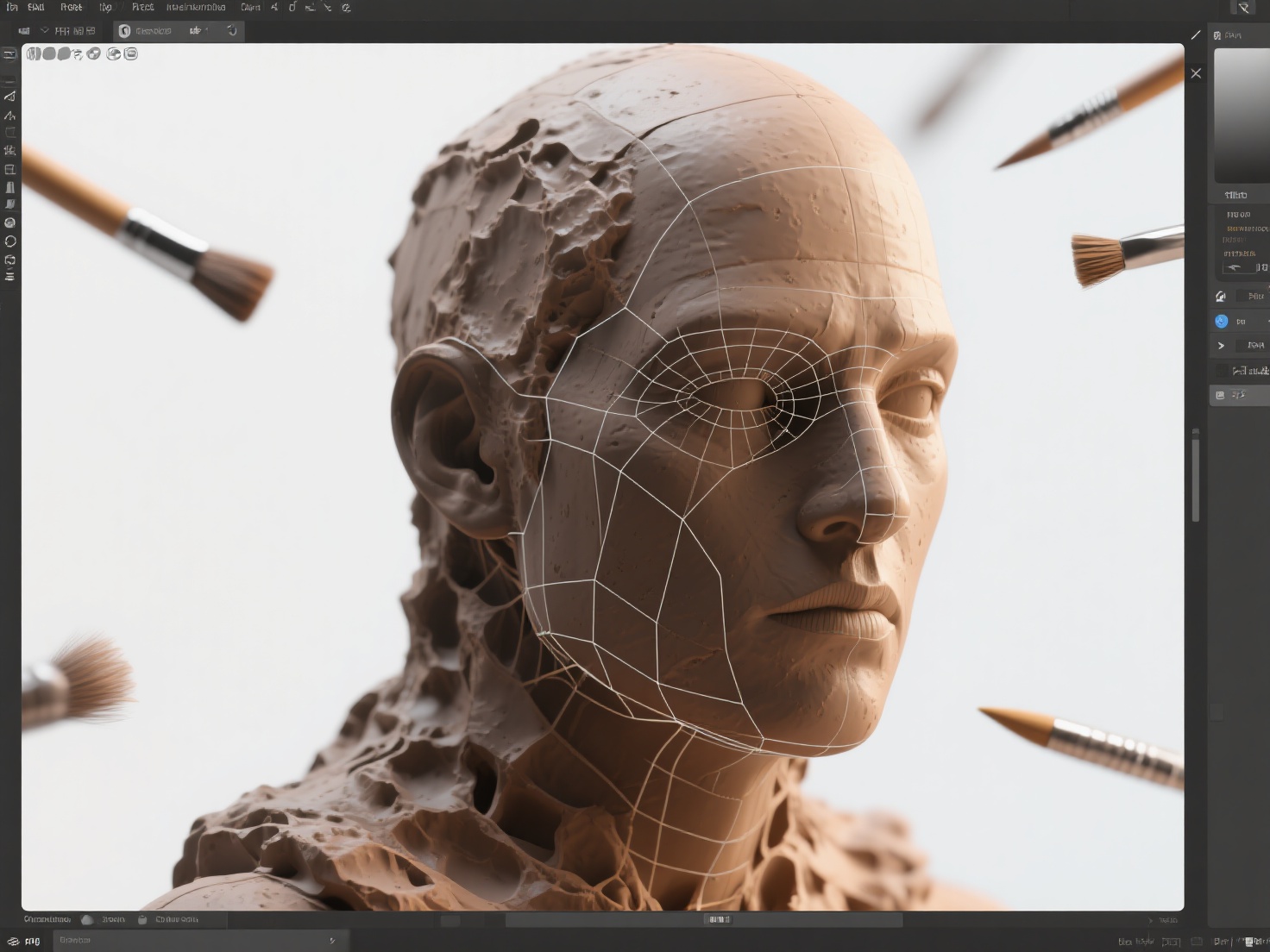
Digital sculpting is a 3D modeling process that mimics traditional clay sculpting by allowing artists to intuitively push, pull, smooth, grab, and pinch digital material using virtual brushes. Unlike traditional polygon modeling—which requires you to manually manipulate individual points (vertices), edges, and faces mathematically—digital sculpting feels organic and fluid, heavily relying on a pressure-sensitive graphics tablet.
Digital Sculpting vs. Traditional Sculpting
While traditional sculpture is bound by the laws of physics, digital sculpting is entirely limitless. You do not have to worry about armatures collapsing under the weight of wet clay, and you can easily mirror your work in real-time to achieve perfect symmetry. Furthermore, digital clay never dries out, allowing you to return to a project months later with the same malleability as day one.
Digital Sculpting vs. Polygon Modeling
In standard polygon modeling, artists carefully build objects piece by piece to maintain clean “topology” (the underlying wireframe grid of a 3D model). It is highly technical and perfect for hard-surface objects like cars or architecture. Digital sculpting, on the other hand, ignores the technical grid during the creative phase. It allows artists to focus purely on shapes, anatomy, and fine details like wrinkles and pores, making it the industry standard for organic forms.
Core Concepts of Digital Sculpting You Need to Know
To fully understand what digital sculpting is, you need to familiarize yourself with the foundational mechanics that drive the software. Here are the core concepts every beginner must grasp.
1. Virtual Brushes
Just as a painter has different brushes for different strokes, a digital sculptor uses various virtual brushes to manipulate the 3D surface.
- Standard Brush: Adds or subtracts basic volume.
- Clay Buildup: Mimics adding strips of raw clay to build foundational muscle structures.
- Smooth Brush: Softens harsh transitions and evens out the surface.
- Crease/Dam Standard: Carves sharp, deep lines—perfect for wrinkles, cloth folds, or mechanical panel lines.
2. Subdivision Levels vs. Dynamic Topology
As you add more detail to your sculpture, you need more digital “clay” (polygons) to support those details. There are two primary ways to achieve this:
- Subdivision Levels: You start with a low-resolution base mesh and multiply the polygons across the entire model evenly. You can step up to add pores, and step back down to adjust the overall posture.
- Dynamic Topology (Dyntopo/Sculptris Pro): The software automatically generates new polygons only where you brush. This is incredible for digital sculpting for beginners, as you do not have to worry about running out of geometry when pulling out a long shape, like a character’s horn.
3. Masking and Hiding
Masking works exactly like applying painter’s tape to a canvas. You can paint a dark mask over a specific area of your model to “freeze” it. When you sculpt over that area, the unmasked portions will move, but the masked sections will remain completely untouched. This is crucial for extracting clothing or posing a character without warping their limbs.
Top Digital Sculpting Tools in 2026
The software landscape has matured significantly, offering powerful options for every budget and hardware setup.
ZBrush
Developed by Maxon, ZBrush remains the undisputed heavyweight champion of the digital sculpting world. It can handle tens of millions of polygons effortlessly. While its user interface is notoriously unique and has a steep learning curve, it is an absolute necessity for anyone looking to enter the AAA gaming or Hollywood VFX industries.
Blender (Sculpt Mode)
Blender is a free, open-source 3D powerhouse that has taken the world by storm. Its dedicated Sculpt Mode has grown incredibly robust, featuring dynamic topology, cloth brushes, and excellent rendering capabilities. For anyone exploring a digital sculpting for beginners pathway, Blender is universally recommended.
Nomad Sculpt
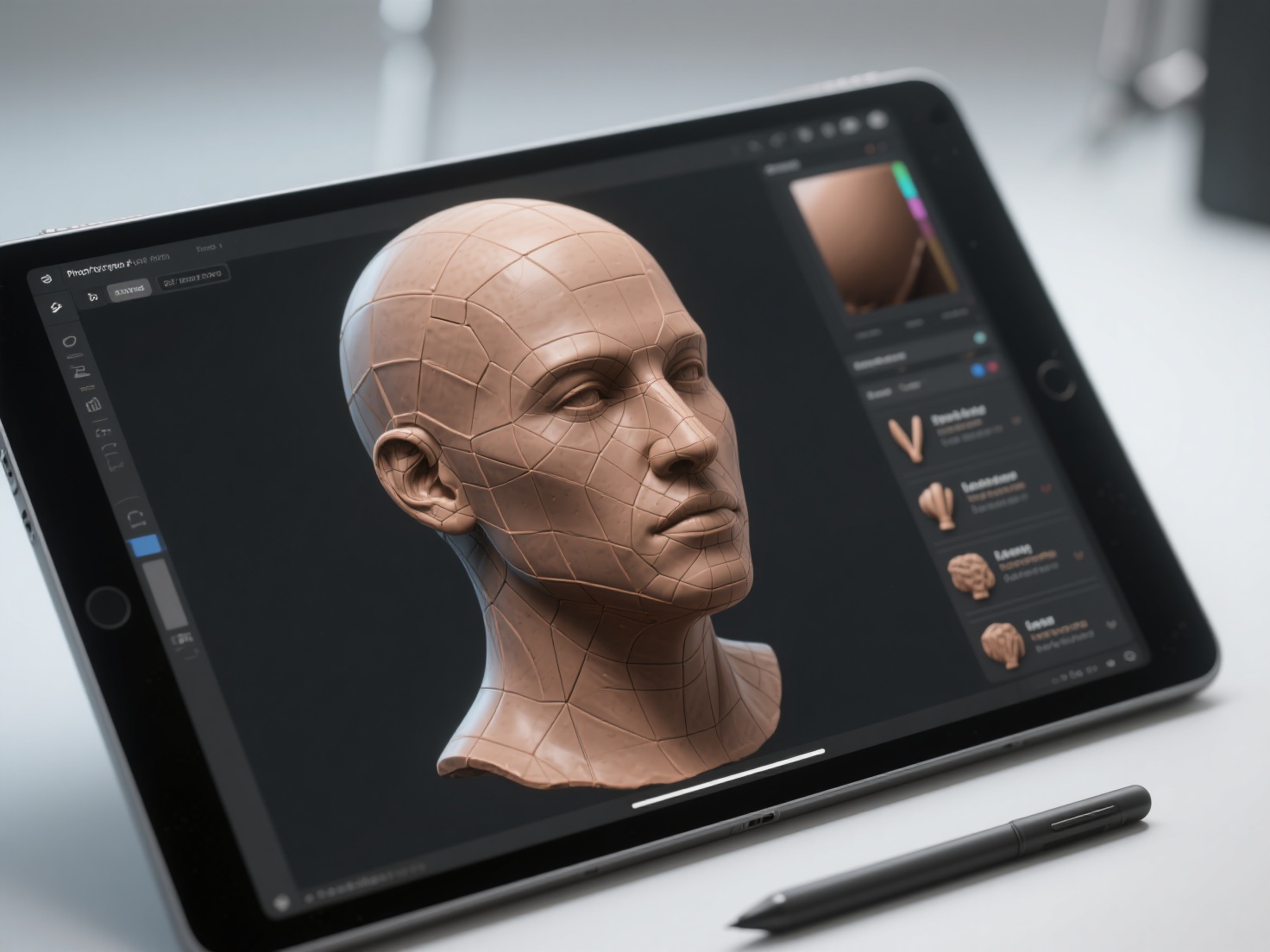
The rise of mobile technology has brought high-end sculpting to tablets. Nomad Sculpt is an astonishingly powerful app for the iPad and Android tablets. It allows traditional artists to sculpt on the couch or in a coffee shop using an Apple Pencil, providing a highly tactile and intimate sculpting experience that bridges the gap between traditional and digital.
Mudbox
Originally developed by Weta Digital and now owned by Autodesk, Mudbox is a highly intuitive alternative to ZBrush. It features an excellent layer-based sculpting system and is particularly renowned for its texture painting capabilities, though it has seen slower updates in recent years compared to its competitors.
Real-World Applications of Digital Sculpting
Why are so many traditional sculptors migrating to digital tools? The applications are vast and highly lucrative.
- Character and Creature Design: Every monster, alien, and hero in modern video games and blockbuster films begins as a digital sculpture. Artists use these tools to define the anatomy, scales, and micro-details of creatures before they are animated.
- Fine Art and 3D Printing: Traditional artists are increasingly using digital sculpting to design complex physical art. Once a digital sculpt is finished, it can be exported as an STL file and sent to a resin 3D printer, resulting in a perfect physical replica that can be cast in bronze or sold as a collectible resin kit.
- Jewelry and Product Design: Precision tools within sculpting software allow artisans to create intricate rings, pendants, and decorative elements that would be nearly impossible to carve by hand at such a small scale.
Best Practices for Beginners Translating Traditional Skills
If you are a traditional sculptor stepping into the digital realm, your understanding of anatomy, form, and silhouette already gives you a massive advantage. Keep these best practices in mind to smooth your transition.
1. Start with a Strong Base Mesh
Do not try to sculpt a complex human figure from a single digital sphere. In traditional sculpting, you build a wire armature first. In digital sculpting, you start with a Base Mesh—a low-polygon mannequin that has the basic proportions of your subject. Getting a good base mesh saves hours of frustrating structural work.
2. Work in Primary to Tertiary Forms
A common mistake in digital sculpting is zooming in too early to sculpt pores and wrinkles before the underlying anatomy is correct. Always work in stages:
- Primary Forms: Overall silhouette, posture, and major masses (ribcage, pelvis).
- Secondary Forms: Muscles, fat pads, and bone landmarks.
- Tertiary Forms: Skin texture, wrinkles, and micro-details.
3. Use Reference Material Heavily
Just because you are in a digital space does not mean you should sculpt from memory. Use software like PureRef to keep anatomy charts, lighting references, and concept art visible on your screen at all times.
The Future of Sculpting and Your Next Steps
Learning what digital sculpting is opens up an entire universe of creative potential. As we look through this 3D sculpting guide, it becomes clear that blending traditional artistic sensibilities with cutting-edge digital tools is the future of design, art, and manufacturing.
However, one of the biggest hurdles for traditional artists transitioning to digital is the initial setup phase—creating that perfect “base mesh” from their 2D concept sketches before the actual sculpting begins. This is where AI drastically accelerates the workflow.
Hitem3D is a next-generation AI-powered 3D model generator that can instantly bridge the gap between your 2D ideas and 3D sculpting. Built on the proprietary Sparc3D (high precision) and Ultra3D (high efficiency) models, Hitem3D allows you to simply upload your 2D sketch or reference image and instantly generate a production-ready 3D model.
Unlike basic AI generators, Hitem3D features groundbreaking Invisible Parts Reconstruction, meaning it intelligently infers and generates the hidden back-structures of your 2D image. It outputs clean, print-ready geometry in formats like OBJ, STL, and GLB, with resolutions up to 1536³ Pro (up to 2M polygons). You can easily import this high-fidelity output directly into ZBrush or Blender as your base mesh, skipping hours of tedious block-out work so you can focus entirely on the art of sculpting. Furthermore, it offers seamless integration for 3D printing with one-click direct sends to Bambu Studio and OrcaSlicer.
Ready to revolutionize your digital sculpting workflow and bring your 2D concepts into 3D instantly?
Create For Free ->
Frequently Asked Questions (FAQ)
Do I need a drawing tablet for digital sculpting?
Yes. While it is technically possible to use a computer mouse, it is highly discouraged. A graphics tablet (like a Wacom or Huion) or an iPad provides pressure sensitivity, allowing you to control the depth and strength of your brush strokes intuitively, much like pressing harder on physical clay.
Is digital sculpting hard to learn for traditional artists?
The software interface will take some time to learn, but traditional artists usually progress much faster than complete beginners. Your existing knowledge of anatomy, light, shadow, and proportion translates 1:1 to digital sculpting. The only hurdle is muscle memory with the software.
Can I 3D print my digital sculptures?
Absolutely. Digital sculpting is the premier method for creating 3D printable miniatures, statues, and collectibles. Most sculpting software allows you to easily export your finished model as an STL or OBJ file. You can even use tools like Hitem3D to generate 3D bas-reliefs from 2D images, which are perfect for CNC routing or physical art printing.