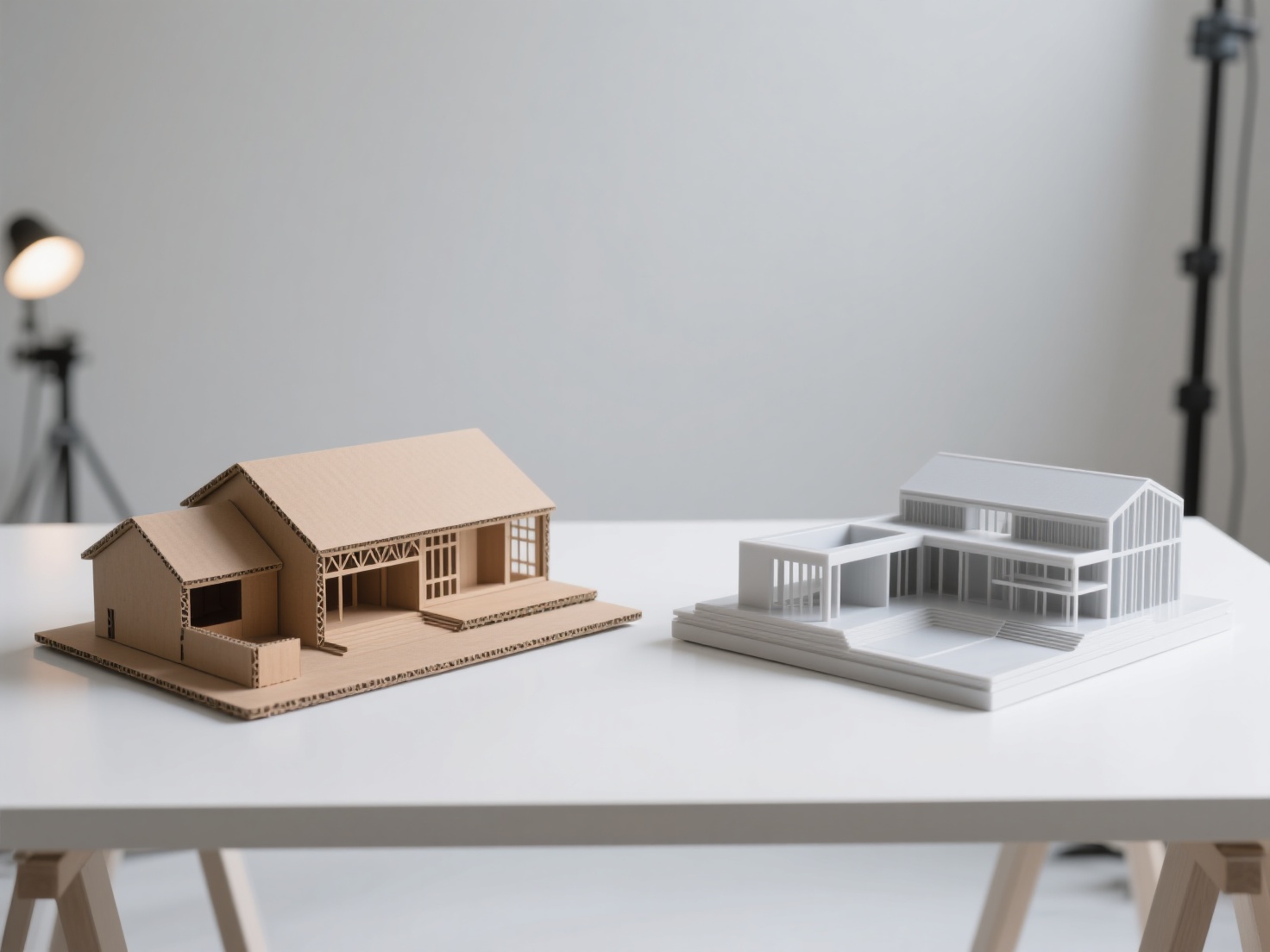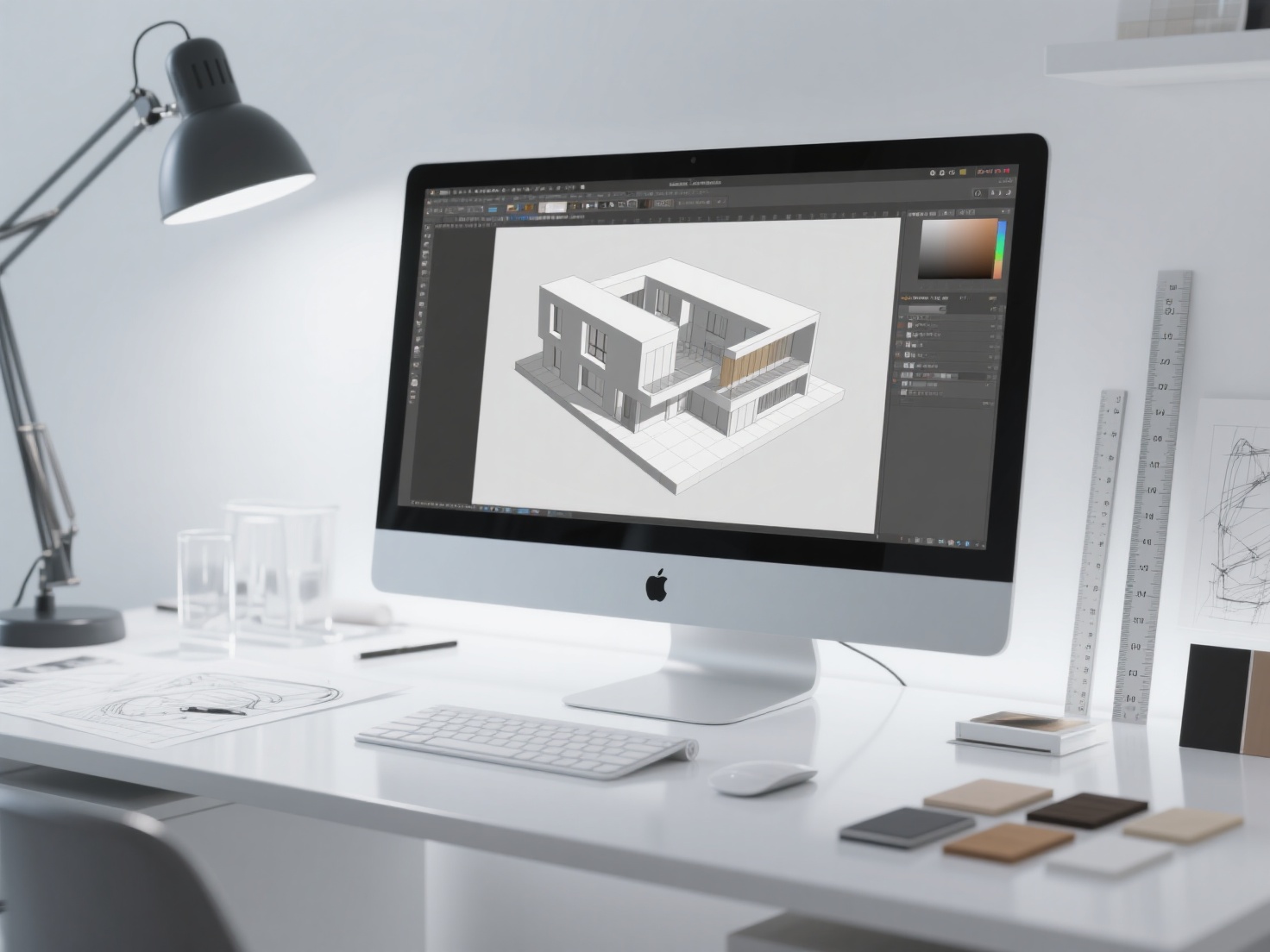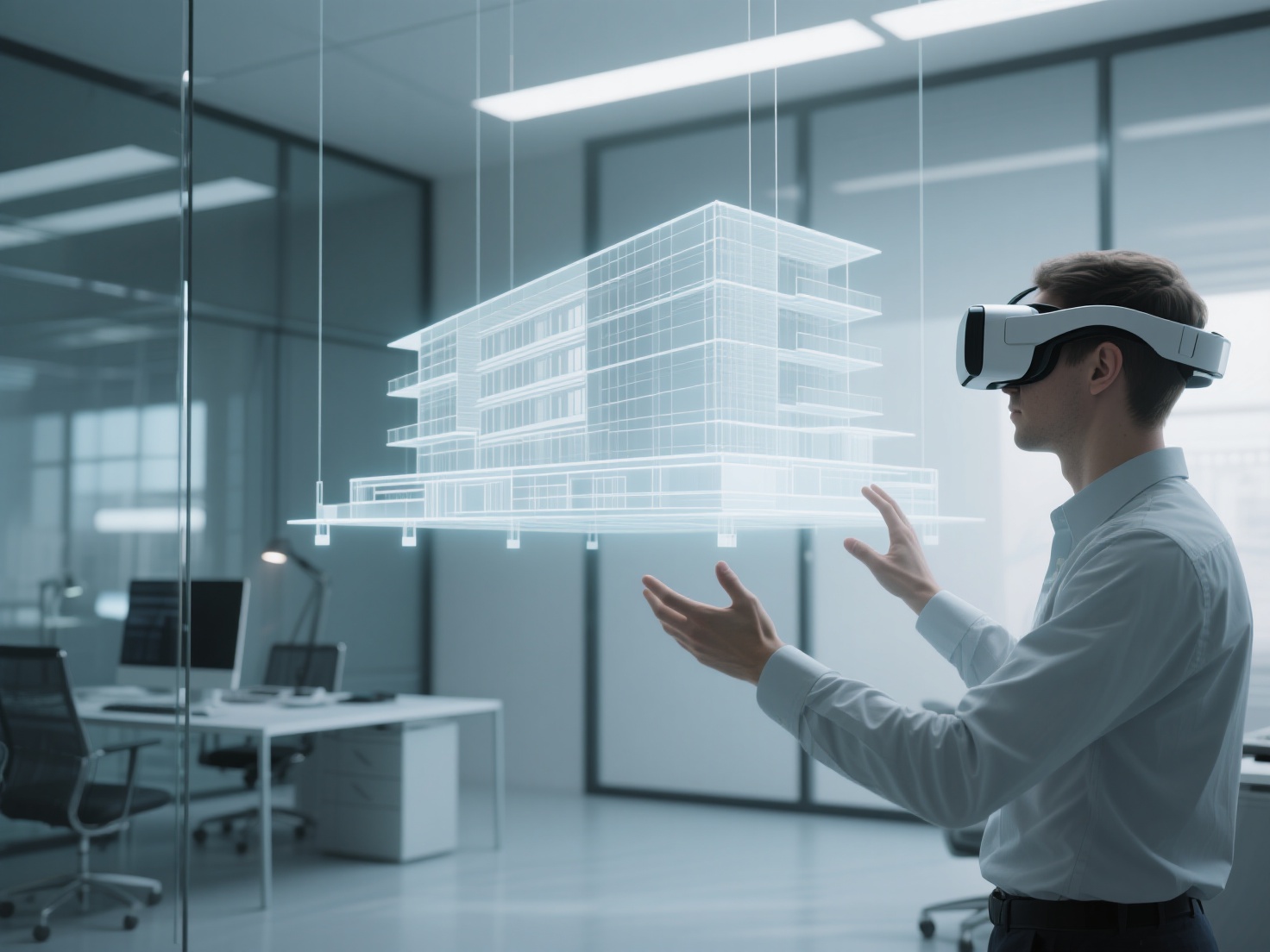
For decades, architects have relied on 2D blueprints, physical scale models, and static 3D renderings to communicate their vision. While these tools are foundational, they often leave clients struggling to truly comprehend scale, spatial flow, and lighting. Today, VR architecture is fundamentally bridging that imagination gap.
By leveraging virtual reality architecture, design professionals are transforming how buildings are conceptualized, reviewed, and presented. Instead of simply looking at a screen, clients can now put on a headset and step inside a fully realized, immersive environment long before a single brick is laid.
Whether you are an architect validating spatial relationships, an interior designer showcasing bespoke layouts, or a real estate developer looking to pre-sell properties, mastering the architectural VR walkthrough is no longer just an edge—it is an industry standard. In this guide, we will explore the core applications, essential tools, best practices, and AI workflows that go into creating a highly effective, immersive architecture presentation.
What is Virtual Reality Architecture?
Virtual reality (VR) architecture is the integration of immersive, computer-generated 3D environments into the architectural design and presentation workflow, allowing users to physically navigate and interact with a virtual building at a true 1:1 scale.
Unlike a standard 3D rendering on a monitor, an architectural VR walkthrough utilizes spatial tracking and stereoscopic displays to trick the brain into feeling true physical presence. This technology allows stakeholders to experience ceiling heights, corridor widths, and natural light patterns exactly as they will exist in the real world, drastically reducing costly revisions during the construction phase.
Key Software and Hardware for Architectural VR
To build a professional immersive architecture presentation, you need a combination of powerful real-time rendering software and capable VR hardware.
Leading VR Software Platforms for Architects
Choosing the right software depends on your need for speed versus your need for ultimate photorealism. Here is a breakdown of the industry standards:
| Software Platform | Best Use Case | Key Advantages |
|---|---|---|
| Enscape VR | Rapid design review | Plugs directly into Revit, SketchUp, and Rhino; true one-click VR; incredibly fast real-time rendering. |
| Lumion VR | High-quality visual presentations | Massive library of built-in assets (trees, people, cars); highly intuitive user interface; excellent weather and lighting effects. |
| Twinmotion | Fast, interactive environments | Powered by Unreal Engine; seamless synchronization with major CAD software; great for adding dynamic elements like wind and moving crowds. |
| Unreal Engine | Ultimate photorealistic realism | Unmatched visual fidelity; highly customizable interactivity (opening doors, changing materials in real-time); requires a steeper learning curve. |
Choosing the Right VR Headsets
The hardware you choose dictates the comfort and visual fidelity of your architectural VR walkthrough.
- Meta Quest (e.g., Quest 3): The current champion of accessibility. Because it is wireless and standalone, it is incredibly easy to take to a client’s office. It can also be tethered to a powerful PC for higher-end rendering.
- HTC Vive Pro Series: The go-to for tethered, high-fidelity studio setups. It offers exceptional tracking accuracy and high-resolution displays, ideal for detailed design reviews where graphical quality cannot be compromised.
- PlayStation VR2 (PSVR2): While traditionally gaming-focused, its recent PC compatibility and eye-tracking capabilities are making it an intriguing, high-end option for desktop-based architectural visualization.
Practical Applications of VR Architecture
The adoption of virtual reality architecture extends far beyond simply impressing clients. It impacts almost every phase of the project lifecycle.
1. Design Review and Spatial Validation
For architects, VR is an incredible diagnostic tool. By viewing a model at a 1:1 scale, designers can instantly spot ergonomic flaws that are easily missed on a screen. Is that kitchen island too close to the dining table? Does the ceiling feel too oppressive in the hallway? VR allows for immediate spatial validation, preventing expensive rework down the line.
2. Client Walkthroughs and Emotional Buy-In
An architectural VR walkthrough builds trust. When clients can physically walk through their future home or office space, they form an immediate emotional connection. They can see the morning sun hitting the living room floor or experience the view from the balcony. This level of immersion drastically speeds up the approval process and minimizes client anxiety.
3. Real Estate Marketing & Pre-sales
For real estate developers, VR is a game-changer for selling unbuilt properties. Instead of relying on a physical showpiece apartment, developers can offer an immersive architecture presentation of multiple floor plans and finish options in a single sales office, significantly boosting off-plan conversion rates.
4. Construction Coordination and Accessibility Testing
Before construction begins, contractors can use VR to perform clash detection (e.g., ensuring HVAC ducts don’t intersect with structural beams). Furthermore, VR is excellent for testing ADA compliance and accessibility. Designers can simulate navigating the space in a wheelchair to ensure counters, ramps, and doorways are fully functional.
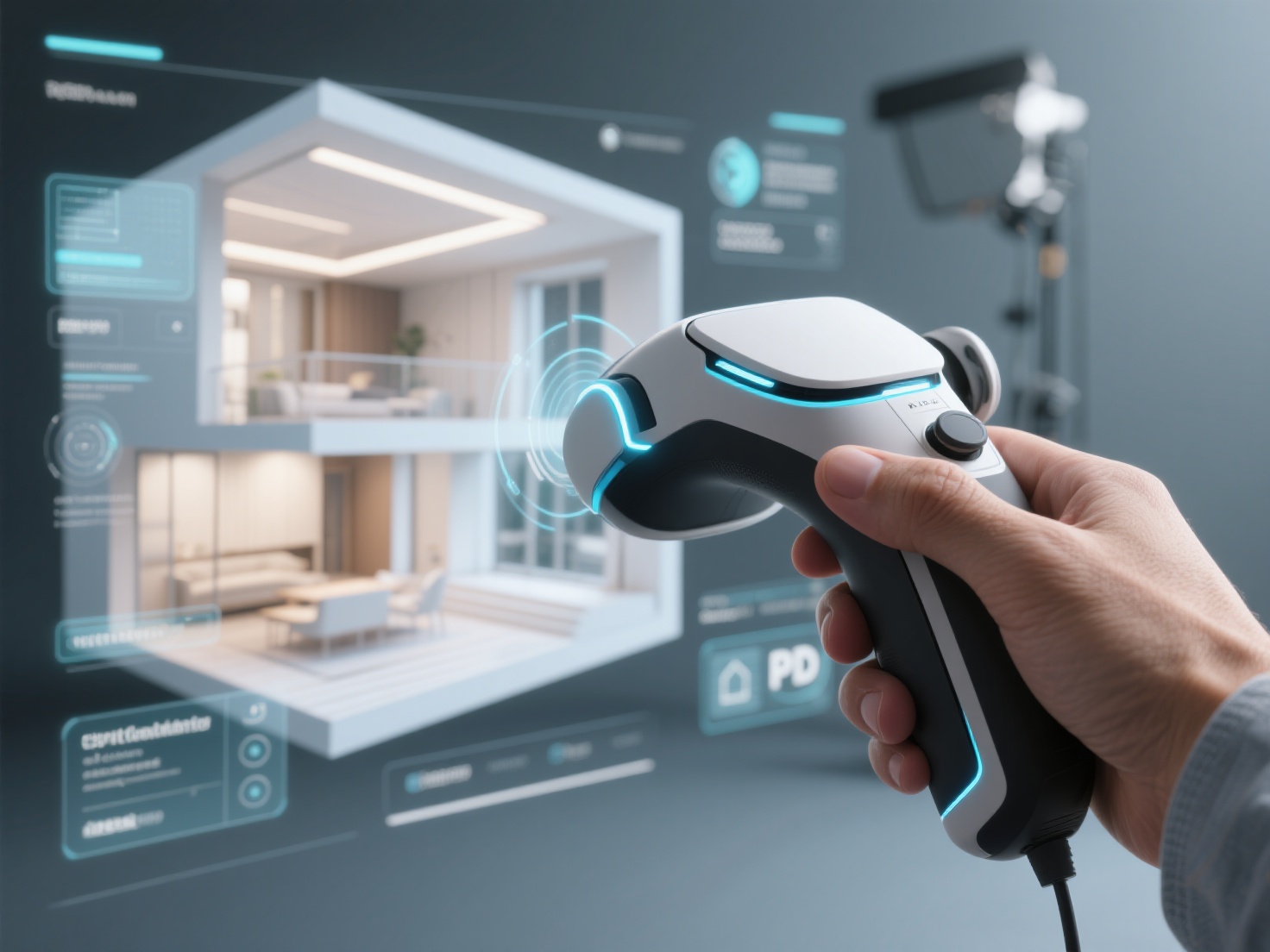
Best Practices for an Immersive Architecture Presentation
To ensure your VR architecture experience is breathtaking rather than nauseating, follow these critical best practices:
- Maintain High Frame Rates: Nothing ruins an architectural VR walkthrough faster than motion sickness. Optimize your 3D models to ensure a consistent frame rate of at least 72 to 90 frames per second (FPS).
- Optimize Polygon Counts: While CAD models are highly detailed, they are often too heavy for real-time VR. Decimate unnecessary geometry and use normal maps to simulate high details on flat surfaces.
- Focus on Scale References: An empty virtual room is hard to judge. Populate your scenes with accurately scaled furniture, plants, and decor. These assets provide the human brain with essential visual cues to understand the size of the space.
- Prioritize Realistic Lighting: Use physically based rendering (PBR) materials and accurate sunlight positioning. Proper shadows and reflections ground the user in reality and enhance the feeling of presence.
Populating VR Environments Faster with Hitem3D
Creating a truly convincing immersive architecture presentation requires filling the space with realistic, bespoke assets—custom sofas, unique light fixtures, or specific art pieces chosen by interior designers. Traditionally, manually modeling these individual props takes hours, and downloading generic stock models can make a bespoke design feel cheap.
This is where AI-driven content generation becomes a game-changer. Hitem3D is a next-generation AI-powered platform that transforms standard 2D images into high-fidelity, production-ready 3D models in minutes. Powered by the in-house Sparc3D (high precision) and Ultra3D (high efficiency) models, Hitem3D serves as the perfect companion for architectural visualization.
- Reconstruct Invisible Parts: When you upload a reference image of a chair or table, Hitem3D’s Invisible Parts technology intelligently reconstructs the hidden geometry beyond the visible surfaces, ensuring a complete, 360-degree model that looks perfect from any angle in VR.
- De-Lighted Textures for Dynamic Lighting: Standard photogrammetry often bakes shadows and highlights into the texture, which looks entirely fake when brought into a VR engine’s dynamic lighting system. Hitem3D generates 4K PBR-ready textures with advanced De-Lighted processing, removing baked-in lighting so the materials react naturally to your virtual sun and interior lights.
- Optimized for VR Engines: Hitem3D supports resolutions up to 1536³ Pro (up to 2M polygons), providing incredibly clean geometry with sharp edges. You can easily export assets in FBX, GLB, OBJ, or USDZ formats, ready to be dropped directly into Unreal Engine, Twinmotion, or Enscape.
- Risk-Free Asset Generation: With a generous Free Retry system, you can regenerate results without spending additional credits until the asset perfectly matches your architectural vision.
Conclusion
The shift toward virtual reality architecture is permanently changing how we design, communicate, and build. By integrating an architectural VR walkthrough into your workflow, you provide clients with an unparalleled level of transparency, accelerate the decision-making process, and eliminate costly spatial errors before construction begins.
As hardware becomes more accessible and real-time rendering engines become more powerful, the barrier to creating an immersive architecture presentation has never been lower. By combining these leading-edge VR platforms with AI-driven asset generation tools, architects can build breathtaking, fully populated virtual worlds faster than ever before.
Ready to elevate your architectural visualizations and populate your VR scenes with stunning, bespoke 3D assets in minutes? Join creators in over 50 countries who are transforming their workflows with next-gen AI. Create For Free today with Hitem3D.
Frequently Asked Questions (FAQ)
What is the best software for an architectural VR walkthrough?
The “best” software depends on your specific workflow. Enscape and Twinmotion are highly recommended for fast, daily design reviews due to their seamless integration with CAD software like Revit and SketchUp. If your goal is ultimate photorealism for a high-end client presentation, Unreal Engine is the industry standard.
How do I optimize 3D CAD models for VR architecture?
CAD models (like those from Revit or Rhino) often have excessively high polygon counts. You should optimize them by removing internal geometries that won’t be seen, using decimation tools to lower the poly count, and utilizing PBR textures (like those generated by Hitem3D) to simulate complex details without adding geometric weight.
Can VR architecture cause motion sickness for clients?
Yes, VR-induced motion sickness can occur if the frame rate drops below 72 FPS or if the movement controls are jarring. To prevent this, heavily optimize your 3D scenes to ensure smooth performance, and utilize “teleportation” locomotion schemes rather than smooth joystick walking for clients who are new to VR.
Do I need a powerful PC for a VR architecture presentation?
It depends on the headset and the software. Standalone headsets like the Meta Quest 3 can run optimized mobile VR applications without a PC. However, for real-time rendering of complex architectural scenes using Enscape, Lumion, or Unreal Engine, a high-end PC with a powerful dedicated GPU (like an NVIDIA RTX series) tethered to a headset is highly recommended.