For centuries, artists have shaped the world using their hands, carving stone and molding clay to bring their imagination to life. However, the rise of powerful 3D software has sparked a modern creative revolution. Today, artists and creators find themselves weighing the deeply tactile experience of physical mediums against the boundless possibilities of virtual workspaces.
If you are an artist considering expanding your toolkit, the debate of traditional vs digital sculpture is likely top of mind. Do you stick to the smell of wet clay and the physical resistance of wood, or do you transition to a stylus and screen where gravity no longer dictates your forms?
In this comprehensive guide, we will break down the exact differences between these two mediums. By comparing tools, costs, iterability, and career applications, we will help you decide which approach—or perhaps a hybrid of both—best suits your art practice.
What is Traditional vs Digital Sculpture?
To win the featured snippet for our readers, let’s define these core concepts clearly:
Traditional sculpture is the physical art of shaping tangible materials—such as clay, stone, wood, or bronze—using hands and physical tools to carve, model, or cast three-dimensional objects in the real world.
Digital sculpture (or 3D sculpting) is the process of manipulating virtual mesh topologies in a 3D software environment (like ZBrush or Blender) using digital tools that simulate real-world pushing, pulling, and smoothing, resulting in a computer-generated 3D model.
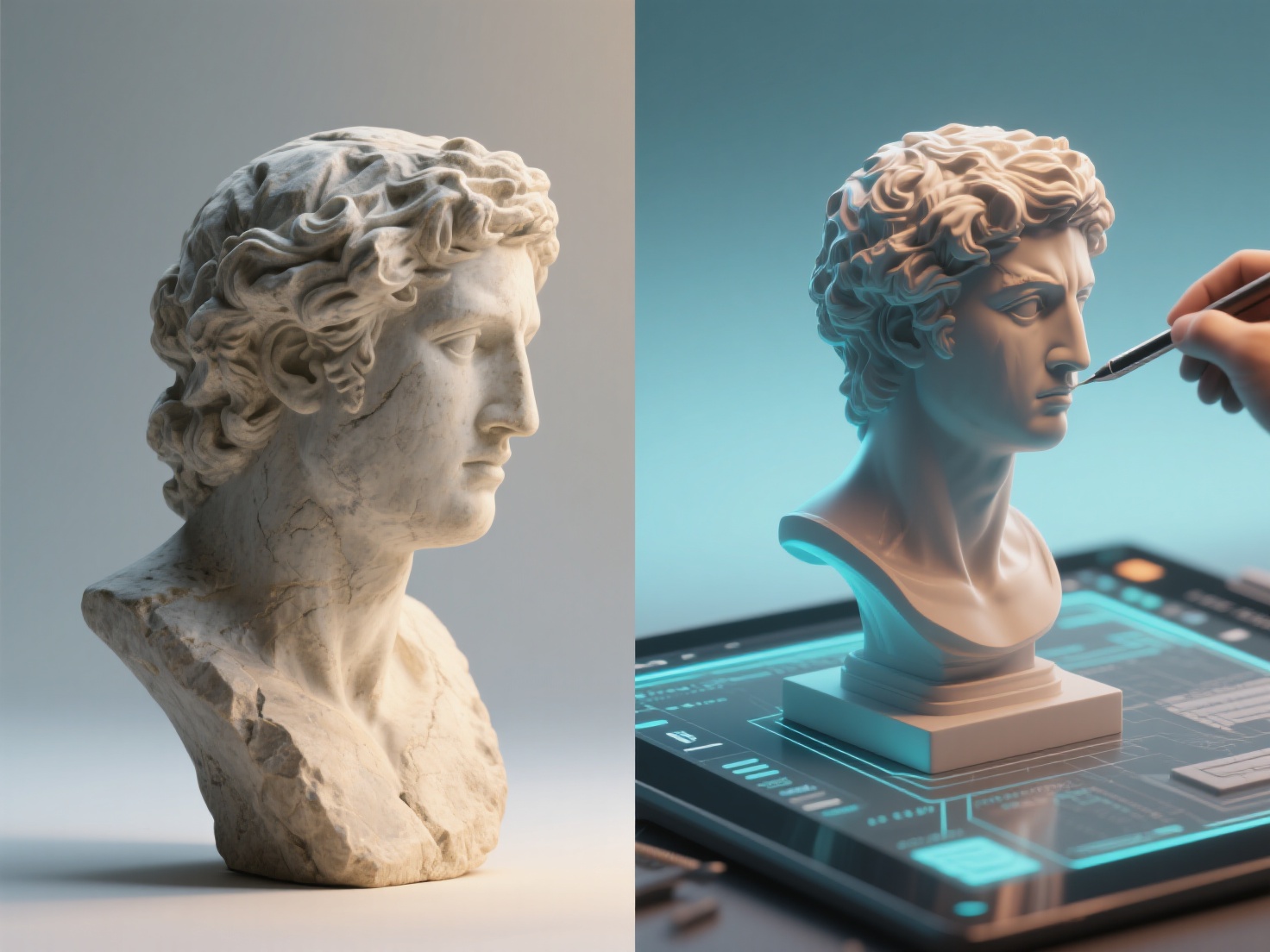
When comparing digital sculpture vs clay or other physical mediums, the primary distinction lies in the workspace: one is bound by the laws of physics and tangible matter, while the other exists in a purely mathematical, virtual space.
3D Sculpting vs Traditional: The Core Comparison
Choosing between these mediums requires a deep dive into how they impact your day-to-day workflow. Here is a breakdown of the key differences.
1. Tools and Materials
In traditional sculpture, your tools are physical and consumable. You need armatures (wire or pipe structures) to fight gravity, massive blocks of clay, stone chisels, spatulas, and kilns. The environment is often messy and requires dedicated studio space.
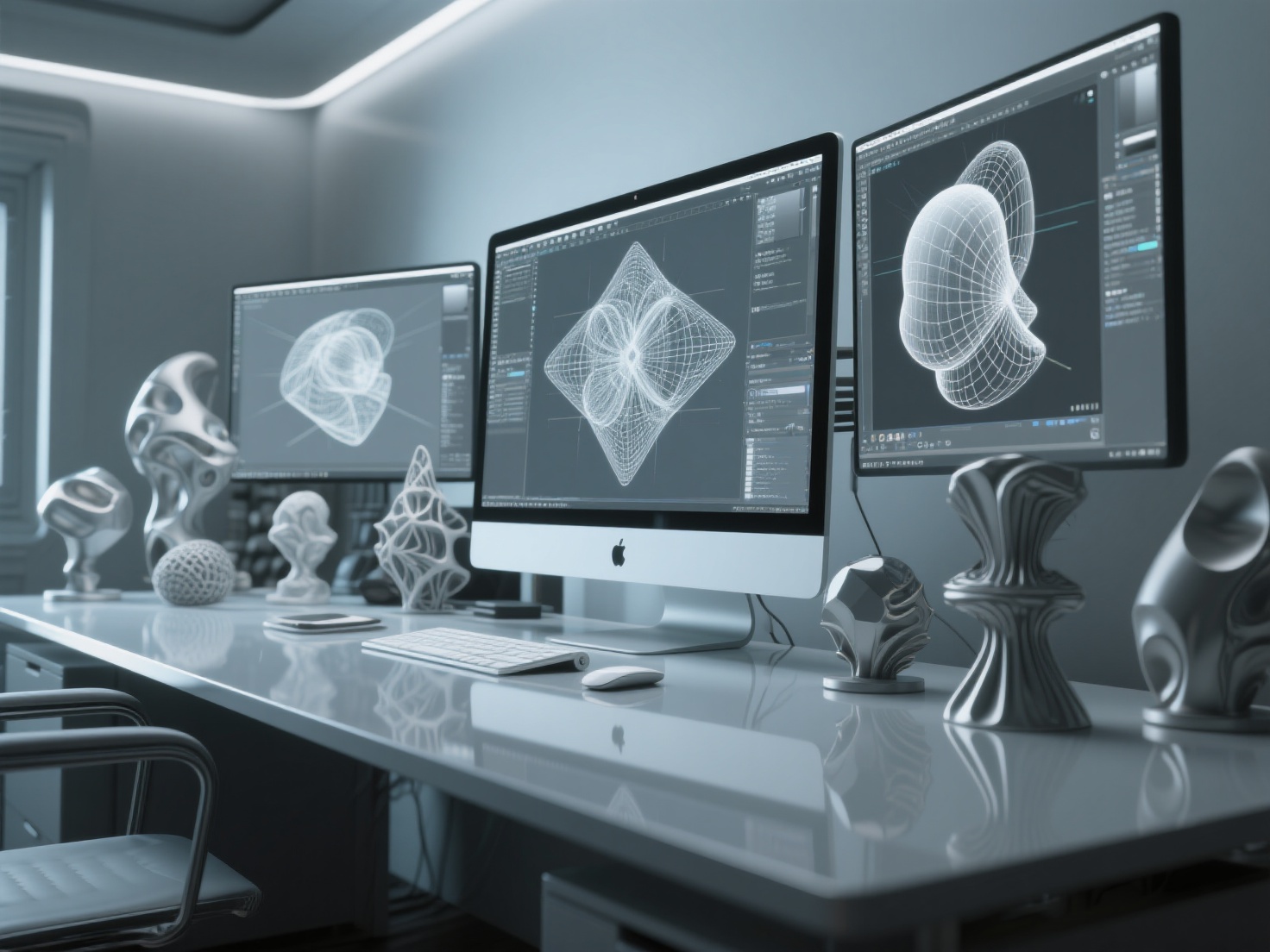
Digital sculpture relies on hardware and software. Your primary tools are a computer, a drawing tablet (like Wacom or an iPad), and software such as ZBrush, Blender, or Nomad Sculpt. Instead of physical clay, you manipulate digital “pixels” (polygons or voxels). There is no mess to clean up, and your entire studio fits into a backpack.
2. Iterability and the “Ctrl+Z” Magic
One of the most significant advantages in the 3D sculpting vs traditional debate is the ability to iterate. In traditional sculpting, making a major proportional change late in the process can mean sawing off a limb and rebuilding it from scratch. Mistakes are costly in terms of both time and material.
Digital sculpting offers ultimate creative freedom. You have the legendary ”Undo” (Ctrl+Z) function. You can save multiple versions of a file, experiment with radical changes, use symmetry tools to sculpt both sides of a face simultaneously, and scale your model up or down with a single click.
3. Costs and Space Constraints
Traditional sculpture has high recurring costs. You continually need to buy new clay, plaster, silicone for molds, and casting resins. Additionally, you need a physical studio space capable of handling dust, fumes, and heavy materials.
Digital sculpting has a higher upfront barrier to entry—you need a powerful PC and a graphics tablet. However, once you have the hardware and software licenses, the recurring material costs drop to virtually zero. Your “virtual clay” is unlimited.
4. Physical vs Virtual Output
Traditional sculpture naturally results in a tangible, physical object that you can touch, display in a gallery, and feel its weight.
Digital sculpture creates a virtual file (such as OBJ or STL). While it lives on a screen, it can be animated for games and movies, rendered into high-quality 2D concept art, or brought into the physical world via 3D printing.
Traditional vs Digital Sculpture Comparison Table
| Feature | Traditional Sculpture | Digital Sculpture |
|---|---|---|
| Primary Medium | Clay, stone, bronze, wood, wax | Polygons, voxels (ZBrush, Blender) |
| Workspace | Physical studio (requires ventilation/space) | Computer/Tablet (highly portable) |
| Iterability | Difficult; mistakes are hard to reverse | Easy; non-destructive, unlimited undo |
| Recurring Costs | High (materials, casting, tools) | Low (once hardware/software is bought) |
| Physics | Bound by gravity (requires armatures) | Ignores gravity; objects can float |
| Learning Curve | Highly tactile, relies on muscle memory | Requires learning software UI and tech |
| Final Output | Tangible physical art piece | Virtual file (Render, Animation, 3D Print) |
Career Applications: Where Each Medium Shines
Your choice in this sculpture comparison heavily depends on your career goals and the industry you want to enter.
Traditional Sculpture Applications
- Fine Art and Galleries: Collectors often pay a premium for the “hand of the artist” in a one-of-a-kind physical piece.
- Special Effects Make-up (Practical FX): Creating physical prosthetics for film and theater still relies heavily on molding and casting real clay.
- Monumental Art: Large-scale public installations and bronze casting traditions.
Digital Sculpture Applications
- Game Development & VFX: Digital sculptors create characters, monsters, and environments for AAA video games and blockbuster movies.
- Collectibles & Toy Design: Most modern action figures, tabletop miniatures, and pop-culture statues are digitally sculpted and mass-produced.
- Jewelry & Product Design: High precision and symmetry make digital tools ideal for intricate CAD-based designs.
Best Practices: Embracing the Hybrid Workflow
Here is a secret that many successful artists realize: you don’t have to choose just one. The most forward-thinking creators are adopting a hybrid workflow that blends the tactile joy of traditional art with the limitless power of digital technology.
Many artists prefer to block out a concept using real clay, or sketch their characters on paper, because nothing beats the immediate tactile connection. However, taking that physical concept to a highly polished, production-ready final piece can be tedious. This is where AI technology bridges the gap.
Bridging the Gap with Hitem3D
If you want to move your physical ideas into the digital realm seamlessly, Hitem3D is a game-changer. As a next-generation AI-powered 3D model generator, Hitem3D allows artists to transform 2D photos into high-fidelity, production-ready 3D models.
Imagine sculpting a rough concept out of clay or drawing a character turnaround. You can simply take a photo and upload it to Hitem3D. Utilizing its in-house Sparc3D (high precision) model, the platform instantly generates a clean 3D mesh.
- Reconstruct Invisible Parts: Unlike basic photogrammetry, Hitem3D’s Image-to-3D technology intelligently reconstructs hidden or invisible structures beyond the visible surface.
- Print-Ready Geometry: It outputs clean geometry with sharp edges in formats like GLB, OBJ, and STL, natively supporting up to 1536³ Pro resolution (up to 2M polygons).
- Seamless Transition: Once generated, you can import the OBJ into ZBrush or Blender to refine details, or use the one-click direct send to Bambu Studio and OrcaSlicer to 3D print your creation immediately.
This hybrid pipeline allows you to capture the soul of traditional art and amplify it with the efficiency of digital workflows.
Conclusion & Next Steps
The debate of traditional vs digital sculpture is not about which medium is superior; it is about which tool serves your creative vision best. Traditional sculpting offers a grounding, sensory experience that connects you physically to your art. Digital sculpting offers unparalleled freedom, speed, and direct integration into the massive entertainment and 3D printing industries.
Ultimately, mastering the fundamentals of form, anatomy, and composition applies universally, regardless of the medium. For the modern artist, learning to combine both worlds yields the most exciting results.
If you are ready to bridge the gap between your physical concepts and digital creations, AI is your ultimate assistant. Say goodbye to the steep technical barriers of starting a digital model from scratch. Transform your reference images, sketches, or clay maquettes into production-ready 3D geometry in seconds.
Create For Free with Hitem3D today and experience the future of digital sculpting.
Frequently Asked Questions (FAQ)
1. Is digital sculpture easier to learn than traditional clay sculpting?
Not necessarily easier, but different. Traditional sculpting relies heavily on tactile feedback, hand-eye coordination, and understanding physical materials. Digital sculpting removes the physical mess and gravity but introduces a technical learning curve, requiring you to master complex software interfaces, camera navigation, and digital brushes.
2. Can I 3D print my digital sculptures to look like traditional art?
Yes! This is the most popular way to bring digital art into the physical world. By exporting your digital sculpt as an STL or OBJ file, you can 3D print it using resin or filament. You can even sand, prime, and paint the 3D print to mimic bronze, marble, or terracotta.
3. Digital sculpture vs clay: which is more cost-effective for a beginner?
For an absolute beginner, a block of basic modeling clay and some wooden tools is much cheaper (often under $30) to test if you actually enjoy sculpting. However, if you already own a computer, free software like Blender combined with an affordable entry-level drawing tablet makes digital sculpting highly cost-effective in the long run.
4. How do I turn my physical clay sculptures into digital models?
Historically, artists used expensive 3D scanners or tedious photogrammetry. Today, you can use AI tools like Hitem3D. Simply take a photo of your traditional sculpt, and the AI will reconstruct the geometry—including hidden parts—into a clean, editable 3D mesh that you can refine in ZBrush or immediately 3D print.