The landscape of video games has shifted dramatically over the last decade. Today, mobile game design is at the forefront of the industry, generating the largest share of global gaming revenue. However, for developers transitioning from traditional platforms, creating a successful mobile title is not as simple as porting a PC or console game to a smaller screen.
Understanding the fundamental differences in hardware, player behavior, and interface limitations is critical for successful mobile game development. In this guide, we will explore the core differences between mobile and traditional platforms, uncover the best practices for optimizing performance, and show you how to leverage modern AI tools to streamline your asset creation pipeline.
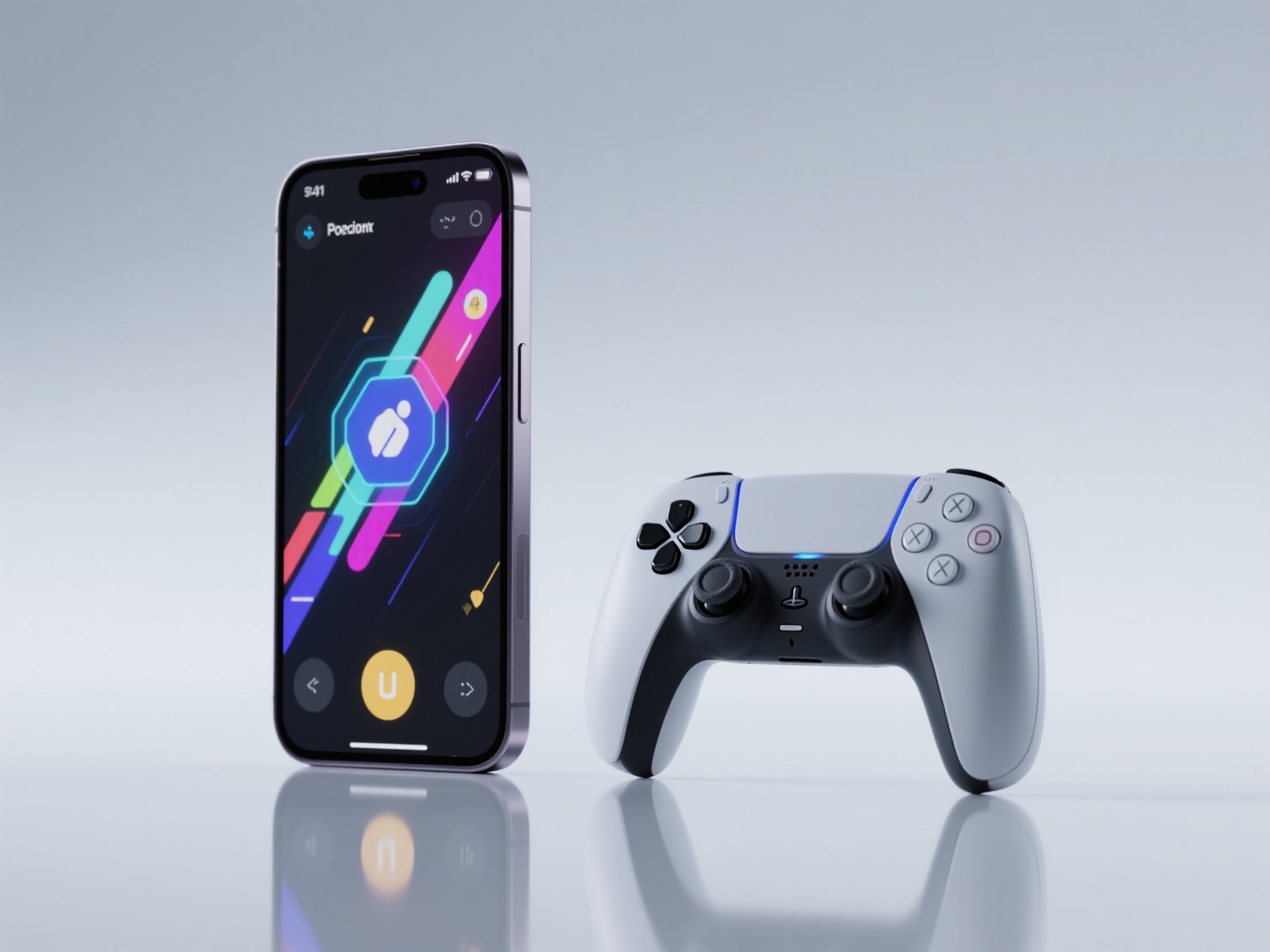
What is Mobile Game Design?
Mobile game design is the specialized process of creating video games specifically tailored for smartphones and tablets, focusing on intuitive touch-based interactions, highly optimized performance for varied hardware, and engaging user experiences designed for shorter, on-the-go playtime sessions.
When done correctly, it results in a seamless mobile game UX that feels native to the device, rather than a compromised version of a desktop experience.
Key Differences: Mobile vs. PC and Console
To master mobile game development, designers must first understand the unique constraints and opportunities of the mobile platform. Here is a breakdown of how mobile differs from PC and console gaming.
1. Input Mechanisms: Precision vs. Accessibility
PC and console games rely on tactile, precise inputs like keyboards, mice, and multi-button gamepads. In contrast, mobile games rely entirely on glass screens. Touch controls game design must account for the lack of tactile feedback and the fact that the player’s own fingers will obscure part of the screen during gameplay.
2. Session Lengths and Pacing
A typical PC or console gaming session lasts anywhere from one to several hours. Players sit down with the dedicated intent to play. Mobile gamers, however, often play in “micro-sessions” while commuting, waiting in line, or taking a quick break. Games must be designed to be picked up and put down instantly without the player losing critical progress.
3. Hardware Constraints
While high-end smartphones are incredibly powerful, they still face strict limitations regarding battery life, thermal throttling, and memory compared to a PC with a dedicated GPU and cooling system. Mobile games must be ruthlessly optimized to run smoothly across a highly fragmented ecosystem of thousands of different Android and iOS devices.
Platform Comparison Overview
| Feature | PC & Console | Mobile |
|---|---|---|
| Input Method | Mouse/Keyboard, Gamepads | Touch, Swipe, Pinch, Tilt (Gyroscope) |
| Session Length | 1–4+ Hours | 2–15 Minutes |
| Monetization | Premium (Upfront), DLC, Battle Passes | Free-to-Play (F2P), Ads, In-App Purchases (IAP) |
| Screen Size | 24”–65”+ (Standard Aspect Ratios) | 5”–12” (Highly variable aspect ratios & notches) |
| Hardware Focus | High Polygon Count, Ray Tracing | Low Polygon Count, Baked Lighting, Battery Saver |
Real-World Applications in Mobile Pipelines
These core differences fundamentally change how game studios approach their production pipelines. For example, a mid-core action RPG targeting Android and iOS cannot afford to use the same highly detailed 3D models used in a PC build.
Instead, developers apply mobile game design principles by utilizing low-poly modeling, texture atlases, and simplified shaders. Hyper-casual games take this a step further, relying almost entirely on primitive shapes and vibrant colors to ensure the game runs at a flawless 60 FPS on even the oldest smartphones. Recognizing these use cases allows teams to tailor their development cycle specifically for mobile success.
Best Practices for Mobile Game Design
To create highly engaging and technically sound mobile games, follow these industry best practices.
1. Mastering Touch Controls and Mobile Game UX
When designing for touch screens, simplicity is key. Avoid cluttering the screen with a dozen virtual buttons. Instead, lean into intuitive gestures.
- Use natural gestures: Implement tapping, swiping, and pinching to control the camera or characters.
- Mind the “Thumb Zones”: Place critical interactive elements in the bottom corners of the screen where thumbs naturally rest.
- Visual and Audio Feedback: Because players cannot feel a button press, exceptional mobile game UX requires immediate visual cues (like button scaling or particle effects) and crisp audio to confirm an action was registered.
2. Optimizing Session Lengths
Respect the player’s time. Design your game loop to be satisfying even if played for just three minutes.
- Frequent Autosaving: Never force a player to search for a save point. If the app is closed abruptly, they should lose almost zero progress.
- Bite-Sized Objectives: Break down larger quests into smaller, quickly achievable milestones to maintain a sense of progression during short commutes.
3. Ruthless Performance Optimization (and the AI Advantage)
Performance is arguably the most critical aspect of mobile development. High battery drain or lagging frame rates will lead to immediate uninstalls. Developers must strictly manage polygon counts, texture sizes, and draw calls.
Historically, creating highly optimized, low-poly 3D assets with high-quality textures was incredibly time-consuming. This is where modern AI tools are revolutionizing the pipeline. Hitem3D, an AI-powered 3D model generator, serves as the perfect solution for mobile developers.
By leveraging its Ultra3D model (designed for high efficiency), developers can transform 2D concept art into production-ready 3D models. Hitem3D generates clean geometry with sharp edges that are perfect for mobile engines like Unity and Unreal. Furthermore, Hitem3D provides 4K PBR-ready textures with De-Lighted processing—intelligently removing baked-in lighting and shadows. This allows mobile developers to use cheap, unlit shaders with baked textures or apply their own lightweight mobile lighting setups without visual artifacts.
4. UI Scaling for Screen Diversity
The mobile market features thousands of different screen resolutions, aspect ratios, and physical hardware features like camera notches and dynamic islands.
- Responsive UI Anchoring: Always anchor UI elements to the relative edges of the screen rather than using absolute pixel coordinates.
- Safe Areas: Respect the “safe zones” dictated by Apple and Google’s platform guidelines to ensure interactive elements are not cut off by rounded corners or obscured by device cameras.
5. Smart Retention and Monetization Mechanics
Mobile games rely heavily on long-term retention to generate revenue.
- Push Notifications: Use them sparingly and provide value. Remind players of an energy refill or a completed upgrade, rather than spamming them to open the app.
- Balanced Monetization: Whether utilizing ads, rewarded videos, or In-App Purchases (IAP), ensure that non-paying players still have an enjoyable, complete experience. Implement rewarded ads where players choose to watch an ad in exchange for in-game currency, which significantly boosts positive mobile game UX.
Conclusion & Next Steps
Transitioning from PC and console to mobile game development requires a fundamental shift in perspective. By mastering touch controls game design, optimizing for micro-sessions, and adhering to strict performance constraints, developers can tap into the largest gaming audience in the world. Success on mobile is about delivering maximum entertainment with maximum efficiency.
To achieve that efficiency, optimizing your 3D asset pipeline is crucial. Stop spending countless hours manually retopologizing high-poly models for mobile platforms. Hitem3D is a next-generation AI-powered platform that transforms single or multi-view images into high-fidelity, production-ready 3D models.
With output formats perfectly suited for game engines (GLB, OBJ, FBX) and features like the Free Retry system and De-Lighted Textures, Hitem3D empowers game designers to quickly populate their mobile worlds without sacrificing performance or visual quality.
Create For Free today and experience the future of AI-assisted game development.
Frequently Asked Questions (FAQ)
What is the ideal polygon count for a mobile game character?
While modern smartphones can handle more geometry than older devices, a general rule of thumb for mobile game design is to keep main character models between 5,000 and 10,000 polygons. Background NPCs and props should be significantly lower (500 to 2,000 polygons) to ensure smooth performance.
How do I improve mobile game UX for touch controls?
To improve UX, prioritize customizable control layouts, ensure interactive hitboxes are slightly larger than the visual buttons to forgive imprecise taps, and utilize gesture-based controls (like swiping to dash) to reduce screen clutter.
Why is UI scaling so important in mobile game development?
Unlike PC monitors which generally follow a 16:9 ratio, mobile screens range from 4:3 (older tablets) to ultra-wide 21:9 ratios. Without responsive UI scaling, your game’s buttons might overlap, stretch unpleasantly, or become completely inaccessible off-screen on different devices.
Can I use high-resolution PBR textures in mobile games?
Yes, but with caution. While engines support PBR (Physically Based Rendering) on mobile, it is highly resource-intensive. It is often better to use optimized textures or AI tools like Hitem3D’s De-Lighted texturing to get clean base colors, allowing you to use cheaper rendering techniques while maintaining a high-quality look.