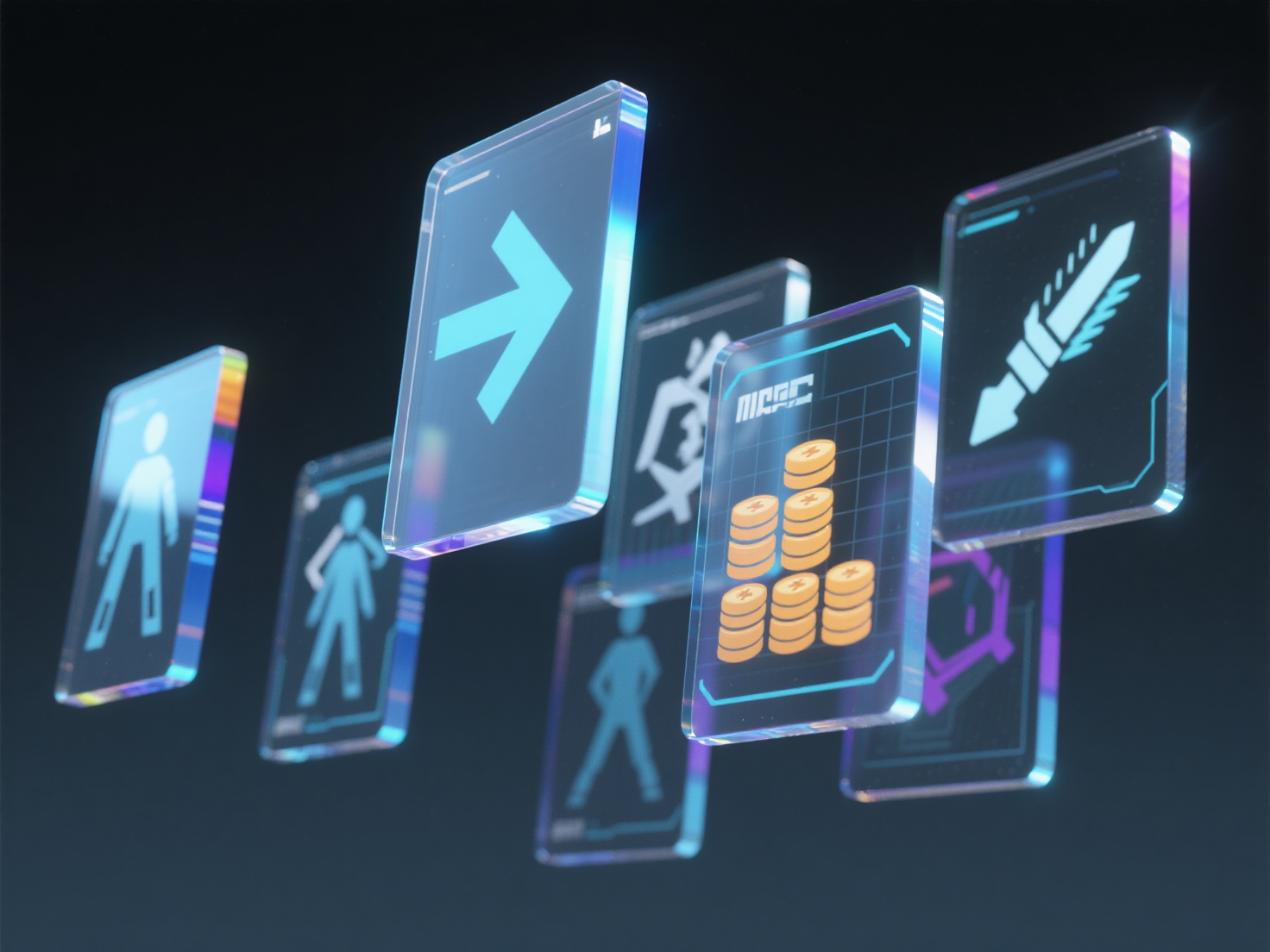
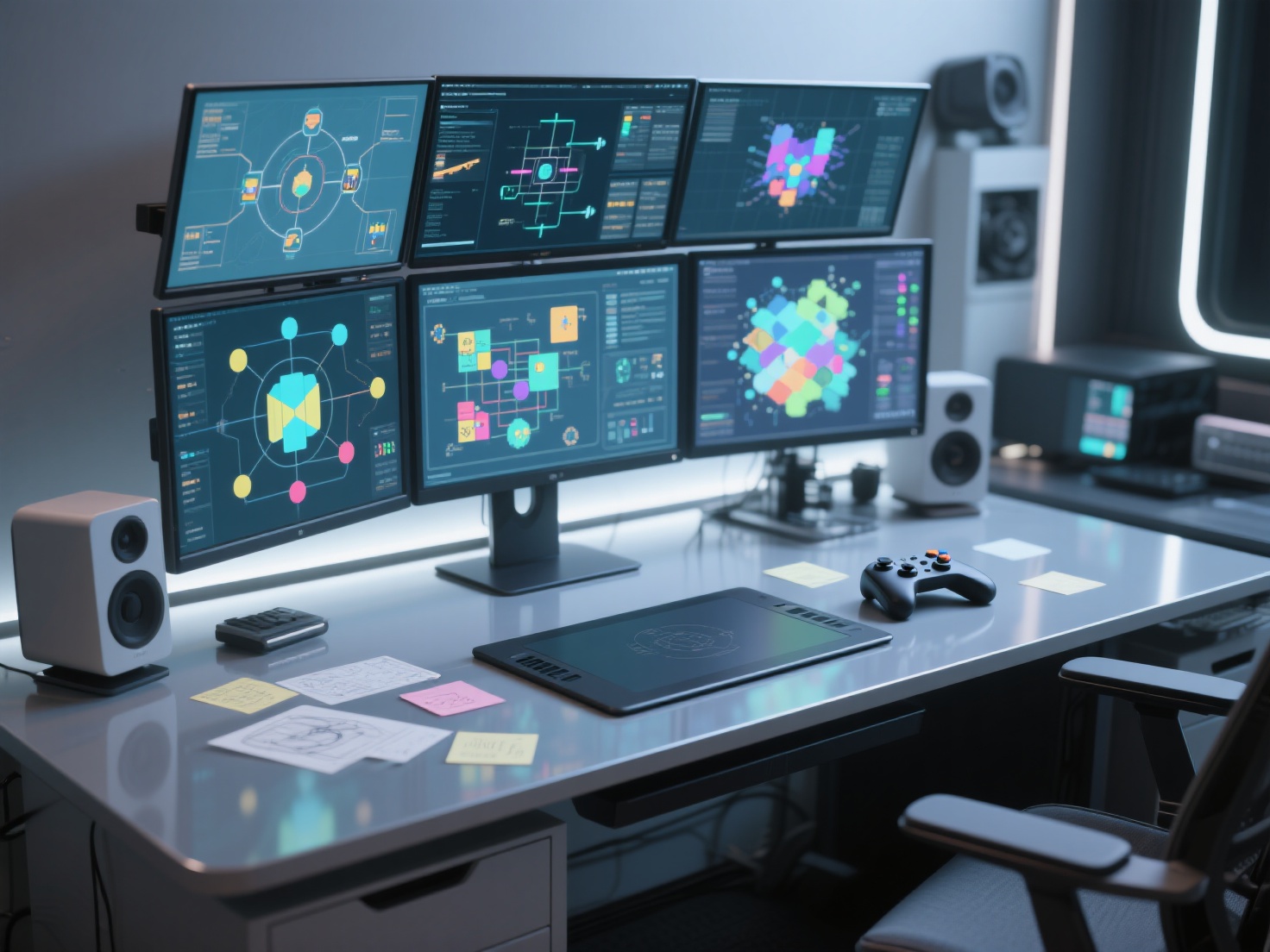
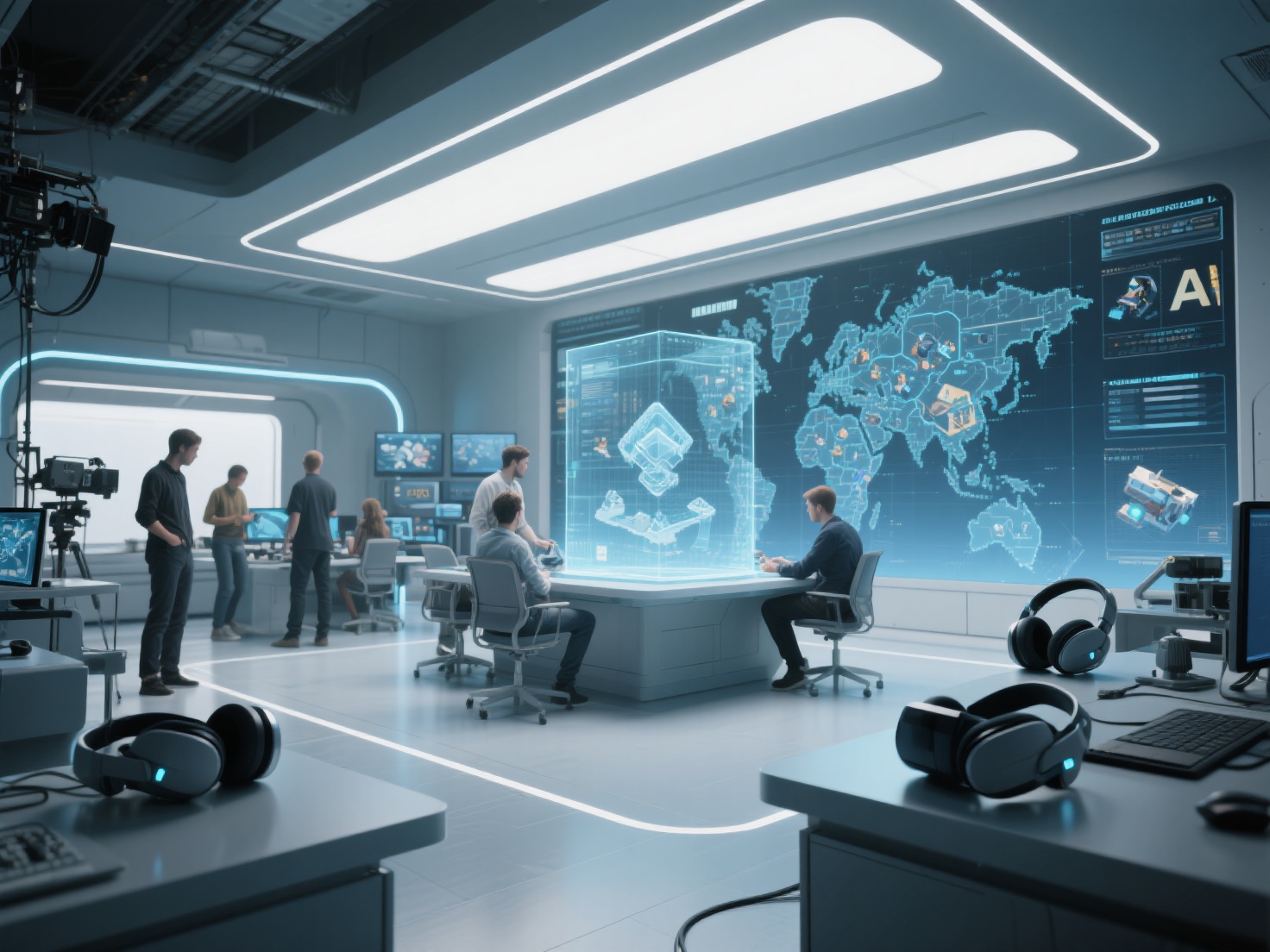
Have you ever quit a game simply because navigating the menus felt like a chore? Or perhaps you’ve been overwhelmed by a screen cluttered with numbers, maps, and flashing icons? These frustrations highlight the critical importance of effective game UI design. A stellar game user interface acts as an invisible guide, effortlessly feeding players the information they need while keeping them fully immersed in the digital world.
Whether you are an indie developer creating your first mobile game or a designer stepping into the gaming industry, mastering the principles of game UX design and visual interfaces is essential. In this comprehensive guide, we will break down the fundamentals of HUD design, explore different types of interfaces, and show you how to design intuitive, player-friendly systems from the ground up.
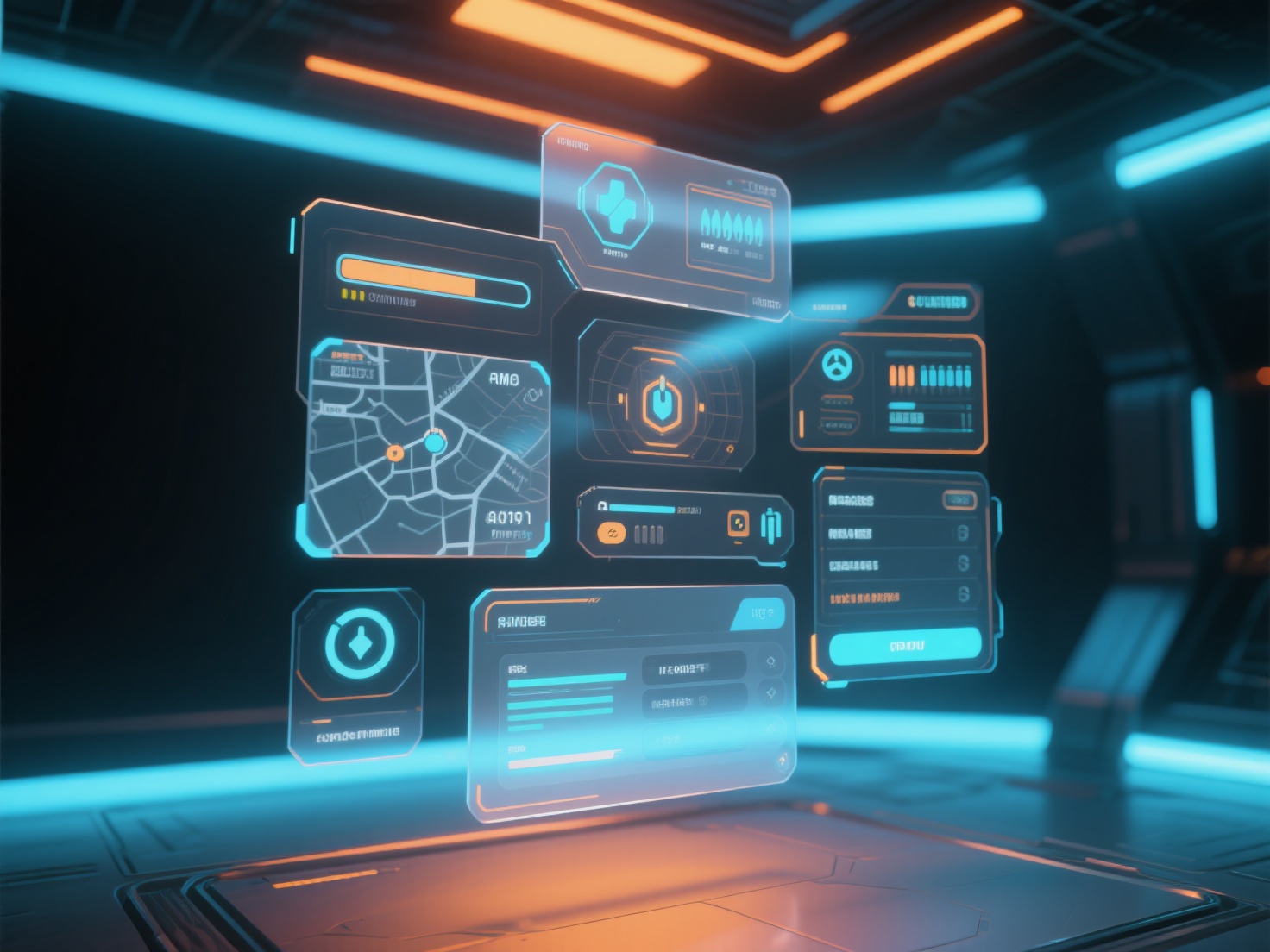
What is a Game User Interface (UI)?
A game user interface (UI) is the visual and interactive bridge between the player and the game mechanics, encompassing everything from main menus and health bars to complex inventory screens and map markers. Its primary goal is to communicate information clearly and facilitate player actions without breaking immersion.
While game UI design focuses on the visual elements (typography, colors, button styles), game UX design (User Experience) is about the logic and flow. UX ensures that navigating those menus feels logical, rewarding, and frictionless. Together, they create a seamless conduit between human intent and digital execution.
The Four Pillars of Game UI Design
Before diving into creating buttons and bars, it is crucial to understand how UI elements exist within the game world. Industry professionals typically categorize game UI into four distinct types based on their relationship to the game’s narrative and 3D space.
1. Non-Diegetic UI
This is the most traditional form of UI. Non-diegetic elements do not exist within the game world, and the characters are completely unaware of them. Think of the classic health bars, score counters, and minimaps overlaid on the screen. They are designed purely for the player sitting behind the monitor.
2. Diegetic UI
Diegetic elements exist seamlessly within the game world and the narrative. Both the player and the player-character can see them. A famous example is the health meter displayed directly on Isaac Clarke’s spacesuit in Dead Space, or a physical compass the character holds in their hand. This style maximizes player immersion.
3. Spatial UI
Spatial UI elements exist in the 3D game space but are not part of the narrative world (the characters cannot see them). Examples include glowing outlines around lootable objects, waypoint arrows painted on the ground, or floating damage numbers popping up above enemies during combat.
4. Meta UI
Meta elements do not exist in the 3D game geometry, but they are intrinsically tied to the narrative. Imagine blood splatter on the screen when your character takes damage, or a screen distortion effect when a character is confused. It tells a story without relying on traditional bars or numbers.
Key Components: HUD Design, Menus, and Inventories
Creating a cohesive game user interface means paying close attention to several distinct systems that players will interact with constantly.
Mastering HUD Design (Heads-Up Display)
The HUD is the information layer presented during actual gameplay. Effective HUD design is an exercise in restraint. You must provide vital information (health, ammo, objectives) without obscuring the player’s view of the game world.
- Keep it uncluttered: Only show what is immediately necessary. Consider dynamic HUDs that fade away when the player is out of combat.
- Strategic placement: Place critical elements where the eye naturally rests. Health and ammo are traditionally placed in the screen corners, leaving the center open for action.
Intuitive Menu Systems
Menus are the administrative backbone of your game. This includes the Main Menu, Pause Menu, and Settings.
- Clear hierarchy: Use typography and scale to guide the player’s eye from the most important option (e.g., “Continue Game”) to the least.
- Thematic consistency: The aesthetic of your menus should match the tone of the game. A sci-fi shooter might use sleek, holographic lines, while a fantasy RPG benefits from parchment textures and serif fonts.
Designing Inventory Systems
Inventories are notoriously difficult to design. Players need to sort, equip, and discard items quickly.
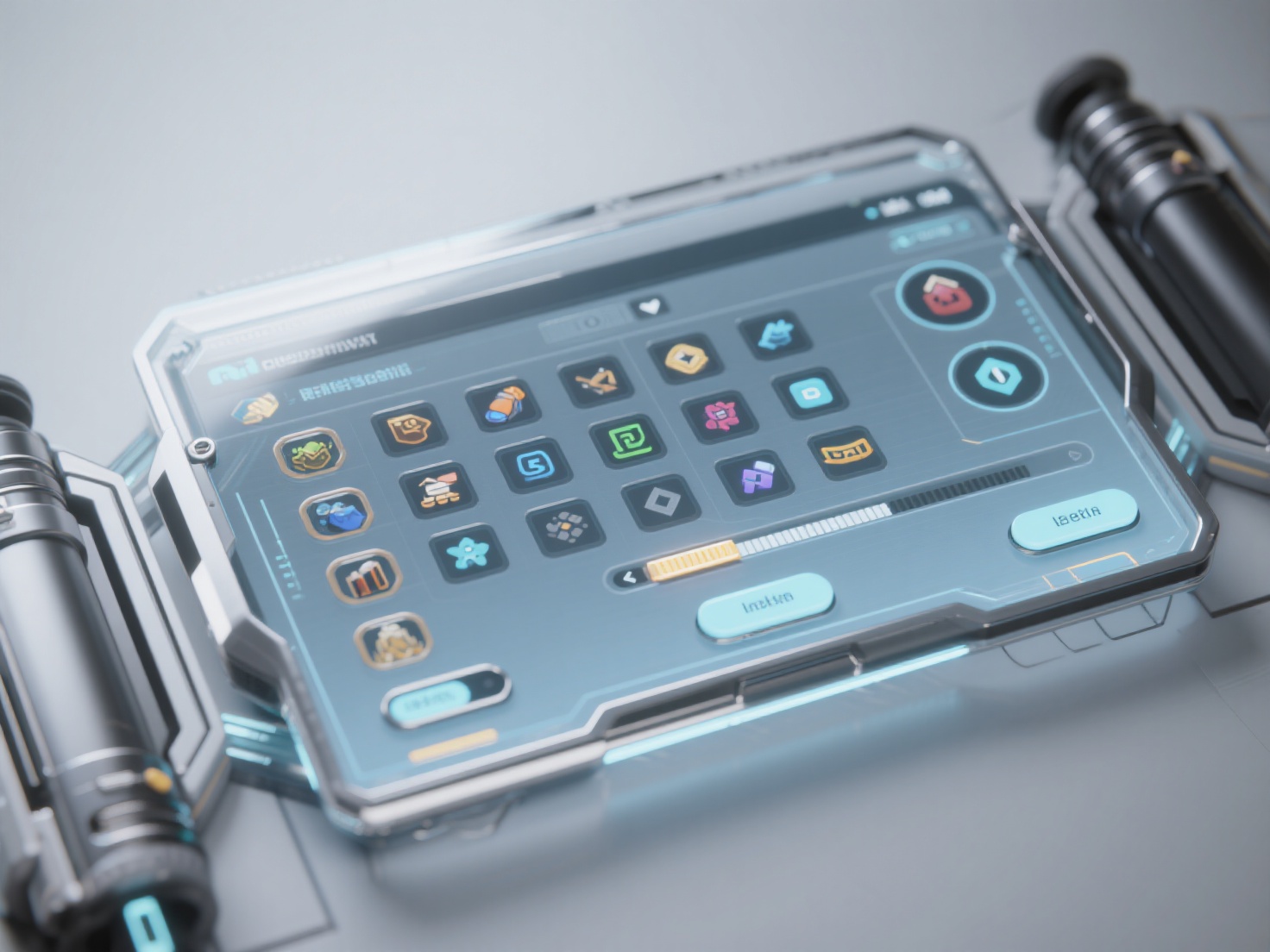
- Grids vs. Lists: Grid systems work great for visual-heavy games, while list systems are better when items have complex stats that need reading.
- Visual Clarity: Players should be able to identify an item at a glance. High-quality icons or 3D representations are vital for a successful inventory system.
The UI Design Process and Sourcing Assets
The journey from a blank canvas to a fully functioning game user interface requires a structured approach. Let’s look at the standard workflow and how modern tools are revolutionizing asset creation.
Step 1: Wireframing and User Flow
Never start by drawing high-fidelity buttons. Begin with simple gray boxes to map out the user flow. Ask yourself: How many clicks does it take to equip a sword? If it’s more than three, your UX needs refining.
Step 2: Mockups and Visual Identity
Once the wireframes feel logical, apply your game’s visual identity. This is where you finalize color palettes, typography, and button states (Normal, Hover, Pressed, Disabled).
Step 3: Elevating UI Visuals with 3D Assets (The Modern Approach)
Historically, UI designers had to manually paint every single inventory icon and character portrait. Today, modern game UI design heavily incorporates 3D assets directly into the interface. Think of rotating 3D weapons in an inventory screen or detailed 3D icons for crafting materials.
However, modeling hundreds of tiny UI props manually is incredibly time-consuming. This is where AI-driven solutions become a game-changer. Hitem3D is a next-generation AI-powered platform that transforms 2D concept art directly into production-ready 3D models.
If you need a visually stunning inventory system, you can upload 2D images of your game items to Hitem3D. Powered by the in-house Sparc3D (high precision) and Ultra3D (high efficiency) models, the platform instantly generates fully formed 3D assets with clean geometry.
For UI designers, Hitem3D offers massive workflow advantages:
- De-Lighted Textures: Hitem3D intelligently removes baked-in lighting and shadows from the generated textures. This is absolutely critical for UI items, allowing them to react perfectly to your game engine’s custom UI lighting setup without conflicting shadows.
- Hidden Structure Reconstruction: Unlike basic AI tools, Hitem3D reconstructs the invisible parts behind a 2D image, ensuring your inventory items look great even when players rotate them on the screen.
- Seamless Integration: Export directly to game-ready formats like GLB, OBJ, and FBX. If an item doesn’t look quite right the first time, you can utilize the Free Retry system to regenerate results without wasting additional credits.
Using Hitem3D allows UI artists to populate massive RPG inventories with high-fidelity 3D assets in a fraction of the time it takes to model them manually.
Best Practices for Exceptional Game UX Design
To elevate your interface from functional to unforgettable, keep these essential best practices in mind:
1. Provide Clear Feedback and Affordance
Every action a player takes must have an immediate reaction. If they press a button, it should visually depress, play a sound effect, or trigger a particle animation. Affordance means the visual design of an element should suggest how it is used (e.g., a slider should look like it can be pulled; a button should look clickable).
2. Prioritize Accessibility
A great game user interface is playable by everyone.
- Color Blindness: Never rely solely on color to convey critical information. Always pair colors with distinct shapes or symbols.
- Text Scaling: Offer options to increase subtitle and UI text sizes.
- Contrast: Ensure high contrast between text and the background so it remains readable regardless of what is happening in the chaotic game world behind it.
3. Consider Mobile UI Specifics
If you are designing for mobile, your game UX design must adapt to touch controls.
- Thumb Zones: Place the most frequently used interactive elements in the bottom corners where thumbs naturally rest.
- Fat Finger Rule: Ensure buttons are large enough (typically at least 44x44 pixels) and spaced far enough apart so players don’t accidentally tap the wrong option.
Conclusion: Bridging the Gap Between Player and Game
Exceptional game UI design is about balancing aesthetics with functionality. By understanding the differences between diegetic and non-diegetic interfaces, applying thoughtful game UX design principles, and keeping your HUD design clean, you can create an experience that keeps players fully immersed in your world.
Remember that building a massive game interface doesn’t mean you have to create every asset the hard way. Sourcing high-quality visuals for inventory systems, character portraits, and 3D icons can be massively accelerated using artificial intelligence.
If you are looking to populate your game’s UI with stunning, high-fidelity 3D models quickly, Hitem3D is the ultimate solution. Trusted by creators in 50+ countries, its AI-powered generation and De-Lighted PBR textures ensure your UI assets look professional and engine-ready in seconds.
Ready to revolutionize your game UI workflow? Create For Free -> https://www.hitem3d.ai/create
Frequently Asked Questions (FAQ)
What is the difference between HUD and UI?
The User Interface (UI) is the overarching term that encompasses all menus, settings, and visual overlays in the game. The Heads-Up Display (HUD) is a specific part of the UI that is actively displayed on the screen during live gameplay (like health bars and minimaps).
What software is best for game UI design?
Most UI/UX designers use vector and prototyping tools like Figma, Adobe XD, or Illustrator for wireframing and layout. For final implementation, game engines like Unreal Engine (UMG) and Unity (Canvas/UI Toolkit) have built-in systems to bring those designs to life.
Why is game UX design so important?
While UI focuses on how the game looks, UX focuses on how it feels. Good UX ensures players don’t get frustrated trying to figure out how to upgrade a weapon, save their progress, or understand their objectives. It minimizes friction and maximizes player retention.
Can I use 3D models in a 2D UI interface?
Yes! Most modern game engines allow you to render 3D objects to a 2D texture or display them within the UI canvas. This is a highly popular method for creating dynamic, interactive inventory systems. Tools like Hitem3D make generating these 3D UI props from 2D art incredibly fast.