The video game industry is evolving at breakneck speed, and as we look toward 2026, the demand for visually striking, emotionally resonant characters has never been higher. Whether you are an indie developer building a stylized platformer or a game artist working on a hyper-realistic RPG, game character design remains the heart and soul of player immersion.
Characters are the emotional anchors of your game. They are the avatars players inhabit, the villains they fear, and the companions they love. But bringing a character from a simple sketch to a fully functional 3D game character involves a complex blend of artistic vision and technical execution.
In this comprehensive guide, we will break down the core principles of character design for games, walk you through the modern creation pipeline, and share actionable tips to streamline your workflow using next-generation tools.
What is Game Character Design?
Game character design is the creative and technical process of conceptualizing, developing, and rendering a character’s visual appearance, personality, and mechanics to serve a specific role within a video game. It bridges the gap between storytelling and gameplay, ensuring that a character not only looks appealing but also functions perfectly within the game’s engine and technical constraints.
Core Principles of Effective Game Character Design
Creating an iconic character requires more than just good drawing skills. To make your characters instantly recognizable and memorable, you must master several foundational design principles.
1. Silhouette Readability
A strong silhouette is the most critical aspect of character design for games. In fast-paced gameplay, players must be able to identify a character, their alignment (friend or foe), and their current action in a fraction of a second.
- The Blackout Test: Fill your character’s concept art entirely with black. If you can still tell who the character is and what they are holding (e.g., a massive sword vs. a sniper rifle), your silhouette is successful.
2. Color Theory and Palette
Color communicates mood, allegiance, and elemental properties instantly.
- Rule of Three: Most successful designs use a primary color (60%), a secondary color (30%), and an accent color (10%).
- Psychology: Red often signifies aggression, power, or danger (perfect for enemies or tank classes), while blues and greens evoke healing, magic, or agility.
3. Visual Hierarchy
Visual hierarchy guides the player’s eye to the most important parts of your character. In most cases, this is the face, chest, or weapon. By using contrasting colors, glowing elements, or high-density details in these areas—while keeping the legs and lower torso relatively simple—you ensure the player’s focus remains where it matters most.
4. Personality Through Shape and Props
Shapes are a universal language in design.
- Circles suggest friendliness, softness, and defense.
- Squares imply stability, strength, and stubbornness.
- Triangles indicate speed, danger, and aggression.
Pairing these foundational shapes with distinct props (like a battered shield or a glowing cybernetic arm) tells a story about the character’s past before they even speak a word.
The Game Character Creation Process (Pipeline)
Modern game character creation is a multi-step pipeline that transforms a rough idea into a playable asset. Here is how the process flows in a professional game studio:
Step 1: Concept Art and Iteration
The journey begins in 2D. Concept artists create multiple sketches, exploring different outfits, proportions, and color palettes. Once a final design is approved, orthographic reference sheets (front, side, and back views) are drawn to guide the 3D modelers.
Step 2: 3D Modeling and Sculpting
This is where the character takes physical shape. Artists use high-poly sculpting to carve out intricate details like wrinkles, pores, and fabric folds. Afterward, they perform retopology—creating a low-poly version of the mesh optimized for real-time game engines. Historically, this phase has taken weeks, but AI-driven 3D generation is rapidly changing this timeline.
Step 3: UV Mapping and Texturing
The 3D model is unwrapped (UV mapping) so that 2D images can be painted onto it. Using PBR (Physically Based Rendering) workflows, artists apply albedo, roughness, metallic, and normal maps so the character reacts realistically to in-game lighting.
Step 4: Rigging and Skinning
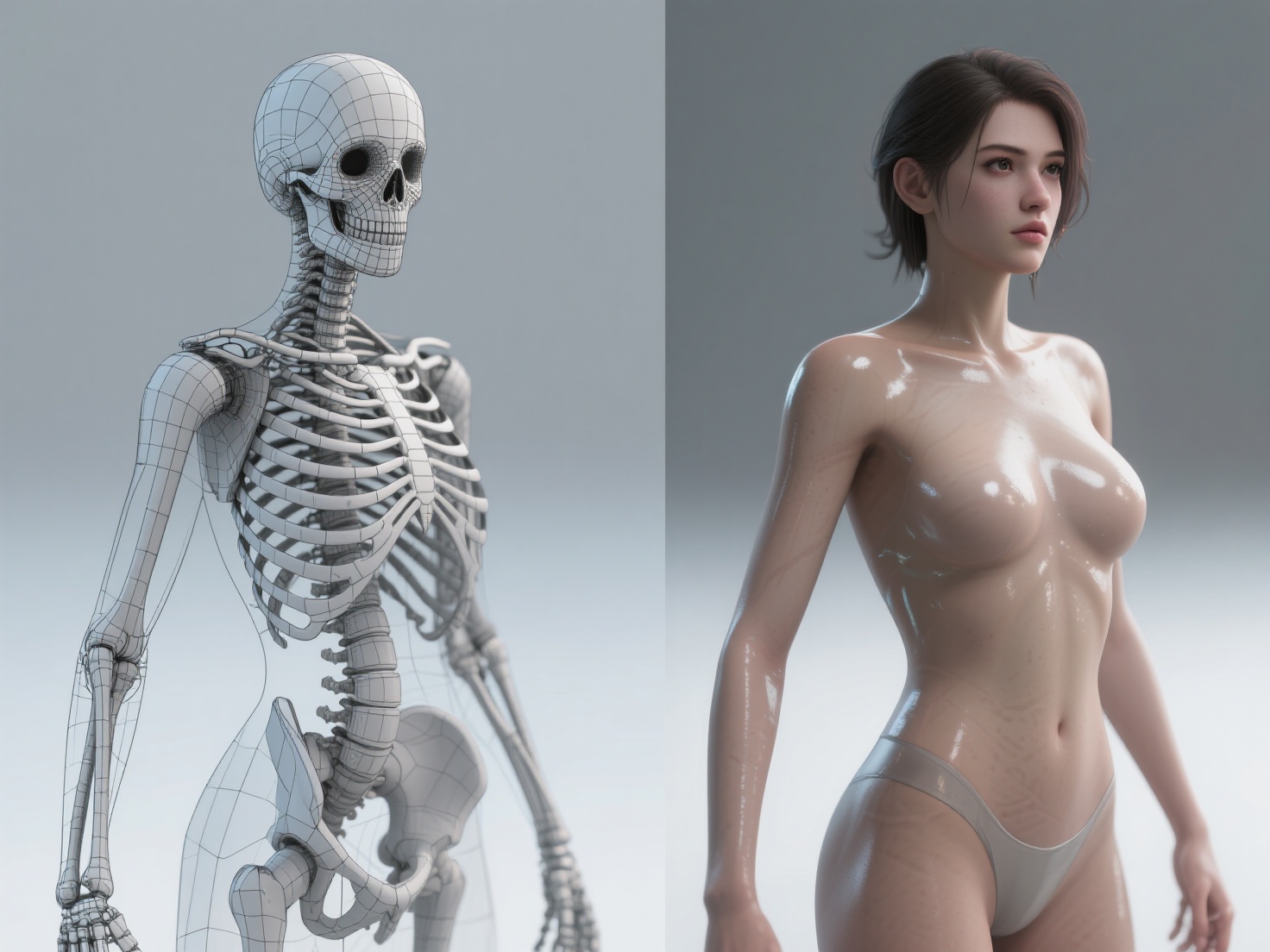
A 3D game character needs a “skeleton” to move. Riggers build an internal framework of bones and controllers. Skinning is the process of binding the 3D mesh to this skeleton, dictating how the character’s geometry bends when a joint moves.
Step 5: Animation and Engine Implementation
Animators create idle cycles, run loops, and attack animations. Finally, the rigged and animated character is imported into a game engine (like Unreal Engine 5 or Unity), where materials are set up, and scripts are attached to make the character playable.
Adapting Designs for Different Game Genres
The genre of your game heavily dictates how a character should be designed. What works for a cozy indie game will fail in a competitive shooter.
| Game Genre | Design Focus | Key Characteristics |
|---|---|---|
| RPGs (Role-Playing Games) | High Detail & Customization | Modular armor pieces, highly detailed faces, complex backstories reflected in gear. |
| FPS / Hero Shooters | Readability & Hitboxes | Distinct silhouettes, bright accent colors for team identification, strict adherence to standardized hitboxes. |
| Platformers | Exaggerated Proportions | Oversized heads/hands to make animations readable from a zoomed-out camera, vibrant colors. |
Best Practices & Pro Tips for 2026
To stay ahead of the curve in game character creation, keep these modern best practices in mind:
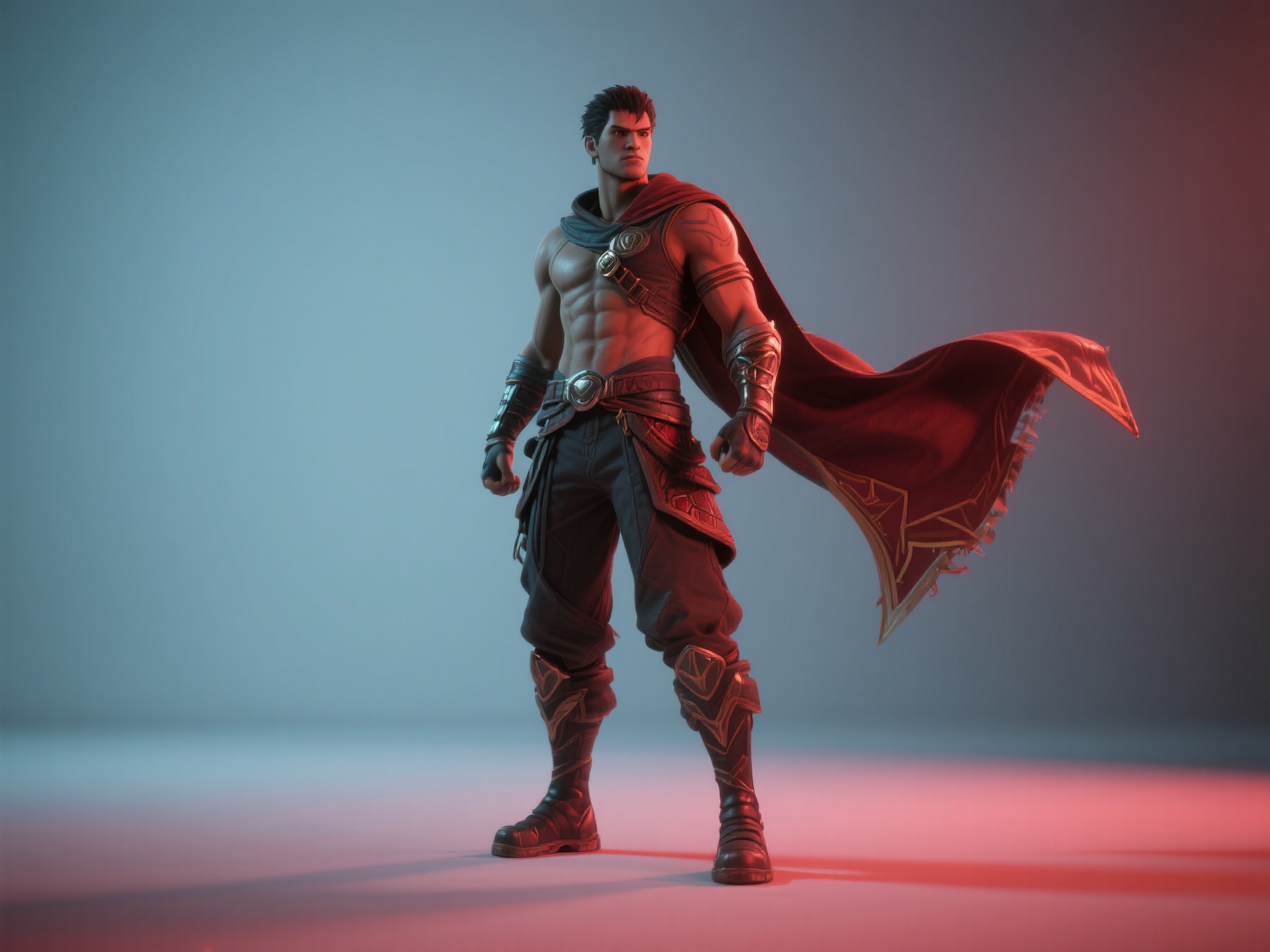
Design for the “Back View”: In third-person games, the player spends 90% of their time staring at the character’s back. Ensure the back of the outfit is visually interesting, with asymmetrical details or physics-driven elements like capes and belts.
Optimize for PBR: Don’t paint shadows or highlights directly into your base color texture. Rely on proper roughness and metallic maps so the game engine’s dynamic lighting can do the work.
Embrace AI to Break Bottlenecks: The transition from 2D concept art to a base 3D mesh is notoriously the most time-consuming part of the pipeline. Game artists are increasingly using AI tools to instantly generate base meshes from 2D concepts, saving dozens of hours in the blocking-out phase.
Conclusion & Level Up Your Workflow with Hitem3D
Mastering game character design requires a deep understanding of art fundamentals, player psychology, and technical pipelines. From crafting an unforgettable silhouette to optimizing your 3D game character for Unreal Engine, every step is crucial for building immersive worlds. However, the traditional pipeline—especially the jump from 2D concept to 3D model—can be an overwhelming bottleneck for indie developers and small studios.
This is where Hitem3D steps in to revolutionize your workflow.
Hitem3D is a next-generation AI-powered 3D model generator that seamlessly bridges the gap between 2D concept art and production-ready 3D assets. Powered by our proprietary Sparc3D (high precision) and Ultra3D (high efficiency) models, game artists can simply upload a single or multi-view concept image to generate a highly accurate 3D character mesh.
Unlike basic generators, Hitem3D excels in invisible parts reconstruction, intelligently filling in hidden geometry beyond the visible surfaces—a critical feature for 360-degree game assets. Furthermore, it delivers up to 1536³ Pro resolution (up to 2M polygons) with De-Lighted Textures, which automatically removes baked-in lighting and shadows, providing true relightable PBR materials perfect for dynamic game engines. With easy export to FBX, OBJ, and GLB, and a Free Retry system that lets you tweak results without burning credits, Hitem3D is the ultimate companion for modern game developers.
Ready to bring your character concepts to life in minutes instead of weeks?
Frequently Asked Questions (FAQ)
Q1: How long does it typically take to create a 3D game character?
In a traditional AAA studio pipeline, a high-quality 3D character can take anywhere from 3 to 8 weeks, encompassing conceptualization, high-poly sculpting, retopology, texturing, and rigging. Using AI tools like Hitem3D can drastically reduce the initial modeling and texturing phases to mere minutes.
Q2: What makes a good 3D game character design?
A good design features a highly readable silhouette, a color palette that communicates the character’s role, and optimized geometry (retopology) that allows for smooth performance and natural deformations during animation.
Q3: Can AI replace 3D character artists in game development?
No, AI is a powerful assistant, not a replacement. AI tools excel at accelerating tedious tasks—like generating base meshes, blocking out proportions, and creating PBR textures from reference images. Artists are still essential for refining topology, customizing rigs, art-directing the final look, and giving the character its unique “soul.”