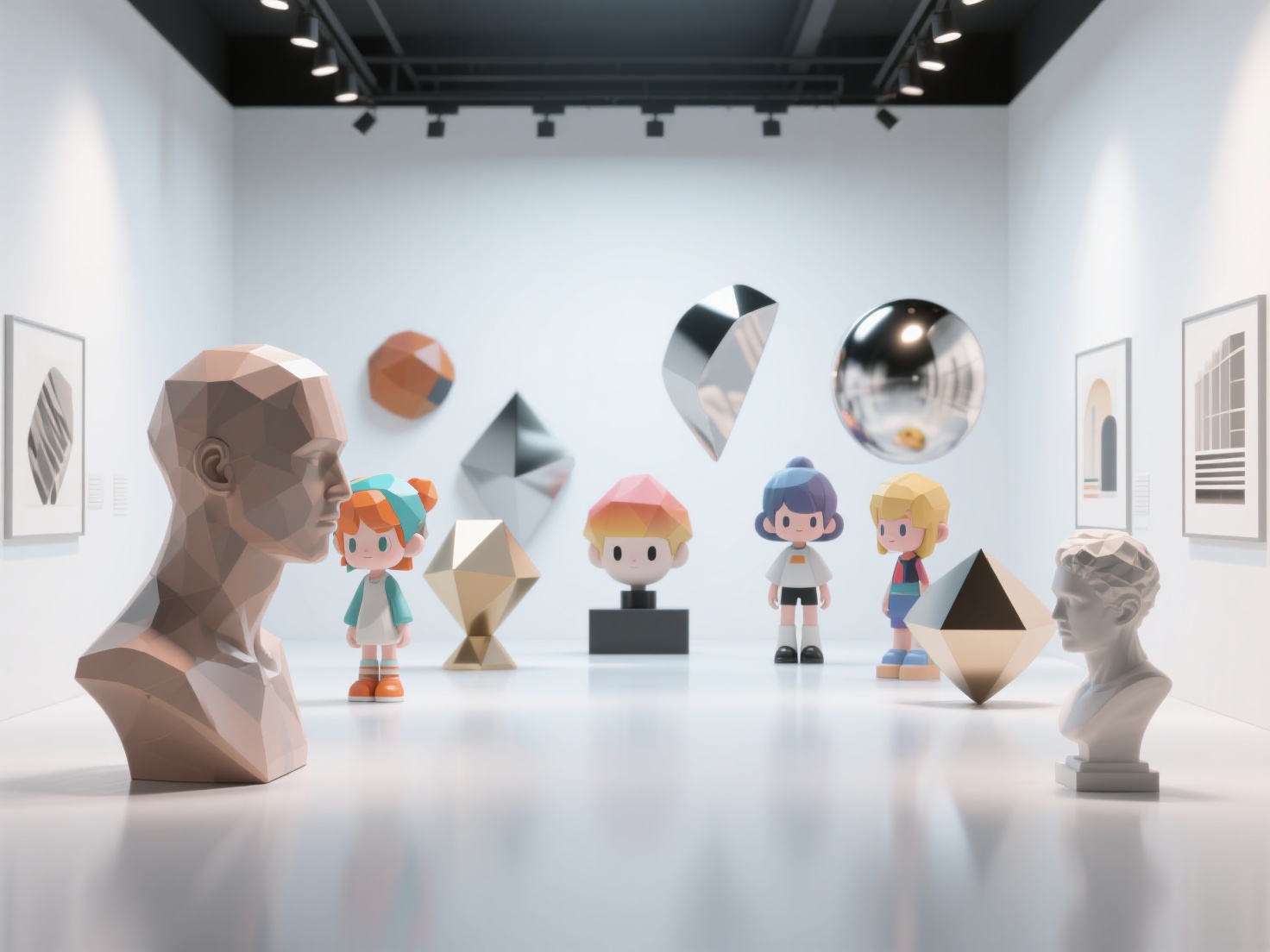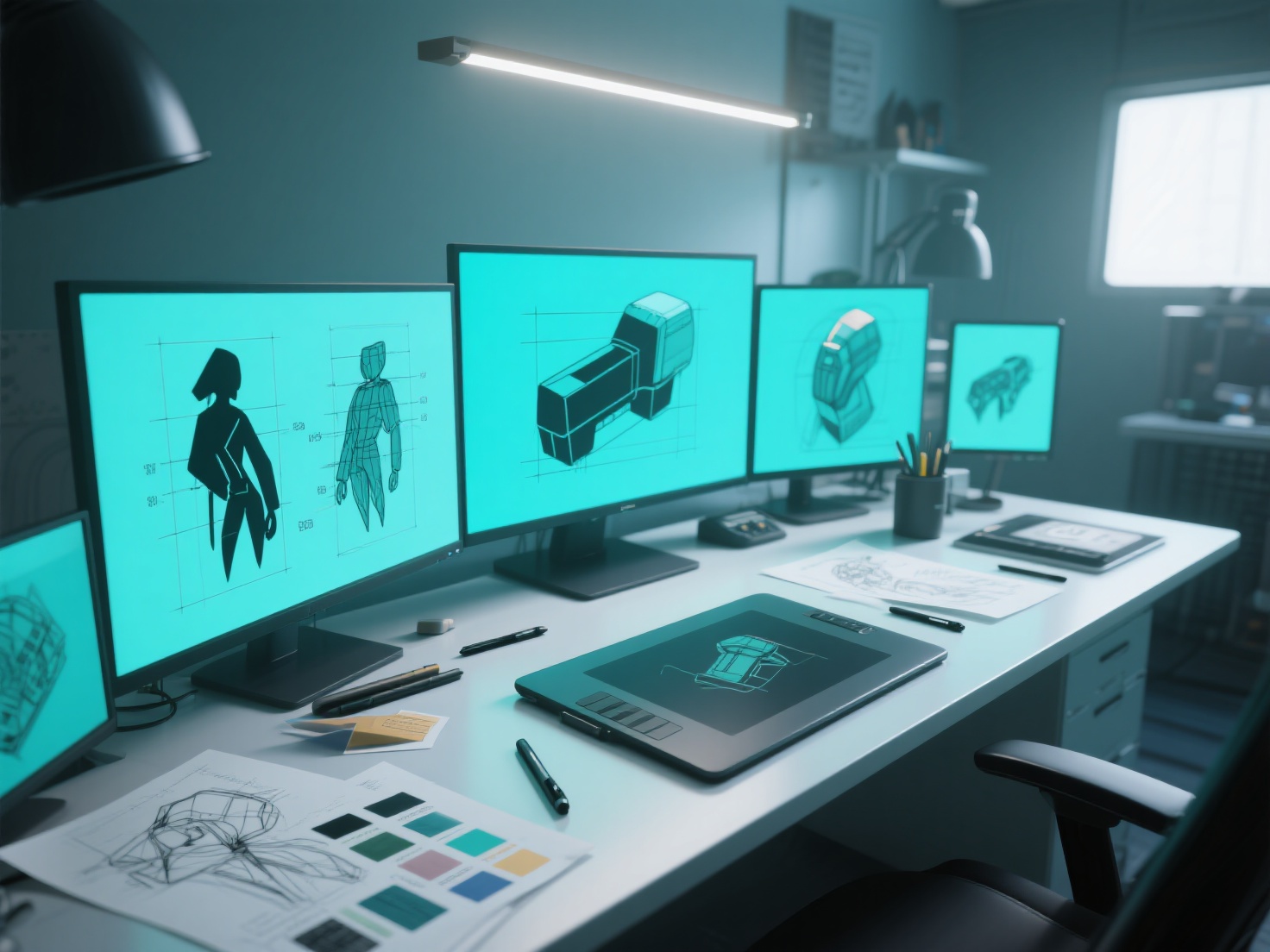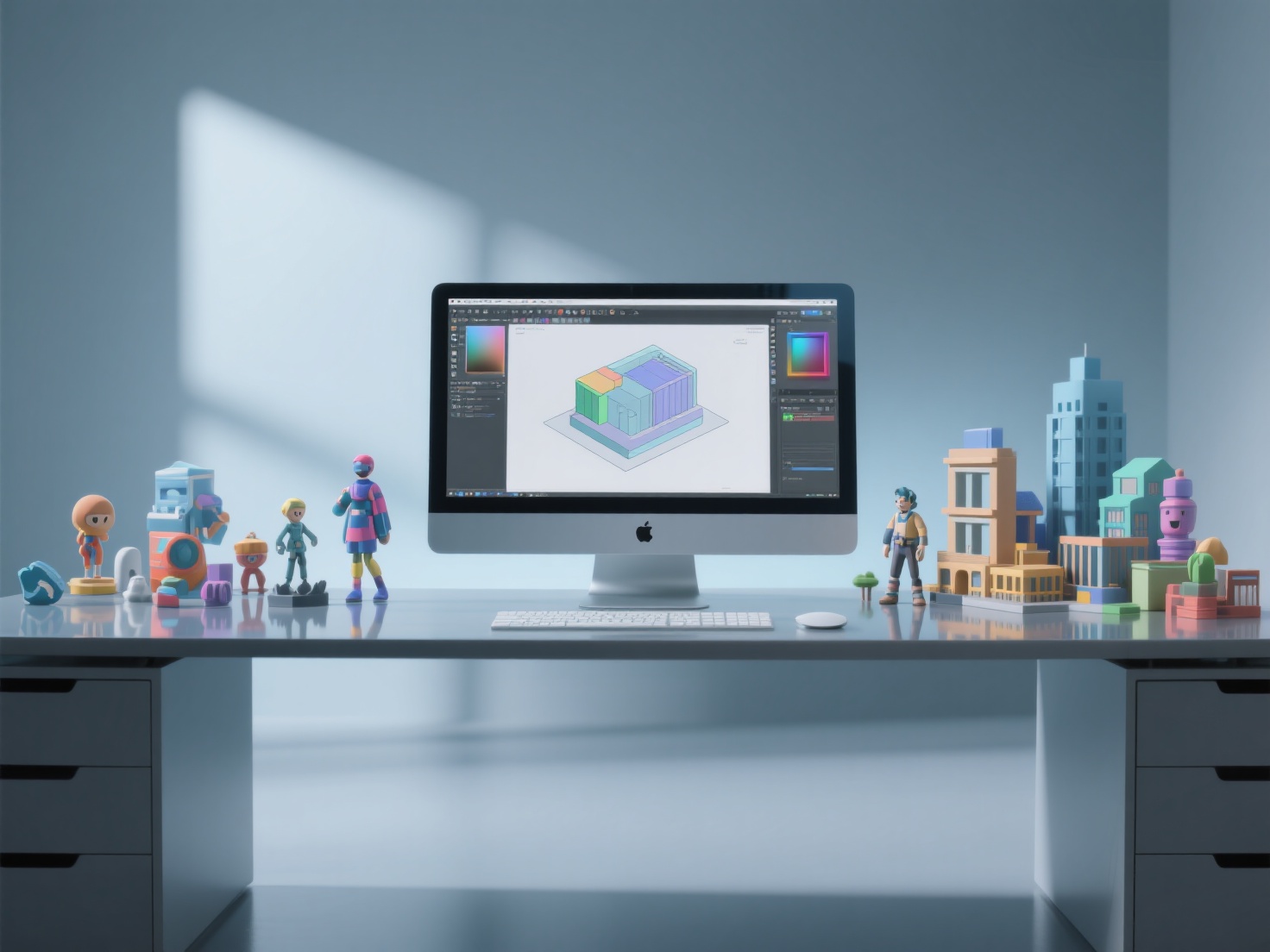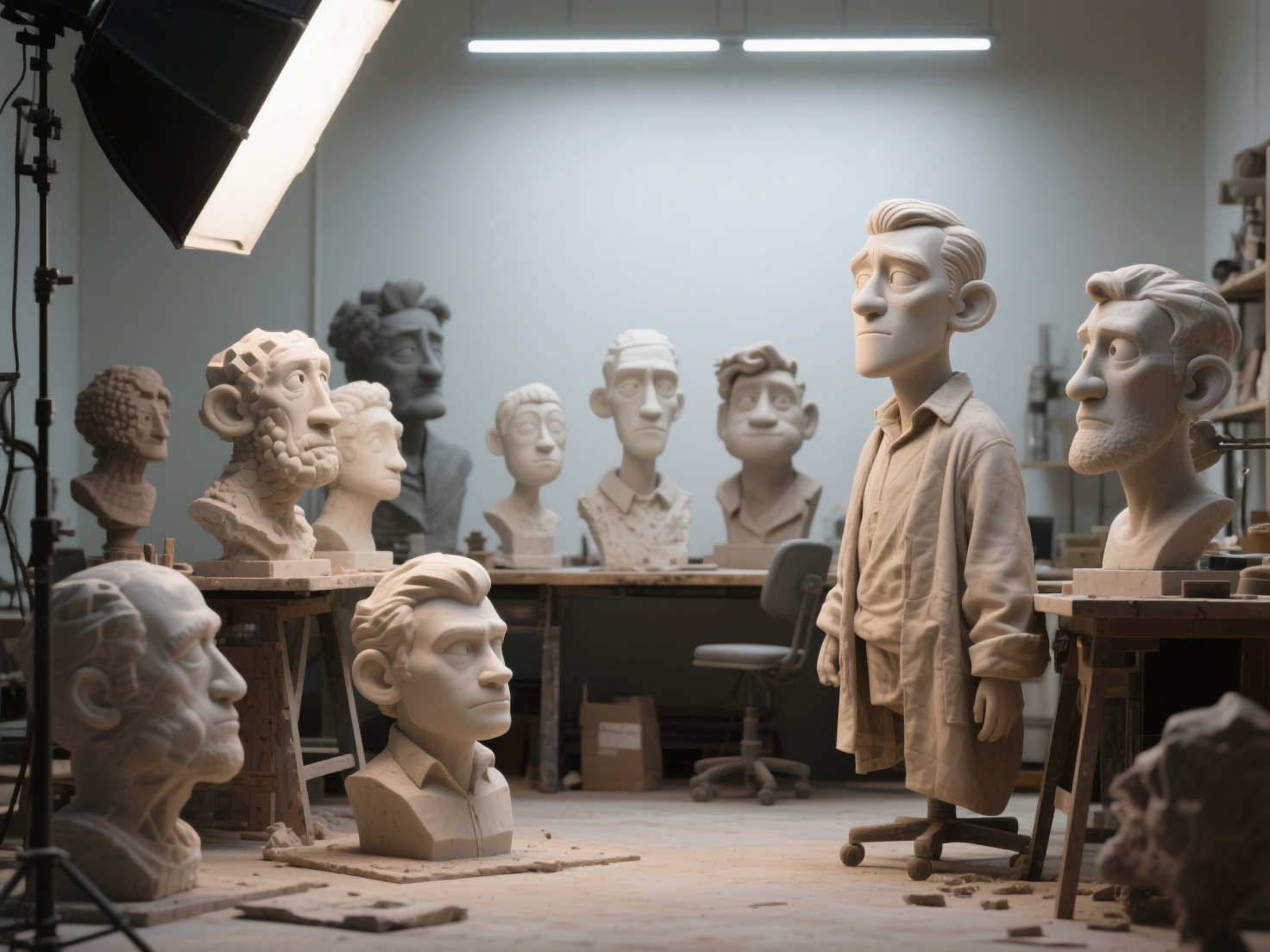
There is a unique kind of magic in taking a digital lump of clay and transforming it into a living, breathing entity. Character sculpting sits at the very heart of digital art, serving as the critical bridge between an artist’s imagination and a fully realized 3D asset. However, for many artists, the journey from a blank sphere to an expressive character is fraught with frustration. Mastering anatomy, managing topology, and capturing genuine emotion can feel like climbing a mountain without a map.
Whether you are aiming to create the next iconic hero for a AAA game or a stylized miniature for tabletop gaming, understanding the fundamental principles of form and expression is essential. In this comprehensive guide, we will break down the entire process. You will learn the core workflow to sculpt 3D characters, explore the nuances of stylization, and discover modern techniques—including AI-assisted base mesh generation—that can drastically accelerate your creative pipeline.
What is Character Sculpting?
In digital art, 3D character sculpting is the process of manipulating a digital mesh as if it were physical clay—pushing, pulling, smoothing, and carving—to create high-resolution, detailed character models. Unlike traditional polygon modeling which relies on extruding individual faces and edges, sculpting focuses entirely on artistic form, anatomy, and organic shapes, making it the industry standard method for creating humans, creatures, and monsters.
The Core Workflow: How to Sculpt 3D Characters
Creating a compelling character requires a structured approach. Jumping straight into fine details without a solid foundation is a common pitfall. Here is the proven step-by-step workflow for successful character creation.
1. Anatomy and Proportions (The Foundation)
You cannot break the rules of human anatomy until you understand them. Even the most highly stylized aliens or cartoon characters are grounded in real-world skeletal and muscular systems.
- The Skull and Bone Landmarks: The skull dictates the shape of the face. Always establish bony landmarks first—the cheekbones (zygomatic arch), the brow ridge, and the jawline (mandible). These areas have very little fat or muscle covering them and serve as anchor points.
- Facial Planes: Before smoothing out a face, block out the primary planes. Studying the “Asaro Head” is an excellent way to understand how light interacts with the distinct geometric planes of the human face.
- Body Proportions: A standard realistic human is generally 7.5 to 8 “heads” tall. Establishing these macro-proportions early prevents your character from looking off-balance.
Pro Tip: Creating an accurate base mesh from scratch can take hours. Modern artists increasingly use AI to jumpstart this process. By feeding a 2D concept sketch into an AI generator, you can instantly receive a proportionally accurate starting point, allowing you to focus your energy on the actual sculpting and detailing.
2. Blocking in Primary Forms
Once you understand the anatomy, begin by blocking in the primary forms using basic primitives (spheres, cylinders, and boxes).
At this stage, silhouette is king. If your character’s silhouette is unreadable or lacks dynamic energy when viewed completely in black, no amount of detail will save it. Keep your polygon count incredibly low here to allow for massive, sweeping changes to the character’s posture and overall shape.
3. Secondary Forms and Expressive Anatomy
With the primary block-out complete, it is time to merge the shapes and build the secondary forms. This involves layering the major muscle groups, adding fat pads, and defining the unique facial features.
To truly bring life to your sculpt, you must understand facial expressions. Emotion is conveyed through the contraction of specific facial muscles:
- Joy: Look for the activation of the zygomaticus major (pulling the corners of the mouth up) and the bunching of skin around the eyes (crow’s feet).
- Anger: Focus on the furrowed brow, the flared nostrils, and the tension in the jaw.
Asymmetry is crucial here. The human face is naturally imperfect, and a perfectly symmetrical expression will always look like a robotic mannequin.
4. Clothing, Fabric Folds, and Hair
Dressing your character adds narrative context. Sculpting clothing is entirely about understanding tension points. Fabric hangs from “points of support” (like the shoulders or knees) and succumbs to gravity.
- Pipe Folds: Cylindrical folds that hang freely from a single point of tension (common in skirts).
- Zigzag Folds: Formed when stiff fabric buckles under compression (common in the inner elbow or back of the knee).
- Hair Sculpting: Never sculpt individual strands of hair. Instead, block out large, structural “ribbons” or clumps of hair, establish the primary flow, and only add subtle strand details in the final polish.
5. Tertiary Details (Micro-details)
The final stage is adding the micro-details that make the surface look tangible. This includes:
- Skin Pores and Micro-wrinkles: Best applied using alpha brushes. Vary the pore direction based on the facial region (e.g., larger, stretched pores on the nose; finer pores on the cheeks).
- Scars, Veins, and Blemishes: These elements tell the story of what your character has survived.
Stylization Techniques: Realistic vs. Cartoon
When learning to sculpt 3D characters, you must decide on your visual direction. The approach varies drastically depending on whether you are aiming for hyper-realism or a stylized, cartoon aesthetic.
| Feature | Realistic Sculpting | Stylized / Cartoon Sculpting |
|---|---|---|
| Proportions | Strict adherence to human anatomy (8-head ratio). | Highly exaggerated (e.g., massive heads/eyes, tiny bodies). |
| Surface Details | High emphasis on tertiary details (pores, fine wrinkles). | Smooth surfaces, clean planes, very few micro-details. |
| Silhouettes | Natural, complex, and grounded in reality. | Sharp, distinct, and immediately recognizable geometric shapes. |
| Hair | Rendered with complex grooms (XGen) or highly detailed sculpted strands. | Sculpted in large, chunky, solid masses with sharp tips. |
Industry Standard Tools: ZBrush and Blender
The software you choose will heavily impact your workflow:
- ZBrush: Creating a ZBrush character is the undisputed industry standard. With its proprietary engine capable of handling tens of millions of polygons effortlessly, and features like Dynamesh and Sculptris Pro, ZBrush allows for unparalleled artistic freedom.
- Blender: A highly capable, free, and open-source alternative. Blender’s sculpting toolset has improved massively, making it an incredible all-in-one suite for artists who want to sculpt, rig, and render in a single environment.
Applications of 3D Character Sculpting
The demand for high-quality character sculptors spans across several massive industries:
- Video Games: High-poly sculpts are baked down into low-poly meshes, complete with normal maps, to create optimized characters for real-time game engines.
- Film and VFX: Hyper-realistic digital doubles and fantastical creatures are sculpted for blockbuster movies, requiring the highest level of anatomical accuracy and micro-detailing.
- 3D Printing & Collectibles: From tabletop miniatures to large-scale physical statues, character sculpting is the first step in the physical manufacturing of artistic collectibles.
- Digital Art & NFTs: Independent creators sculpt unique avatars and digital art pieces to build personal brands and monetize their craft.
Best Practices for Digital Sculptors
To elevate your 3D character sculpting skills, keep these actionable tips in mind:
- Always Use Reference: Never sculpt from memory. Keep a board of anatomical references, concept art, and real-life photos visible on a second monitor at all times.
- Work in Resolutions: Resist the urge to subdivide your mesh too early. If you cannot make the character look good at a low polygon count, adding a million polygons will only result in a lumpy, messy sculpt.
- Break Symmetry: You can use mirror/symmetry tools during the blocking phase, but you must turn symmetry off when adding expressive details, posing, and final micro-details to breathe life into the model.
Conclusion: Elevate Your Character Sculpting Workflow
Mastering the art of character creation is an incredibly rewarding journey. By deeply studying anatomy, mastering the blocking of primary forms, conveying emotion through expressive secondary shapes, and adding the right amount of micro-detail, you can transform simple digital geometry into a compelling piece of art.
However, we know that getting started on a sculpt—specifically, establishing that perfect base mesh from 2D concept art—can be a tedious bottleneck. This is where AI drastically changes the game.
Hitem3D is a next-generation AI-powered 3D model generator designed to supercharge your workflow. Built on the proprietary Sparc3D (high precision) and Ultra3D (high efficiency) models, Hitem3D allows you to upload a single piece of 2D character concept art and generate a production-ready 3D model in seconds.
What makes Hitem3D truly revolutionary for character artists is its Invisible Parts technology. It doesn’t just project the front of your image; it intelligently reconstructs the hidden back of the character, providing you with a complete, fully-realized base mesh featuring clean geometry.
Need high-quality materials for your final render? Hitem3D generates 4K PBR materials complete with De-Lighted Textures—intelligently removing baked-in lighting and shadows from your 2D image so your character reacts perfectly to custom lighting in your scene. With support for resolutions up to 1536³ Pro (up to 2M polygons), one-click export to slicers like Bambu Studio for 3D printing, and a generous Free Retry system, it is the ultimate companion tool for modern digital sculptors.
Ready to skip the tedious block-out phase and get straight to the creative sculpting?
Frequently Asked Questions (FAQ)
Q1: Do I need to know traditional anatomy to sculpt 3D characters?
Yes, a fundamental understanding of traditional human anatomy (bones, muscle insertions, and facial planes) is essential. Even when creating highly stylized or cartoon characters, underlying anatomical rules are required to make the forms look believable and structurally sound.
Q2: What is the best software for character sculpting?
Creating a ZBrush character remains the industry standard due to its ability to handle millions of polygons and specialized tools like Dynamesh. However, Blender is a fantastic, completely free alternative that offers robust sculpting tools alongside rigging and animation capabilities.
Q3: How can AI speed up my character sculpting process?
AI can dramatically reduce the time spent on the initial block-out phase. By using tools like Hitem3D’s Image-to-3D feature, you can upload a 2D sketch and instantly receive a proportionally accurate 3D base mesh. This allows you to bypass the initial setup and dive directly into refining secondary forms and tertiary details.
Q4: How do I make my character’s face look more expressive?
To sculpt expressive faces, study the specific facial muscles (like the zygomaticus major for smiling or the corrugator supercilii for frowning). Turn off your symmetry tool, ensure the eyes are engaged (squinting or widening), and focus on how the skin folds and stretches around the mouth and eyes during an emotion.