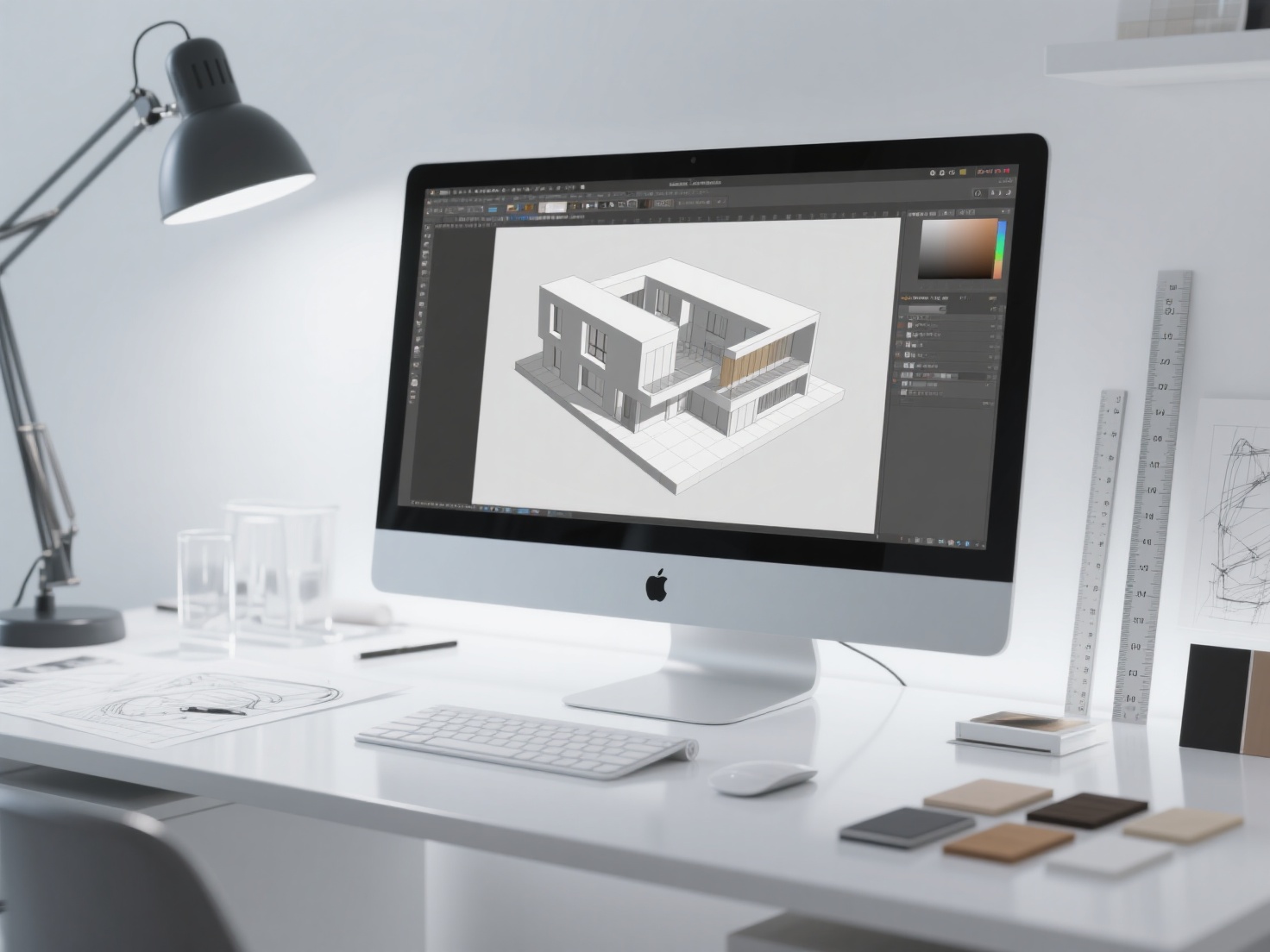
Physical models have always been the bridge between abstract architectural concepts and tangible reality. Whether you are an architecture student pitching a thesis or a seasoned professional presenting to high-profile clients, a well-crafted architecture scale model is arguably your most powerful communication tool. It allows stakeholders to instantly grasp spatial relationships, massing, and lighting in a way that 2D drawings simply cannot match.
Today, the industry is experiencing a massive technological shift. The age-old debate between traditional craftsmanship and digital fabrication is happening in every design studio. Should you stick to classic architectural model making techniques, or is it time to fully embrace the 3D printed architecture model?
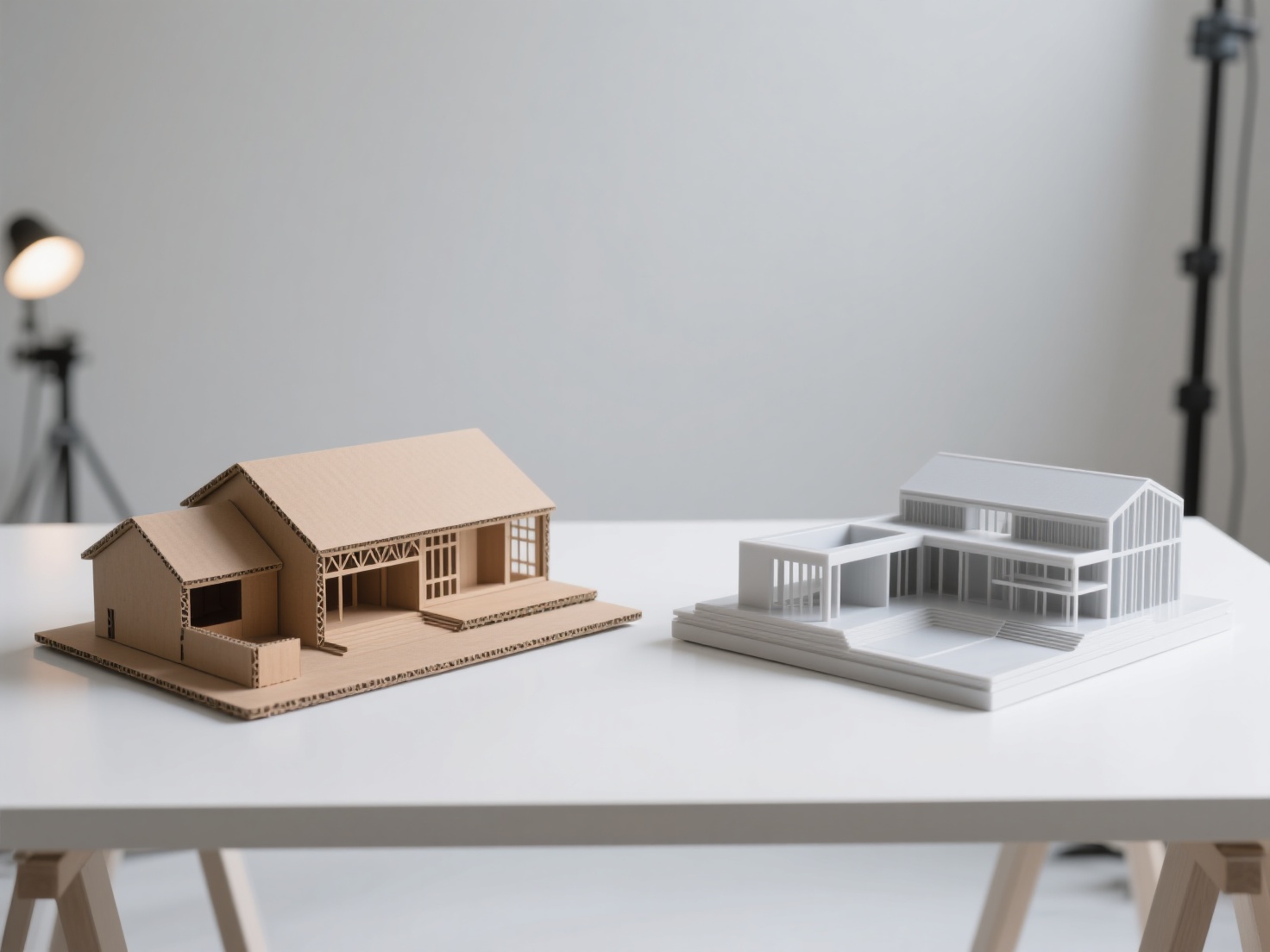
In this comprehensive scale model comparison, we will break down the pros, cons, costs, and workflows of both traditional and 3D printed approaches, helping you choose the best method for your next design presentation.
Photorealistic 3D render comparing traditional and 3D printed architecture scale models side by side.png
What is an Architecture Scale Model?
An architecture scale model is a three-dimensional physical representation of a building, urban landscape, or interior space, constructed at a precisely reduced scale to communicate design concepts, spatial relationships, structural details, and materiality to clients and stakeholders.
Traditional vs. 3D Printed Architecture Models: A Detailed Scale Model Comparison
To truly understand which method suits your project, we must examine the core characteristics, advantages, and limitations of both traditional craftsmanship and digital 3D printing.
Traditional Architectural Model Making
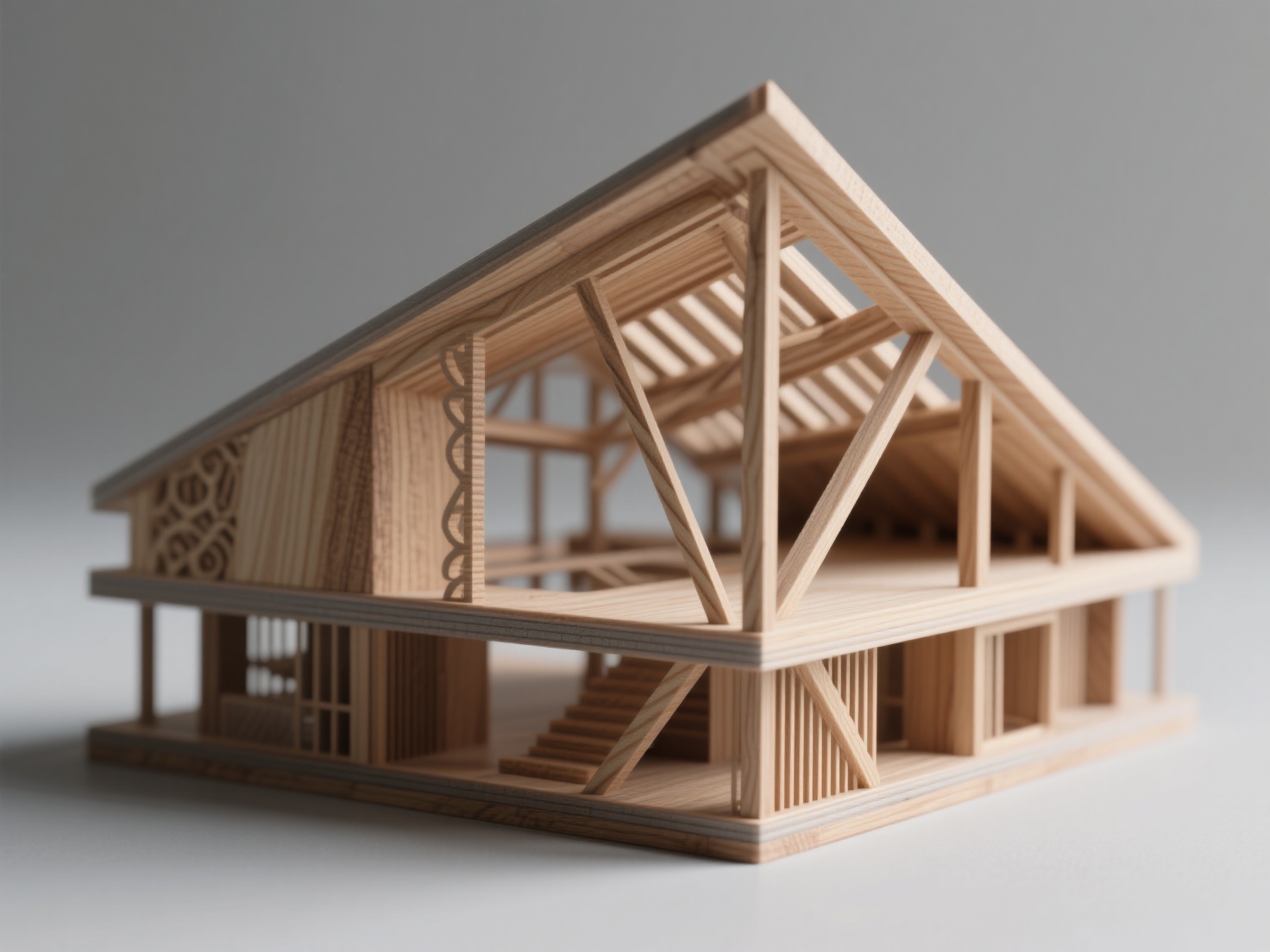
Traditional architectural model making relies on hands-on craftsmanship. Using materials like balsa wood, basswood, foam board, cardboard, and acrylic, architects physically cut, glue, and assemble structures piece by piece. Recently, laser cutting has become a staple in this workflow, allowing for faster and more precise cutting of flat materials.
Pros of Traditional Models:
- Tactile and Artistic Quality: Wood and museum board possess an inherent warmth and artistic flair that many clients and juries love.
- Speed in Conceptual Phases: For early-stage massing, rapidly cutting and pinning together foam blocks is incredibly fast and intuitive.
- Cost-Effective for Large Topography: Layering corrugated cardboard or foam is a highly economical way to represent large site topographies.
Cons of Traditional Models:
- Highly Labor-Intensive: Constructing detailed facades, window mullions, or staircases by hand takes immense time and patience.
- Limitation with Complex Geometry: Parametric designs, organic curves, and complex doubly-curved surfaces are notoriously difficult to replicate using flat sheet materials.
The Rise of 3D Printed Architecture Models
A 3D printed architecture model is fabricated directly from a digital CAD file (such as SketchUp, Rhino, or Revit) using additive manufacturing technologies like FDM (Fused Deposition Modeling) or SLA (Stereolithography resin printing).
Pros of 3D Printed Models:
- Unmatched Precision: 3D printers can effortlessly produce intricate geometries, detailed facades, and complex parametric roofs that would be impossible to build by hand.
- Passive Fabrication: Once the digital file is prepped and the printer starts, the machine does the work. You can print a highly detailed model overnight while you sleep.
- Easy Iteration and Duplication: Need three copies of the same building massing for a master plan? A 3D printer can duplicate models with zero variation.
Cons of 3D Printed Models:
- Strict Digital Requirements: The 3D model must be “watertight” (manifold) with proper wall thicknesses. A messy CAD file will result in a failed print.
- Post-Processing: Removing support structures can be tedious, and FDM prints may show visible layer lines that require sanding.
Scale Model Comparison Table
| Feature | Traditional Model Making | 3D Printed Architecture Models |
|---|---|---|
| Primary Materials | Wood, cardboard, foam, acrylic | PLA filament, ABS, Photosensitive Resin |
| Best For | Early concept massing, large context models | Final presentations, complex geometries |
| Detail Level | Moderate (relies on manual skill) | Extremely High (machine precision) |
| Time Investment | High active manual labor time | High digital prep time, low manual labor time |
| Cost | Low material cost, high labor cost | Moderate material/machine cost, low labor cost |
| Presentation Impact | Warm, artisanal, abstract | Sleek, modern, highly detailed and realistic |
Best Use Cases and the Powerful Hybrid Approach
Choosing between traditional and 3D printed models doesn’t have to be a strictly either-or decision. Understanding when to deploy each method is the hallmark of a highly efficient architectural workflow.
When to use Traditional Methods:
Stick to foam and cardboard during the schematic design phase. When you need to quickly test volumetric relationships or spatial layouts in a matter of hours, nothing beats the speed of a utility knife and a hot wire cutter.
When to use 3D Printing:
Leverage 3D printing for final client presentations, intricate interior section models, or when your design features complex parametric elements. 3D printing is also ideal for creating repeatable modular units, such as repeating balcony types on a high-rise tower.
The Hybrid Approach: The Best of Both Worlds
The most successful architectural studios today use a hybrid approach. Instead of 3D printing a massive, time-consuming floor slab or site context, they will laser-cut the main structural floors and walls from MDF or acrylic. Then, they will 3D print the highly complex, time-consuming components—such as spiral staircases, custom interior furniture, organic roof canopies, and detailed facade screens—and seamlessly integrate them into the traditional structure. This maximizes both efficiency and visual impact.
Best Practices for Preparing Architectural Models for 3D Printing
Creating a beautiful render in your CAD software does not guarantee it will 3D print successfully. To ensure your 3D printed architecture model comes out perfectly, follow these essential best practices:
Ensure Proper Wall Thickness: Architectural elements that look proportionate in digital space (like window frames or glass panes) may scale down to less than 0.1mm, making them unprintable. Always artificially thicken delicate elements to meet your printer’s minimum tolerance (usually 0.8mm to 1.2mm for FDM).
Make the Model Watertight: 3D printers cannot understand floating planes or overlapping, unjoined geometries. Your digital model must be a solid, closed mesh. Use Boolean union operations to merge intersecting walls and floors.
Plan Your Support Strategy: Overhangs require temporary support structures. Orient your building intelligently on the build plate. Whenever possible, print buildings in modular pieces (e.g., floor by floor) and assemble them post-print to drastically reduce the need for messy supports.
Hollow Out Large Volumes: If you are printing a large solid massing block, hollow the interior to save on filament/resin costs and dramatically reduce print time.
Streamlining Your Workflow with AI-Powered 3D Asset Generation
One of the biggest bottlenecks in creating a 3D printed architecture model is sourcing or modeling the surrounding context. Spending hours manually modeling site topography, adjacent buildings, complex landscape elements, or bespoke interior furniture can derail your project timeline.
This is where integrating AI tools like Hitem3D transforms the architectural workflow.
Hitem3D is a next-generation AI-powered 3D model generator that can drastically accelerate your model-making process. If you need a specific classic chair for an interior section model, or a highly detailed historic facade for your site context, you no longer need to model it from scratch. Simply upload a single or multi-view image of the object.
Powered by the in-house Sparc3D model, Hitem3D generates high-precision, production-ready 3D models with true geometric accuracy. Crucially for architects, Hitem3D features advanced Invisible Parts technology, which intelligently reconstructs hidden structures beyond the visible surfaces. This ensures the output is a solid, watertight mesh with print-ready geometry and sharp edges—perfect for physical scale models.
Furthermore, Hitem3D supports exporting to standard formats like STL and OBJ, and features a one-click direct send to Bambu Studio and OrcaSlicer. This creates a seamless pipeline from a 2D inspiration image directly to your 3D printer, saving you days of manual CAD work. If the first generation isn’t quite what you need, Hitem3D’s Free Retry system allows you to regenerate results without wasting additional credits.
Conclusion: Elevating Your Architectural Model Making
In the ultimate scale model comparison, it becomes clear that traditional craftsmanship and modern 3D printing are not enemies; they are complementary tools in a designer’s arsenal. Traditional architectural model making offers unmatched speed for early conceptualization and a timeless tactile warmth. Meanwhile, the 3D printed architecture model delivers unparalleled precision, geometric freedom, and the ability to automate complex detailing.
By adopting a hybrid workflow—and leveraging cutting-edge AI tools to rapidly generate printable 3D assets—architects and students can produce breathtaking scale models faster and more cost-effectively than ever before.
Ready to eliminate modeling bottlenecks and generate highly detailed, print-ready scale model assets in minutes? Experience the power of AI-driven geometry. Create For Free at Hitem3D.
Frequently Asked Questions (FAQ)
1. Which is cheaper: traditional or 3D printed architecture models?
For simple, early-stage massing models, traditional materials like foam and cardboard are significantly cheaper. However, for highly detailed final presentation models, 3D printing is often more cost-effective because it drastically reduces the expensive human labor hours required to craft intricate details by hand.
2. What are the best materials for a 3D printed architecture model?
PLA (Polylactic Acid) is the most popular and environmentally friendly filament for FDM printers, perfect for massing and structural models. For highly detailed interior models, facades, or miniature furniture, SLA resin printing is the superior choice, as it captures microscopic details with a perfectly smooth surface finish.
3. Can I directly 3D print my SketchUp or Revit files?
Usually, no. Native architectural files often contain zero-thickness planes (like single-plane glass windows) and unjoined intersections. You must first optimize the file by thickening walls, removing interior geometry that won’t be seen, and ensuring the entire mesh is “watertight” before exporting it as an STL or OBJ file for your 3D printer’s slicing software.