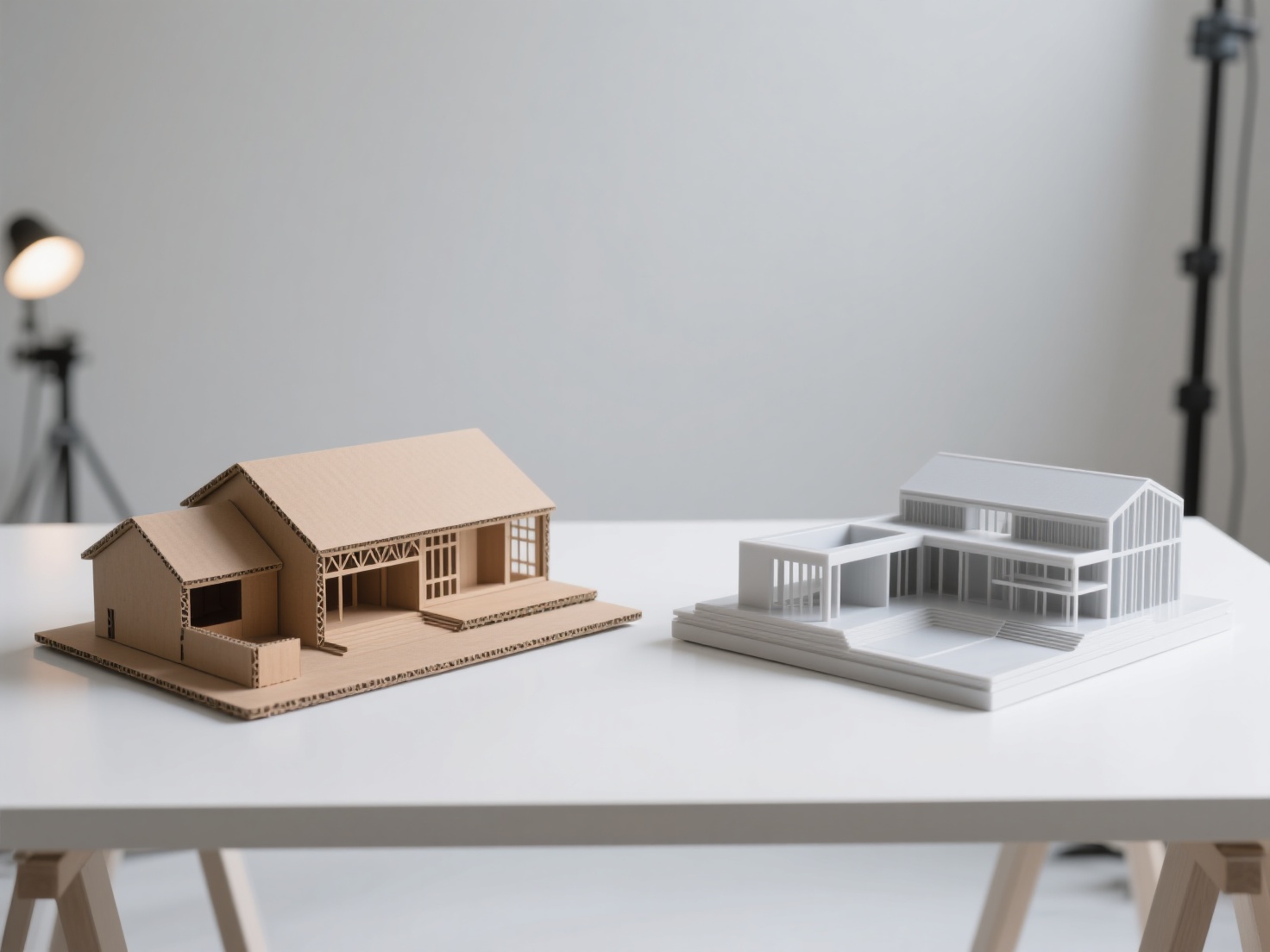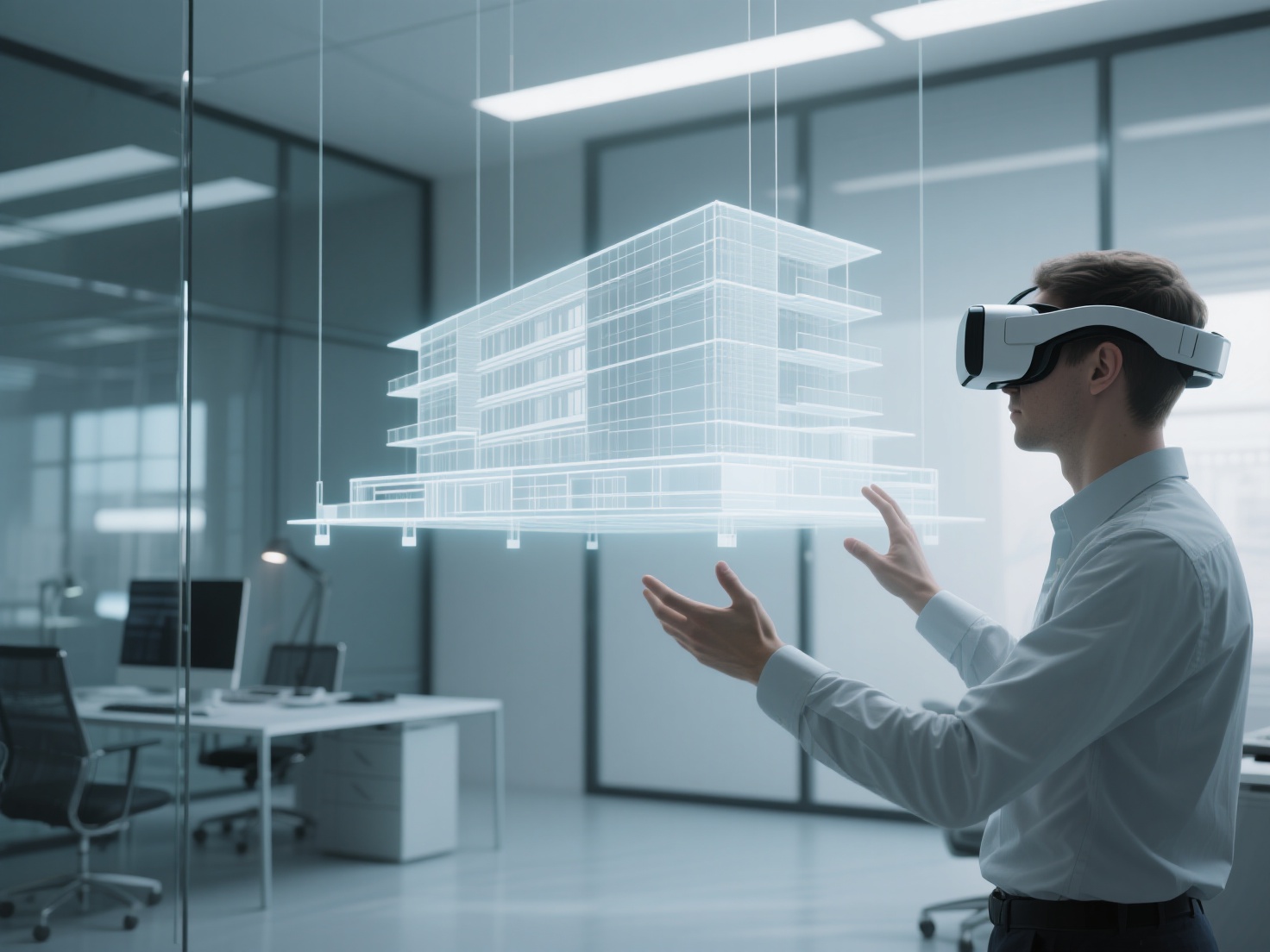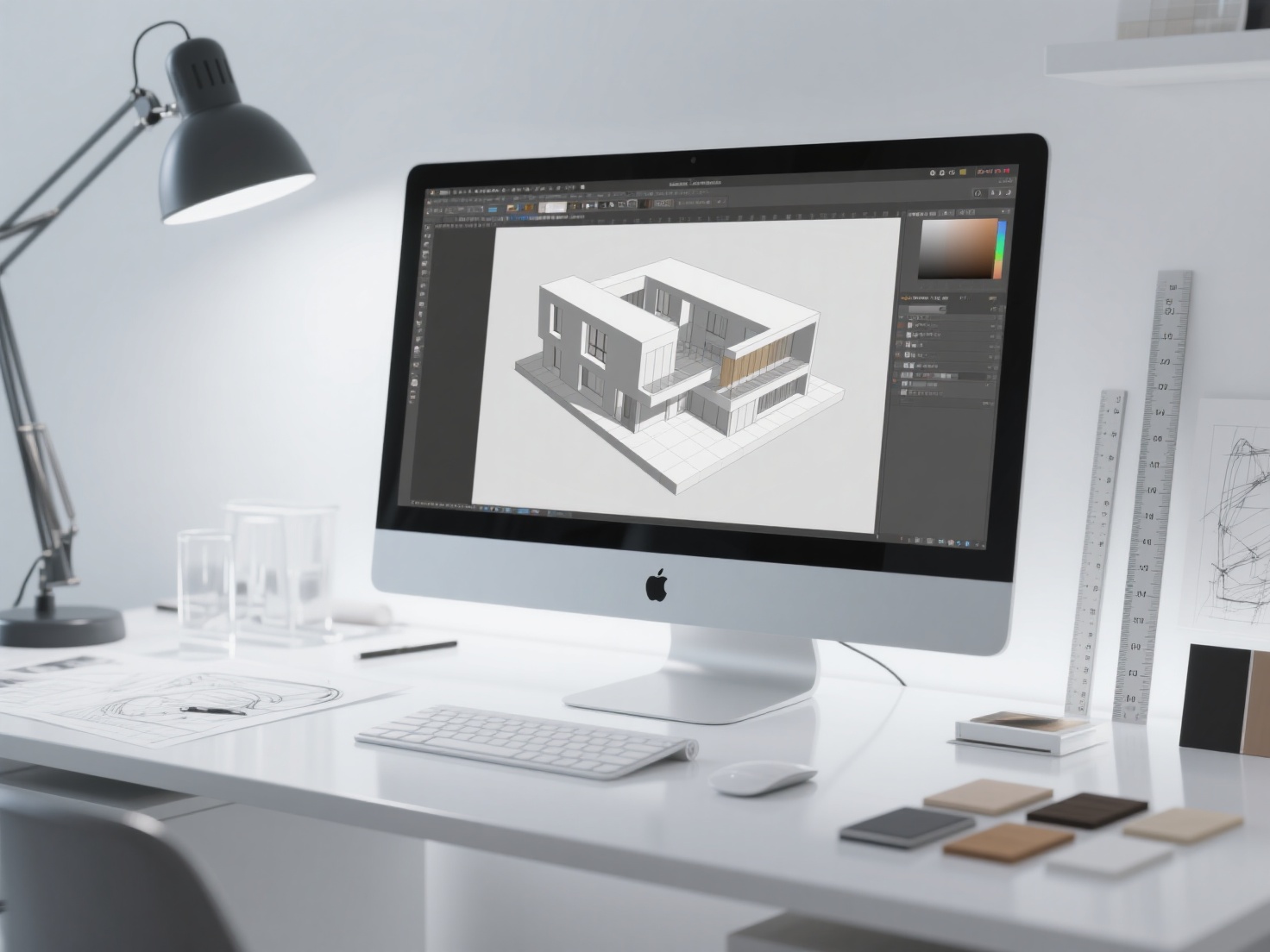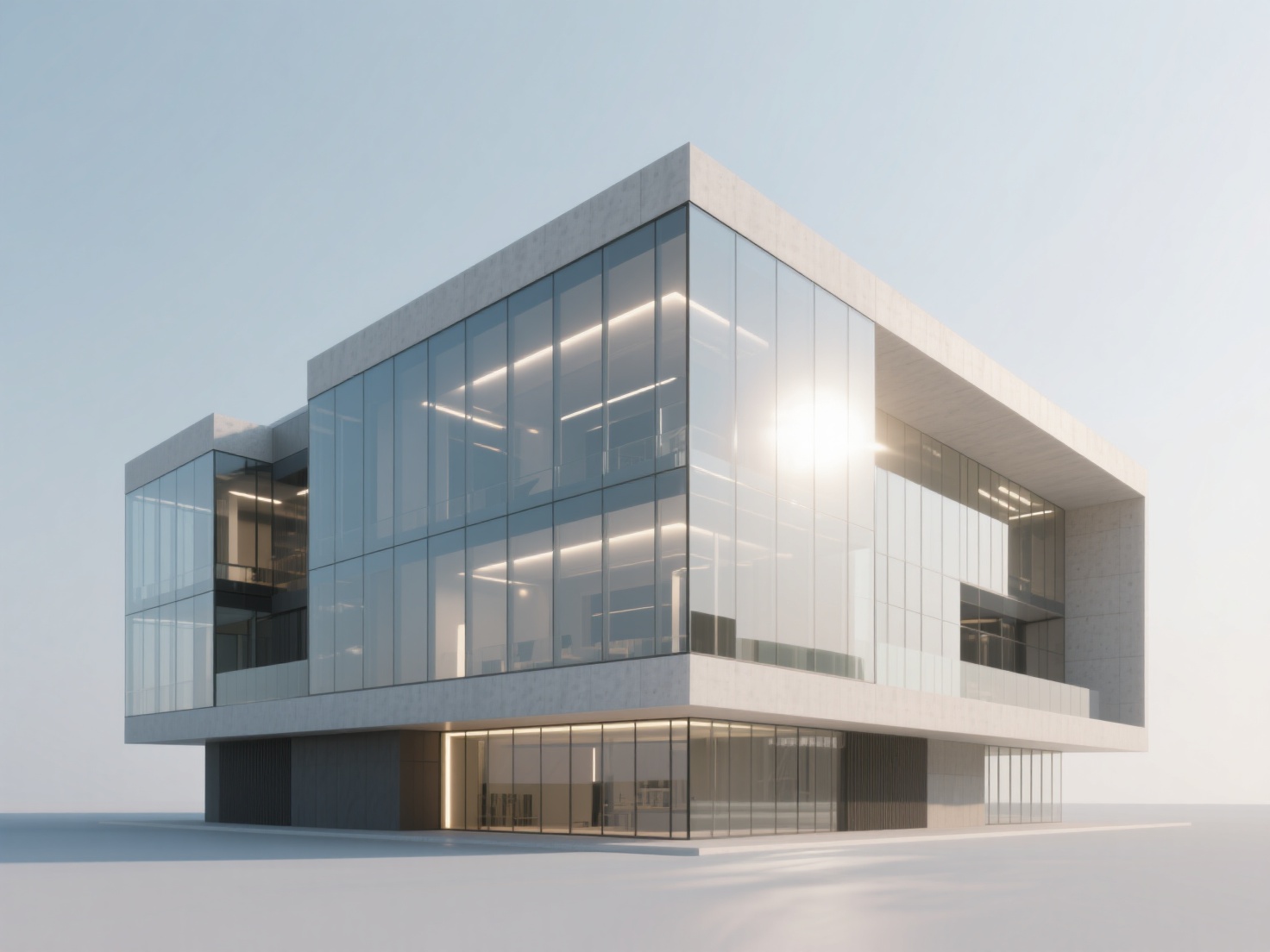
As we move deeper into 2026, the landscape of architectural visualization has dramatically evolved. Clients no longer settle for basic structural wireframes or flat 2D floor plans; they expect highly immersive, photorealistic digital environments. Mastering architectural 3D rendering is no longer just a premium skill—it is an absolute necessity for communicating design intent, winning pitches, and accelerating project approvals.
With the rapid advancement of real-time engines and AI-assisted workflows, choosing the right architecture rendering software can feel overwhelming. Whether you are an architect, a design visualization specialist, or a 3D artist, streamlining your workflow while pushing the boundaries of realism is the ultimate goal.
This comprehensive guide will explore the top rendering tools of 2026, break down advanced lighting and texturing techniques, and provide actionable best practices to elevate your architectural visualization game.
What is Architectural 3D Rendering?
Architectural 3D rendering is the digital process of creating photorealistic two-dimensional images, animations, or interactive virtual reality experiences from three-dimensional architectural models.
By calculating light, shadows, materials, and atmospheric effects, this process transforms abstract CAD or BIM data into visually stunning representations that accurately simulate how a building will look in the real world before construction even begins.
Choosing the Right Architecture Rendering Software in 2026
The software you choose dictates your workflow, render times, and final output quality. Today, the industry is broadly divided into two categories: offline (CPU/GPU path-tracing) and real-time (rasterization with ray-tracing) rendering.
Real-Time vs. Offline Rendering
- Offline Rendering: Prioritizes absolute photorealism. It calculates millions of light bounces accurately but requires longer processing times per frame. Ideal for high-end marketing imagery.
- Real-Time Rendering: Utilizes game engine technology to render scenes instantly. Perfect for client walkthroughs, rapid iterations, and animations, though occasionally sacrificing microscopic physical accuracy.
2026 Top Rendering Software Comparison
To help you navigate the options, here is a breakdown of the leading tools:
| Software | Rendering Type | Best For | Key Differentiators in 2026 |
|---|---|---|---|
| V-Ray | Offline (GPU/CPU) | High-end photorealism | V-Ray architecture workflows remain the industry standard for physical accuracy, complex materials, and massive scene handling. |
| Lumion | Real-Time | Rapid visualization | Lumion rendering offers unmatched speed for exterior environments, featuring expansive asset libraries and intuitive weather systems. |
| Corona | Offline (CPU) | Interior realism | Exceptionally user-friendly with incredible default lighting settings; favored for hyper-realistic interior shots. |
| Enscape | Real-Time | BIM Integration | Plugs directly into Revit, SketchUp, and Rhino. Best for instant design feedback during the drafting phase. |
| D5 Render | Real-Time | High-fidelity ray tracing | Rapidly growing due to its exceptional GI (Global Illumination) and high-quality free asset library. |
| Twinmotion | Real-Time | Unreal Engine power | Seamless integration with Unreal Engine 5, offering robust tools for both cinematic animations and interactive VR. |
| Blender Cycles | Offline (GPU/CPU) | Independent creators | Free, open-source, and incredibly powerful. Its node-based material system rivals expensive commercial software. |
Core Techniques for Photorealistic Renders
Having the right software is only half the battle. True photorealism comes from a deep understanding of physical properties and virtual photography.
Mastering Lighting: HDRI and Beyond
Lighting makes or breaks an architectural render. Your goal is to simulate real-world illumination naturally.
- Natural Lighting (HDRI): Use High Dynamic Range Images (HDRI) to light exterior scenes. HDRIs provide realistic sky domes that cast accurate, soft ambient light and sharp sun shadows based on real-world data.
- Artificial Lighting: For interiors, use accurate IES (Illuminating Engineering Society) light profiles. IES files replicate the exact light throw, intensity, and shape of real-world light fixtures.
- Three-Point Lighting: Even in architecture, utilizing a key light, fill light, and rim light can help highlight specific architectural details or bespoke furniture pieces.
Photorealistic Material Creation (PBR Workflows)
In 2026, Physically Based Rendering (PBR) is standard. Materials must react to light exactly as they do in reality.
- Concrete & Brick: Utilize displacement maps to give walls physical depth rather than just flat bumpiness.
- Glass: Accurate architectural glass requires the right Index of Refraction (IOR), usually around 1.52. Ensure your glass has slight reflections and isn’t perfectly transparent to add realism.
- Wood & Metal: Master the Roughness map. In reality, nothing is perfectly glossy or perfectly matte. Fingerprints, subtle scratches, and dust on reflective surfaces instantly sell the illusion of reality.
Camera Settings for Architectural Photography
Treat your virtual camera like a real DSLR.
- Focal Length: Use 24mm–35mm for interior spaces to make them look spacious without severe distortion. Use 50mm or higher for exterior detail shots.
- Depth of Field (DoF): Use a shallow depth of field (lower f-stop) to draw the viewer’s eye to a specific design element, blurring out the foreground or background.
- Vertical Alignment: Always enable two-point perspective (vertical shift). In architectural photography, vertical lines must remain perfectly straight and parallel.
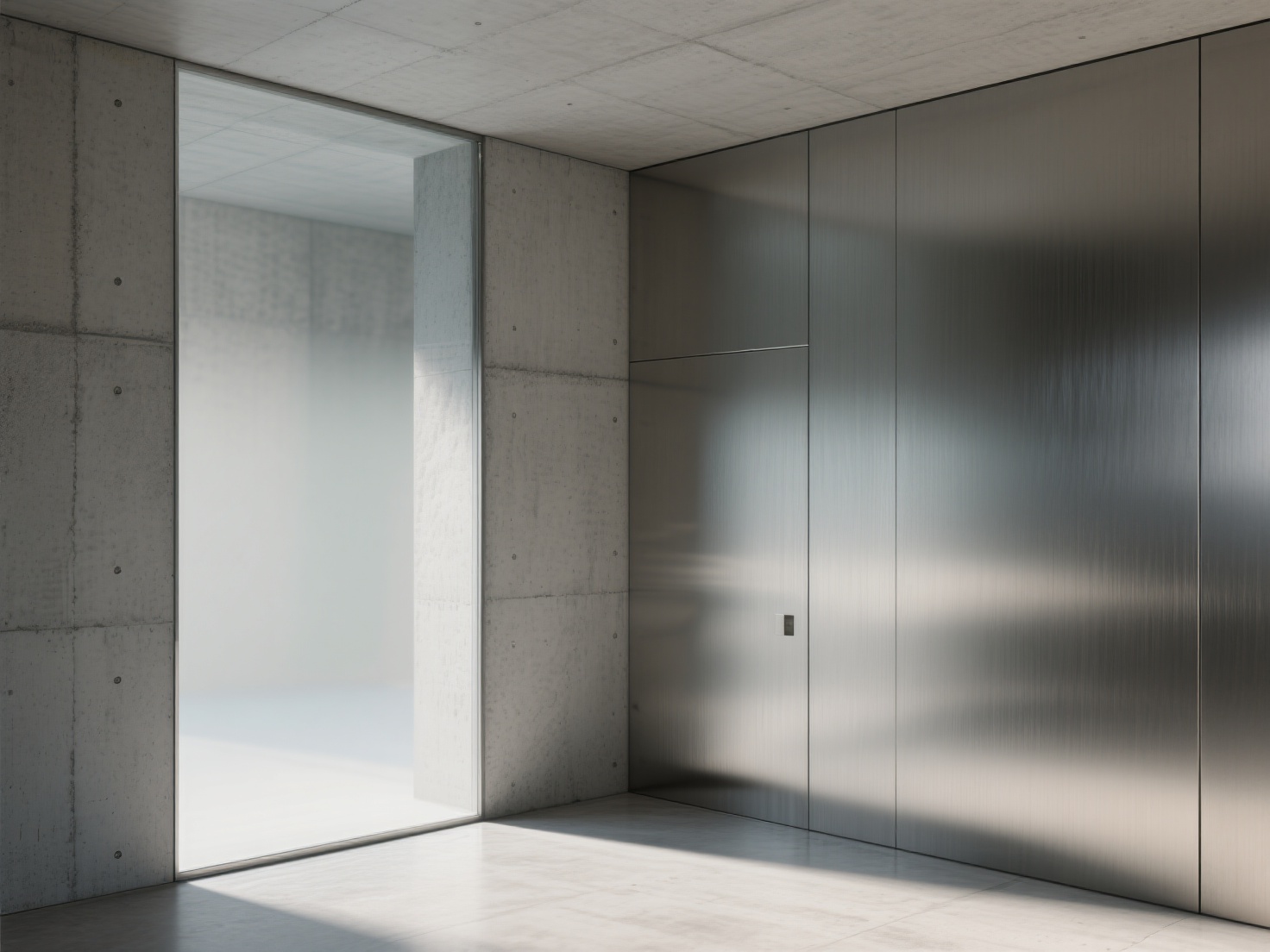
Applications: Exterior vs. Interior Rendering Strategies
The approach to rendering drastically changes depending on the environment.
Exterior Rendering Strategy
Exterior shots sell the context and scale of the building. The focus here is on environment integration. Pay close attention to landscaping, the angle of the sun to cast dramatic shadows across the façade, and populating the scene with realistic entourage (trees, cars, people) to provide a sense of scale.
Interior Rendering Strategy & Asset Management
Interior renders sell the lifestyle. They rely heavily on bounce light (Global Illumination) and the quality of the props filling the room. Empty rooms look lifeless, but modeling bespoke furniture, sculptures, and decor items from scratch is incredibly time-consuming.
This is where AI integration becomes a massive competitive advantage. Instead of spending hours modeling a specific designer chair your client requested, you can use Hitem3D to instantly generate it.
Hitem3D is a next-generation AI-powered 3D model generator that transforms 2D images into high-fidelity, production-ready 3D models. By uploading a single photo of a bespoke piece of furniture or decor, architects can generate a high-precision 3D asset using Hitem3D’s Sparc3D model.
Crucially for architectural workflows, Hitem3D features De-Lighted Texture technology. This intelligently removes baked-in lighting and shadows from the generated texture. This means when you drop the Hitem3D-generated OBJ or FBX file into your V-Ray or Lumion scene, the asset will react perfectly to your scene’s custom lighting, rather than clashing with pre-baked shadows.
Best Practices and Workflow Optimization
To maximize your efficiency and output quality in 2026, adhere to these industry best practices:
Optimize Polygon Counts: Architectural scenes can quickly become impossibly heavy. Use proxies or instances for repetitive objects like trees and grass. If you generate custom props with tools like Hitem3D, you can utilize its up to 1536³ Pro resolution for foreground hero objects, or optimize them for background placement.
Organize Your Scene Hierarchy: Keep your layers, tags, and materials meticulously organized. A messy scene file will lead to massive delays when clients request inevitable design revisions.
Utilize Render Elements (Passes): Never rely solely on the raw render. Always export render passes (Diffuse, Reflection, Refraction, Z-Depth, Ambient Occlusion).
Post-Production in Photoshop: Bring your render passes into post-production software. Use the Z-Depth pass to add atmospheric haze or refine depth of field. Adjust contrast using LUTs (Look-Up Tables), and strategically add subtle lens dirt, glare, and color grading to push the image from “digital” to “photographic.”
Conclusion & Next Steps
Mastering architectural 3D rendering in 2026 requires a blend of technical software knowledge and an artistic eye for lighting and composition. Whether you prefer the absolute physical accuracy of V-Ray architecture pipelines or the blistering speed of Lumion rendering, the principles of realistic materials, dynamic lighting, and photographic camera settings remain universal.
As client demands for hyper-realistic, populated spaces continue to rise, leveraging AI to speed up asset creation is the smart way to scale your workflow. By integrating intelligent tools that solve real bottlenecks—like modeling complex bespoke furniture—you can spend less time poly-modeling and more time refining the architectural design itself.
If you want to accelerate your architectural visualization workflow, eliminate the hassle of modeling complex decor, and instantly generate production-ready assets with perfect 4K PBR materials and clean geometry, try integrating Hitem3D into your pipeline today. With support for FBX, OBJ, and GLB formats, and a generous Free Retry system, it seamlessly fits into any 3D architectural pipeline.
Frequently Asked Questions (FAQ)
1. What is the best architecture rendering software for beginners?
For beginners, Enscape and Lumion are highly recommended. Their user-friendly interfaces, real-time feedback, and massive built-in asset libraries allow new users to achieve impressive results without needing to learn complex node-based material systems or lighting mathematics.
2. How much RAM do I need for architectural 3D rendering in 2026?
For professional architectural rendering, 32GB of RAM is considered the absolute minimum, but 64GB to 128GB is highly recommended. Heavy scenes with high-resolution 4K textures, dense vegetation, and complex geometry require substantial memory to render without crashing.
3. What is the difference between CPU and GPU rendering?
CPU rendering relies on your computer’s central processor and is traditionally favored for extremely complex scenes with massive memory requirements. GPU rendering utilizes your graphics card, offering significantly faster render times, especially for real-time applications and modern path-tracing workflows.
4. How can I get realistic 3D furniture models for my interior scenes?
You can download models from asset libraries, model them manually, or use modern AI tools. Using platforms like Hitem3D, you can upload a 2D image of a specific piece of furniture and generate a precise 3D model with De-Lighted 4K PBR textures, ready to be imported into your architectural scene.