Every minute on a modern film set costs thousands of dollars. When a crew of hundreds is waiting for a director to figure out a complex camera angle, budgets can spiral out of control. This is why meticulous film preproduction planning is the backbone of any successful movie. To avoid expensive mistakes and bridge the gap between imagination and execution, modern filmmakers rely heavily on previsualization film techniques.
Whether you are an independent director choreographing an action scene or a VFX student learning pipeline workflows, mastering the art of previsualization is essential. In this complete guide, we will explore what is previs, dive into the different types used in the industry, and reveal how modern AI tools are revolutionizing the speed at which we can plan complex sequences.
What Is Previs?
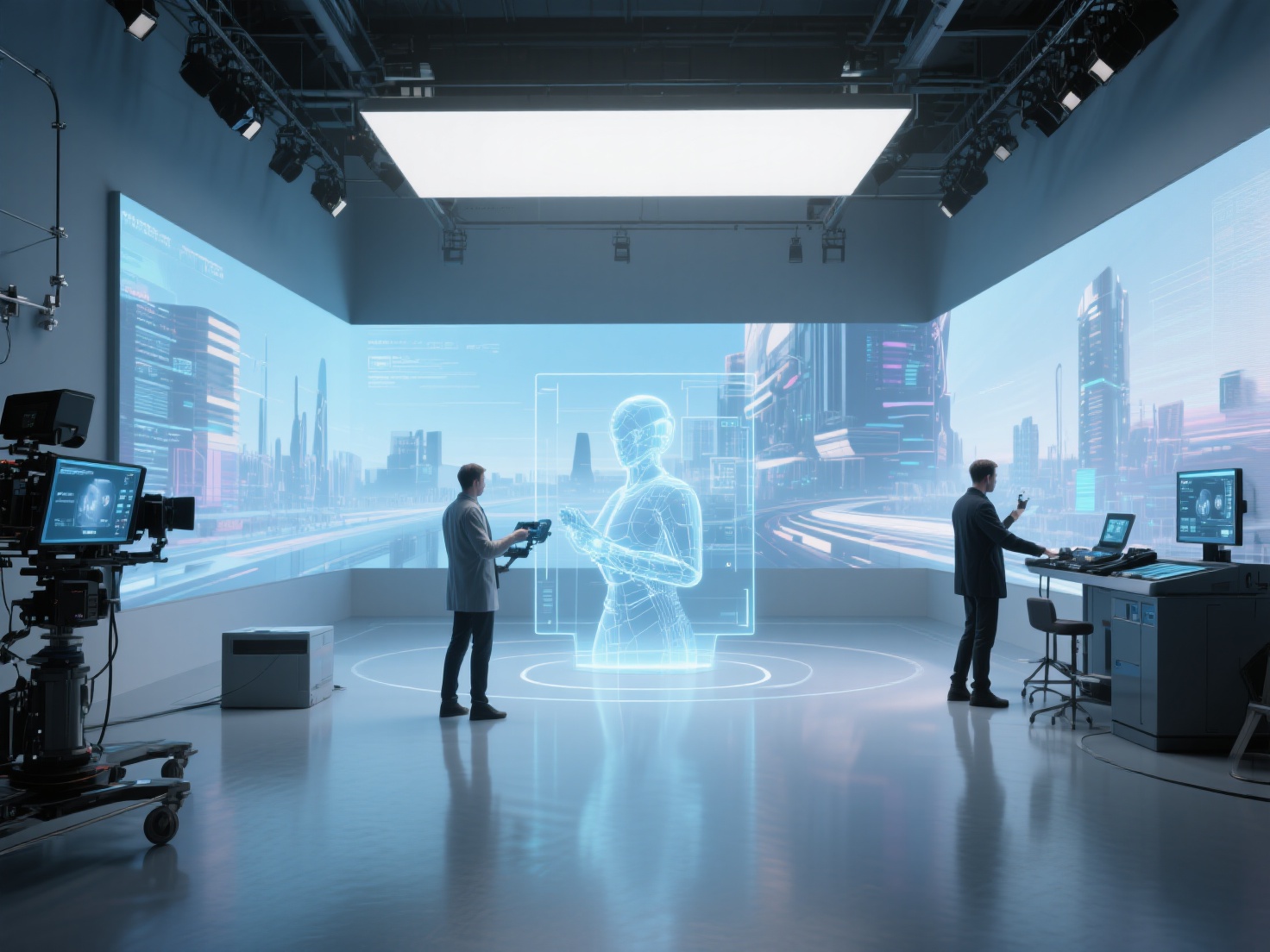
What is previs? Previsualization (previs) is the collaborative process of visualizing complex scenes in a movie before principal photography begins. It typically utilizes 3D animation, digital tools, or rough sketches to block out camera angles, lighting, set design, and character movement.
Think of it as a 3D digital rehearsal. By creating a rough, animated version of a sequence beforehand, directors, cinematographers, and visual effects (VFX) teams can experiment with pacing and composition without the pressure of a ticking clock on set. Ultimately, previs VFX serves as a vital visual blueprint that ensures every department shares the exact same creative vision.
The Evolution and Types of Previsualization
Previsualization is not a one-size-fits-all process. Depending on the stage of production, filmmakers use different types of previs to solve specific creative and technical challenges.
1. Traditional Storyboarding and Animatics
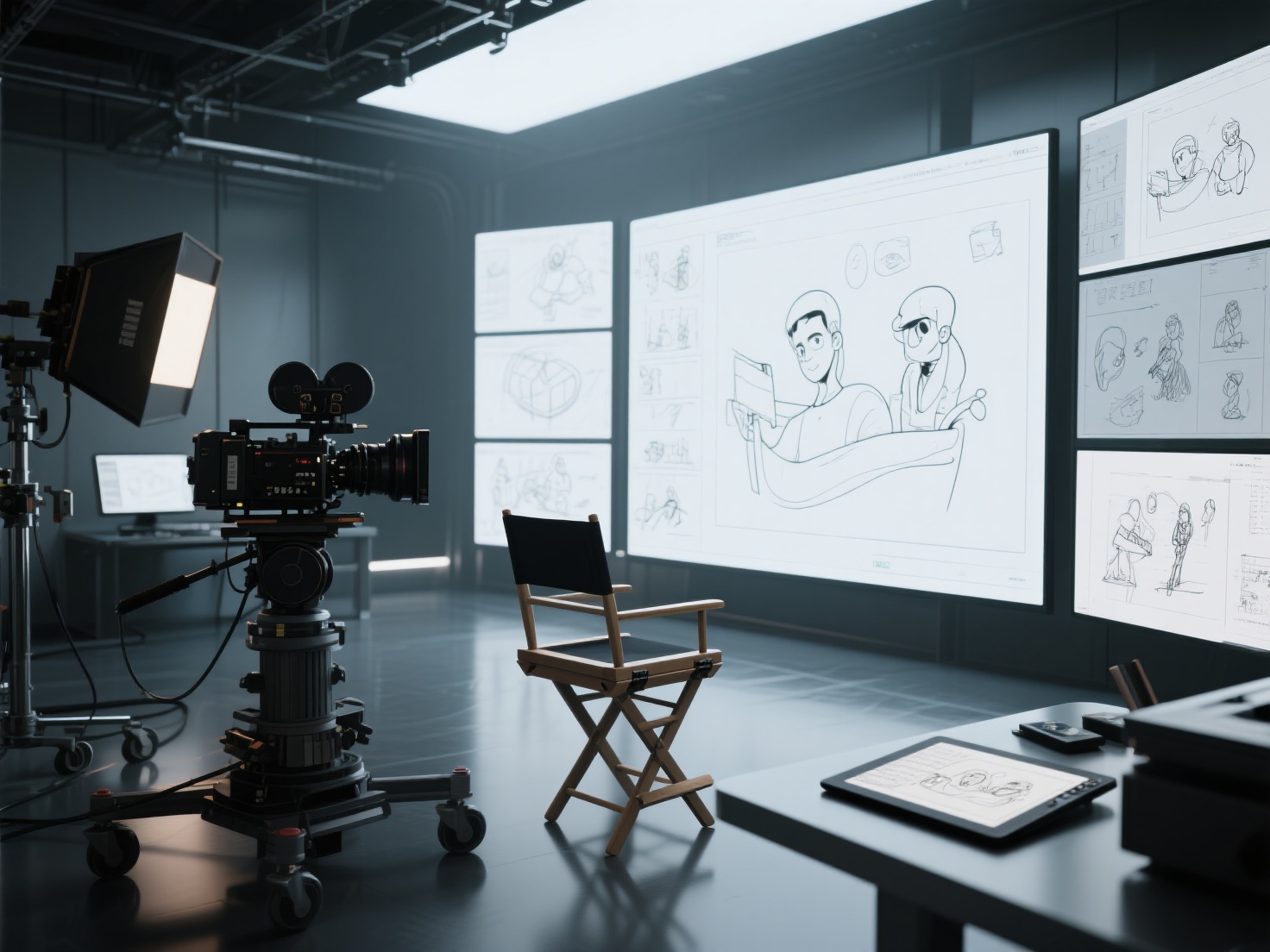
Long before 3D software existed, filmmakers used 2D storyboards. These are sequential drawings that map out the narrative flow, much like a comic book. When these 2D drawings are edited together on a timeline with rough sound effects and dialogue, it becomes an animatic. Animatics are excellent for establishing the basic rhythm and pacing of a scene.
2. 3D Previs (Pitchvis & Storyvis)
This is the modern industry standard. Using 3D software, artists build low-resolution environments and characters to stage a scene.
- Pitchvis is used very early on to pitch a movie concept to studios and secure funding.
- Storyvis is used by the director to translate the script into a 3D space, allowing them to freely move a virtual camera, swap lenses, and experiment with blocking.
3. Techvis (Technical Previsualization)
While 3D previs focuses on storytelling, techvis focuses on physics and real-world logistics. It combines the 3D animated scene with real-world data like camera rigs, motion control robots, crane arm lengths, and stage dimensions. Techvis answers critical questions: Can our physical camera actually move this fast? Will the green screen be large enough for this wide shot?
4. Postvis (Post-visualization)
Postvis happens after the scene is shot but before final visual effects are completed. Editors take the raw, live-action footage often shot against a green screen and combine it with rough 3D models and digital environments. This allows the director to cut the scene together accurately while the final, high-fidelity VFX shots are still being rendered by external studios.
Quick Comparison Table: Types of Previs
| Previs Type | Primary Goal | When It’s Used | Key Output |
|---|---|---|---|
| Animatic | Pacing and basic narrative flow | Early Preproduction | 2D video sequence with audio |
| 3D Previs | Spatial planning, camera blocking | Preproduction | Rough 3D animation sequence |
| Techvis | Real-world shooting logistics | Late Preproduction | Camera data, rigging schematics |
| Postvis | Scene editing with rough VFX | Postproduction | Rough composite for editing |
The Previs Workflow and Essential Tools
The previs VFX workflow is a highly iterative process. It usually begins with a script or a piece of concept art and ends with a fully animated sequence.
- Asset Creation: Artists create low-polygon 3D models of characters, props, and environments.
- Layout and Blocking: These assets are imported into a 3D workspace where artists position the set pieces.
- Animation: Basic movement is applied to characters and vehicles.
- Virtual Cinematography: The director of photography (DP) places virtual cameras, tests focal lengths, and frames the shots.
- Review and Refine: The sequence is exported, reviewed by the director, and tweaked.
Essential Software in the Previs Pipeline
- Autodesk Maya: The traditional heavyweight champion for 3D animation and rigging.
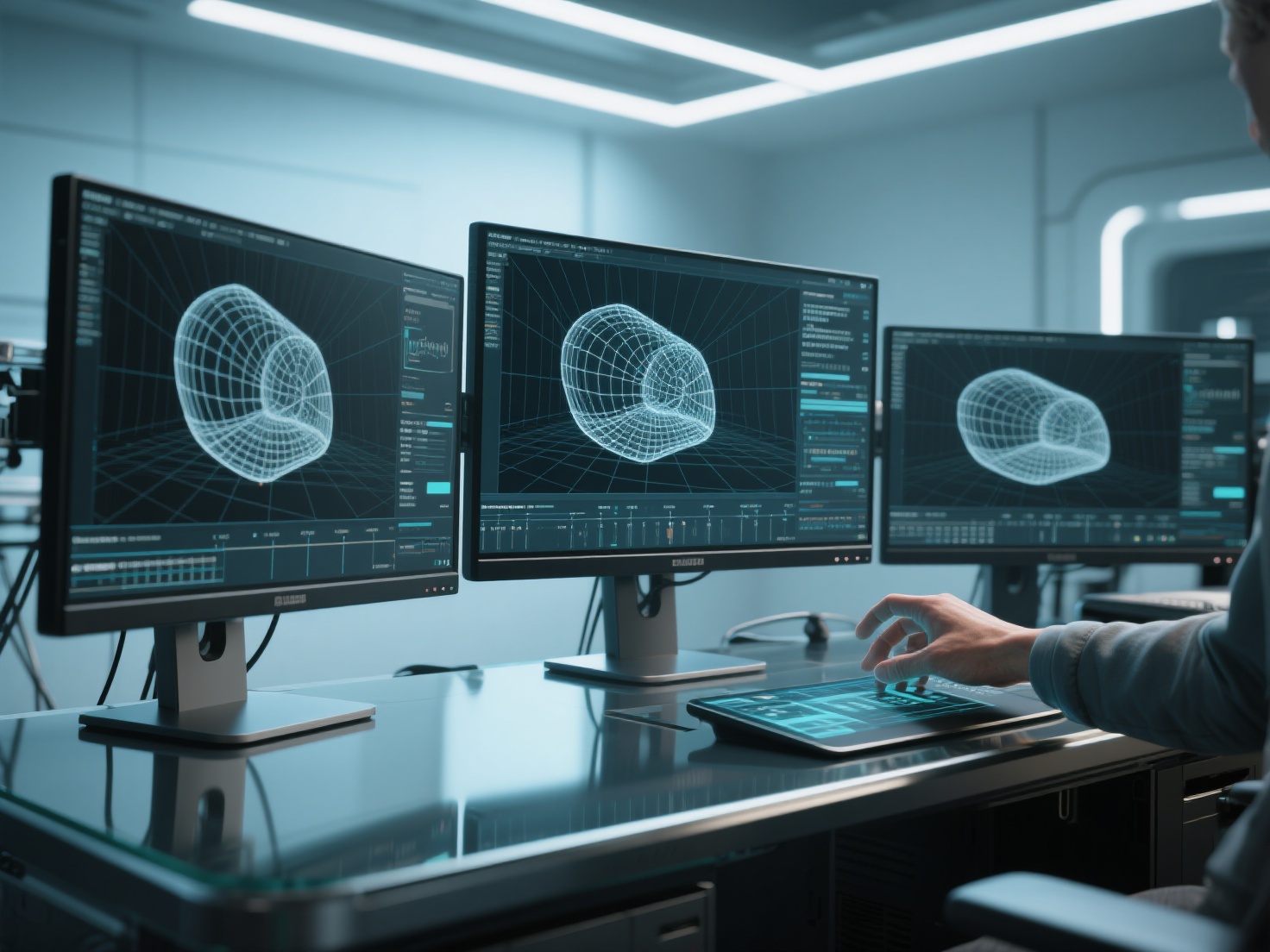
- Unreal Engine: Game engines have revolutionized previs. Unreal Engine allows directors to view 3D scenes in real-time, change lighting instantly, and even use VR headsets to physically “walk” through the virtual set.
- SketchUp: Often used by art departments for rapid architectural modeling of physical sets.
Real-World Applications: How Previs Shapes Major Blockbusters
Previsualization is indispensable in modern filmmaking, particularly for VFX-heavy blockbusters, superhero movies, and sci-fi epics.
- Action Sequences: High-speed car chases involve massive logistical risks. Previs allows stunt coordinators to map out vehicle speeds, collision angles, and camera car placements safely in a digital space.
- Creature Features: When actors need to interact with a giant monster that isn’t physically there, previs provides the exact eyelines and timing cues for the cast and camera operators.
- Complex Lighting Rigs: Cinematographers use previs to simulate how sunlight will move across a physical location at specific times of the day, helping production managers schedule the shoot down to the minute.
Best Practices for Effective Film Preproduction Planning
If you are incorporating previs into your next project, follow these best practices to maximize its value:
- Focus on Story, Not Polish: Do not waste time making textures look photorealistic. Previs is a planning tool. Rough, low-poly assets are perfectly fine as long as the scale and camera angles are accurate.
- Use Real-World Scale: Always build your 3D assets to real-world measurements. If your digital room is much larger than your physical soundstage, your techvis will fail, and your camera lenses will behave incorrectly on set.
- Iterate Rapidly: Previs should be flexible. The goal is to make all your mistakes in the computer where they are cheap, rather than on set where they are expensive.
Accelerating Previs Asset Creation with AI: The Hitem3D Advantage
One of the biggest bottlenecks in the film preproduction planning phase is generating the sheer volume of 3D assets needed to populate a previs scene. Modeling every vehicle, prop, and environment building from scratch in Maya or Blender can take days or weeks—time that a fast-moving production simply doesn’t have.
This is where next-generation AI tools become a game-changer for directors and VFX supervisors.
Hitem3D is an AI-powered 3D model generator that dramatically accelerates the previs stage. Built on proprietary Sparc3D (for high precision) and Ultra3D (for high efficiency) models, Hitem3D allows filmmakers to generate production-ready 3D assets in minutes.
How Hitem3D Solves Previs Bottlenecks
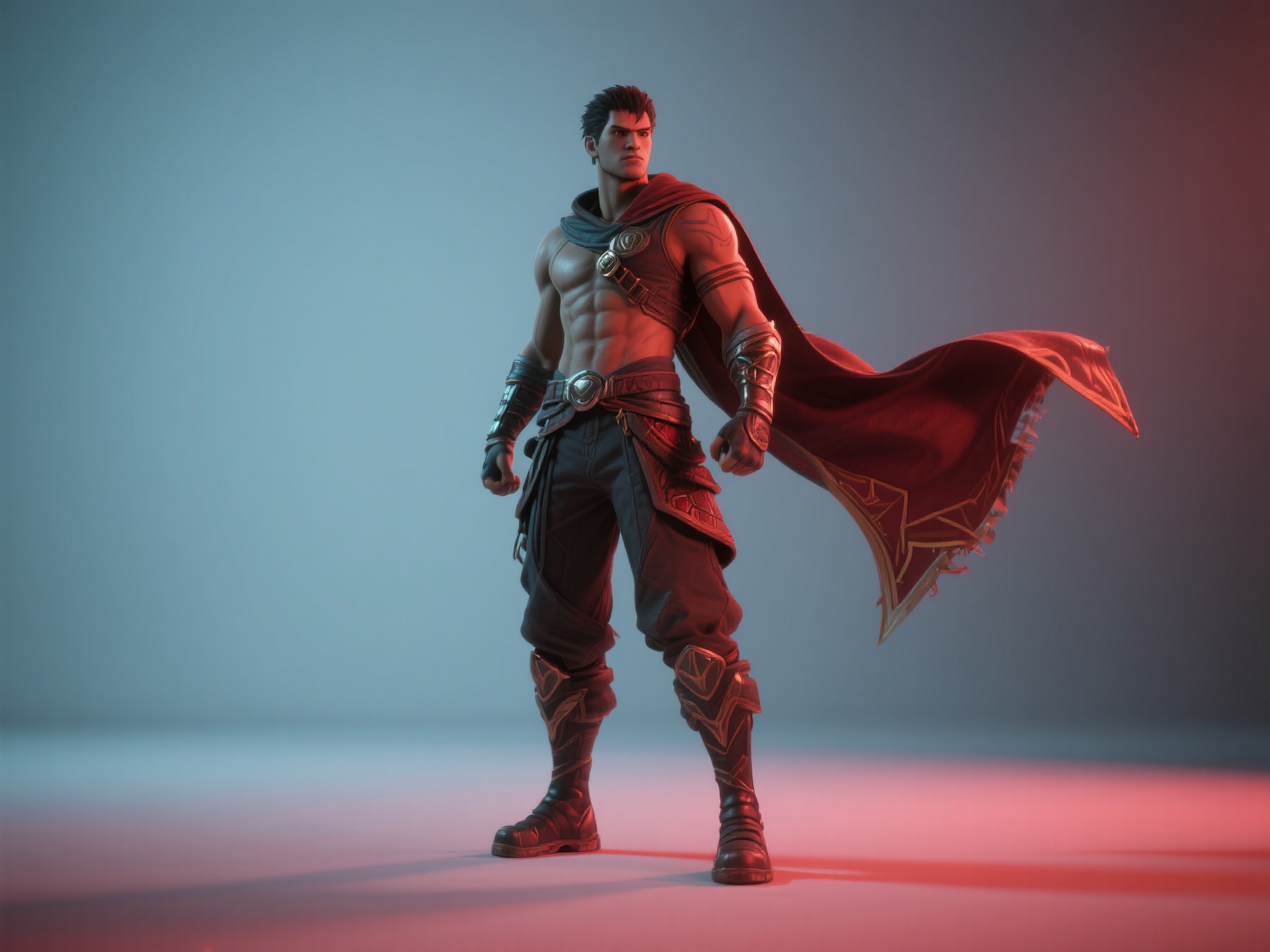
- From Concept Art to 3D Instantly: Have a single 2D concept sketch of a sci-fi vehicle? Simply upload it to Hitem3D. The AI transforms that 2D image into a full 3D model with clean, print-ready geometry.
- Invisible Parts Reconstruction: In previs, you often need to move the camera around an object. If your concept art only shows the front of a spaceship, Hitem3D intelligently hallucinates and reconstructs the hidden/invisible structures on the back, giving you a complete 360-degree asset to fly your virtual camera around.
- De-Lighted Textures: Hitem3D generates 4K PBR-ready textures while removing baked-in lighting and shadows. This means when you drop the asset into Unreal Engine, it will react accurately to your custom virtual lighting setups.
- Seamless Integration: Hitem3D outputs standard industry formats including GLB, OBJ, FBX, STL, and USDZ. You can drag and drop these models directly into Maya or Unreal Engine without any complex conversion steps.
- Free Retry System: Filmmaking is all about iteration. Hitem3D offers a Free Retry mechanism, allowing you to regenerate results without spending additional credits until the asset matches your director’s vision.
By utilizing Hitem3D, art departments can instantly populate previs scenes directly from storyboards and reference photos, freeing up technical artists to focus on animation and cinematography.
Conclusion & CTA
Understanding what is previs is the first step toward modernizing your filmmaking approach. Effective previsualization film workflows save money, reduce stress on set, and ultimately allow directors to push the boundaries of visual storytelling. Whether you are relying on quick animatics or complex real-time 3D techvis in Unreal Engine, careful film preproduction planning is the secret weapon of every great movie.
As production timelines shrink, adopting AI tools is no longer optional—it’s essential. If you want to eliminate the bottleneck of 3D asset creation and bring your storyboards to life faster than ever before, Hitem3D provides the speed, geometry precision, and seamless integration your VFX pipeline needs.
Ready to revolutionize your previs workflow? Create For Free with Hitem3D today and start turning your cinematic concepts into 3D realities in minutes.
Frequently Asked Questions (FAQ)
Who actually creates the previs on a film?
On larger productions, previs is handled by a dedicated previsualization studio or an in-house previs team working under the VFX Supervisor and the Director. On indie films, it may be handled directly by the director, cinematographer, or a single 3D generalist.
Is previs only for big-budget VFX movies?
Not at all. While Marvel and Star Wars rely heavily on previs VFX, indie filmmakers use basic 3D previs to plan difficult camera movements in tight locations, choreograph fight scenes, or figure out lighting schedules. Tools like Hitem3D make creating assets for indie previs highly accessible.
What is the difference between an animatic and 3D previs?
An animatic is a 2D format—essentially storyboards edited together with sound to test timing. 3D previs involves building the scene in a three-dimensional digital space, which allows filmmakers to accurately test real-world camera lenses, depth of field, and spatial blocking.