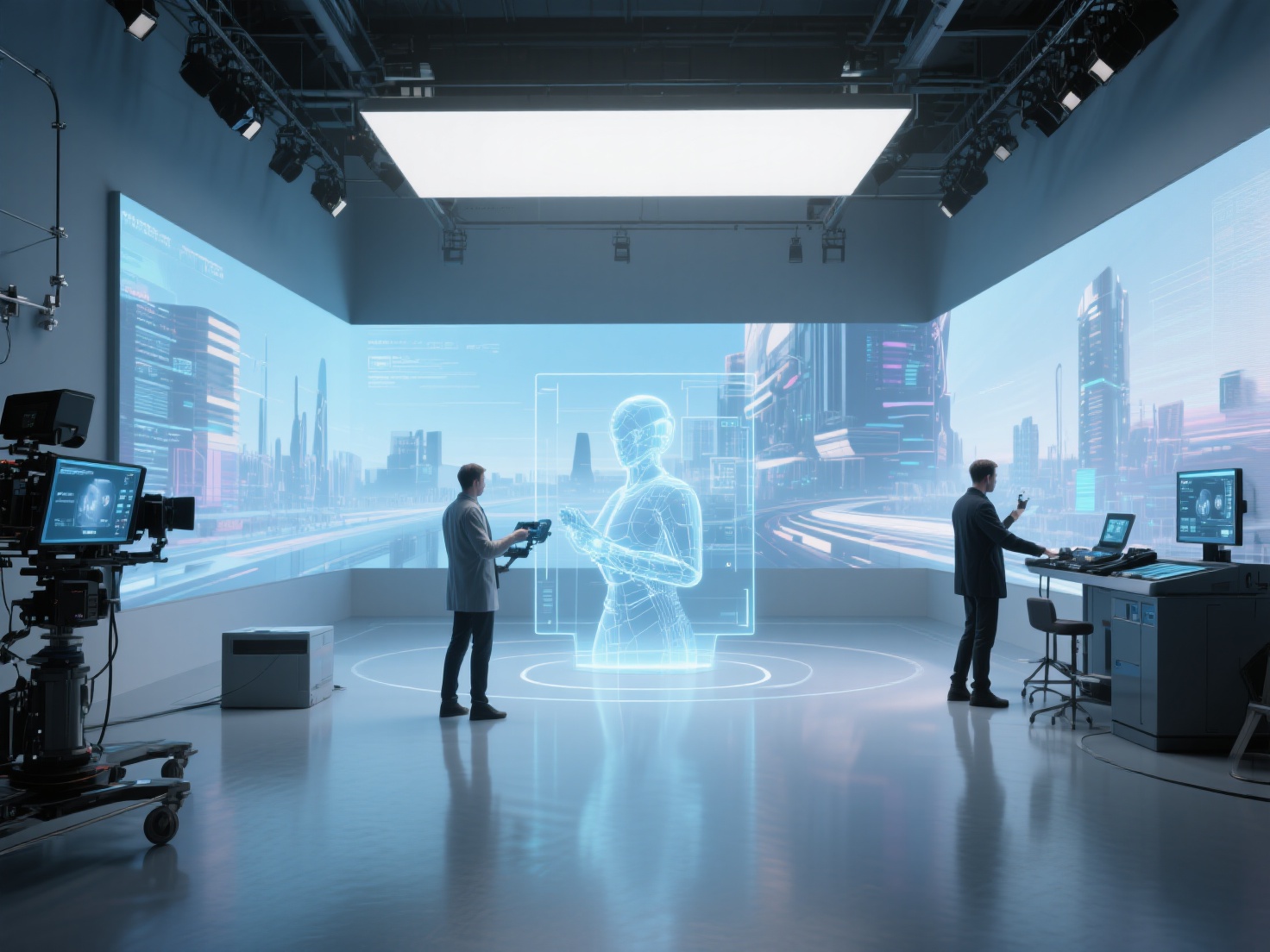
The demand for hyper-realistic digital assets has never been higher. Whether you are exploring a breathtakingly lifelike landscape in a modern AAA video game or watching a seamless CGI explosion in a blockbuster movie, there is a high probability that photogrammetry played a crucial role behind the scenes.
For decades, 3D artists had to manually sculpt and texture every rock, tree, and vehicle from scratch. Today, photogrammetry bridges the gap between the physical and digital worlds, allowing creators to capture real-world objects and translate them directly into digital environments.
In this comprehensive guide, we will explore what photogrammetry is, how the standard workflow operates, the top software choices, and how it is revolutionizing photogrammetry film production, VFX, and game development. We will also look at how emerging AI technologies are offering faster alternatives to traditional scanning.
What is Photogrammetry?
Photogrammetry is the science and technology of obtaining reliable 3D information about physical objects and environments through the process of recording, measuring, and analyzing overlapping photographic images.
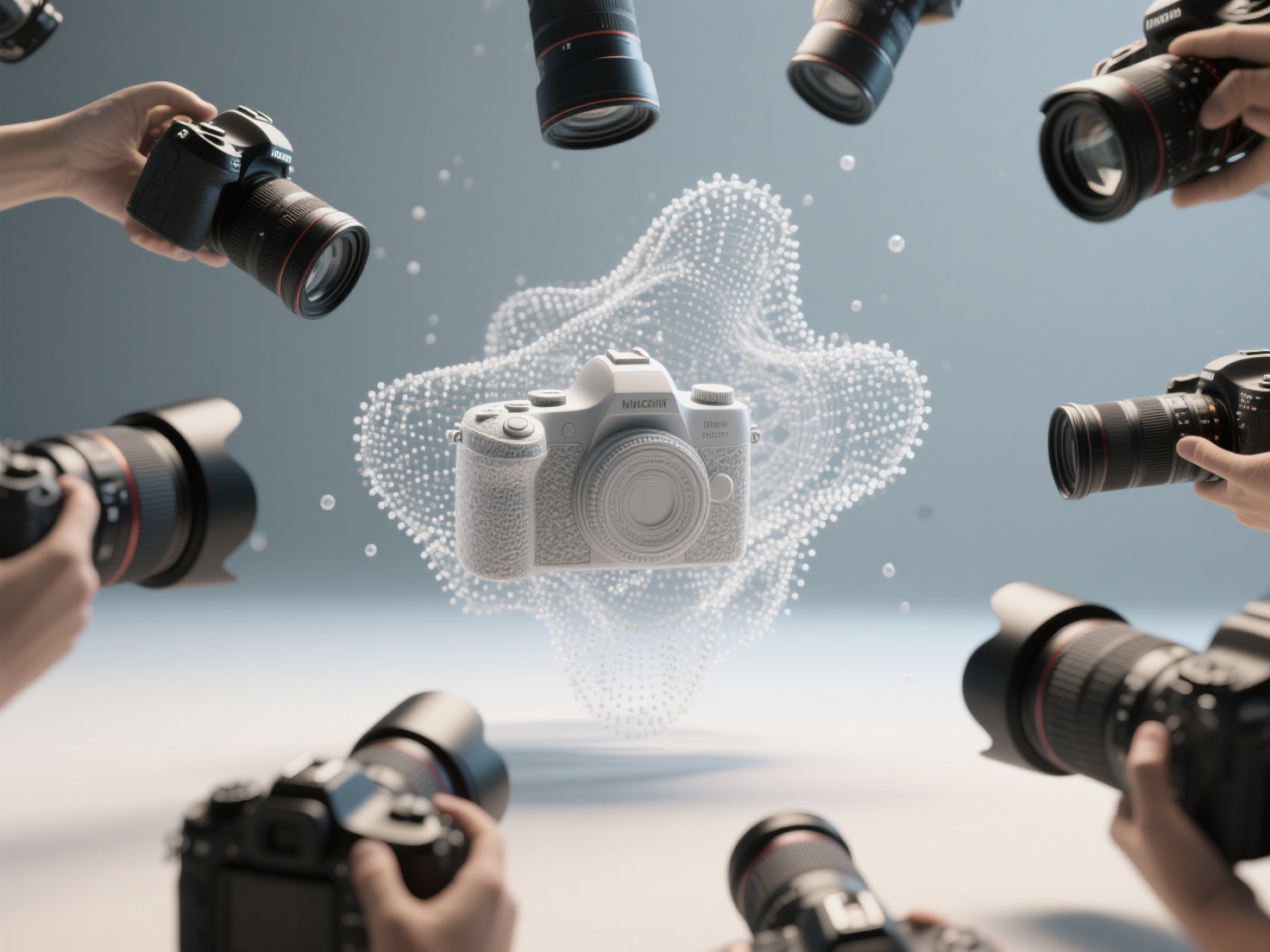
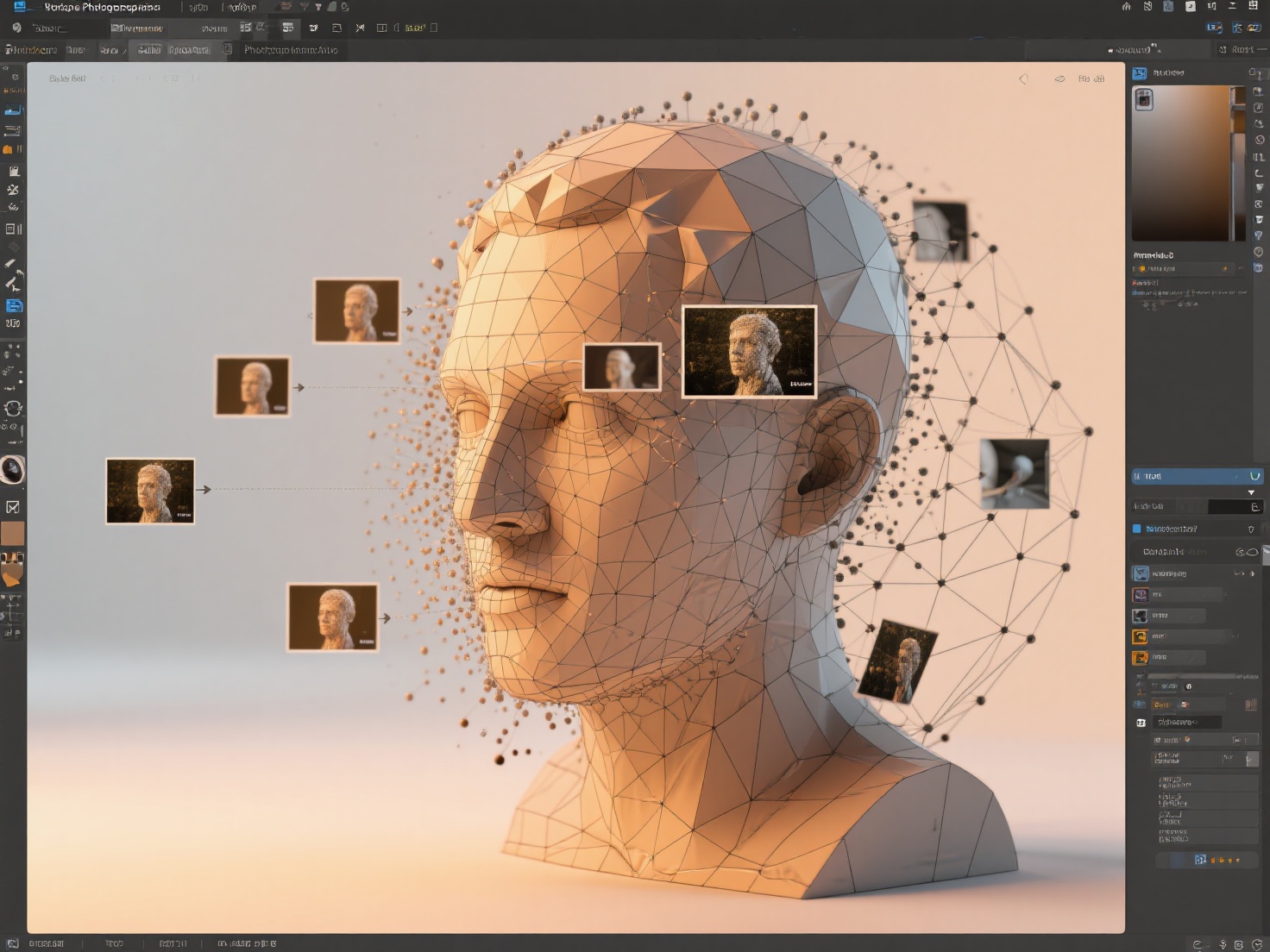
In simpler terms for digital artists: it is the process of taking dozens, hundreds, or even thousands of 2D photos of an object from different angles and using specialized software to stitch them together into a highly accurate, fully textured 3D model.
The software analyzes the images to find common reference points (pixels) across different angles. By triangulating these points, it calculates the exact depth and volume of the object, generating a dense point cloud that is eventually transformed into a 3D mesh.
The Photogrammetry Workflow: From Photos to 3D Models
Creating production-ready assets via photogrammetry 3D scanning is not as simple as taking a few pictures and clicking a button. It requires a meticulous, multi-step pipeline.
1. Image Capture and Photography
The foundation of a good 3D scan is high-quality photography. Artists must capture the subject from multiple, overlapping angles. A general rule of thumb is to maintain at least a 60% to 80% overlap between consecutive photos. Depending on the size of the object, this can require anywhere from 50 to 1,000+ images.
2. Processing in Photogrammetry Software
Once the photos are captured, they are imported into photogrammetry software. The processing involves several automated steps:
- Alignment (Structure from Motion): The software analyzes the photos to determine camera positions and matches common features.
- Dense Point Cloud Generation: It calculates depth information to create millions of data points representing the object’s surface.
- Mesh Generation: The points are connected to form a dense 3D polygonal mesh.
3. Mesh Cleanup and Retopology
Raw photogrammetry meshes are incredibly heavy, often consisting of millions of polygons. This makes them unusable for real-time applications like video games. Artists must perform retopology—creating a clean, low-poly version of the mesh that maintains the original shape but is optimized for performance and animation.
4. Texturing and PBR Integration
Finally, the high-resolution photographic data is projected onto the UV map of the optimized mesh to create textures. Artists will then generate Physically Based Rendering (PBR) maps—such as roughness, normal, and displacement maps—to ensure the object reacts realistically to digital lighting.
Top Photogrammetry Software Options
If you are looking to integrate photogrammetry into your workflow, several industry-standard tools dominate the market:
- RealityCapture: Known for its blistering speed and ability to handle massive datasets, this Epic Games-owned software is a favorite in game development.
- Agisoft Metashape: A highly versatile tool widely used in photogrammetry VFX pipelines, offering deep control over the processing parameters.
- Meshroom: A fantastic, open-source node-based software that provides a completely free entry point for beginners and indie developers.
Applications of Photogrammetry in Film, VFX, and Game Development
Photogrammetry has fundamentally shifted how studios approach digital asset creation, saving thousands of hours of manual modeling while achieving unprecedented realism.
Environment Scanning for Immersive Worlds
Instead of modeling an entire canyon or forest by hand, game developers can send a crew to a real-world location to capture the environment. Drones are often used to photograph large landscapes. These scans are then processed into modular assets—rocks, tree trunks, and terrain patches—that level designers use to build hyper-realistic worlds.
Prop Digitization in VFX
In the world of photogrammetry VFX, prop digitization is standard practice. If a film requires a physical prop (like a weapon, a specific vehicle, or an ancient artifact) to be destroyed or manipulated digitally, the VFX team will scan the physical prop on set. This guarantees a perfect 1:1 match between the practical prop and its CGI counterpart.
Digital Doubles for Film Actors
Creating convincing digital humans is notoriously difficult. To execute dangerous stunts, complex visual effects, or seamless CGI makeup, studios use elaborate multi-camera rigs to scan actors. These photogrammetry film rigs trigger dozens of DSLRs simultaneously, capturing the actor’s exact geometry and high-resolution skin textures in a fraction of a second.
Best Practices for Successful Photogrammetry 3D Scanning
To avoid messy meshes and failed alignments, follow these crucial guidelines during your capture phase:
- Ensure Flat, Diffused Lighting: Harsh shadows and strong highlights will “bake” into your textures, making the 3D model look fake in different digital lighting environments. Shoot outdoors on an overcast day, or use cross-polarization techniques in a studio.
- Avoid Reflective and Transparent Surfaces: Photogrammetry algorithms struggle with glass, water, and highly polished metals because their appearance changes depending on the camera angle. If necessary, use a washable scanning spray to give these objects a matte finish.
- Keep Camera Settings Consistent: Lock your ISO, aperture, and white balance. Use a narrow aperture (like f/8 or f/11) to keep the entire object in sharp focus, as blurry edges will confuse the software.
Photogrammetry vs. AI-Based 3D Generation: The Future of Asset Creation
While photogrammetry 3D scanning delivers unparalleled real-world accuracy, it comes with significant pain points. It is highly time-consuming, requires specialized camera gear, demands controlled lighting, and necessitates hours of tedious mesh cleanup and retopology. Furthermore, if you only have a single reference image of an object, traditional photogrammetry is entirely useless.
This is where the next generation of AI-powered 3D asset generation is changing the game.
Instead of taking 100 photos and waiting hours for processing, what if you could upload just one image and get a production-ready model in minutes? Hitem3D is leading this revolution. As a next-generation AI-powered 3D model generator, it serves as a powerful alternative and complement to traditional scanning workflows.
Built on proprietary Sparc3D (high precision) and Ultra3D (high efficiency) models, Hitem3D solves the biggest bottlenecks of 3D asset creation:
- Invisible Parts Reconstruction: Unlike single-angle photogrammetry which leaves gaping holes on unseen sides, Hitem3D’s intelligent AI accurately hallucinates and reconstructs hidden structures, providing a complete 360-degree model from just 1 to 4 images.
- De-Lighted Textures: A massive headache in photogrammetry is baked-in shadows from the environment. Hitem3D automatically processes 4K PBR-ready textures with a “De-Lighted” feature, stripping away baked lighting so your materials are truly relightable in any game engine or VFX scene.
- Production-Ready Geometry: Forget hours of retopology. Hitem3D generates models with clean geometry, sharp edges, and resolutions up to 1536³ Pro (up to 2M polygons).
- Risk-Free Generation: With a built-in Free Retry system, you can regenerate results without wasting credits until you get the perfect asset.
Whether you are building assets for Unreal Engine, setting up a VFX scene, or prepping a model for immediate direct-to-slicer 3D printing (like Bambu Studio), Hitem3D outputs in standard formats (GLB, OBJ, STL, FBX, USDZ) instantly.
Conclusion
Photogrammetry has undeniably elevated the visual fidelity of modern media. By transforming real-world photography into digital geometry, it allows studios to populate games and films with breathtakingly realistic environments, props, and digital doubles. However, mastering the workflow requires time, equipment, and patience for intensive post-processing.
As the industry evolves, AI-driven solutions are democratizing 3D asset creation. For creators looking to bypass the lengthy scanning process, reconstruct models from single images, and obtain clean, relightable PBR assets in minutes, AI tools offer a revolutionary workflow upgrade.
Ready to speed up your 3D pipeline and turn any image into a high-fidelity 3D model without the hassle of a photo shoot? Try the future of 3D generation today.
Frequently Asked Questions (FAQ)
Do I need an expensive DSLR camera for photogrammetry?
No. While DSLRs and mirrorless cameras provide superior sharpness, lower noise, and better depth of field control, modern smartphones with high-megapixel sensors can still produce excellent photogrammetry scans, especially when used in good, even lighting.
Why do I need to “retopologize” a photogrammetry model?
Raw photogrammetry meshes capture every microscopic bump, resulting in massive file sizes (millions of polygons). Retopology creates a streamlined, low-poly version of the mesh that runs efficiently in game engines and animation software, while the high-res details are faked using texture maps.
Can photogrammetry be used for 3D printing?
Yes! Once a photogrammetry model is cleaned up and made “watertight” (meaning it has no holes in the geometry), it can be exported as an STL or OBJ file for 3D printing. However, using AI tools like Hitem3D can often yield print-ready geometry with sharp edges much faster.
How does AI 3D generation differ from photogrammetry?
Photogrammetry calculates geometry strictly based on the visible pixels from dozens of overlapping photos. AI 3D generation uses neural networks trained on millions of 3D objects to “understand” shapes, allowing it to generate complete, textured 3D models from as little as a single 2D image, filling in the unseen blanks automatically.