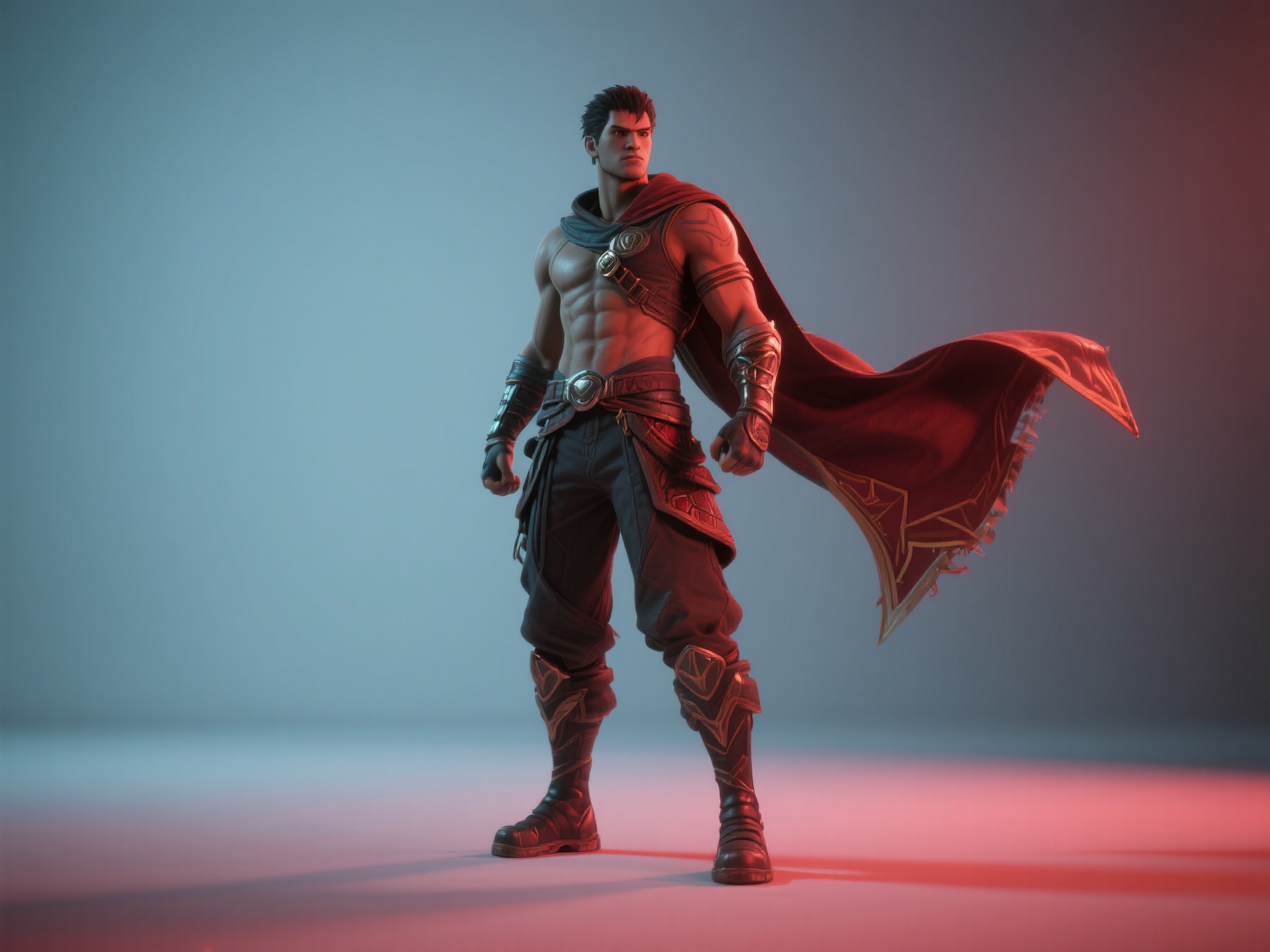
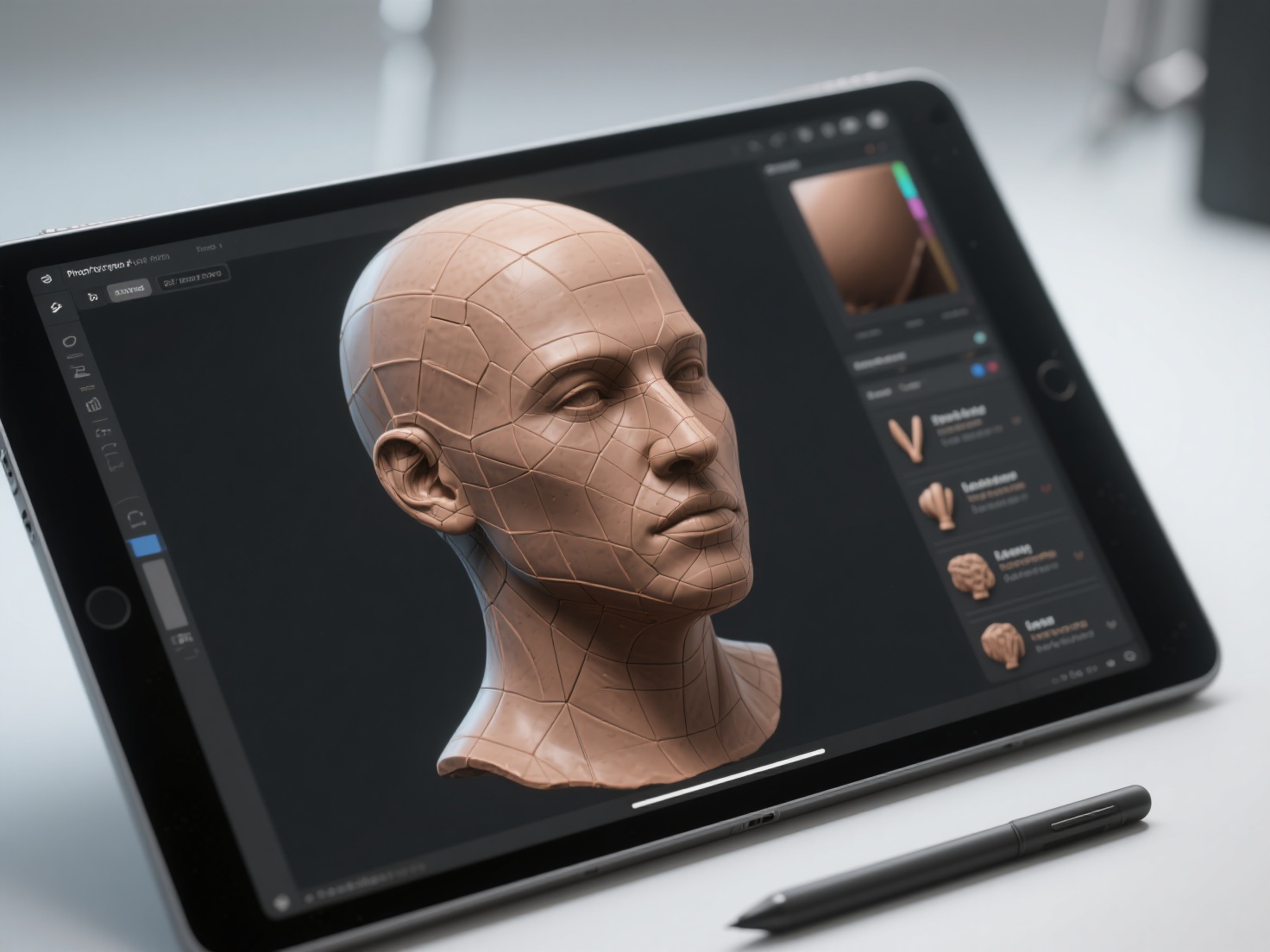
Have you ever watched a blockbuster movie or played a cutting-edge video game and wondered how the digital characters move with such breathtaking, lifelike realism? From the subtle facial twitches of an emotional scene to the high-octane acrobatics of a combat sequence, creating these performances entirely from scratch is incredibly time-consuming. This is where motion capture steps in to bridge the gap between human performance and digital art.
In today’s fast-paced digital media landscape, mastering MoCap technology is no longer just for Hollywood giants; it has become a fundamental tool for game developers, indie filmmakers, and animation enthusiasts alike. If you are looking to streamline your character animation pipeline, understanding how motion capture works is the first critical step.
In this comprehensive guide, we will break down the mechanics behind motion capture, explore its core technologies, analyze its applications in motion capture film and AAA gaming, and reveal how AI-powered tools are revolutionizing the 3D character creation process.
What is Motion Capture?
Motion capture (often abbreviated as MoCap) is the process of recording the movement of objects or people and translating that data onto a digital 3D model in a virtual environment.
In the context of entertainment, it refers to recording a human actor’s live performance—including their body movements, facial expressions, and even finger gestures—and using that data to animate a 2D or 3D character. When the technology captures not just basic movements but also the subtle nuances of an actor’s face and voice simultaneously, it is often referred to as performance capture.
The Core Types of MoCap Technology
Not all motion capture systems are created equal. Depending on the budget, environment, and required precision, studios utilize different types of MoCap technology. Here is a breakdown of the primary methods used in the industry today:
1. Optical Motion Capture (Marker-Based)
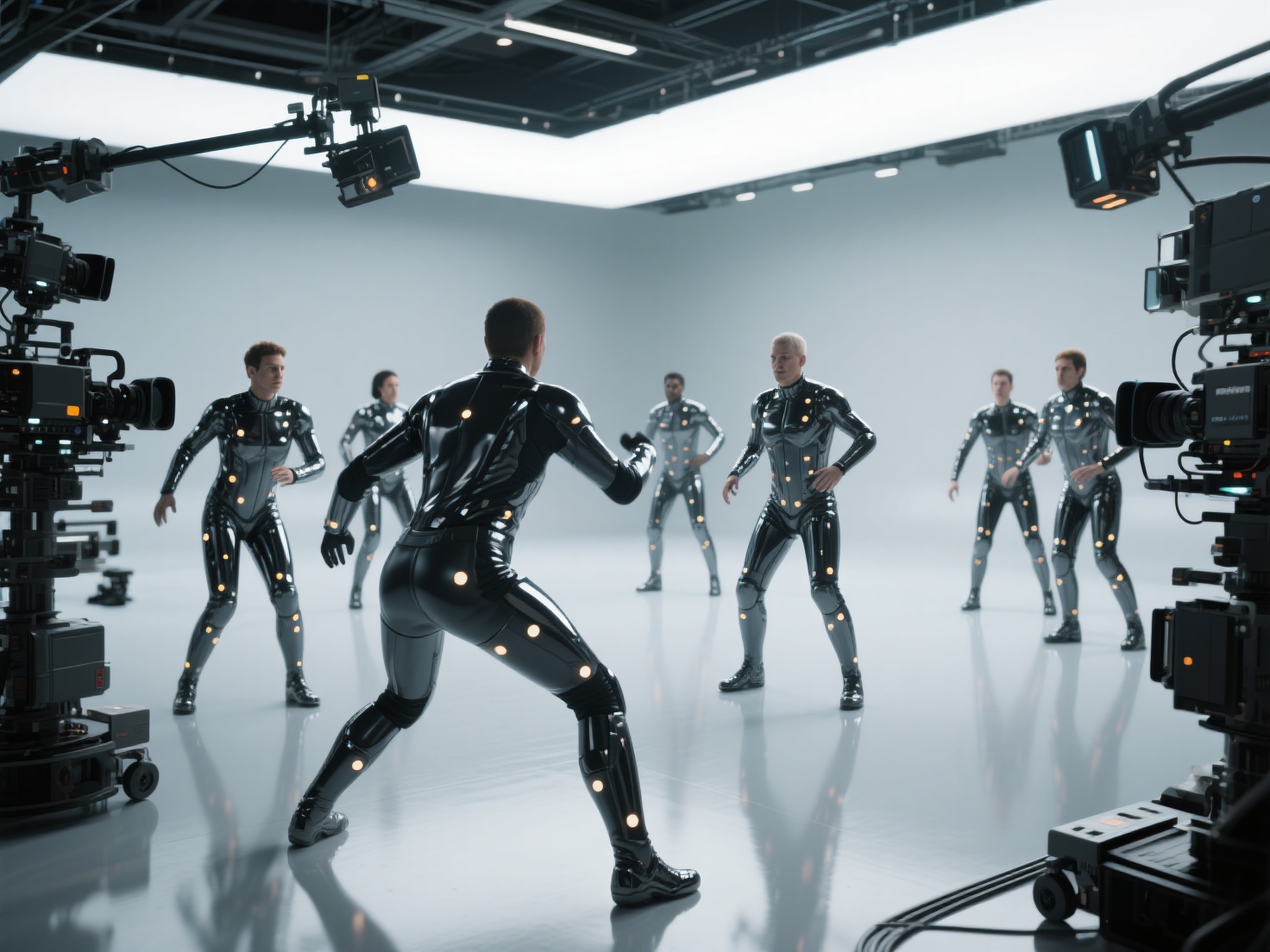
This is the industry standard for high-end motion capture film and AAA game development. Actors wear skin-tight suits covered in retroreflective markers. A specialized array of infrared cameras surrounds the capture stage (or “volume”). These cameras track the light bouncing off the markers, calculating their exact 3D coordinates in real-time.
- Pros: Extremely high precision; can track multiple actors simultaneously.
- Cons: Expensive camera setups; requires a dedicated studio space; markers can be occluded (hidden from the camera’s view), requiring manual data cleanup.
2. Inertial Motion Capture (Suit-Based)
Instead of relying on external cameras, inertial MoCap uses inertial measurement units (IMUs)—which include gyroscopes, accelerometers, and magnetometers—embedded directly into a wearable suit.
- Pros: Highly portable (can be used outdoors or in standard offices); immune to camera occlusion; significantly more affordable.
- Cons: Prone to “drift” over time (where the digital avatar slowly slides out of place); less absolute spatial accuracy compared to optical systems.
3. Markerless Motion Capture (Video-Based)
Powered by recent advancements in artificial intelligence and computer vision, markerless MoCap relies solely on standard RGB cameras (like webcams or smartphone cameras) to track human movement. AI algorithms analyze the video feed and estimate the human skeleton’s position.
- Pros: No suits or markers required; highly accessible and budget-friendly.
- Cons: Historically less accurate than marker-based systems, though AI models are rapidly closing the quality gap.
4. Facial Motion Capture
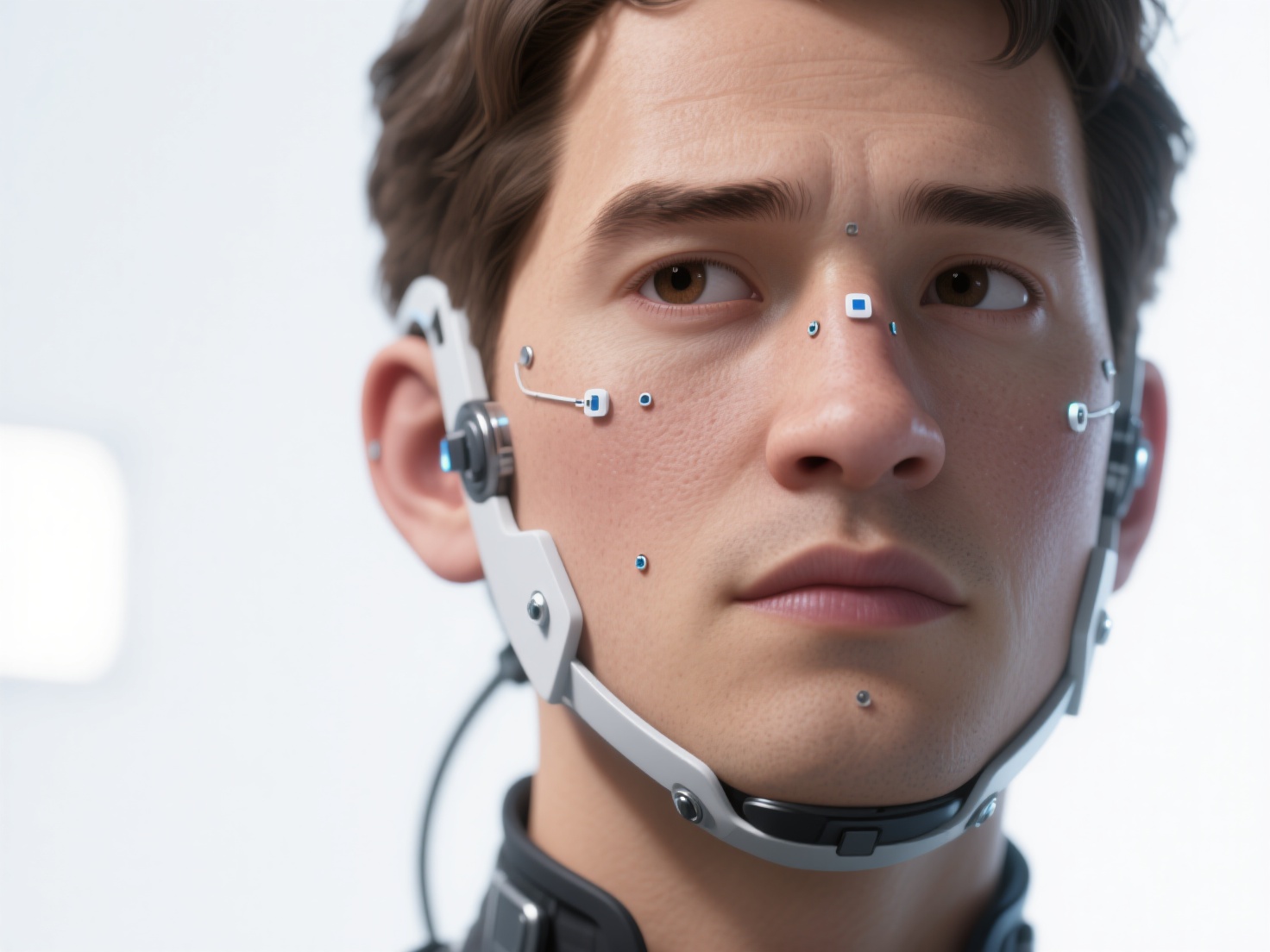
Capturing the body is only half the battle. To cross the “uncanny valley,” animators use facial MoCap. This involves painting tiny reference dots on an actor’s face and using a head-mounted camera rig (HMC) focused entirely on their expressions. Software tracks these dots to replicate lip-syncing and emotional micro-expressions onto the 3D character.
MoCap Technology Comparison Summary
| Technology Type | Primary Hardware | Best For | Cost Level |
|---|---|---|---|
| Optical | Infrared Cameras, Marker Suits | Hollywood VFX, AAA Games | High |
| Inertial | IMU Sensor Suits | Indie Games, Pre-visualization | Medium |
| Markerless | Standard Video Cameras, AI | Solo Devs, Animation Students | Low |
| Facial | Head-Mounted Cameras | Close-up Character Emotion | Varies |
How Motion Capture Works: The Standard Workflow
Understanding how motion capture works requires looking at the pipeline from the physical stage to the final render. The process generally follows these crucial steps:
Preparation and Calibration: The capture volume is calibrated to ensure all cameras or sensors are perfectly aligned. Actors don their MoCap suits, and their specific body measurements are entered into the system to create an accurate skeletal baseline.
The Capture Session: Directors guide the actors through their performances. The data is recorded in real-time, often displaying a live preview of the digital character moving on a monitor—a technique known as virtual production.
Data Cleanup: Raw MoCap data is rarely perfect. Animators must clean up “noise,” fix marker occlusions, and smooth out jittery movements using software like Autodesk Maya or MotionBuilder.
Retargeting: Human actors and digital characters rarely have the exact same proportions. Retargeting is the process of mapping the human skeleton’s motion data onto a 3D character’s skeleton (rig), adjusting for differences in height, limb length, and posture.
Polishing and Hand-Keying: Finally, animators manually refine the performance. They add exaggerated physics, fix intersecting geometry (like a hand passing through a leg), and ensure the motion fits the stylistic needs of the project.
Major Applications of Motion Capture in Media
MoCap technology has fundamentally reshaped how stories are told across interactive and linear media.
Motion Capture Film
In cinema, MoCap allows filmmakers to bring fantastical creatures to life with authentic human emotion.
- Avatar: James Cameron’s epic pushed optical capture to its limits, utilizing a massive volume and head-mounted facial rigs to perfectly capture the actors’ performances and translate them onto the giant, blue Na’vi.
- Planet of the Apes: The recent trilogy showcased incredible advancements in outdoor, on-location motion capture. Actors like Andy Serkis wore marker suits in real-world environments, allowing for natural lighting reference and genuine interaction with human co-stars.
AAA Video Games
For the gaming industry, motion capture is the engine driving narrative immersion.
- The Last of Us: Naughty Dog heavily relies on performance capture to deliver heart-wrenching, cinematic cutscenes. By capturing body motion, voice, and facial expressions simultaneously, the digital characters exhibit profound emotional depth.
- EA SPORTS FIFA (FC): Sports games require immense libraries of realistic movements. Developers use optical MoCap to record professional athletes sprinting, tackling, and celebrating, ensuring that the gameplay feels physically authentic and responsive.
Best Practices, Costs, and the Rise of AI in MoCap
If you are a film student or game developer looking to integrate MoCap into your workflow, consider the following best practices and trends:
- Plan Your Rigging Early: MoCap data is useless without a properly rigged 3D model. Ensure your character’s skeleton follows industry naming conventions so that retargeting goes smoothly.
- Balance Cost and Need: You don’t need a million-dollar optical volume for background characters. Use markerless AI tools or budget inertial suits for basic animations, and save high-fidelity optical capture for your main characters’ cinematic moments.
- Embrace AI Workflows: AI is not just for markerless tracking. New machine learning algorithms are automating the tedious “data cleanup” phase, allowing animators to focus on the creative polish rather than fixing broken keyframes.
However, all the motion capture data in the world is useless if you don’t have a high-quality 3D character model to apply it to. Traditionally, modeling, texturing, and preparing a character for animation took weeks of manual labor. Today, that pipeline is changing.
The Perfect Companion to MoCap: Generating 3D Characters with Hitem3D
Before you can retarget a single frame of MoCap data, you need a 3D model with clean, production-ready geometry. This is where AI-driven generation becomes an animator’s best friend.
Hitem3D is a next-generation AI-powered 3D model generator that drastically cuts down character creation time. Built on in-house Sparc3D (for high precision) and Ultra3D (for high efficiency) models, Hitem3D allows developers and creators to transform a simple 2D image—such as character concept art—into a high-fidelity 3D model in minutes.
Why is Hitem3D uniquely suited for animation and MoCap workflows?
- Production-Ready Geometry: Unlike older AI generators that output messy, blob-like meshes, Hitem3D provides print-ready and animation-ready geometry with sharp edges. This clean topology is vital for smooth skinning and rigging, ensuring your MoCap data deforms the character naturally.
- Reconstructs Invisible Parts: Using proprietary technology, Hitem3D accurately reconstructs hidden structures beyond the visible surface of your 2D image, ensuring the back and sides of your character are fully realized.
- De-Lighted PBR Textures: When dropping characters into game engines like Unreal or Unity, baked-in lighting ruins realism. Hitem3D’s AI Texturing delivers 4K PBR-ready textures with De-Lighted processing, removing baked-in shadows so your character reacts perfectly to your scene’s dynamic lighting.
- Seamless Export: With support for resolutions up to 1536³ Pro (up to 2 million polygons) and one-click export to formats like FBX and OBJ, moving your generated model into rigging software (like Blender or Maya) to receive MoCap data is completely frictionless.
By combining the accessibility of modern motion capture with the rapid generation capabilities of Hitem3D, solo developers and small studios can now produce AAA-quality character animations at a fraction of the traditional cost and time.
Conclusion
Understanding what motion capture is and mastering MoCap technology opens up a world of possibilities for digital storytelling. From the highly precise optical systems used in the latest motion capture film to the accessible, AI-driven markerless tools empowering indie game developers, capturing realistic human movement has never been more achievable.
However, a great performance needs a great digital body. To fully leverage your animation data, you need stunning, high-fidelity 3D models. Don’t let the bottleneck of traditional 3D modeling slow down your creative process. Let AI handle the heavy lifting of geometry and texturing, so you can focus on bringing your characters to life.
Ready to revolutionize your character pipeline? Try the industry’s most advanced AI model generator with our Free Retry system—meaning you can regenerate results until they are perfect, without burning extra credits.
Create For Free and start building your next digital masterpiece with Hitem3D today!
Frequently Asked Questions (FAQ)
Q1: What is the difference between motion capture and performance capture?
A: While often used interchangeably, motion capture generally refers to tracking bodily movements. Performance capture is a more comprehensive term used when body movement, facial expressions, and vocal performances are all recorded simultaneously to capture the actor’s complete performance.
Q2: Can I use MoCap technology at home for game development?
A: Yes! While optical systems require large studios, inertial suits (like Rokoko or Xsens) and AI-powered markerless video tracking (using just a webcam) are highly accessible and perfect for at-home indie game development.
Q3: How do I apply MoCap data to a 3D character?
A: You must first rig your 3D character (create a digital skeleton). Then, using 3D software like Blender, Maya, or Unreal Engine, you use a process called “retargeting” to map the skeletal movement data from the MoCap recording onto your 3D model’s skeleton.
Q4: Which 3D file formats work best for motion capture?
A: The industry standard format for transferring 3D models with rigging and animation data is FBX. Tools like Hitem3D allow you to export base meshes in FBX format, which you can then rig and animate using your captured data.