If you have been looking into the world of technology, manufacturing, or digital art recently, you have likely asked yourself: what is 3D printing, and why is it suddenly everywhere? Welcome to 2026, a year where this incredible technology has evolved from a niche hobby into a highly accessible tool used by engineers, artists, and creators right from their desktops.
Whether you want to manufacture custom parts, design stunning jewelry, or bring your favorite tabletop gaming characters to life, understanding the 3D printing basics is your first step. This comprehensive 3D printing for beginners guide will demystify the technology, break down exactly how 3D printing works, and show you how next-generation AI tools are making the process easier than ever before.

What is 3D Printing?
To win the featured snippet on search engines and give you the clearest answer possible: 3D printing, also known as additive manufacturing, is the process of creating a physical, three-dimensional object from a digital model by laying down successive layers of material until the object is fully formed.
Unlike traditional “subtractive” manufacturing—where you start with a block of wood or metal and carve away the excess until you have your desired shape—3D printing builds from the ground up. It only uses the exact amount of material needed, making it highly efficient, customizable, and cost-effective. You start with a digital file, slice it into hundreds or thousands of 2D layers using software, and the printer brings those layers into the physical world one by one.
How 3D Printing Works: Key Technologies
Not all 3D printers work the same way. The industry has developed several distinct methods for turning digital designs into physical reality. Here is a breakdown of the three most common technologies you will encounter in 2026.
1. Fused Deposition Modeling (FDM)
FDM is the most popular and affordable type of 3D printing, making it the go-to choice for beginners. It works much like a highly precise, robotic hot glue gun. The printer feeds a solid thread of plastic (filament) into a heated nozzle, melting it, and drawing out the object layer by layer on a build plate. Once a layer is drawn, the plastic cools and hardens instantly.
2. Stereolithography (SLA)
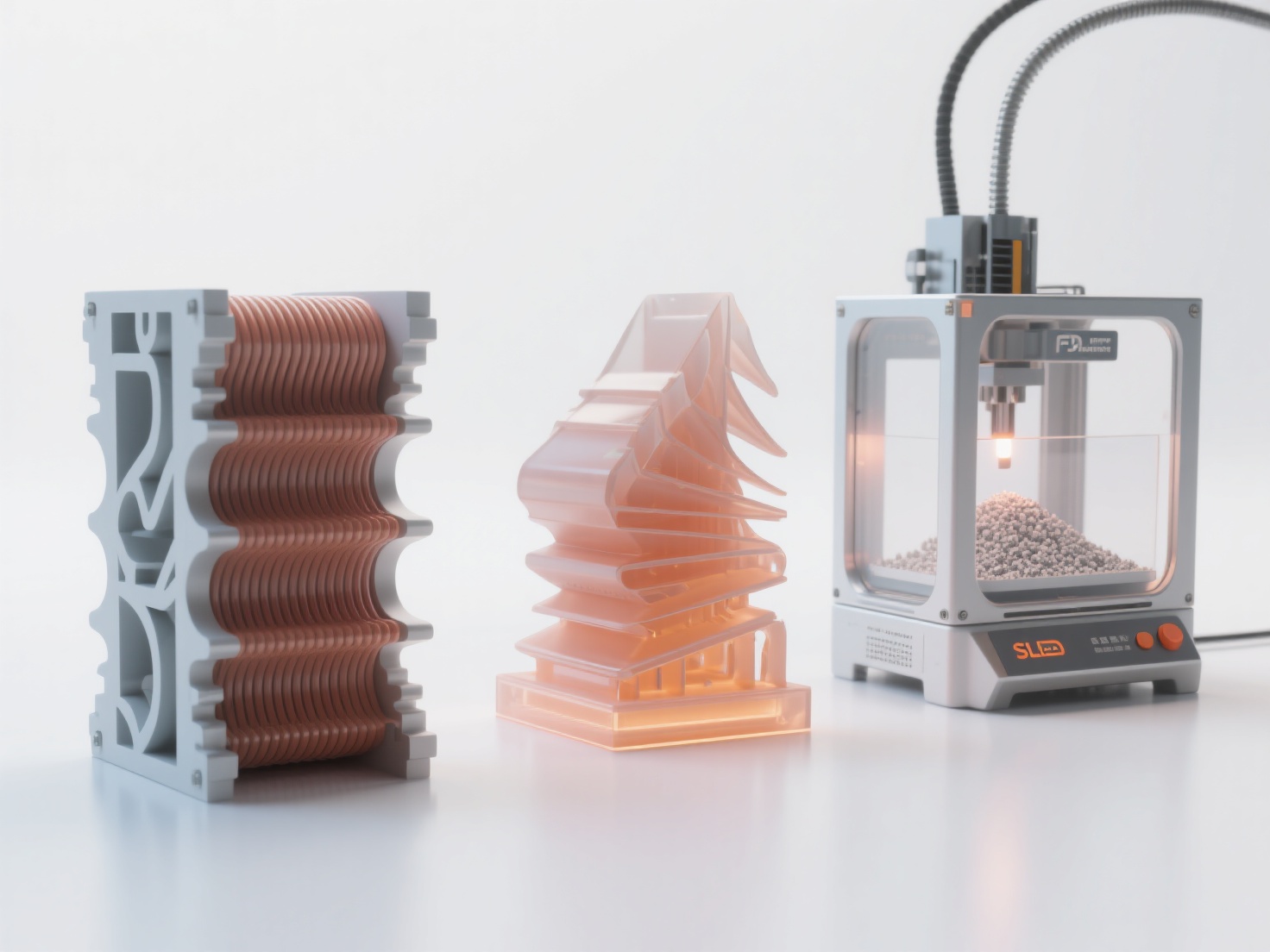
If you need extreme detail, SLA (resin printing) is the answer. Instead of melting plastic, an SLA printer uses a vat of liquid photopolymer resin. A highly precise UV laser or LCD screen flashes light into the resin, curing (hardening) it layer by layer.
This technology is widely used in jewelry design, dentistry, and miniature tabletop gaming due to its exceptionally smooth surface finish.
3. Selective Laser Sintering (SLS)
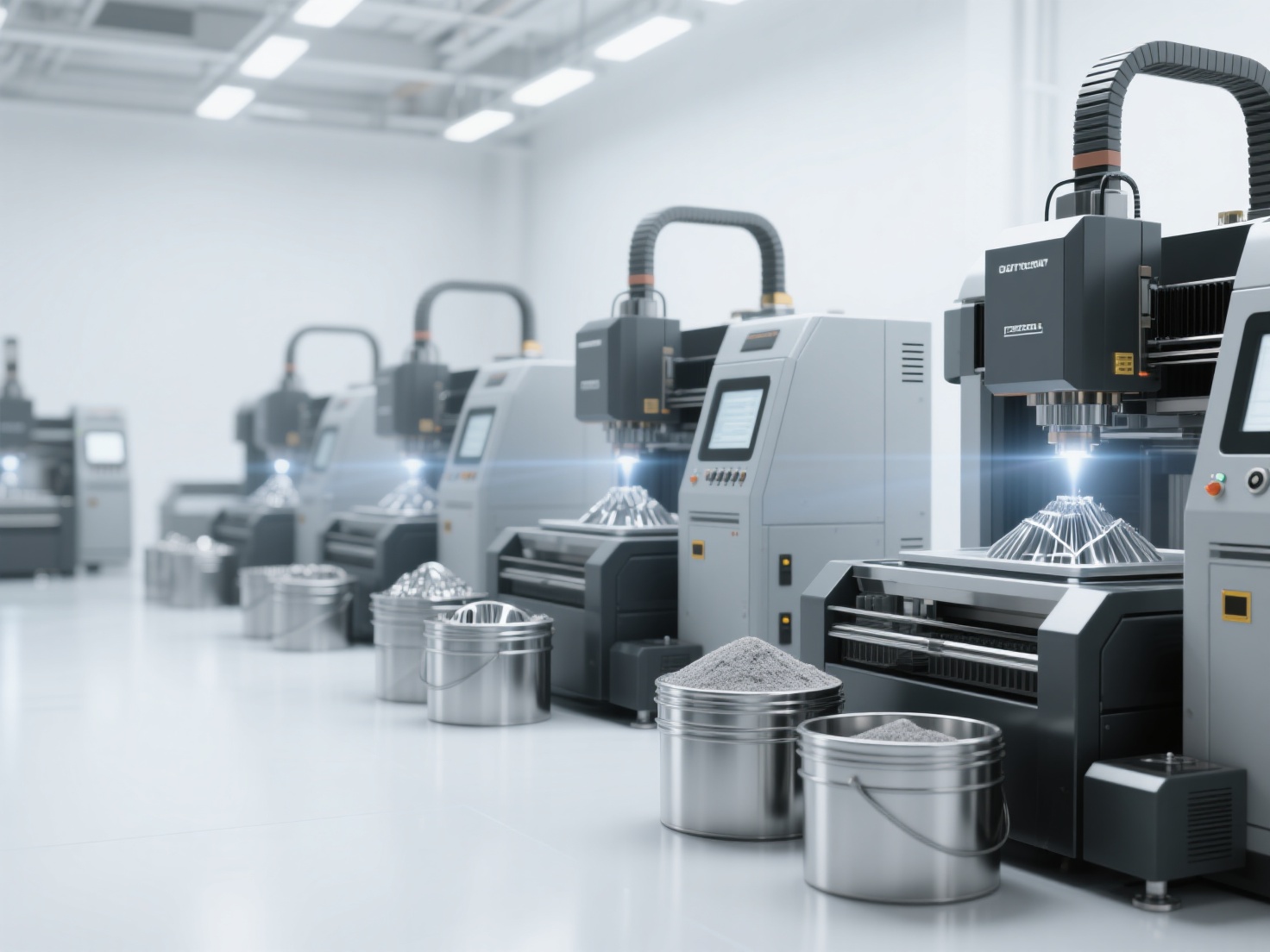
SLS is typically used in industrial settings, though desktop models are becoming more accessible. Instead of liquid or solid plastic threads, SLS uses a bed of fine polymer powder. A powerful laser traces the cross-section of the 3D model, fusing the powder particles together.
Because the surrounding unfused powder supports the object as it prints, SLS requires no additional support structures, allowing for highly complex, interlocking geometries.
Technology Comparison Overview
| Feature | FDM (Filament) | SLA (Resin) | SLS (Powder) |
|---|---|---|---|
| Best For | Prototyping, large parts, beginners | High detail, miniatures, jewelry | Complex functional parts |
| Cost | Low | Medium | High |
| Materials | Plastics (PLA, ABS, PETG) | Photopolymer Resins | Nylon Powders |
| Ease of Use | Very Easy | Moderate (requires post-processing) | Advanced |
Essential 3D Printing Materials
Understanding how 3D printing works also means understanding the materials you can use. The material you choose will dictate the strength, flexibility, and look of your final print.
- PLA (Polylactic Acid): The undisputed king of beginner materials. PLA is made from renewable resources like corn starch, making it eco-friendly and nearly odorless. It is incredibly easy to print with, though it can warp under high heat.
- ABS (Acrylonitrile Butadiene Styrene): The same tough plastic used to make LEGO bricks. ABS is highly durable and impact-resistant, making it great for functional parts. However, it requires a heated printer enclosure to prevent warping and produces strong fumes during printing.
- Photopolymer Resin: Used exclusively in SLA printers, resins come in various formulations—ranging from rigid and tough to flexible and castable. They provide the highest level of detail but require careful handling, washing, and UV curing after printing.
Real-World Applications of 3D Printing
In 2026, 3D printing is no longer just for printing plastic trinkets. It is a transformative technology across multiple industries:
- Healthcare and Medicine: Doctors use 3D printing to create patient-specific surgical guides, custom prosthetics, and even bioprinted tissue scaffolds.
- Manufacturing and Prototyping: Engineers can design a part in the morning, print it by lunch, and test it in the afternoon. This rapid prototyping saves companies millions in research and development.
- Film, Props, and Cosplay: The entertainment industry heavily relies on 3D printing to create highly detailed movie props, custom armor for cosplayers, and intricate set designs at a fraction of the traditional cost.
- Architecture and Art: Architects print physical models of buildings to visualize spatial relationships, while modern sculptors use 3D printing to create complex geometries that would be impossible to carve by hand.
Best Practices: Tips for 3D Printing Beginners
If you are just starting your 3D printing journey, following a few best practices will save you hours of frustration:
- Level Your Print Bed: The most common cause of failed prints is an unlevel build plate. Ensure your nozzle is the correct distance from the bed (about the thickness of a piece of paper) before starting.
- Start Simple: Do not attempt a 40-hour print on your first day. Start with small, well-tested calibration models like the famous “3DBenchy“ boat to understand how your printer behaves.
- Understand Support Structures: Because 3D printers cannot print in mid-air, parts of your model with steep overhangs will require temporary, printed support structures. Learn how to configure these in your slicing software to make them easy to remove later.
- Master Your 3D Models: The quality of your physical print is entirely dependent on the quality of your digital 3D model. Which brings us to the biggest hurdle beginners face today.
Overcoming the Modeling Hurdle with AI
Traditionally, to 3D print something unique, you had to learn complex CAD (Computer-Aided Design) software or spend hours manipulating polygons in traditional modeling software. For many beginners, the steep learning curve of 3D modeling stops them from ever using their 3D printers to their full potential.
This is where Hitem3D comes in as a game-changer for the 3D printing community in 2026.
Hitem3D is a next-generation AI-powered platform that transforms 2D images into high-fidelity, production-ready 3D models. Built on in-house Sparc3D (high precision) and Ultra3D (high efficiency) AI models, it eliminates the 3D modeling bottleneck completely.
Print-Ready Geometry: One of the biggest issues with older AI generators was messy geometry that 3D printers could not understand. Hitem3D generates print-ready models with sharp edges and watertight meshes.
Invisible Parts Technology: Unlike basic generators that only guess the front of an image, Hitem3D accurately reconstructs hidden and invisible structures beyond the visible surfaces, giving you a complete, physically accurate 3D model.
Seamless Printing Workflow: Once your model is generated, you can use Hitem3D’s one-click direct send to Bambu Studio and OrcaSlicer, integrating flawlessly with the most popular 3D printing software on the market today.
Multi-Color Segmentation: With color 3D printing becoming mainstream, Hitem3D instantly segments models into clean color regions, saving you hours of manual painting in your slicer.
Free Retry System: Beginners can experiment fearlessly. If the AI generation isn’t exactly what you wanted, you can regenerate the results without spending additional credits.
By combining the physical capabilities of modern 3D printers with the digital power of Hitem3D, bringing an idea from your imagination into the real world takes minutes instead of days.
Conclusion
Understanding what is 3D printing opens up a world of creative and practical possibilities. From the accessibility of FDM printing and eco-friendly PLA filament to the high-detail precision of resin SLA printing, the technology is more approachable in 2026 than ever before. By following basic best practices—like properly leveling your bed and understanding your materials—you can turn digital concepts into physical reality.
More importantly, the barrier to entry for creating 3D models has been completely shattered. You no longer need a degree in 3D modeling to create custom, printable objects. With AI tools bridging the gap between imagination and manufacturing, there has never been a better time to dive into 3D printing.
Ready to turn your images into print-ready 3D models without the steep learning curve? Experience the power of Sparc3D precision and seamless slicing integration today.
Frequently Asked Questions (FAQ)
Is 3D printing expensive to start?
No, the cost of entry has dropped significantly. In 2026, you can purchase a highly reliable, beginner-friendly FDM 3D printer for under $$200. Materials like PLA filament cost around $$15 to $20 per kilogram, which is enough to print dozens of small models.
Do I need to know how to 3D model to use a 3D printer?
Not anymore! While learning 3D modeling is a great skill, beginners can rely on AI platforms like Hitem3D to generate high-quality, print-ready models simply by uploading 2D images. You can also download millions of free, pre-made designs from community repositories online.
How long does a 3D print take?
Print times vary widely based on the size of the object, the required detail, and the speed of your printer. A small keychain might take 15 minutes, while a full-sized cosplay helmet could take 24 to 48 hours.
Can I 3D print items in multiple colors?
Yes! Modern 3D printing ecosystems support multi-color printing. Tools like Hitem3D’s Multi-Color Segmentation make it incredibly easy to automatically divide your model into clean, distinct color regions, which modern slicers and advanced printers can easily process.