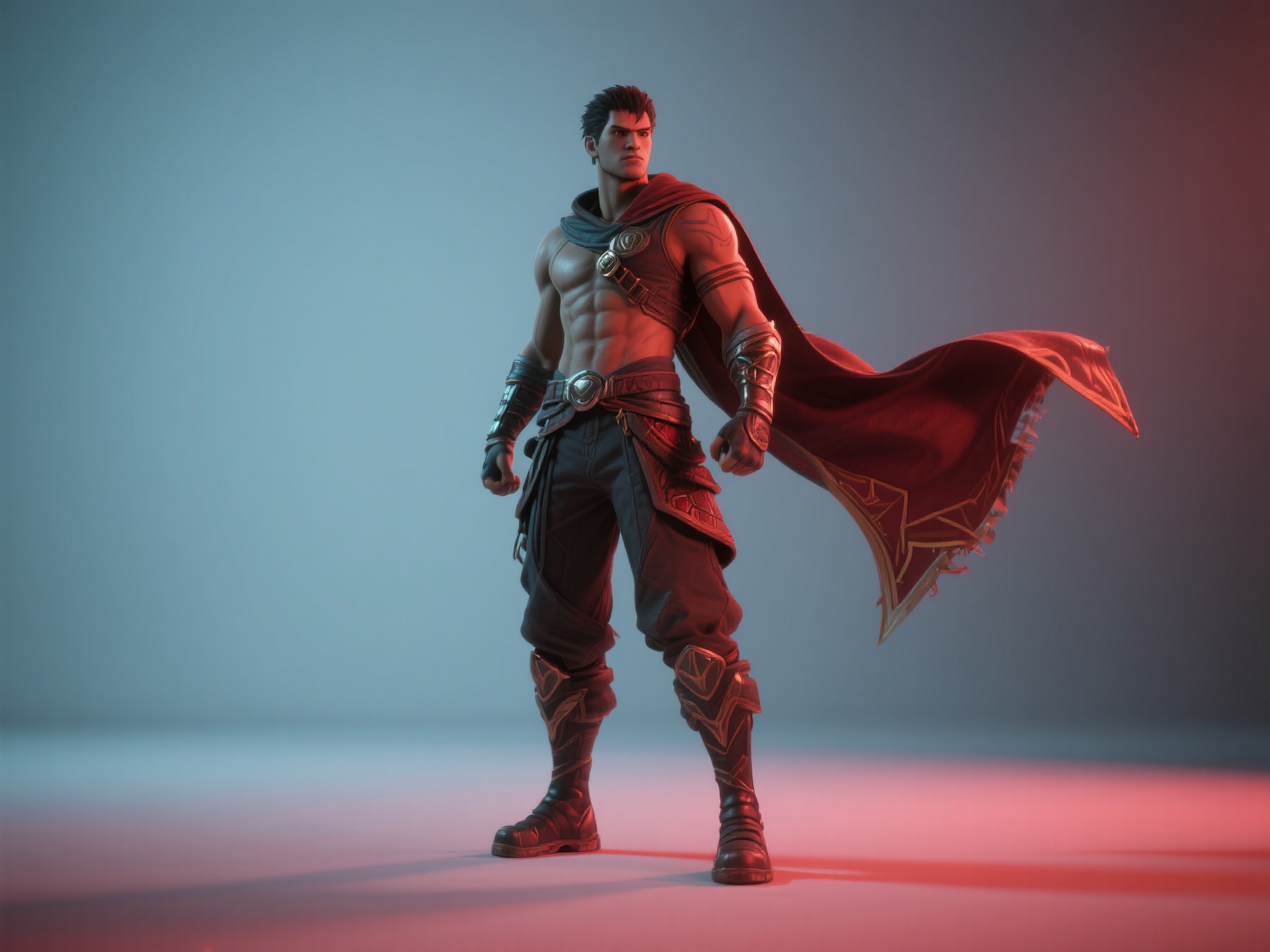
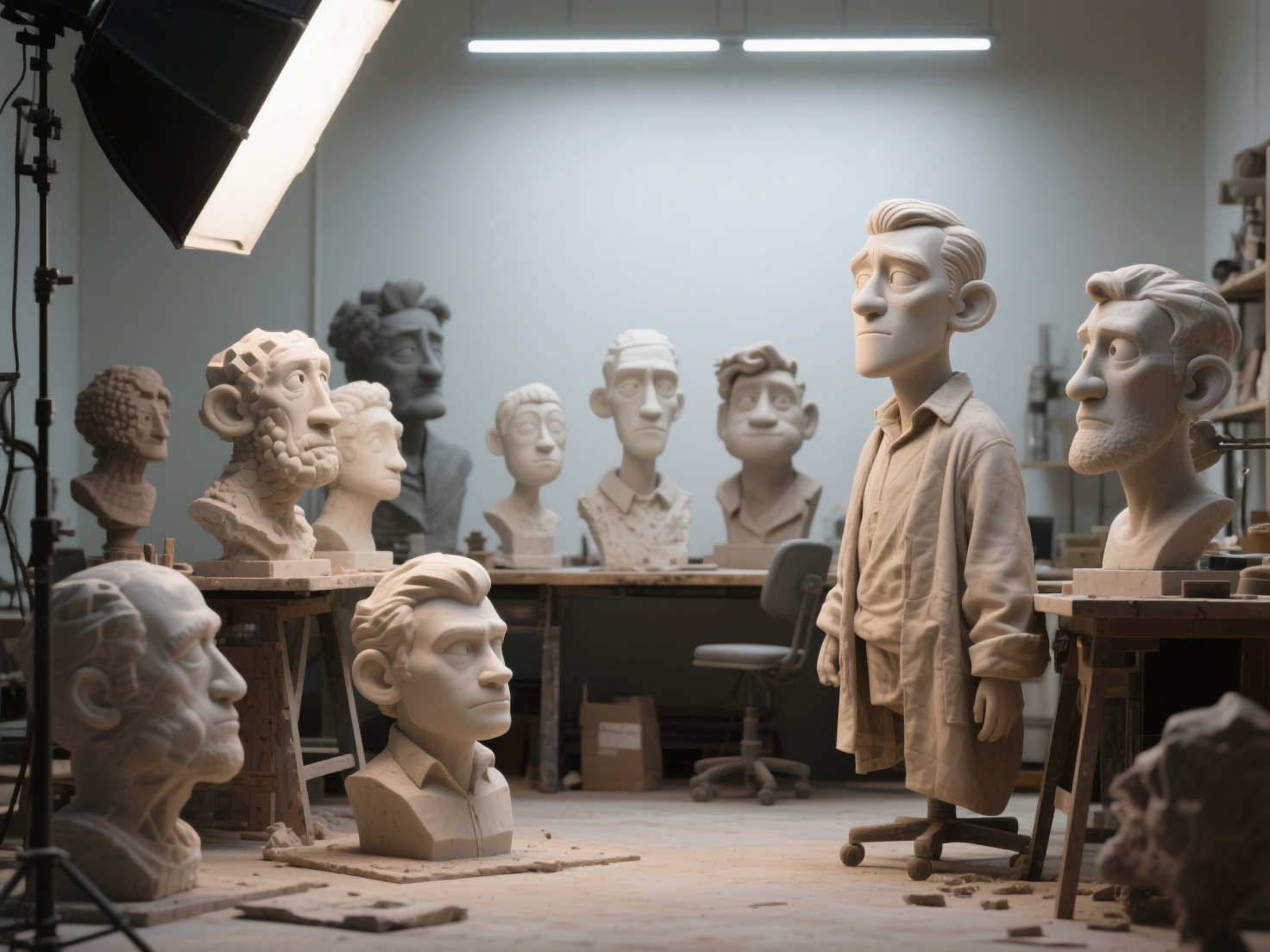
The gaming industry is no longer exclusively controlled by massive AAA studios. Over the past decade, indie game development has skyrocketed, producing some of the most innovative, emotionally resonant, and financially successful titles in the world. From sprawling farm simulators to intense roguelikes, small teams are proving that great gameplay and unique aesthetics can triumph over mega-budgets.
However, if you are looking into how to make an indie game, the sheer volume of skills required—programming, art, sound, and marketing—can feel completely overwhelming.
Whether you are a solo game developer or part of a passionate small team, this comprehensive indie game guide will walk you through the entire end-to-end pipeline. We will explore how to scope your project, choose the right tools, bypass traditional production bottlenecks, and successfully launch your first game.
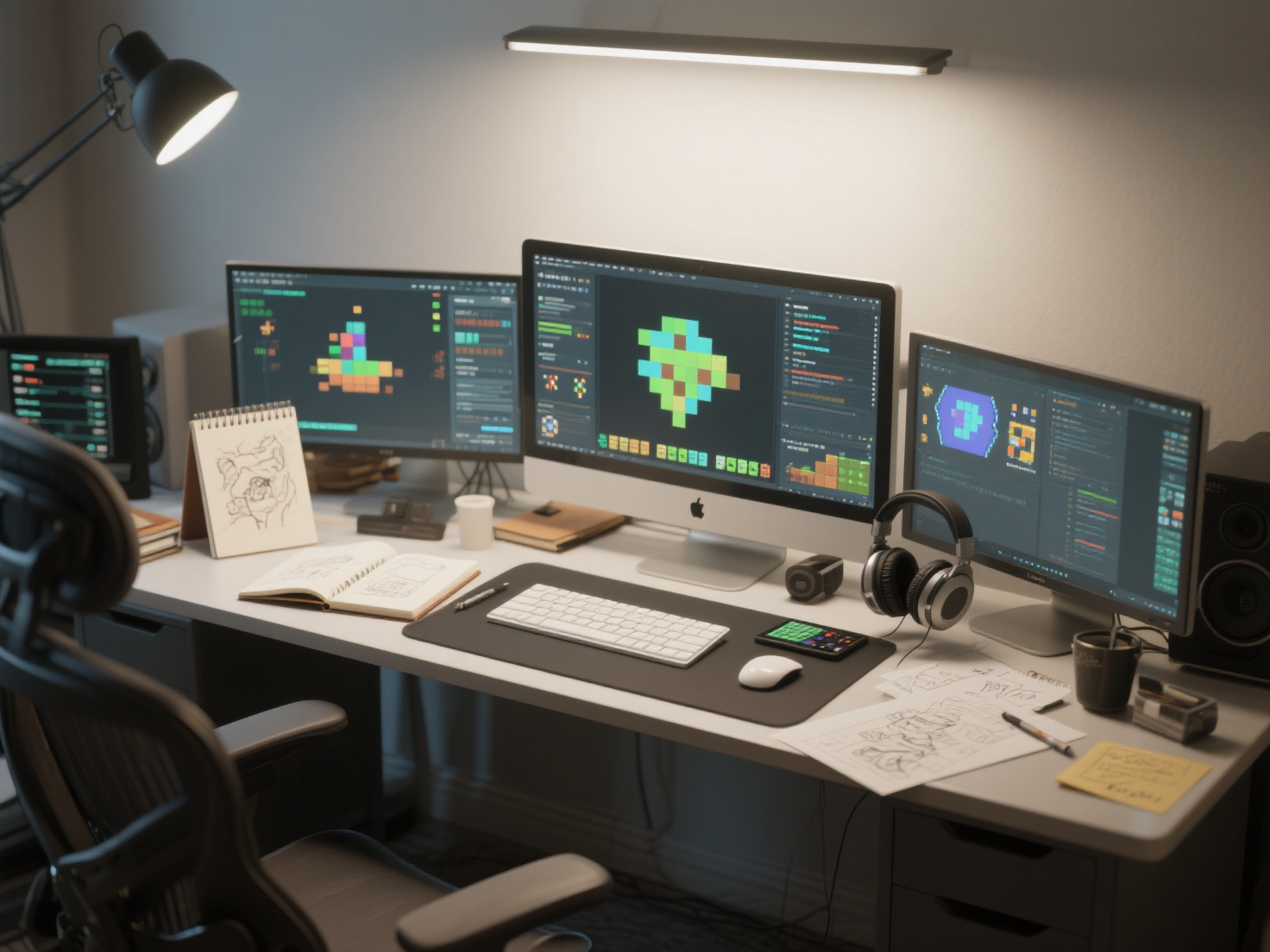
What Is Indie Game Development?
Indie (independent) game development is the process of creating video games without the financial support or creative constraints of a major video game publisher.
Driven by passion and innovation, indie developers handle every aspect of the game creation process, from initial conceptualization and coding to art direction, marketing, and self-publishing on digital storefronts like Steam or mobile app stores.
The Indie Game Development Pipeline: Step-by-Step
Creating a game is a marathon, not a sprint. To avoid burning out, you must follow a structured development pipeline. Here is how to break the massive task down into manageable phases.
Phase 1: Planning and Scoping (Start Small)
The number one reason indie games fail is “feature creep”—the continuous addition of new features that bloat the project beyond completion.
Before writing a single line of code, create a Game Design Document (GDD). Keep it simple. Define your core gameplay loop, the target audience, and the visual style. If this is your first game, start small. Aim for a project you can realistically complete in three to six months to learn the complete lifecycle of shipping a product.
Phase 2: Choosing Your Game Engine and Tools
Your game engine is the foundational software you will use to build your game. Choosing the right one depends on your game’s dimension (2D vs. 3D) and your programming experience.
| Game Engine | Best Used For | Primary Language | Learning Curve |
|---|---|---|---|
| Unity | 3D, 2D, Mobile, VR | C# | Moderate |
| Unreal Engine | High-fidelity 3D games | C++, Blueprints (Visual) | Steep |
| Godot | 2D and lightweight 3D | GDScript, C#, C++ | Beginner-Friendly |
Phase 3: Prototyping and the Vertical Slice
Do not worry about making things look pretty on day one. Use basic shapes (often called “greyboxing”) to build a playable prototype. Your only goal here is to answer one question: Is this game actually fun to play?
Once the core mechanics are solid, you will build a Vertical Slice. This is a fully playable, highly polished micro-version of your game (e.g., a single level or a 5-minute demo). A vertical slice proves your concept, locks in your art style, and is essential if you plan to seek funding or pitch to indie publishers.
Phase 4: Art Production on a Budget
Art production is notoriously the biggest bottleneck in indie game development. A solo game developer often lacks the thousands of hours required to learn 3D modeling, sculpting, UV unwrapping, and texturing in complex software like Blender or Maya.
Historically, indie devs had to either buy generic asset packs (risking their game looking like a “flip”) or spend months modeling. Today, AI workflows have completely changed this dynamic. By utilizing AI-powered 3D generation, developers can turn simple 2D concept art directly into production-ready 3D assets, drastically reducing development time.
Phase 5: Sound Design and Audio
Audio is 50% of the player’s experience. Good sound effects (SFX) make combat feel impactful, while a great soundtrack sets the emotional tone. If you are on a budget, utilize royalty-free sound libraries like Freesound or tools like Bfxr for retro sound generation. For music, consider hiring an indie composer on revenue-share or using licensed tracks until your budget grows.
Solving the Art Bottleneck: AI Workflows for Solo Developers
For developers building 3D games, creating a cohesive, high-quality world is incredibly daunting. This is where integrating modern AI tools into your game engine workflow becomes a superpower.
Hitem3D is a next-generation AI-powered platform designed specifically to eliminate the 3D art bottleneck for creators. Built on proprietary Sparc3D (high precision) and Ultra3D (high efficiency) models, it allows game developers to instantly transform a single piece of 2D concept art into a high-fidelity, production-ready 3D model.
Here is how Hitem3D specifically solves common indie dev challenges:
- Invisible Parts Reconstruction: Unlike basic AI generators that leave holes in the back of models, Hitem3D intelligently reconstructs hidden structures, ensuring your assets have full, clean geometric accuracy from every camera angle.
- De-Lighted Texturing for Game Engines: This is a game-changer for Unity and Unreal Engine developers. Hitem3D provides 4K PBR-ready textures and automatically removes baked-in lighting and shadows. This guarantees true relightable materials that react dynamically to your game’s in-engine lighting setup.
- Engine-Ready Exports: Instantly export your generated assets in standard industry formats like FBX, GLB, OBJ, and USDZ.
- High Polygon Capabilities: Whether you need low-poly props or hero assets, Hitem3D supports resolutions up to 1536³ Pro, generating up to 2 million polygons per model.
- Risk-Free Iteration: With Hitem3D’s Free Retry system, you can regenerate results without spending additional credits until you get the perfect asset for your game.
By relying on Hitem3D, a solo game developer can build a massive, custom 3D environment in days instead of months.
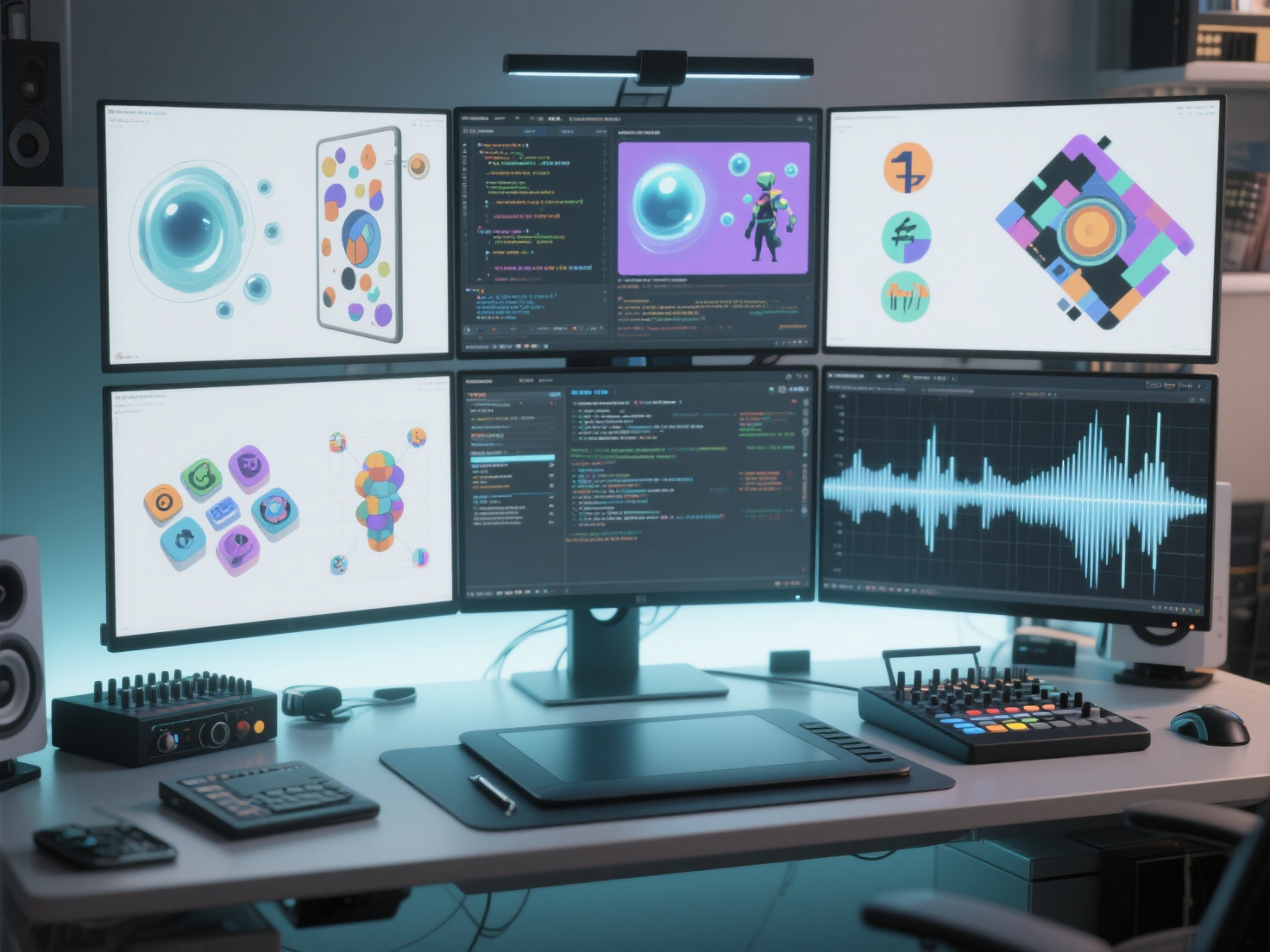
Best Practices: Publishing and Marketing Your Indie Game
Building the game is only half the battle; getting people to play it is the other. Many developers fail because they wait until the game is finished to think about marketing.
Playtest Early and Often
You are too close to your game to view it objectively. Bring in external playtesters as early as your first prototype. Watch them play without giving them instructions. Where do they get stuck? What frustrates them? Iterate based on their unguided feedback.
Set Up Your Store Pages (Steam & Itch.io)
As soon as your Vertical Slice is ready, set up a “Coming Soon” page on Steam and Itch.io.
- Steam Wishlists are the primary currency of indie game marketing. The more wishlists you gather before launch, the higher Steam’s algorithm will push your game in their storefront recommendations.
- Make sure your store page has an engaging trailer, crisp screenshots, and a compelling description.
Build a Grassroots Marketing Strategy
You do not need a million-dollar ad budget to succeed. Focus on building a community around your development journey:
- Social Media & Devlogs: Post regular, visually engaging updates on Twitter/X, TikTok, and Reddit (r/IndieGaming, r/gamedev). Short video clips of funny bugs or cool mechanics perform exceptionally well.
- Game Jams: Participate in 48-hour game jams to network with other developers, practice scoping, and build an audience.
- Create a Press Kit: Prepare a professional folder containing high-res logos, screenshots, a trailer, and a brief summary of your game. Send this to indie game journalists and mid-sized YouTube/Twitch streamers a few weeks before your launch.
Conclusion: Start Your Indie Game Journey Today
Learning how to make an indie game is a journey of continuous problem-solving, creativity, and resilience. From the initial spark of an idea to scoping your design, choosing an engine, and finally clicking “Publish,” the indie game development process is more accessible today than it has ever been.
As a solo game developer, your time is your most precious resource. By leveraging smart workflows and embracing AI technology, you can punch far above your weight class. You no longer need an entire art department to build beautiful, immersive 3D worlds.
Ready to bring your game’s concept art to life and accelerate your development pipeline? Experience the power of AI-driven 3D modeling with seamless game engine integration.
Frequently Asked Questions (FAQ)
How much does it cost to make an indie game?
The cost can range from absolutely $0 (using free tools like Godot, Blender, and royalty-free assets) to tens of thousands of dollars if you are hiring freelance programmers, voice actors, and marketers. For your first game, aim to keep your monetary budget as close to zero as possible.
Do I need to know how to code to be a solo game developer?
Not necessarily! While learning a language like C# or C++ provides ultimate control, engines like Unreal Engine offer visual scripting (Blueprints), and tools like Construct or GameMaker allow you to build complex 2D games with zero traditional coding.
How long does it take to make an indie game?
A simple hyper-casual or arcade game can be built in a few weeks or months. However, a fully-featured 3D adventure or RPG typically takes a solo developer anywhere from 1 to 3 years. This is why keeping your initial scope small is heavily emphasized in every indie game guide.